Comparison Summary
Comparison SummaryLightfield keeps itself updated automatically so you never feel like maintaining your CRM is a second job, while Salesforce expects huge teams and doesn't offer this ease.
Only use Salesforce if you have over 1000 employees; otherwise, pick Lightfield for a much smoother experience.
 LightfieldBest
Best AI CRM
Best AI CRM Salesforce
For enterprise teams only (1,000+ employees)
For enterprise teams only (1,000+ employees)
At a Glance
At a GlanceEditor's Verdict
Editor's VerdictEase of Learning
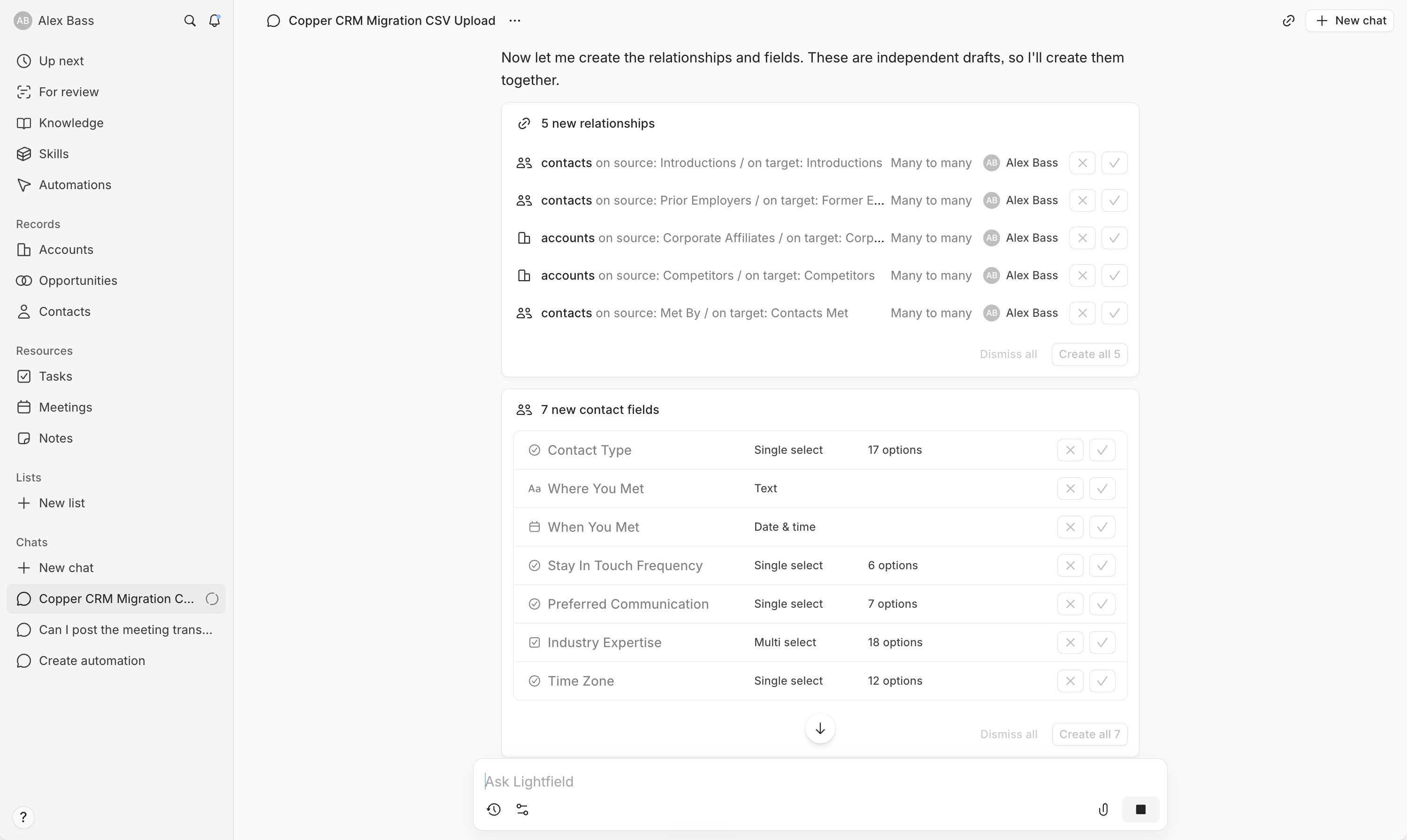
Ease of LearningLightfield absolutely runs circles around Salesforce when it comes to ease of learning. You can get your whole team rolling in a single evening, even if you've been stuck in another CRM for years. Everything, from setup to automations, happens in plain chat with the AI, no technical skills, no workflow builders, no hiring outside consultants. Data migration is just a CSV upload and a chat, and the AI even catches fields you probably forgot you had.
Salesforce, on the other hand, is basically the opposite. You're not getting up and running in less than a week, or even a month. Unless you've already mapped every process and have a massive consultant budget, you'll hit a wall almost instantly. It's just not made for quick onboarding.
If you want your team using the CRM right away without a ton of prep, Lightfield is the only real option here. Salesforce isn't even close.
Workflow Presence
Workflow PresenceLightfield actually shows up where your team works by letting you set up automations, field configs, and onboarding directly through AI chat, with no need for clunky workflow builders or outside tools like Zapier. Updates happen automatically after calls or emails, so notes and tasks just show up where you need them without extra work.
Salesforce, on the other hand, forces you to build your whole workflow around it. Unless you have the time and budget for heavy setup and consultants, you end up with more context switching and friction. Even with integrations, every interaction with Salesforce is still a pain and doesn't blend into your team's habits.
If you want a CRM that actually reduces admin and fits into what your team already does, Lightfield is the clear pick here. Salesforce only works if you're ready to rebuild everything around it, and even then, it's still clunky.
Team Adoption
Team AdoptionLightfield is way ahead when it comes to team adoption. Your team won't need nagging or reminders, because Lightfield handles updates automatically by syncing with your emails, meetings, and Slack. It also creates tasks and follow-ups for you, so no one gets bogged down in admin work. The AI agent integration means updates can happen right from Slack, which makes it even more seamless for teams who already live in those tools.
Salesforce, on the other hand, is a chore unless you already have a super complex setup and a big budget for consultants. Most teams, especially startups or anyone who wants to stay lean, end up fighting with Salesforce instead of actually using it. People just prefer other options with better UI and less friction, so you'll always be pushing your team to keep it updated.
If you care about your team actually using the CRM without a constant struggle, Lightfield is the clear choice. Salesforce only makes sense if you're running a giant enterprise with heavy processes and money to burn. For everyone else, go with Lightfield.
AI Assistance
AI AssistanceLightfield is in a completely different league when it comes to AI assistance. Every part of the system is driven by AI, from setup and migration to daily updates and workflow automation. You get an AI chat that acts like a consultant, handles complex migrations, keeps your data fresh by monitoring communication channels, and lets you build automations just by describing what you want. It's genuinely hands-off and actually saves you from the tedious manual work that drags down most CRMs.
Salesforce only delivers useful AI features if you're running a massive, complicated business and can afford outside consultants to make it work. For anyone who isn't a giant company with deep pockets and complex needs, Salesforce's AI feels more like a checklist item than a real advantage.
If you want AI that actually saves you time and cuts out busywork, Lightfield is the only real pick. Salesforce just can't match what Lightfield does unless you're in that narrow slice of huge, consultant-heavy organizations. For everyone else, Lightfield is the clear winner.
Integrations
IntegrationsLightfield stands out for making integrations genuinely effortless and workflow-driven. You get direct connections to your inbox, calendar, Slack, and more, with context pulled in automatically so your CRM stays updated without manual work. The system acts on information, flags updates, and lets your AI agents work with live CRM data straight from chat, making everything feel seamless and hands-off.
Salesforce goes deep too, but only if you're ready to invest serious time and money. Integrations are powerful and reliable at the enterprise level, but you need a consultant to map everything out, and it's not plug-and-play. For teams with complex, custom needs and the resources to match, Salesforce delivers, but it's heavy and expects you to build out the connections.
If you want integrations that actually work for you, keep data fresh, and let your AI tools act without babysitting, Lightfield is the clear pick. Salesforce is only better if you're already in that enterprise tier and willing to throw resources at making it work. For most people, Lightfield nails what seamless, valuable CRM integrations should be.
Screenshots
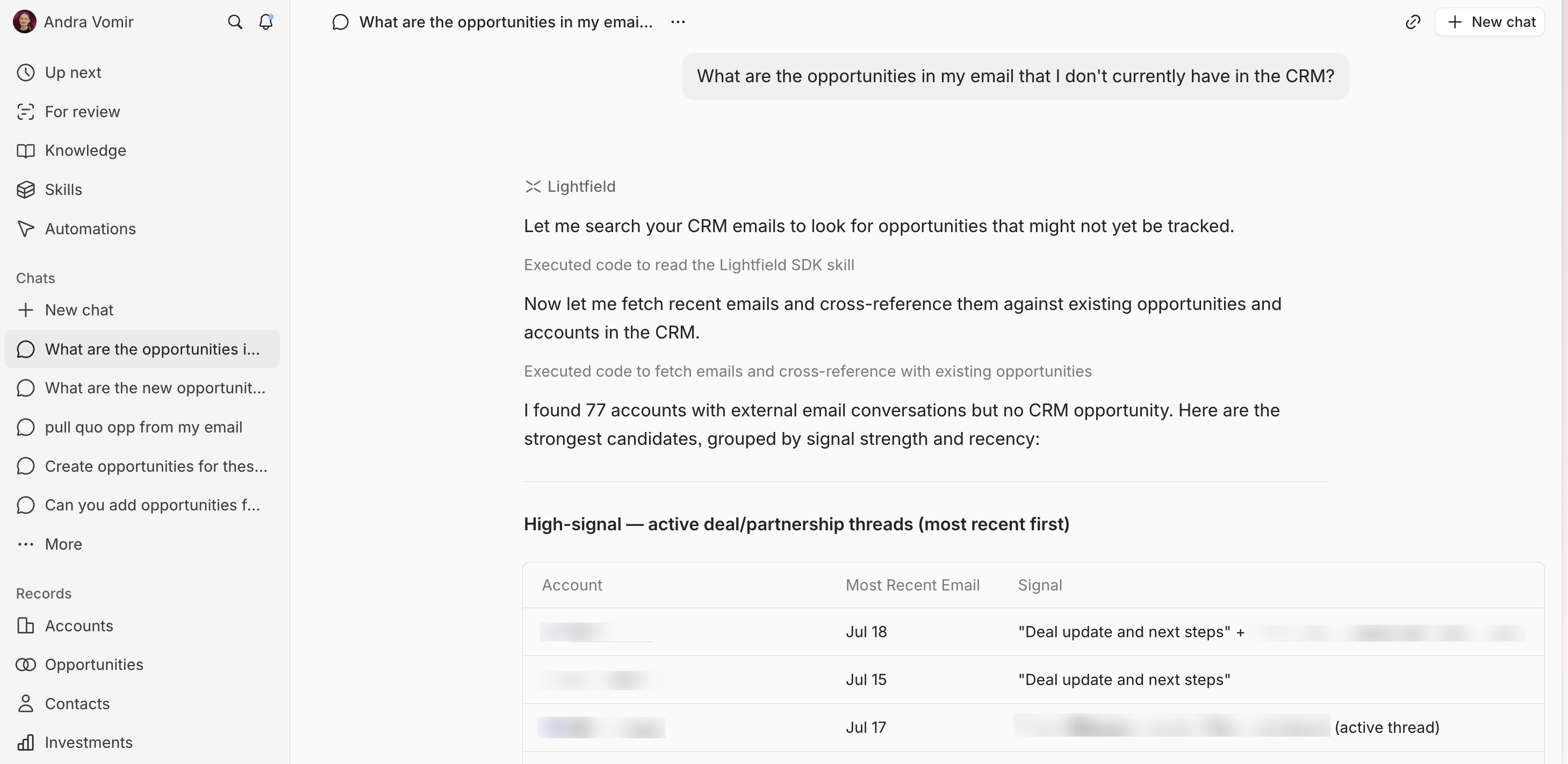
Screenshots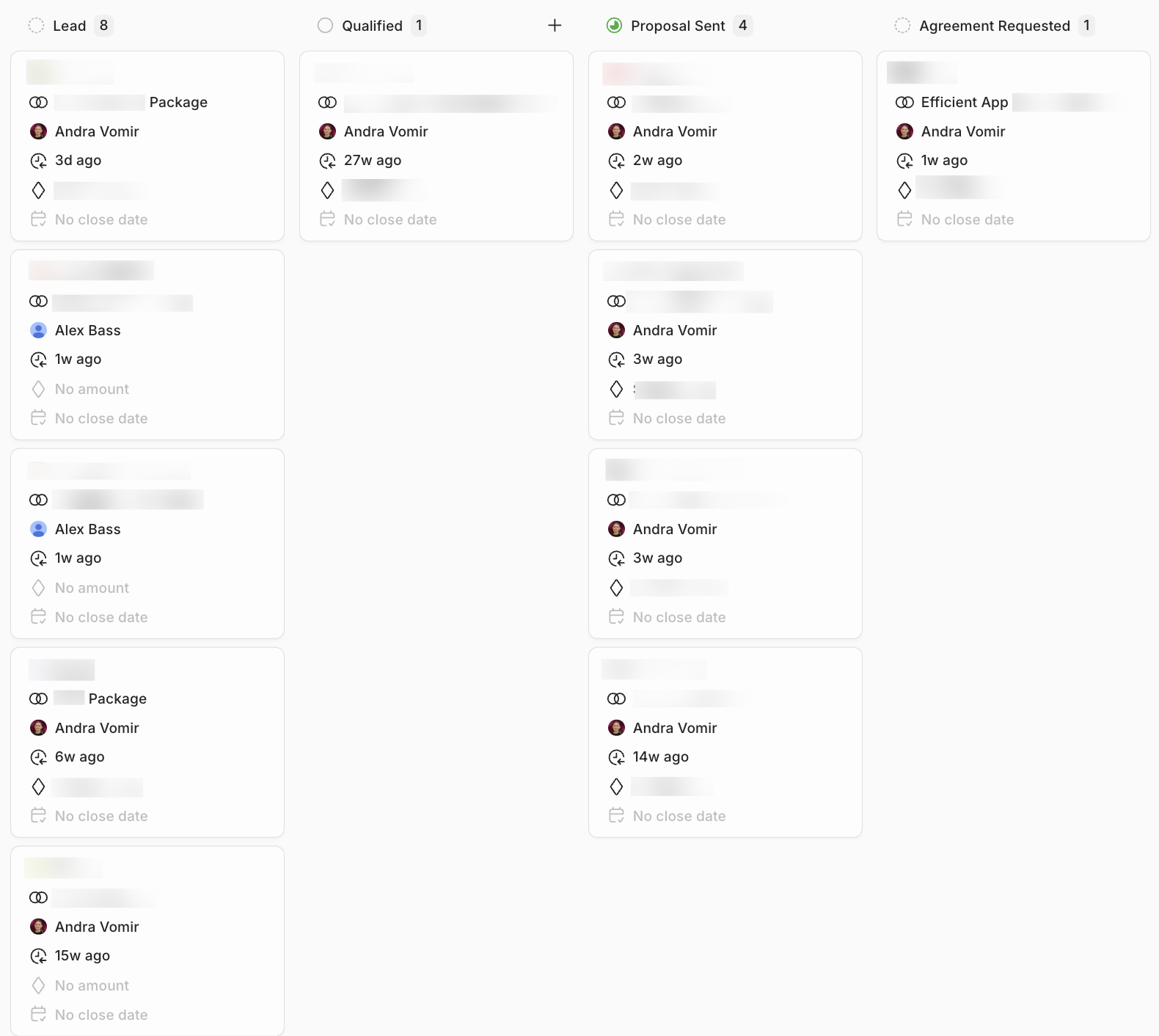
Lightfield