Comparison Summary
Comparison SummaryLightfield keeps everything up-to-date automatically so you never feel like managing the CRM is a full-time job, while Pipedrive is more about handling sales for small to medium teams and works well with Microsoft 365.
Only use Pipedrive if you really need Microsoft 365 integration; otherwise, pick Lightfield for a CRM that actually stays current on its own.
 LightfieldBest
Best AI CRM
Best AI CRM Pipedrive
Best for Microsoft 365 teams
Best for Microsoft 365 teams
At a Glance
At a GlanceEditor's Verdict
Editor's VerdictEase of Learning
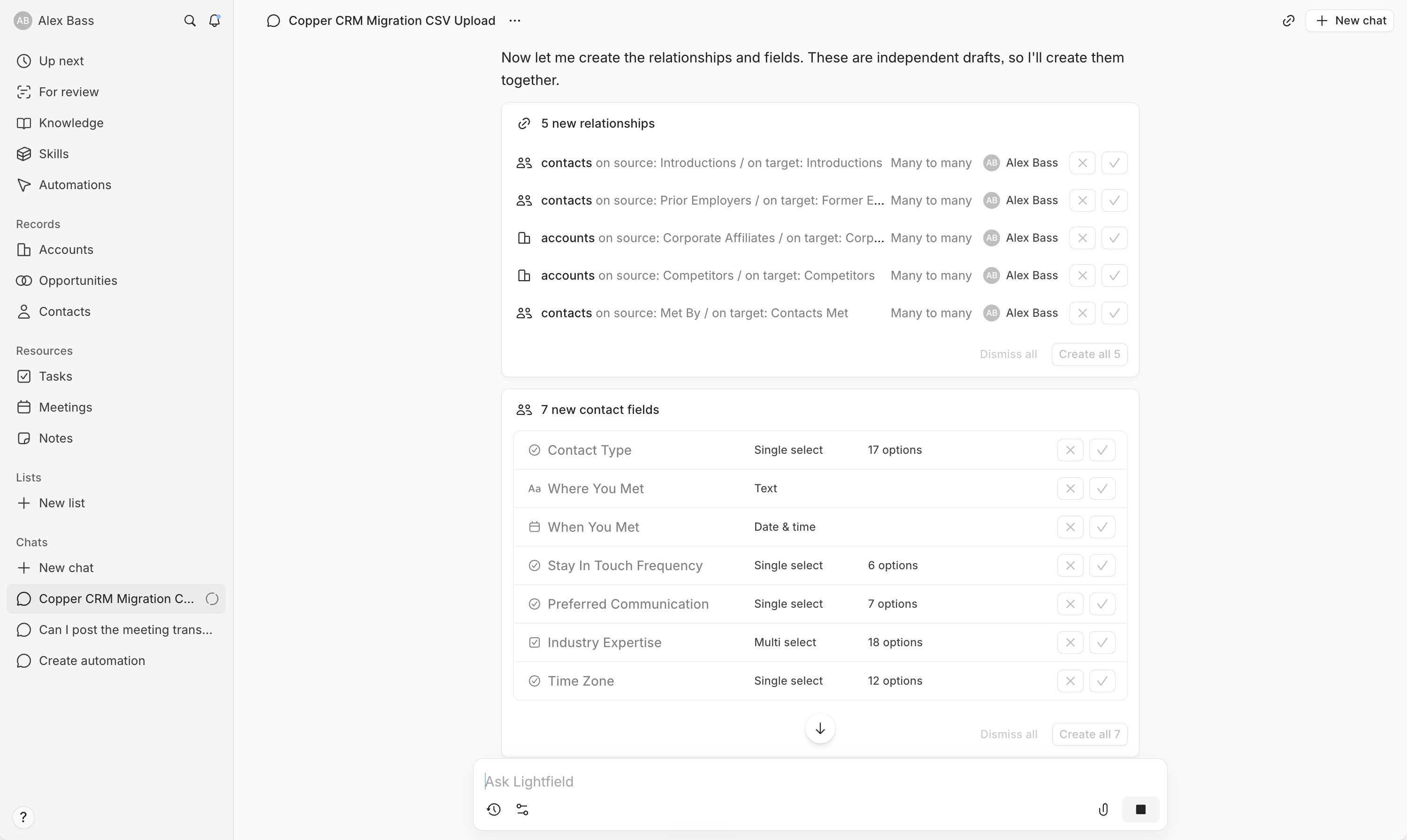
Ease of LearningLightfield makes getting started dramatically easier than Pipedrive. Everything runs through a chat interface where the AI walks you through setup, field customization, automations, and even data migration, so you never get stuck or have to read documentation. You just describe what you want, and the system handles the details, even for complex workflows.
Pipedrive is fast for basic use, thanks to its clear pipeline and simple deal tracking. Most reps figure it out right away. But the constant upgrade prompts and add-ons clutter the interface, which gets in the way and slows down new users who just want to get selling.
If you want your team up and running with zero hassle, Lightfield is on another level for ease of learning. Pipedrive is quick for the basics but can't match how smooth and hands-off Lightfield makes the entire onboarding process. Go with Lightfield if you care about getting everyone productive immediately.
Workflow Presence
Workflow PresenceLightfield makes context switching almost disappear by letting you set up automations, configure fields, and onboard entirely through its AI chat, so your workflow just adapts to wherever you already are. Tasks, meeting notes, and updates happen automatically after calls or emails, so you barely have to touch anything to keep the CRM up to date.
Pipedrive gives you a strong visual pipeline and keeps all deal info in one place, which helps with context, and its mobile app is handy for updates on the go. But unless you're on a higher-tier plan with automation, you're stuck handling a lot of admin manually, which slows things down and means you'll still need to jump between tools.
If your team wants the CRM to just fit into your flow and handle admin for you, Lightfield is the clear pick. Pipedrive is decent, but Lightfield's AI-driven automation and automatic updates make it way less disruptive to your day.
Team Adoption
Team AdoptionLightfield just makes team adoption a non-issue. It auto-updates from your team's emails, meetings, and Slack, so the CRM stays current without constant nagging or admin work. You won't be chasing your team to log updates, and tasks get created for you. If your team is AI-first, there's zero friction, people barely have to think about using it, because it's already doing the work in the background. The ability to update records directly from Slack with AI agents pushes it way ahead for teams who want to avoid manual CRM upkeep.
Pipedrive is more traditional and can work if your team is willing to do some training and deal with a cluttered interface. The Kanban board and activity log help with visibility, but annoying upgrade prompts and limited email sync mean you'll still be chasing people to log info and fighting interface fatigue. If your team relies on Microsoft 365 and wants a classic sales CRM, it'll do, but you're signing up for more friction.
If you want your team to actually use the CRM without constant reminders or grumbling, Lightfield is the clear pick.
AI Assistance
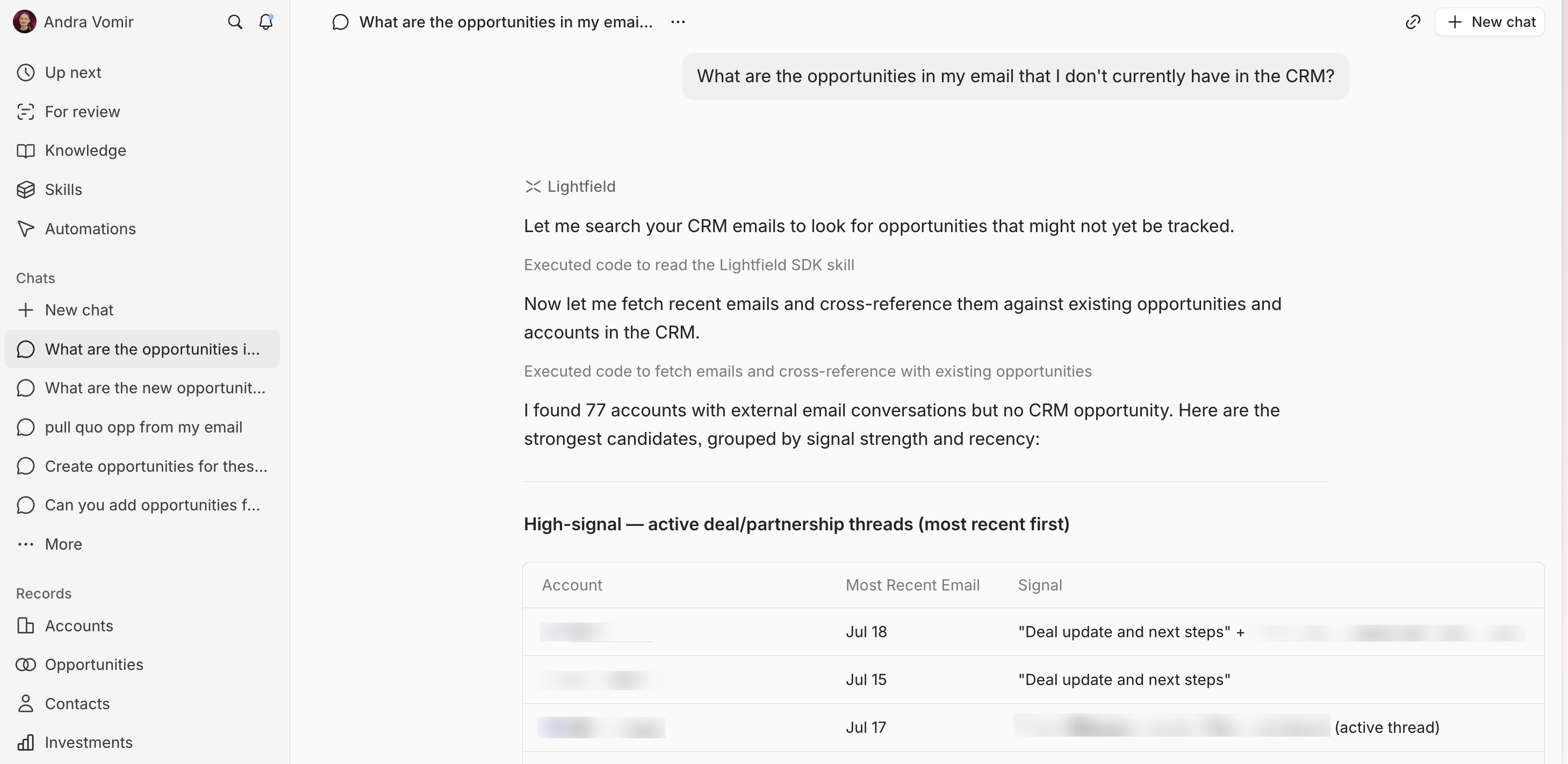
AI AssistanceLightfield is in a completely different league when it comes to AI assistance. The whole system is built around AI, so you get smart automation, instant data migration, and hands-off data cleanup just by chatting with it. It acts like a consultant, handles even complex workflows, and keeps your CRM up to date on its own. No manual setup, no chasing your team, and you can run everything from Slack.
Pipedrive's AI features are basic and mostly just bolt-ons, think quick data enrichment, simple deal suggestions, and some email help. These might save you a few minutes, but they're not game changers and won't actually transform how you work. If you want AI that actually does the heavy lifting and saves you real time, Pipedrive doesn't get you there.
If what you want is genuinely useful AI that makes your CRM faster and easier, Lightfield is the only real choice. Pipedrive's AI won't make a meaningful difference.
Integrations
IntegrationsLightfield's integrations actually do work for you, not just connect data. It pulls in emails, meetings, and chats automatically, keeps your CRM up to date without manual work, and lets AI agents act on your data and trigger real actions right inside your workflow. Even automations and AI connections are set up through chat, so you're not stuck with a clunky builder or outside tools.
Pipedrive makes it easy to connect with most third-party tools and works well as a central hub, but it doesn't go beyond syncing and flexibility. You still have to manage and trigger things yourself.
If you want integrations that don't just sit there but actually keep your CRM moving and up to date, Lightfield is the one to pick. Pipedrive is fine if you're happy wiring things up yourself, but Lightfield takes a lot more off your plate and runs with it.
Screenshots
Screenshots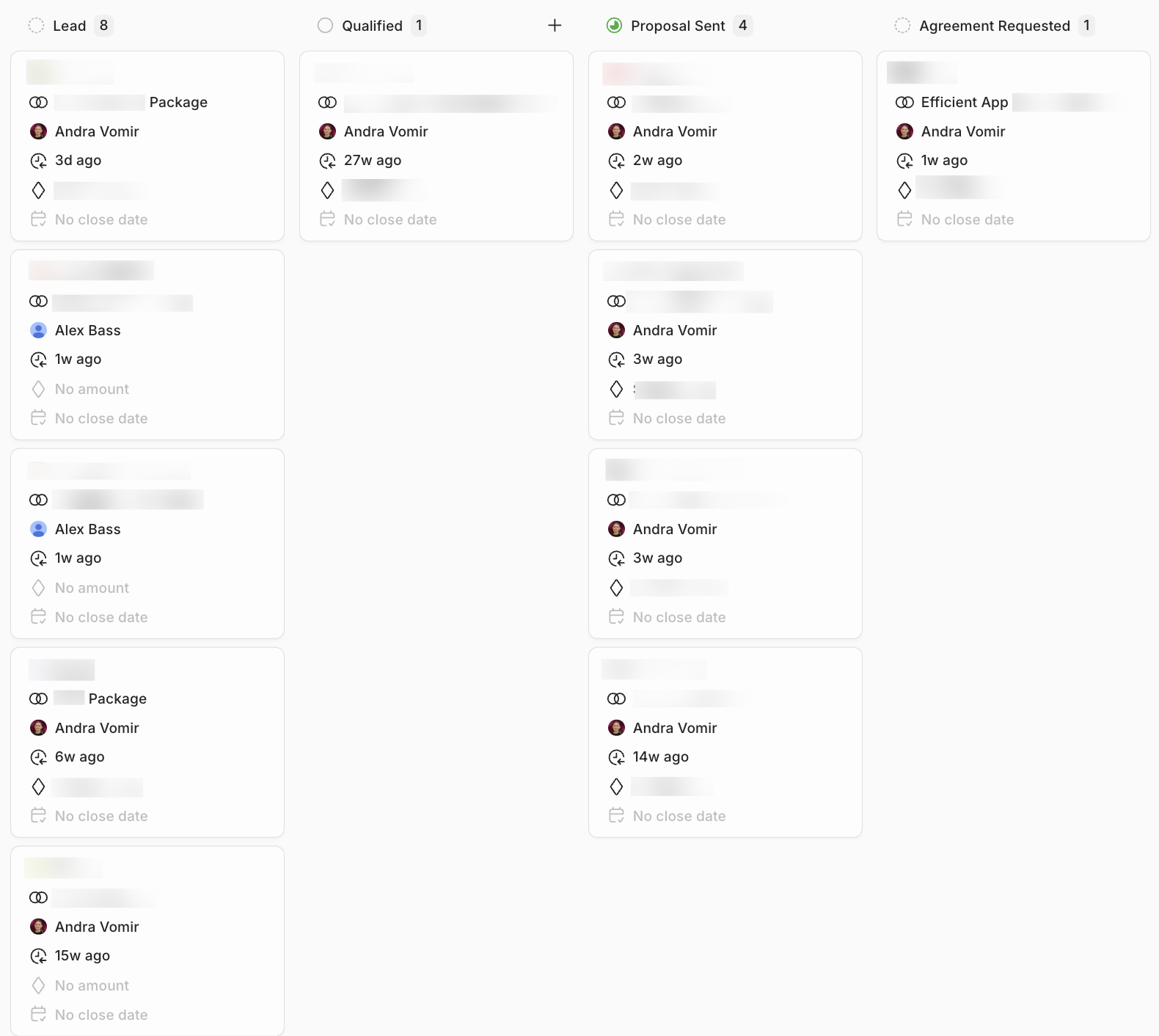
Lightfield