What is monday.com?
What is there to say? Monday.com's stock is crashing, and they are going through what a ton of tools are experiencing right now. They are trying to figure out how to survive the AI era.
Monday.com has always been known for its highly customizable work management platform that tries to bring projects, workflows, CRM, reporting, and now AI into one system. They have always had great marketing and invested a ton of money into it.
That's what got me to try it with my team several years ago now. But it became clear that it was a full-time job to manage projects in monday.com. Constant updating of tasks felt more like babysitting the tool rather than it helping us get work done. My team at the time used it for about 6 months before abandoning it.
In a podcast interview with Harry Stebbings, monday.com's co-CEO Eran Zinman openly admitted that many of their early AI initiatives fell short of expectations. As a result, the company is now rethinking the product around the idea of software that doesn’t just help organize work, but actually completes work on your behalf.
So is right now the best time to start using monday.com? We'd say hold off, they are trying to figure out who they'll be. We’d opt for something easier to set up like Motion.
Pros and Cons
Pros
- Super customizable workflows and dashboards for complex use cases
- Supports a wide range of teams (projects, ops, CRM, etc.) in one system
- Good reporting and visibility across teams
- Works for large organizations with structured processes
Cons
- Trying too hard to be everything for everyone
- Takes significant time to set up and maintain useful systems
- Setup is overwhelming without a dedicated owner or consultant
- AI features feel early and not especially useful in day-to-day work
- Pricing adds up quickly, especially with AI usage layered on top
- Too much flexibility creates more issues than it solves
Key Features
Project Management
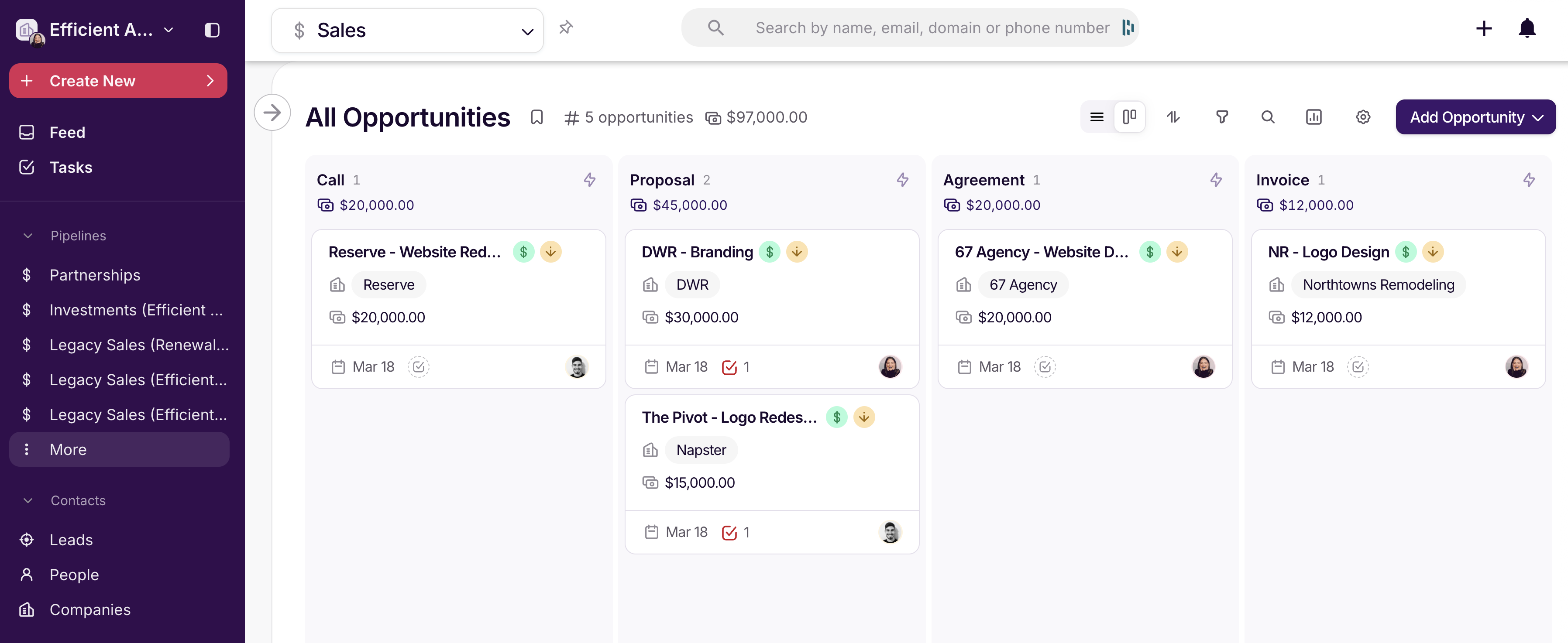
Monday.com gives you all the standard project views like Kanban, timeline, Gantt, dashboards, and the ability to structure work however you want.
If you can dream up a system structure, it can probably be done in Monday.com. But then you’re responsible for building that structure (and trust us when we say it's not easy to build). Instead of just managing tasks, you will end up managing the system itself. If you're a small team, don't go down this path...even with their AI workflow capabilities, you'll end up spending too much time tinkering than anything.
Customization & Workflows
You can customize almost everything: boards, automations, workflows, dashboards. You can even build internal tools with the Vibe AI tool.
But again, this is also where most teams struggle. More flexibility means more decisions, more setup, and more room for confusion. A friend of mine who used monday.com at her last agency said, "It seemed like a great solution but ended up being a nightmare because everyone wanted to change the system to match how their brain worked.
And fortunately/unfortunately, monday.con had the tools to let them do that. We hired an outside consultant who charged a fortune, built a ton of boards that didn't make any sense for our industry, and then left us with a new system to figure out that still didn't work. We even hired an ops person to 'run' monday but he couldn't figure out how to rein it in lol".
AI Capabilities
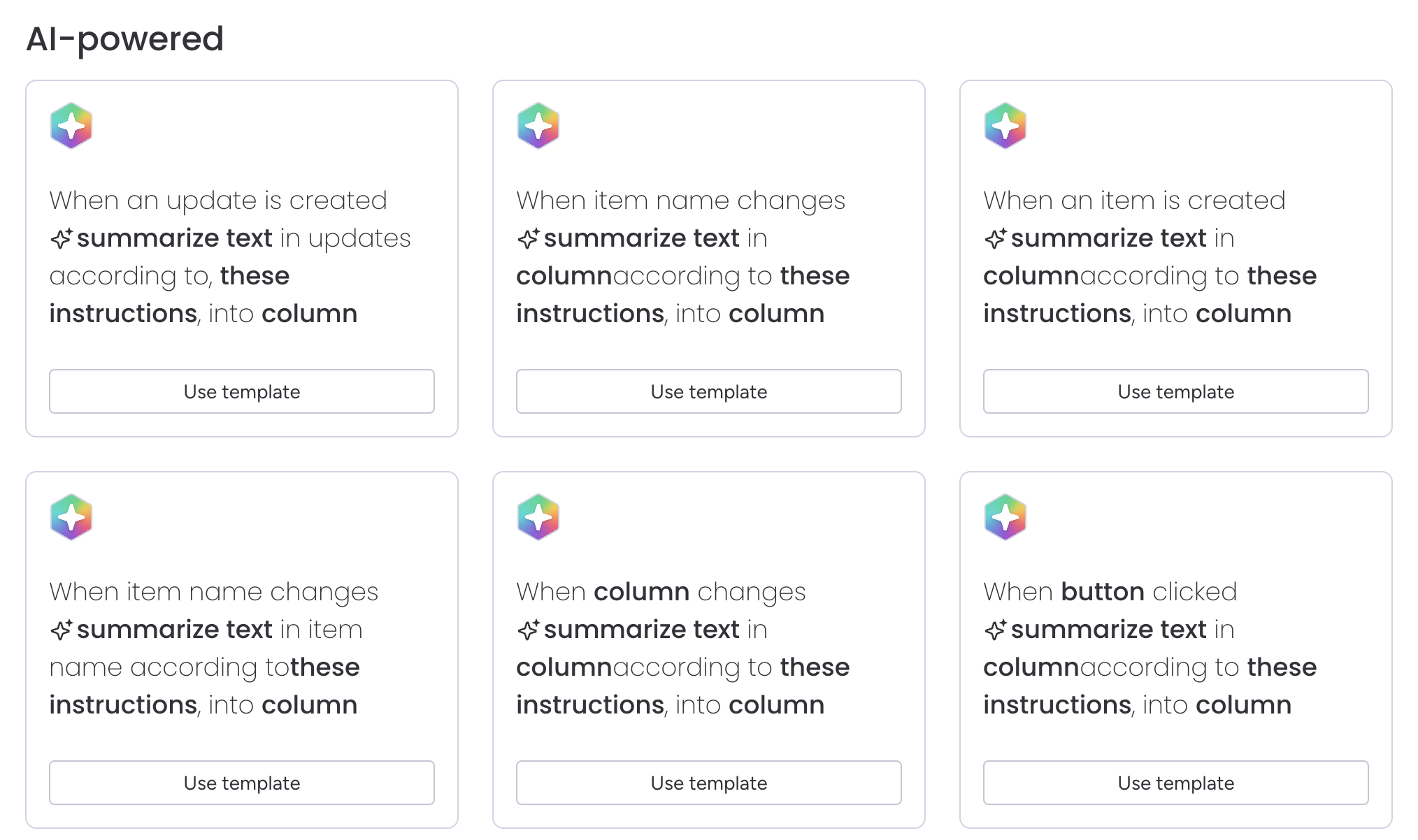
monday.com has gone all-in on AI, with tools like Magic, Vibe, Sidekick, AI agents, and AI-powered automations spread throughout the platform. Marketing wise, the feature set sounds impressive...Magic can generate workflows from a prompt, Vibe lets you build apps without code, and Sidekick acts as an AI assistant inside your workspace.
But when we tested it, the experience felt utterly overwhelming and difficult to navigate.
Instead of guiding users toward the most useful AI features, monday.com presented a huge catalog of options with little context about where to start. I found myself staring at dozens of automations and AI tools without knowing which were actually worth using.
Rather than making work simpler, the AI often feels like another layer of complexity added to an already complex system.
Pricing
- Free: Limited plan for individuals or very small teams testing the product. Not realistic for ongoing use.
- Basic: $9/user/month. Covers simple task tracking but lacks key features most teams will need.
- Standard: $12/user/month. The practical starting point for most teams with access to core views and limited AI.
- Pro: $19/user/month. Adds more advanced features like time tracking and deeper automation.
- Enterprise: Custom pricing with advanced controls and full feature access.
- Note: AI usage is priced separately using credits, which adds another cost layer beyond per-seat pricing. This makes the overall cost harder to justify unless you’re getting consistent value from those features.
 CopperBest
 Monday