Comparison Summary
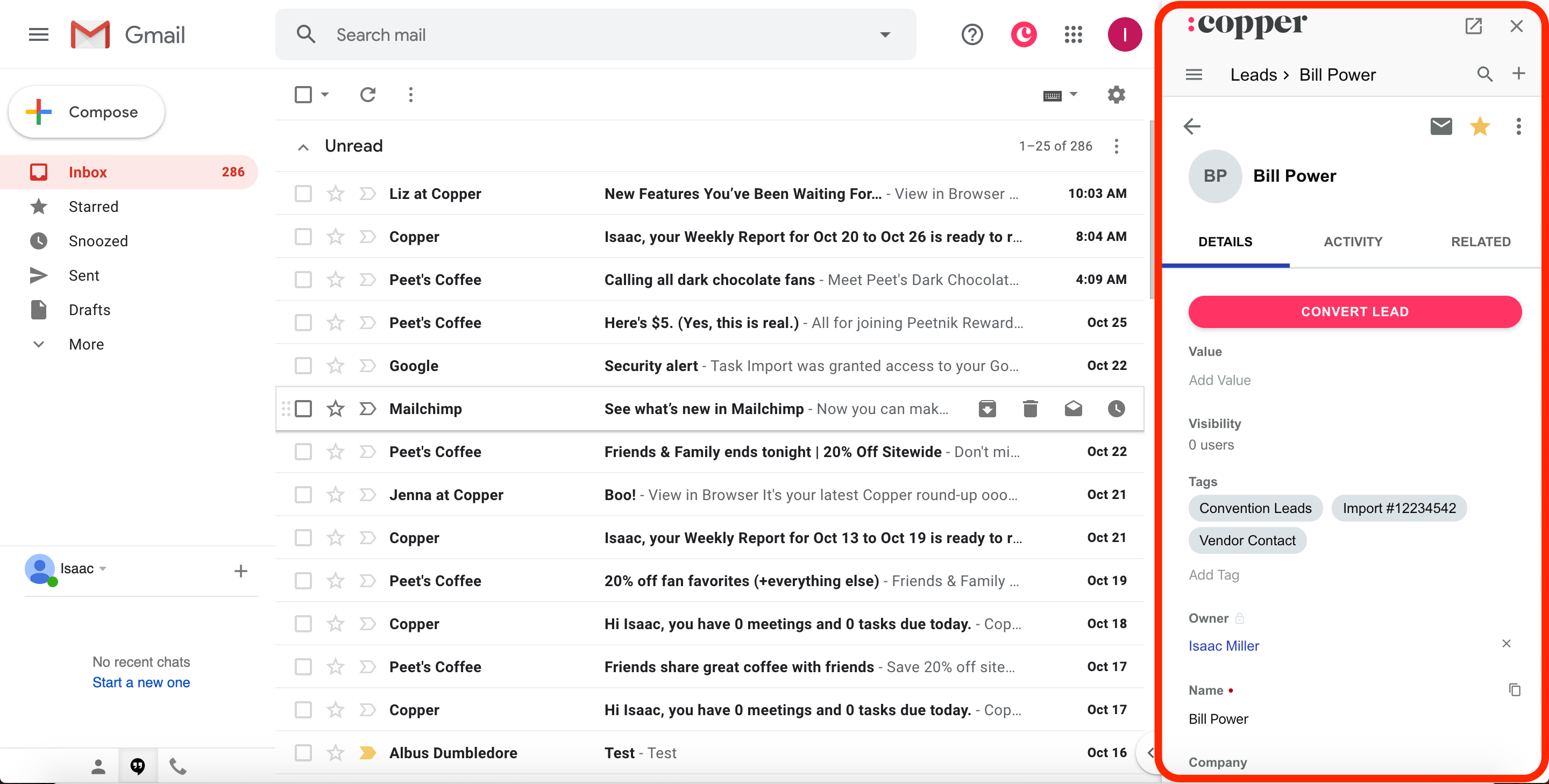
Comparison SummaryCopper lets you manage your Gmail inbox and calendar right inside the CRM, while Attio makes you build everything yourself and can feel overwhelming.
Only use Attio if you need to set up custom workflows from scratch; otherwise, Copper is the clear pick for anyone using Google Workspace.
 Attio
AttioFor teams who want a CRM that feels like Airtable
For teams who want a CRM that feels like Airtable Copper
Traditional CRM for Google Workspace
Traditional CRM for Google Workspace
At a Glance
At a GlanceComparison Video
Comparison VideoTHE Complete Software Stack Every Small Business Needs 🤫
THE Complete Software Stack Every Small Business Needs 🤫 16:58
16:58THE Complete Software Stack Every Small Business Needs 🤫
THE Complete Software Stack Every Small Business Needs 🤫Recommended Alternatives
Recommended Alternatives LightfieldBest
Best AI CRM
Best AI CRM WonderlyRecommended
Best for home remodeling businesses
Best for home remodeling businesses
Editor's Verdict
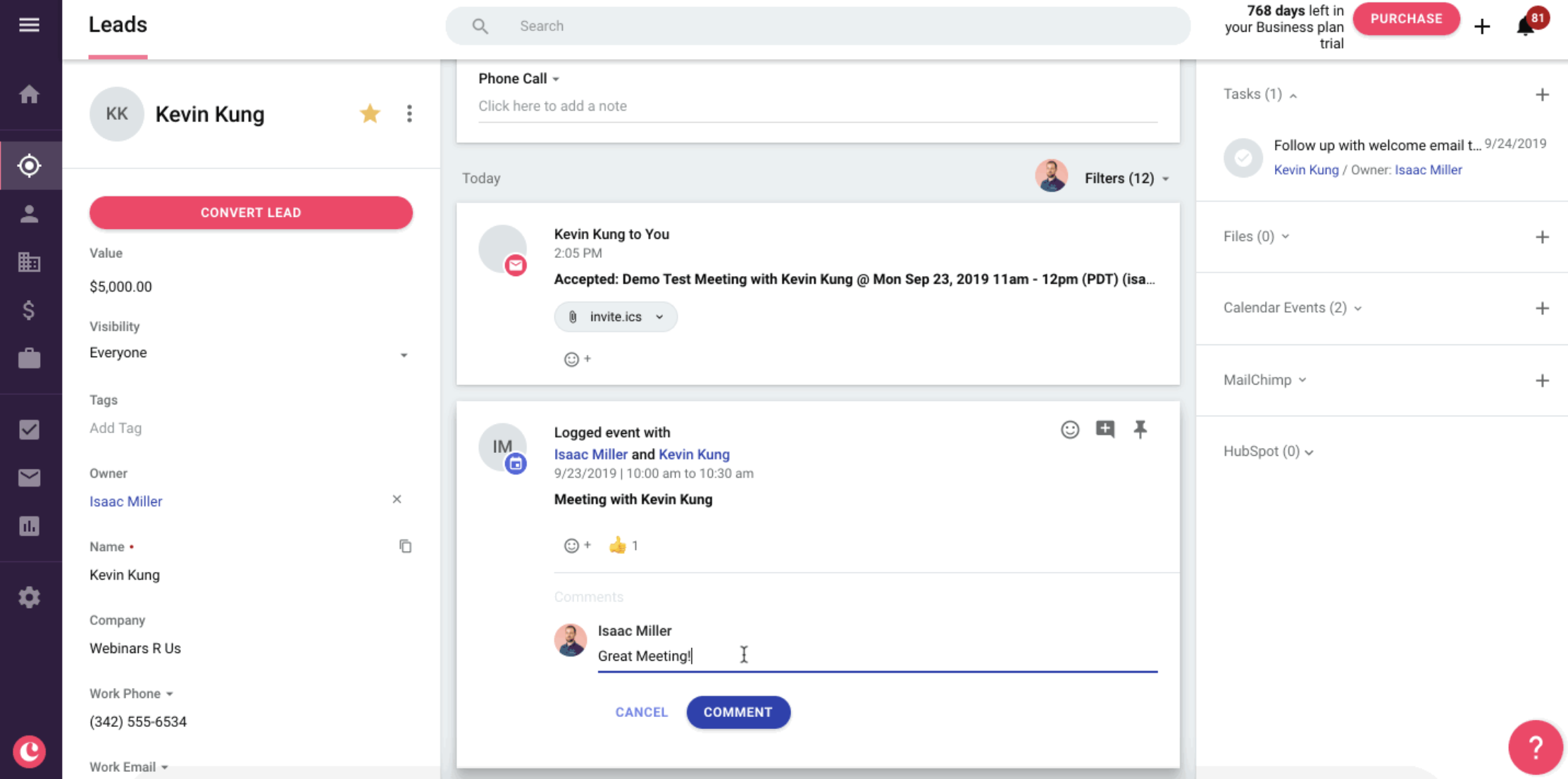
Editor's VerdictCopper makes CRM automation and workflow setup dead simple for Google Workspace teams. You get built-in email automation, form integration, and a Chrome extension that lets you manage your inbox, tasks, and CRM data without ever leaving Gmail or Calendar. The whole system is designed so non-technical users can adopt it quickly, and the native Zapier and Make connectors mean even custom integrations are straightforward.
Attio is all about flexibility and customization for technical users who want to build their own workflows from scratch. The automation engine is powerful and lets you connect actions across the CRM, but you need to be comfortable with automation tools and structuring data yourself. Small and medium businesses looking for a plug-and-play experience will find the setup process heavy and the learning curve steep.
If you want automation that just works out of the box with minimal fuss, especially if your team lives in Google Workspace, Copper is the clear pick. Attio is only the better choice if you actually want to design every workflow yourself and have the technical chops to pull it off. For most teams, Copper gets you running faster and with less hassle.
Ease of Learning
Ease of LearningWorkflow Presence
Workflow PresenceTeam Adoption
Team AdoptionAI Assistance
AI AssistanceIntegrations
IntegrationsScreenshots
Screenshots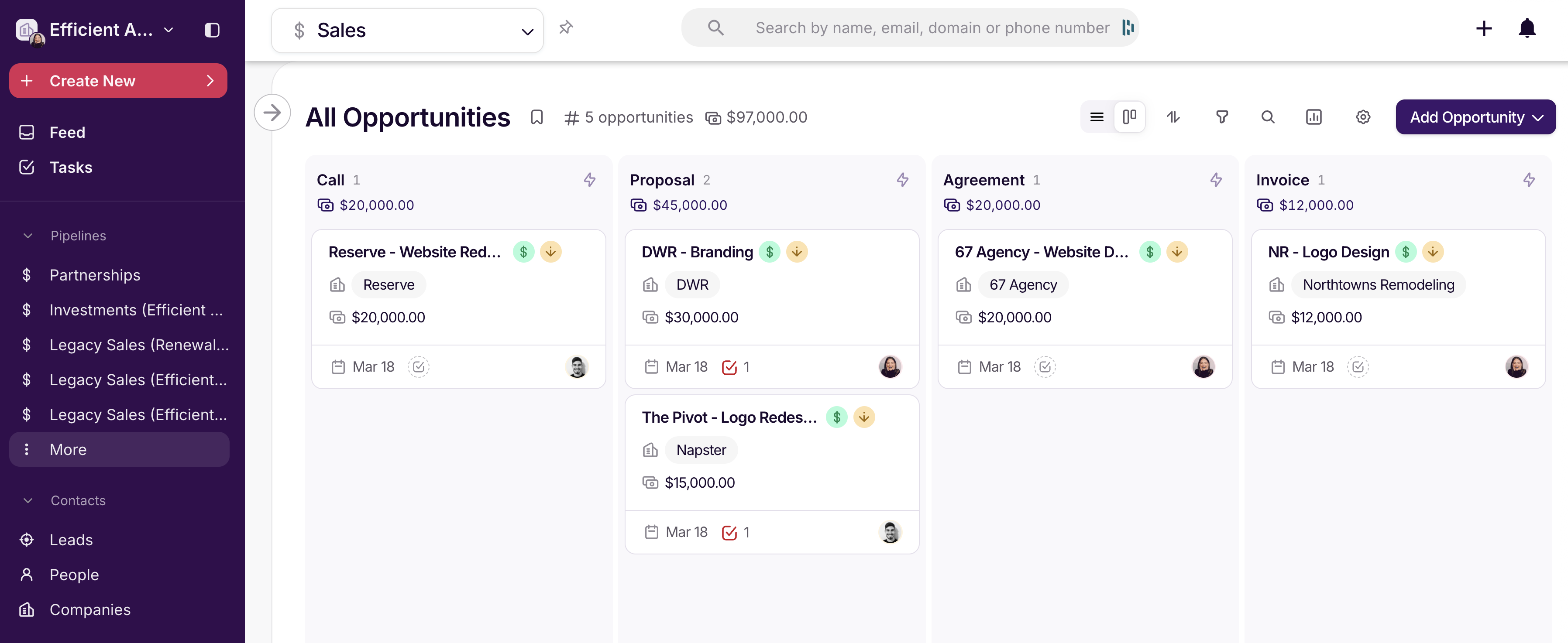
Copper