Comparison Summary
Comparison SummaryLightfield keeps your CRM up-to-date automatically and acts like a shared company brain, while Copper stands out mainly for deep Google Workspace integration and letting you manage Gmail fully from inside the app.
Only use Copper if living entirely inside Google Workspace is your top need; otherwise, Lightfield makes keeping your CRM current much less work.
 LightfieldBest
Best AI CRM
Best AI CRM Copper
Traditional CRM for Google Workspace
Traditional CRM for Google Workspace
At a Glance
At a GlanceComparison Video
Comparison VideoI tried every CRM. Here are the worst (and best). *not sponsored*
I tried every CRM. Here are the worst (and best). *not sponsored* 11:29
11:29I tried every CRM. Here are the worst (and best). *not sponsored*
I tried every CRM. Here are the worst (and best). *not sponsored*Editor's Verdict
Editor's VerdictEase of Learning
Ease of LearningLightfield makes learning almost effortless, the whole setup happens in chat, guided by an AI that handles everything from data migration to automations just by having you describe what you want. You don't need to build workflows, map fields, or even touch documentation. Even switching over from a totally different CRM is fast and doesn't require technical skills.
Copper is very easy if your team already lives in Google Workspace, since it just shows up in Gmail and Calendar with no new interface to learn or tabs to juggle. You can start using it the same day, and it avoids the usual CRM learning headaches, especially for non-technical folks.
But Lightfield goes further by making the process even simpler, especially for teams coming from other CRMs or dealing with complex needs. There's no situation here where you get stuck or need outside help. If you want the absolute fastest, least painful onboarding, no matter your background, Lightfield is the move. Copper is great for Google Workspace users, but Lightfield is just easier for everyone, period.
Workflow Presence
Workflow PresenceLightfield makes context switching almost disappear by letting you set up automations, configure fields, and handle onboarding all through an AI chat, so you never have to jump into clunky workflow builders or mess with third-party tools. It goes further by automatically updating meeting notes, tasks, and records after calls or emails, meaning your CRM stays up to date with barely any manual effort.
Copper does a good job of keeping you in Gmail or Google Calendar for most tasks, so you don't have to bounce into the CRM interface much. It also helps with follow-ups by sending emails directly from your own Gmail, making those touchpoints feel personal and easy.
If you want your CRM to truly disappear into your team's daily work and handle updates for you, Lightfield is the clear pick. Copper is solid if your workflow is already deep in Google, but Lightfield takes it further by making admin work and context switching almost a non-issue through its AI-driven approach.
Team Adoption
Team AdoptionLightfield makes team adoption almost effortless because it does all the grunt work for you. It pulls updates directly from your team's emails, meetings, and Slack, then handles the admin stuff automatically. You don't have to chase anyone to update the CRM, and if you're an AI-first team, nobody falls behind, Lightfield even lets you update records straight from Slack using AI agents.
Copper is super easy for teams living in Gmail or Google Calendar since it integrates right into those tools. If your team is deeply tied to Google Workspace and hates switching tabs, Copper will feel invisible and natural to use, so even the least techy person actually sticks with it.
If your team is all-in on Google Workspace and prefers to work inside email and calendar, Copper nails adoption. But if your team's workflow is spread across email, meetings, and especially Slack, and you want the CRM to keep itself updated without nagging anyone, Lightfield is the clear pick. For AI-first teams, Lightfield basically removes adoption as a problem.
AI Assistance
AI AssistanceLightfield is in another league when it comes to AI assistance. Everything in Lightfield runs through AI, from setup and migration to ongoing data updates and workflow automation. The AI acts like a real consultant, handling complex migrations, reviewing imported data, suggesting field changes, and keeping records fresh by monitoring your team's emails, meetings, and Slack messages. You can create automations and workflows just by chatting, and the AI does the heavy lifting without manual setup or extra tools.
Copper, on the other hand, only offers basic AI features like writing emails. Their "Copper GPT" is totally separate and not integrated as an assistant within the CRM itself, so it doesn't actually help streamline your workflow or save significant time.
If you want AI to actually save you time and handle real CRM work, Lightfield is the clear pick. Copper just can't compete here, its AI is more of a side feature than a core helper.
Integrations
IntegrationsLightfield takes integrations to another level by not just syncing data, but actually acting on it and letting AI agents update, flag, and suggest CRM changes live, even inside Slack or chat. You never have to babysit anything, and the system keeps everything fresh in the background. Even connecting extra tools or automations happens directly in chat, so you skip the hassle of workflow builders or third-party connectors.
Copper stands out for its deep Google Workspace integration and a flexible API, especially if you want retroactive email syncing and broad Zapier or webhook connectivity. If your world revolves around Google Workspace and you need a reliable, straightforward CRM sync, Copper delivers.
But if you want integrations that do real work for you, handle updates automatically, and let AI agents interact with your CRM data in real time across email, calendar, and Slack, Lightfield is the clear pick. The only minor hitch is that a couple of integrations need the Lightfield team to set them up, but they handle it quickly. For anyone who cares about integrations that actually save time and drive your workflow forward, Lightfield is the move.
Screenshots
Screenshots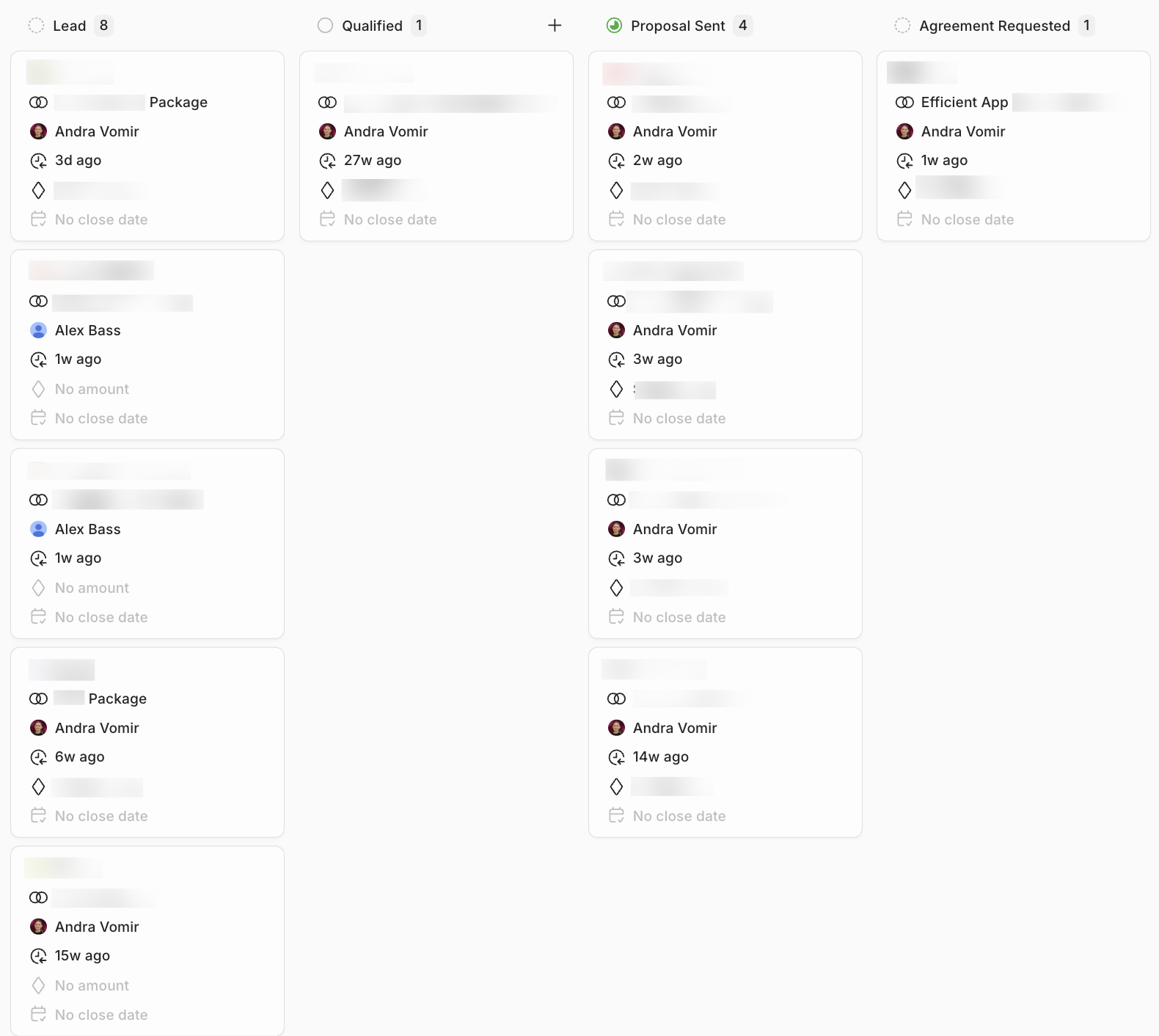
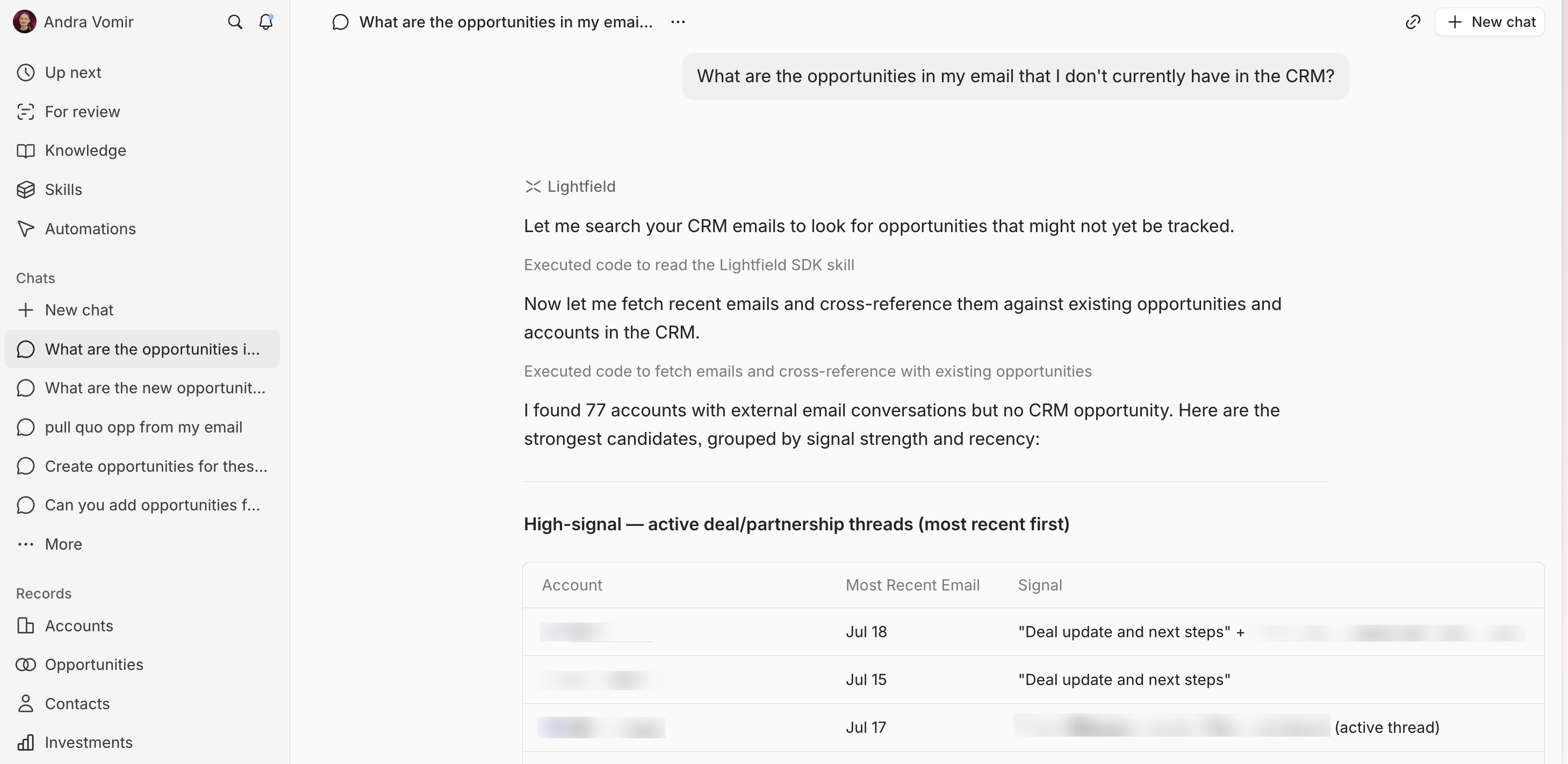
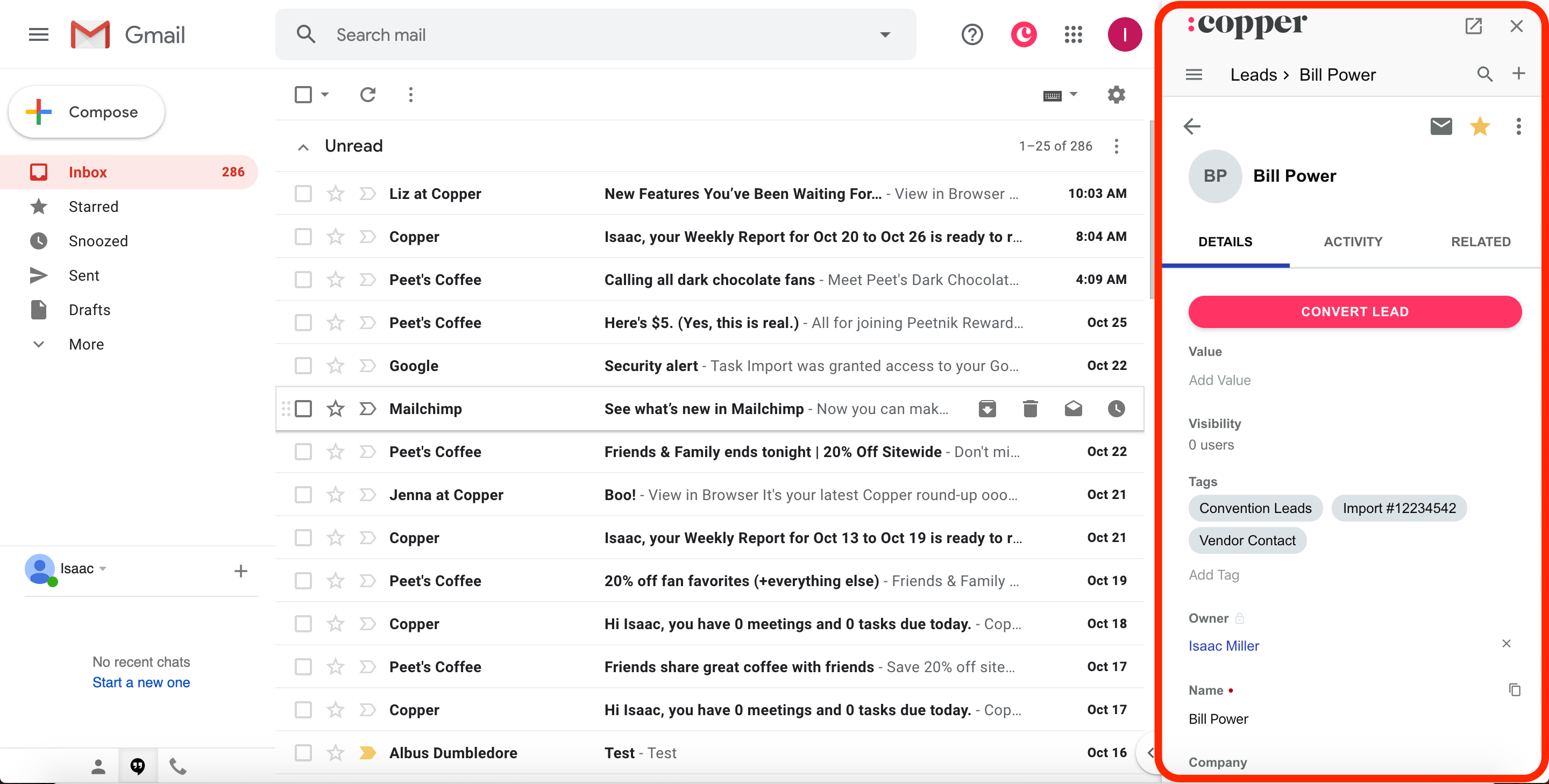
Lightfield