Comparison Summary
Comparison SummaryLightfield keeps your CRM automatically updated across the team so you never feel like maintenance is a full-time job, while Notion struggles outside of team docs.
Only use Notion if you just need a knowledge base; use Lightfield if you want a CRM that actually stays current on its own.
CRM
CRM LightfieldBest
Best AI CRM
Best AI CRM Notion
Not good for businesses, basic and barebones
Not good for businesses, basic and barebones
AI
AIEditor's Verdict
Editor's VerdictEase of Learning
Ease of LearningLightfield is in a completely different league when it comes to ease of learning. You set it up by just chatting with the AI, even if you're coming from years on another CRM, and everything from migration to custom automations is handled in conversation. You don't need to mess with workflow builders, read documentation, or figure out a new interface. Teams are actually up and running in a single evening.
Notion, on the other hand, throws you into the deep end. You have to build everything from scratch, invent your own systems, and then train everyone else on what you made. Most teams hit a wall because there's no structure, so adoption suffers and you're definitely not getting started in less than a day.
If you need your team up and running fast, Lightfield is the obvious pick. Notion just isn't built for quick onboarding here.
Workflow Presence
Workflow PresenceLightfield actually shows up where your team already works, because everything from automations to onboarding happens right inside its AI chat. You barely touch external tools or spend time wiring things up. Meeting notes, tasks, and updates just appear after calls or emails, so you're not stuck with manual admin or context switching. It feels built to disappear into your workflow.
Notion, even with all its flexibility, makes you do the hard work. You have to design your own setup, decide where everything lives, and keep maintaining it. That constant decision-making gets tiring fast, and you never really escape the admin or context switching. Unless your team is very technical and willing to build everything from scratch, Notion just doesn't blend into your workflow the way Lightfield does.
If you want a CRM that actually reduces context switching and admin for your team, Lightfield is the clear pick. Notion just takes too much effort and never really stops making you think about the tools.
Team Adoption
Team AdoptionGetting your team to actually use Notion as a CRM is a losing battle. You start with a blank slate, and the burden is all on you to build, organize, and explain everything from scratch. Most teams get overwhelmed or frustrated, and adoption drops off fast because it just never feels like a real system.
Lightfield flips that. It keeps itself updated by pulling info from where your team already works (email, meetings, Slack), so you don't have to nag anyone to enter data. Tasks and follow-ups happen automatically, and you can even use AI agents to make updates straight from Slack. For AI-first teams, adoption isn't even a question.
If your main concern is actually getting your team to use and stick with a CRM, Lightfield is the obvious pick. Notion just doesn't cut it here.
AI Assistance
AI AssistanceLightfield is on another level for AI assistance in CRM. Its entire setup, daily updates, and workflow automation are all driven by genuinely helpful AI that actually saves you time and hassle. You handle configuration, migrations, and even complex workflow building through chat with the AI, and it actively keeps your records current by monitoring your communication tools. Real tasks, meeting summaries, and automations happen automatically, without manual setup or technical hacks.
Notion, on the other hand, does include AI features at higher tiers, but they don't do the real work for CRM. You still have to build, maintain, and update everything yourself. The AI doesn't remove the main pain points or make your workflow smoother, so the time savings just aren't there.
If you want AI that meaningfully cuts down your workload in a CRM, Lightfield is the clear pick. Notion's AI is present, but it doesn't actually solve the hard parts.
Integrations
IntegrationsLightfield nails integrations for CRM. It connects directly to your inbox, calendar, and Slack, pulling in actual context from emails, meetings, and chats so your CRM updates itself. You get automations and AI agents that can pull and update data live, even from inside Slack, without jumping between tools or building out custom flows. Most integrations just work, and if something needs setup, their team handles it fast. You don't have to keep fixing things or worry about data getting stale.
Notion has a strong API and a huge ecosystem, so if you're technical and willing to spend the time, you can build deep integrations and get a lot of flexibility. But for CRM, the connections aren't seamless. Key tools like Notion Mail and Notion Calendar are basically separate apps with weak links, not a single connected system. You end up spending a lot of time setting things up and keeping them working, instead of just using your CRM.
If you want integrations that actually save you effort and keep your CRM running without constant maintenance, Lightfield is the obvious pick. Notion is only worth considering if you have a technical team that wants to build everything from scratch and doesn't mind ongoing tinkering. For everyone else, Lightfield is way smoother and more valuable on integrations.
Screenshots
Screenshots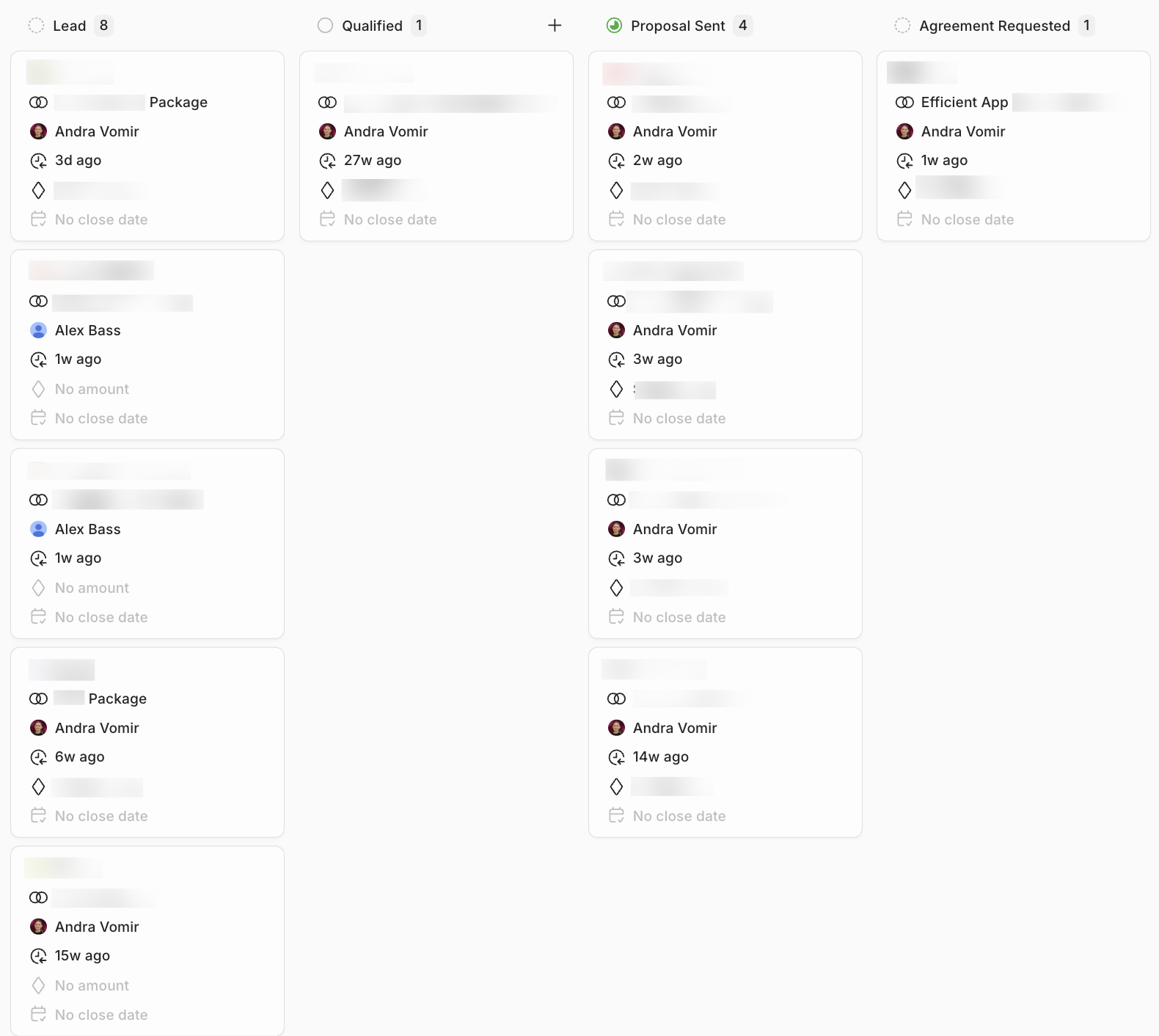
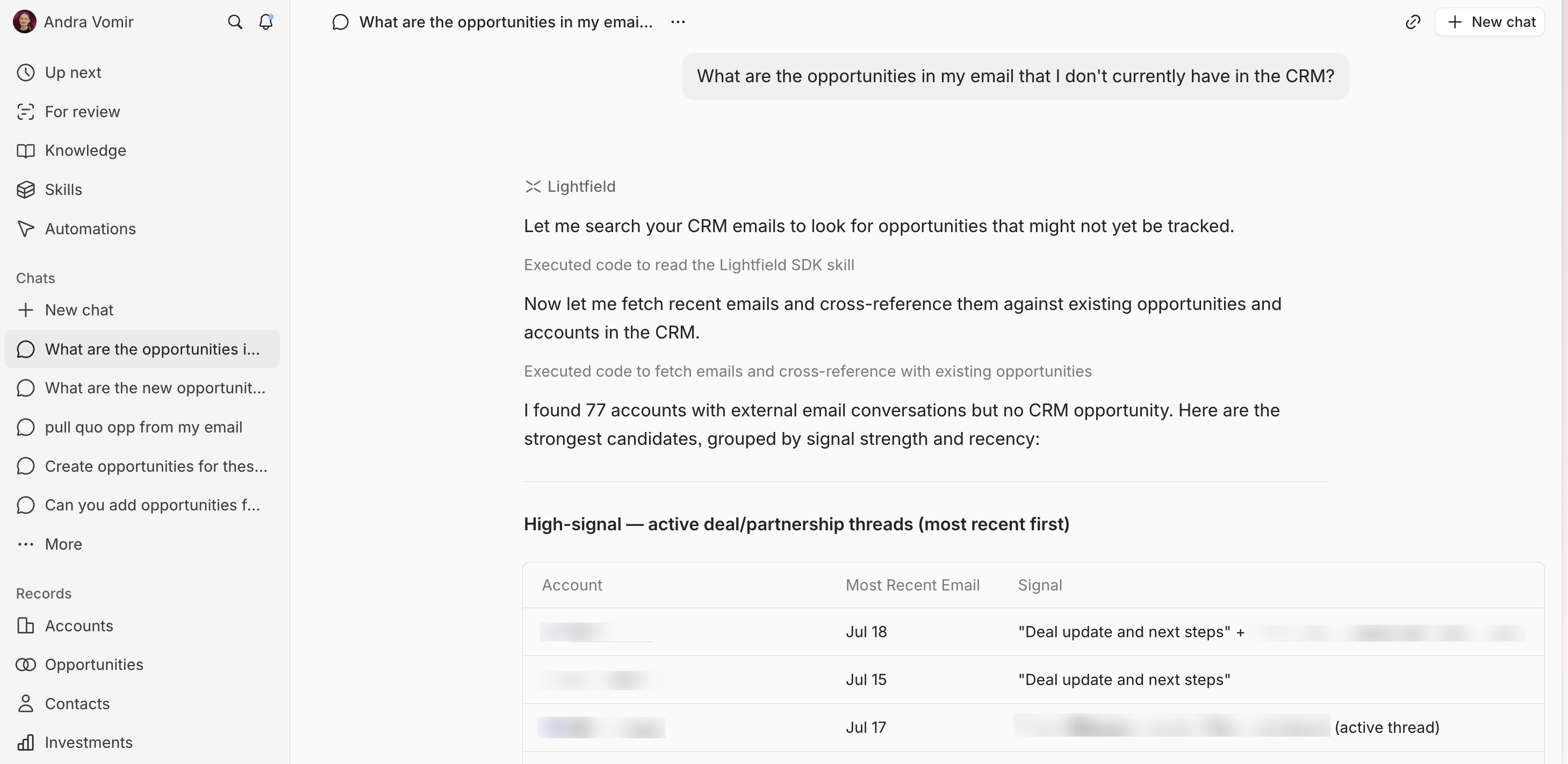
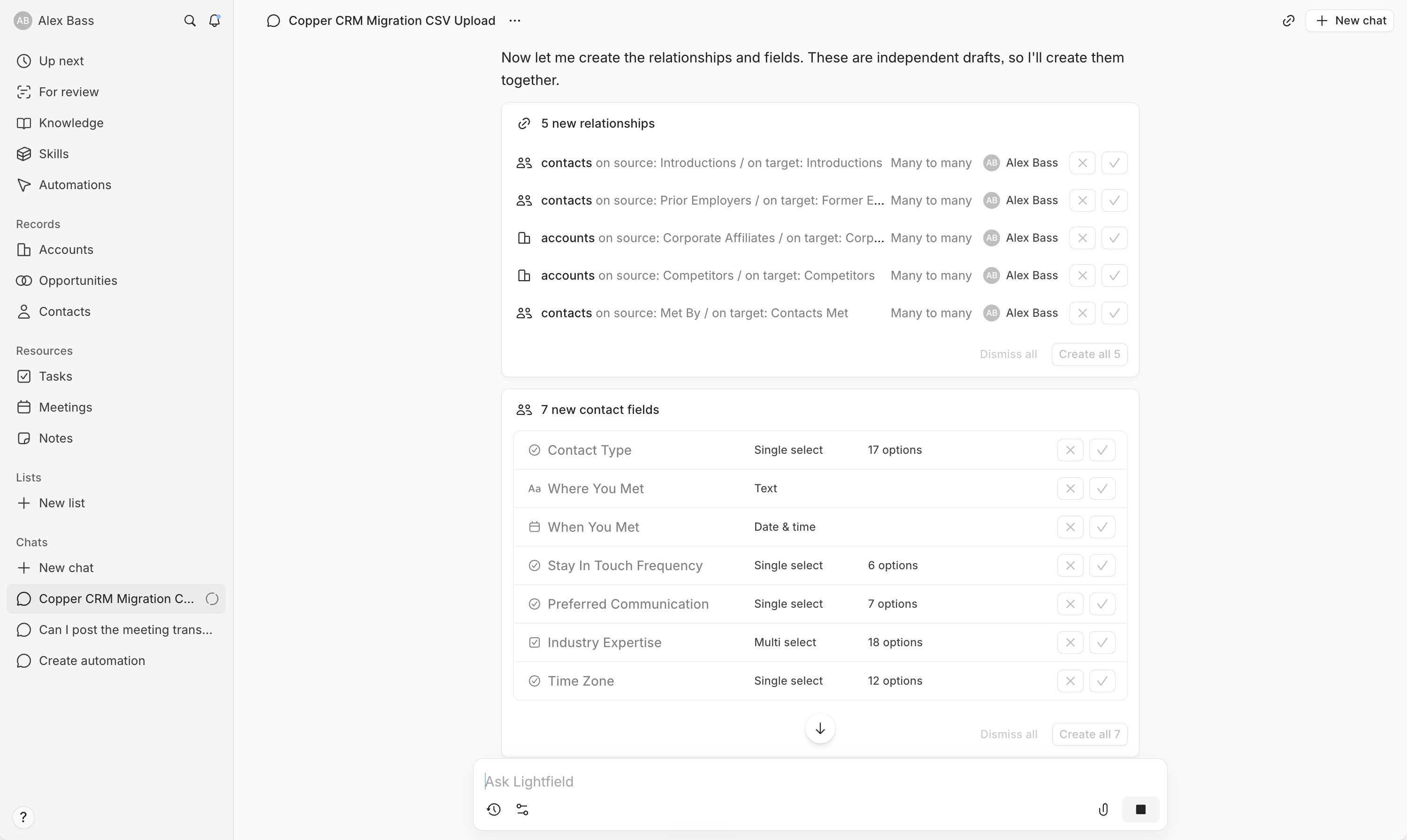
Lightfield