Comparison Summary
Comparison SummaryLightfield keeps your CRM automatically updated and acts like a shared company brain, while folk feels like using a spreadsheet and is great if you want something familiar for managing contacts.
Only use folk if you are new to CRMs or want a spreadsheet-like experience; choose Lightfield for automatic updates and a more advanced setup.
 LightfieldBest
Best AI CRM
Best AI CRM folkRecommended
Best for solopreneurs and small teams
Best for solopreneurs and small teams
At a Glance
At a GlanceComparison Video
Comparison VideoI tried every CRM. Here are the worst (and best). *not sponsored*
I tried every CRM. Here are the worst (and best). *not sponsored* 11:29
11:29I tried every CRM. Here are the worst (and best). *not sponsored*
I tried every CRM. Here are the worst (and best). *not sponsored*Editor's Verdict
Editor's VerdictEase of Learning
Ease of LearningLightfield makes getting started almost effortless, since everything from setup to building automations happens through chat with an AI that guides you like a consultant. You don't need to learn a new interface, map fields, or dig through docs, just upload your data and describe what you want, and the system handles the rest, even for complex setups.
Folk is also extremely easy to pick up, especially if you're familiar with spreadsheets like Google Sheets or Notion. For individuals or tiny teams, it's basically plug and play with zero onboarding headaches. Templates and simple contact importing mean you're not stuck building anything from scratch.
If you want the absolute fastest, lowest friction onboarding for any size team, including teams switching from another CRM, Lightfield is even smoother because you don't have to know or learn anything up front, and the AI covers all the details for you. Folk is fantastic for solo users or very small teams who like spreadsheet-style tools, but Lightfield's chat-first approach means anyone can get started instantly, regardless of background. If ease of learning for the whole team is your top priority, Lightfield is the clear pick.
Workflow Presence
Workflow PresenceLightfield stands out for workflow presence because everything from automations to onboarding happens right inside its AI chat, and it automatically updates meeting notes, tasks, and records after calls or emails without you lifting a finger. You don't need to mess with Zapier or manual setup for most things, so your team avoids jumping between tools and cuts admin to almost zero.
folk feels familiar if you're used to spreadsheets and works well for individuals or tiny teams, especially if you live in Google Workspace or Microsoft 365. You get a Chrome extension to pull contacts from Gmail, LinkedIn, or X, and it keeps emails and calendars in sync, which helps reduce context switching for smaller setups. But once your workflow gets more complex or your team grows, you'll start running into gaps, especially with limited integrations and a basic API. You end up needing more manual work or workarounds to make it fit everywhere your team operates.
If you want your CRM to truly show up wherever your team works, with less admin and context switching, Lightfield is the clear pick. folk is fine for solo users or very small teams sticking to simple workflows, but Lightfield actually keeps your whole workflow connected and up to date as you grow.
Team Adoption
Team AdoptionLightfield stands out for team adoption because it does all the annoying admin work automatically. It pulls updates from your team's emails, meetings, and Slack, so you don't have to nag anyone to keep the CRM current. Tasks and follow-ups are handled for you, and if your team uses AI agents in Slack, you can update and create records right from chat. This makes it basically effortless for teams to keep using it, especially if you're already working in Slack or are an AI-first group.
folk is easy to pick up, especially for small teams familiar with spreadsheets or Notion. There's no learning curve, so everyone can start adding contacts right away without confusion or training. It's a smooth start, but your team still has to remember to actually update things themselves.
If you want your team to actually keep using the CRM without manual effort or reminders, Lightfield is the clear pick. folk is solid for small, spreadsheet-heavy teams, but Lightfield's automatic updates and Slack integration make adoption a non-issue for most teams, especially those who hate admin work.
AI Assistance
AI AssistanceLightfield is in a different league when it comes to AI assistance. Everything, from setting up the CRM to handling complex migrations and building automations, is run through AI chat. It works like an expert consultant, reviews your data, suggests what to keep or drop, and keeps your records fresh by monitoring communication channels automatically. You don't have to babysit data or waste time on manual updates, Lightfield's AI handles it and checks in only when needed. Even building automations is just a conversation, with no need for workflow builders or extra tools.
folk's AI is genuinely helpful, especially for writing personalized emails and cleaning up contact data in bulk. It cuts out lots of repetitive work you'd otherwise slog through by hand, and it's a real upgrade over doing things line by line in Notion or Sheets.
But if you want AI that does more than just speed up a few tasks, Lightfield is the clear pick. It doesn't just save time on routine jobs; it automates and streamlines the entire CRM experience at every step. If AI assistance is your priority, go with Lightfield. folk is solid, but Lightfield sets the bar.
Integrations
IntegrationsLightfield actually delivers real, workflow-friendly integrations that do more than just copy data over. Your inbox, calendar, Slack, AI agents, and even automations all connect directly, act on live info, and keep your CRM up to date without you micromanaging anything. Even when an integration isn't fully native, their team sets it up for you fast, and you can use AI agents to pull and update records without switching tools.
folk covers the basics well if you're moving up from spreadsheets and just need to pull in contacts or sync your email and calendar. But the moment you want anything beyond that, you hit hard limits. Deeper connections require Zapier, and even then, some fields just won't sync right, and the API doesn't really support complex workflows. It's fine for solo use or early teams, but you'll get blocked fast if you need more.
If you actually care about integrations that do real work and keep things moving without manual effort, Lightfield is the clear pick. folk only makes sense if your needs are super simple and you're not planning to grow past spreadsheet-level workflows.
Screenshots
Screenshots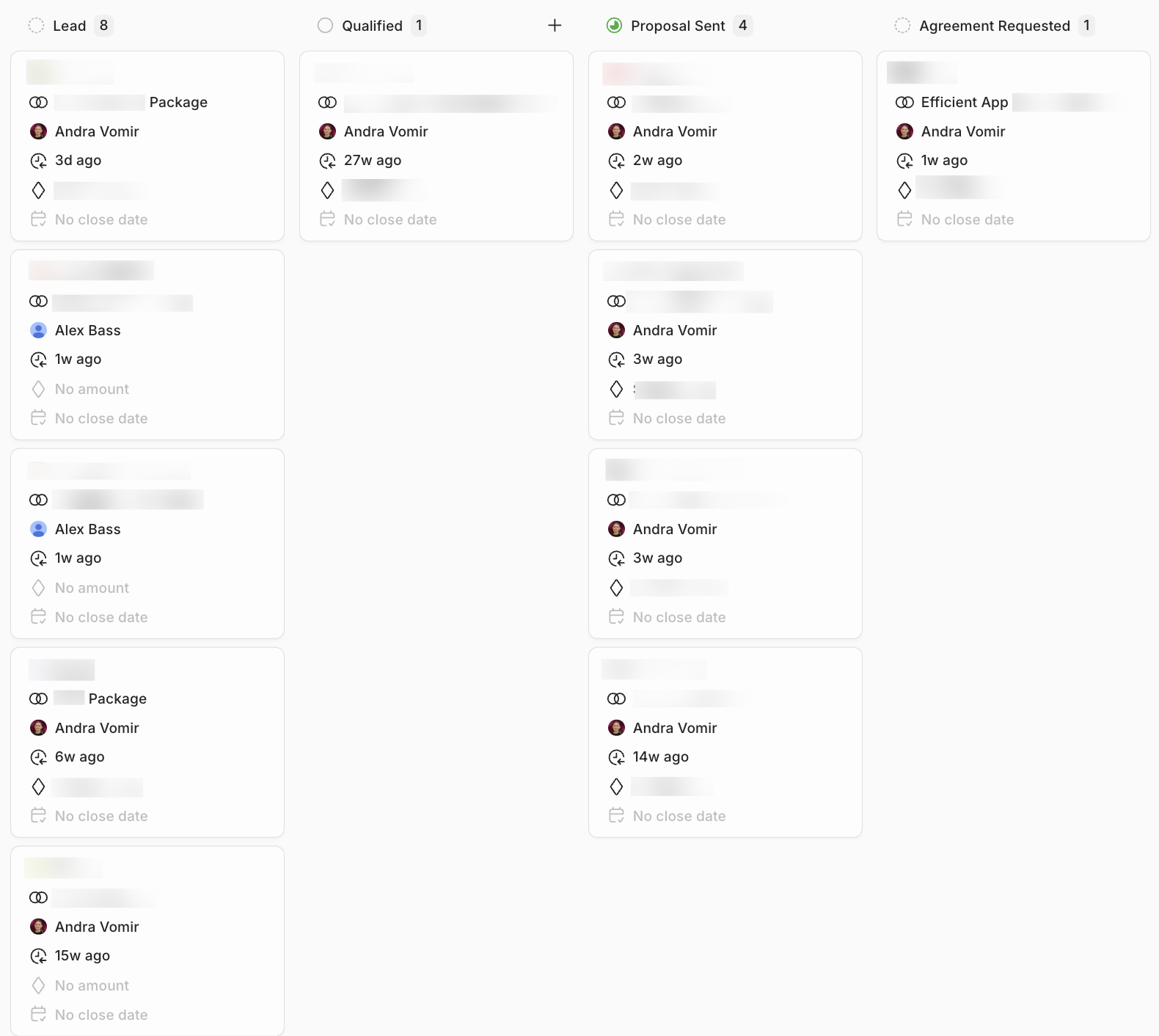
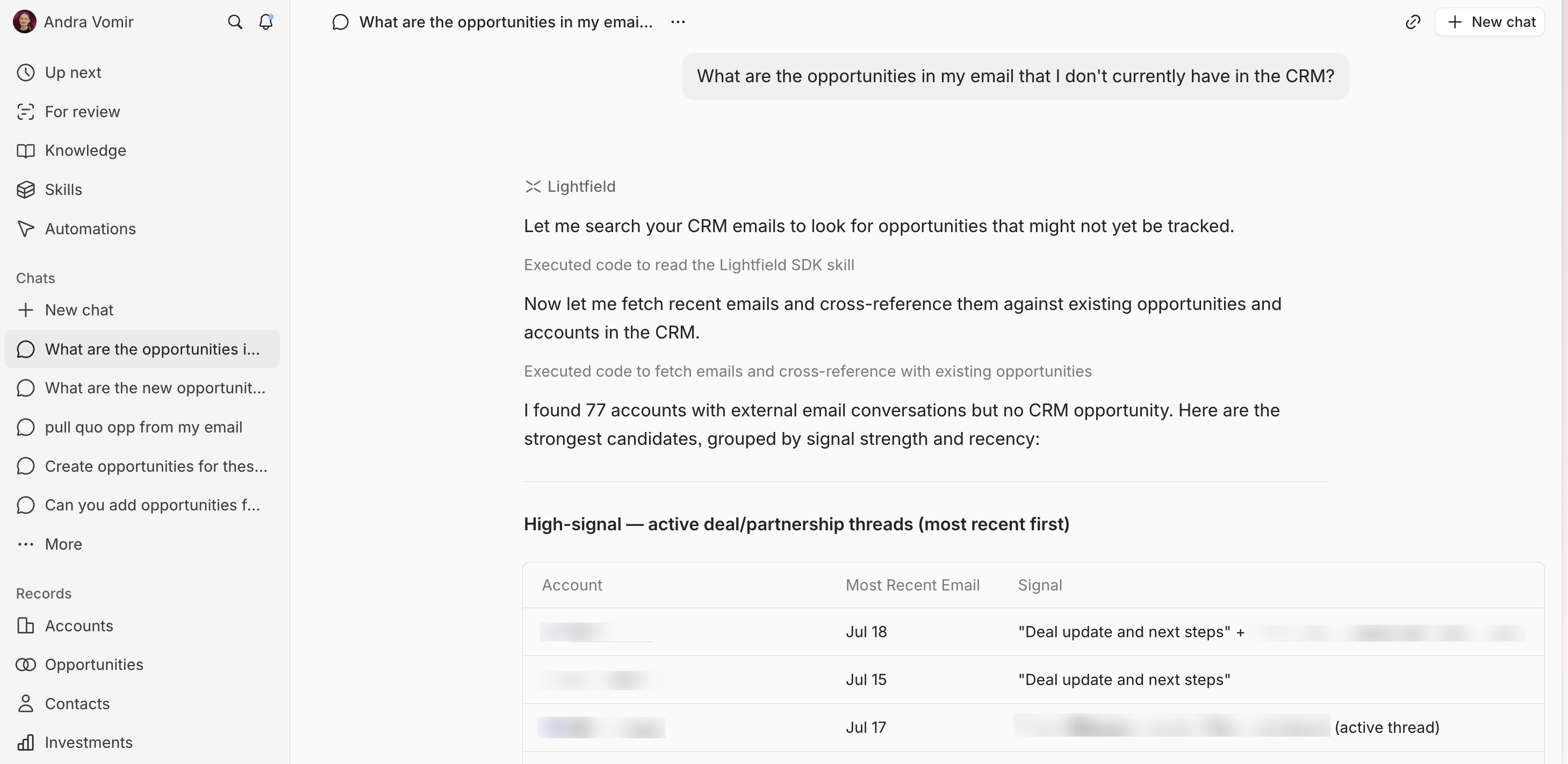
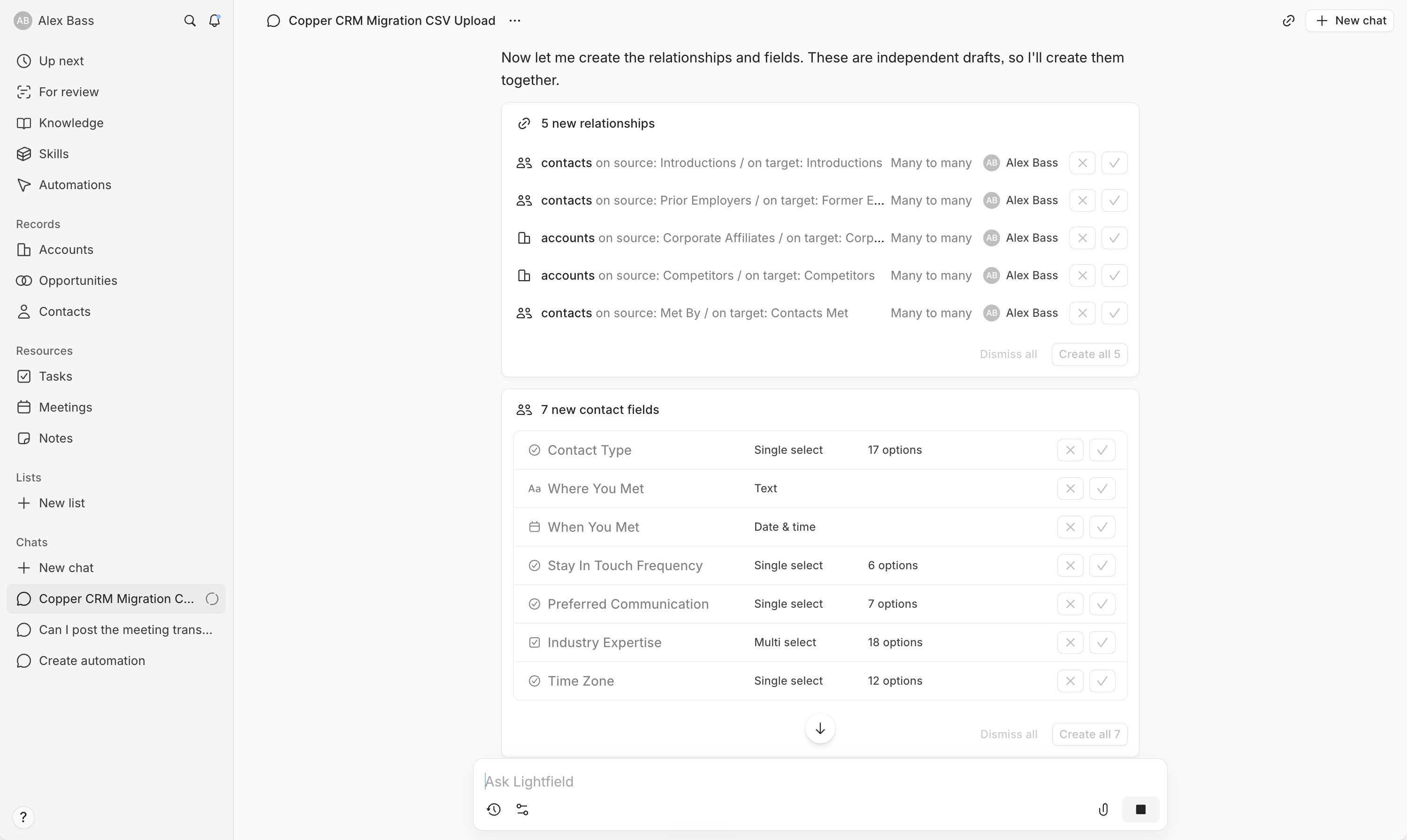
Lightfield