Comparison Summary
Comparison SummaryLightfield keeps your CRM automatically up-to-date like a shared company brain, while Close locks you into its autodialer and VoIP.
Only use Close if nonstop high-volume phone outreach is your team's main thing, otherwise pick Lightfield for everything else.
 LightfieldBest
Best AI CRM
Best AI CRM Close
CloseFor sales-focused cold outreach via VoIP
For sales-focused cold outreach via VoIP
At a Glance
At a GlanceEditor's Verdict
Editor's VerdictEase of Learning
Ease of LearningLightfield makes getting started almost effortless. You just chat with the AI, upload your old data, and the system guides you through everything without needing to learn a new interface or mess with workflow builders. Even tricky stuff like automations and integrations are handled by just describing what you want, so you never hit a wall or need to dig through docs.
Close is fine if you're already an outbound sales team and don't mind sticking to its built-in tools, but if you expect flexibility or want to use your own email and phone setup, the learning curve gets steeper fast. Some features feel unfinished, and you'll hit friction if you're not in their core sales audience.
If you want your team up and running in less than a day, Lightfield is the clear pick. It actually delivers on making setup fast and painless for any team, not just sales pros.
Workflow Presence
Workflow PresenceLightfield makes it effortless to stay in your team's existing workflows because you can build automations, update records, and even trigger tasks in other tools like Linear directly through its AI chat. Everything updates itself after calls or emails, so you barely have to do anything to keep things current. No need for extra workflow builders or bouncing between apps.
Close, on the other hand, forces you to use its own built-in tools for calling, SMS, and email. If your team prefers using other popular tools, you'll end up constantly switching back and forth, adding more admin work instead of less. There's no real integration with external apps, and even the mobile app isn't reliable.
If you want your CRM to actually show up where your team already works and reduce context switching, Lightfield is the clear pick. Close just doesn't fit if your team relies on other tools or wants a smoother workflow.
Team Adoption
Team AdoptionLightfield makes CRM adoption basically effortless. It automatically keeps records up to date by pulling from your team's existing tools like email, meetings, and Slack, and even lets you update everything from Slack with AI agents. This means nobody has to remember to log in and do tedious admin work, so your team actually keeps using it without nagging or extra effort.
Close, on the other hand, only works well for outbound sales teams that are ready to live entirely inside its platform. If your team wants flexibility, uses other communication tools, or expects a solid mobile experience, Close quickly feels restrictive and clunky. Most teams will end up frustrated or find ways around it, which kills long-term adoption.
If you want your whole team to actually use the CRM and keep it updated, Lightfield is the clear pick. Only go with Close if your team is fully committed to its specific workflow and doesn't mind giving up their preferred tools. Otherwise, Lightfield is miles ahead for team adoption.
AI Assistance
AI AssistanceLightfield operates on a completely different level for AI assistance. Everything from setup to daily workflows runs through AI chat, so you handle migrations, data mapping, and even complex automations just by talking to it. The AI acts more like a consultant, catching changes in your data, suggesting updates, and keeping everything fresh without you chasing your team or managing records manually. You get AI-driven task creation, meeting prep, and the ability to build workflows in plain language, all without technical setup.
Close, on the other hand, feels like it added AI just to say it has it. The features, call transcription, summaries, data enrichment, are basic and only save you a bit of manual work. They don't meaningfully reduce your workload or make the whole CRM feel smarter. You'd still need outside tools if you want truly advanced AI note-taking or automation.
If you actually want AI to save you time and handle the heavy lifting, Lightfield is miles ahead. Close's AI features are just there for convenience, but Lightfield is built around AI and does the work for you. There's no contest, go with Lightfield if real AI assistance matters.
Integrations
IntegrationsLightfield leaves Close in the dust when it comes to integrations. Lightfield actually connects your inbox, calendar, and Slack in a way that keeps your CRM up to date automatically, not just syncing data but acting on it and suggesting updates. You can hook in AI agents that update records or trigger actions live, even from Slack, and you never have to manage these connections yourself. Everything runs smoothly in the background and feels like it's built for real workflows.
Close, on the other hand, locks you into its own calling and SMS tools and won't let you use industry standards like Dialpad or Aircall. Email sync works, but it's basic and misses deeper features like attachment or calendar syncing that competitors offer. If your team wants to plug in best-in-class tools or customize your stack, Close just can't keep up and forces you into manual workarounds.
If seamless, valuable integrations matter at all to you, Lightfield is the only real choice here. Close is fine if you never want to leave its ecosystem, but the second you need flexibility or true workflow automation, it falls apart.
Screenshots
Screenshots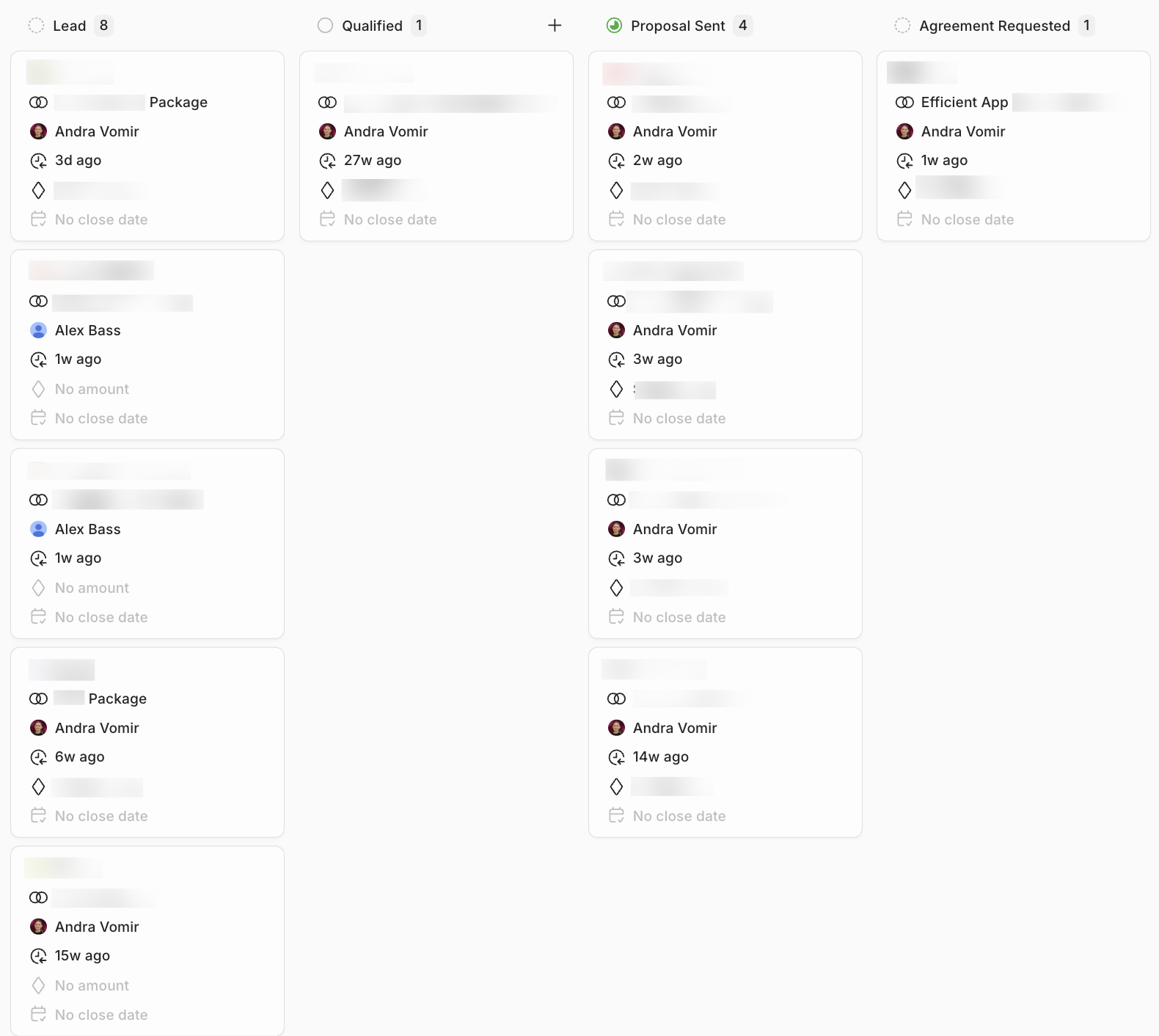
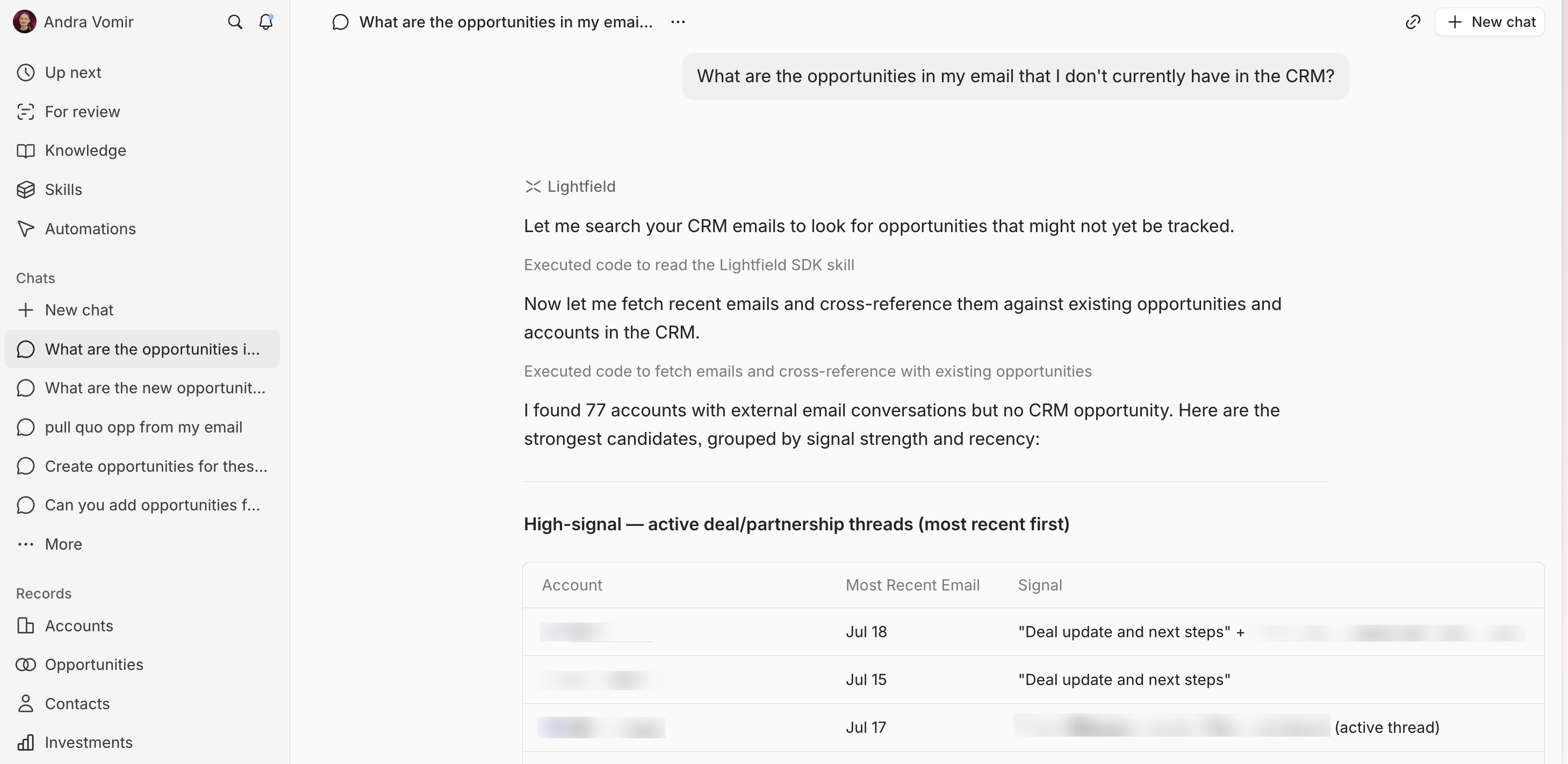
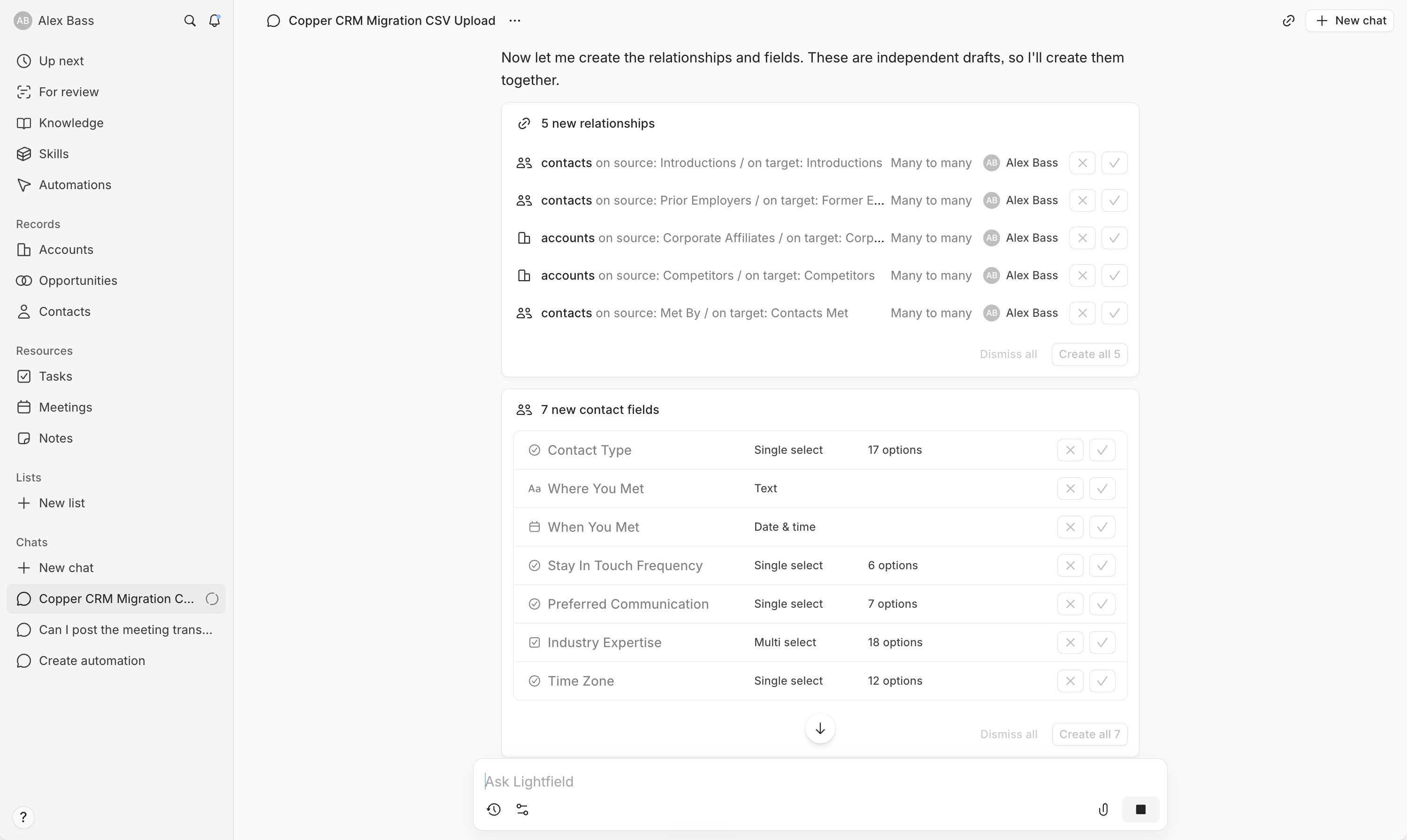
Lightfield