Comparison Summary
Comparison SummaryLightfield keeps your CRM up-to-date automatically so tracking the team's work never feels like a chore, while Attio still needs you to build workflows and feels less AI driven.
Only use Attio if you want to tinker and build things yourself; choose Lightfield if you want a CRM that just works and stays current on its own.
 LightfieldBest
Best AI CRM
Best AI CRM Attio
AttioFor teams who want a CRM that feels like Airtable
For teams who want a CRM that feels like Airtable
At a Glance
At a GlanceEditor's Verdict
Editor's VerdictEase of Learning
Ease of LearningLightfield is way easier to pick up. You can have your whole team using it the same day, no matter their background. Setup is just chatting with the AI, uploading a CSV, and answering a few questions. Even tricky stuff like automations gets handled by describing what you want, so you never hit a wall.
Attio, on the other hand, throws you into the deep end. You have to build everything from scratch, figure out workflows, and deal with tools that aren't friendly for beginners. If your team isn't technical, you'll get stuck fast and spend hours just trying to get started.
If you want a CRM your team can actually use right away, Lightfield is the obvious choice. Attio only makes sense if you have technical folks who love building systems from the ground up. For everyone else, skip the headache and go with Lightfield.
Workflow Presence
Workflow PresenceLightfield makes workflow presence basically effortless. You set up everything through its AI chat, so automations, task creation, and onboarding just happen without fiddling with workflow builders or Zapier. It even keeps itself updated after calls and emails, so you barely have to touch it to stay in sync with your team's work.
Attio, on the other hand, gives technical teams a lot of flexibility, but only if they're comfortable building out workflows themselves. If you're not already into tools like Zapier, you'll probably feel lost. Attio does let you handle some to-dos and sales emails in-app, but most communication still happens elsewhere, so you'll end up switching between tools.
If you want a CRM that just fits into your day and keeps admin to a minimum, Lightfield is the clear choice. Only pick Attio if your team is technical and actually wants to build everything from scratch. For most teams, Lightfield just shows up where you work without the hassle.
Team Adoption
Team AdoptionLightfield stands out because it removes almost all the friction that usually kills team adoption. It automatically pulls updates from your team's existing tools like email and Slack, creates tasks and follow-ups for you, and even lets AI agents handle CRM updates directly from Slack. This means people don't have to remember to update the CRM, which keeps everything current without nagging or extra admin work.
Attio, on the other hand, only works smoothly if your whole team is made up of technical founders or operators who actually enjoy building out workflows and tinkering with systems. For everyone else, the setup and ongoing use quickly become overwhelming. Teams without technical enthusiasts end up struggling to get buy-in, and adoption often falls apart unless someone keeps pushing people to use it.
If your team likes things to "just work" and hates manual admin, Lightfield is the obvious pick for team adoption. Attio only makes sense if you've got a group of technical power users who love customizing everything and don't mind a steeper learning curve. For most teams, Lightfield is going to be way easier to get everyone using (and actually keeping up to date).
AI Assistance
AI AssistanceLightfield is in a completely different league from Attio when it comes to AI assistance. Every layer of Lightfield is built around AI, from setup to daily use. You configure the whole CRM through chat, and the AI acts like a consultant, handling migrations, mapping data, asking smart questions, and saving you from weeks of manual work. It keeps records fresh by actively monitoring your communications, flags updates for approval, creates tasks automatically, and even lets you build complex automations just by describing what you want.
Attio's AI features are helpful for auto-filling fields and surfacing contacts that need attention, but it's not designed around AI. It can't set itself up or consult you through the process. The review makes it clear: Attio is not an AI-first CRM, while Lightfield is the only one that actually is.
If saving time with genuinely useful AI is what matters to you, pick Lightfield without hesitation. Attio's AI will help a bit, but Lightfield takes over all the heavy lifting and keeps things updated on its own. No contest here.
Integrations
IntegrationsLightfield's integrations aren't just connections, they actually pull in context from your inbox, calendar, and Slack, keep your CRM updated automatically, and let AI agents work with your data live, even in the middle of a chat. You don't have to mess with complicated setup or babysit anything. Everything runs in the background, and even when a setup needs Lightfield's help, they handle it for you fast.
Attio lets you build advanced workflows if you're comfortable with automation tools like Zapier or Airtable, but if you're not already technical, the setup feels heavy and intimidating. It's flexible, but you have to put in the work and know-how to get real value from integrations.
If you want integrations that actually add value and work smoothly without a lot of babysitting or technical setup, Lightfield is the clear pick. Only go with Attio if you love building automations and want total control, but for most people, Lightfield just works better out of the box.
Screenshots
Screenshots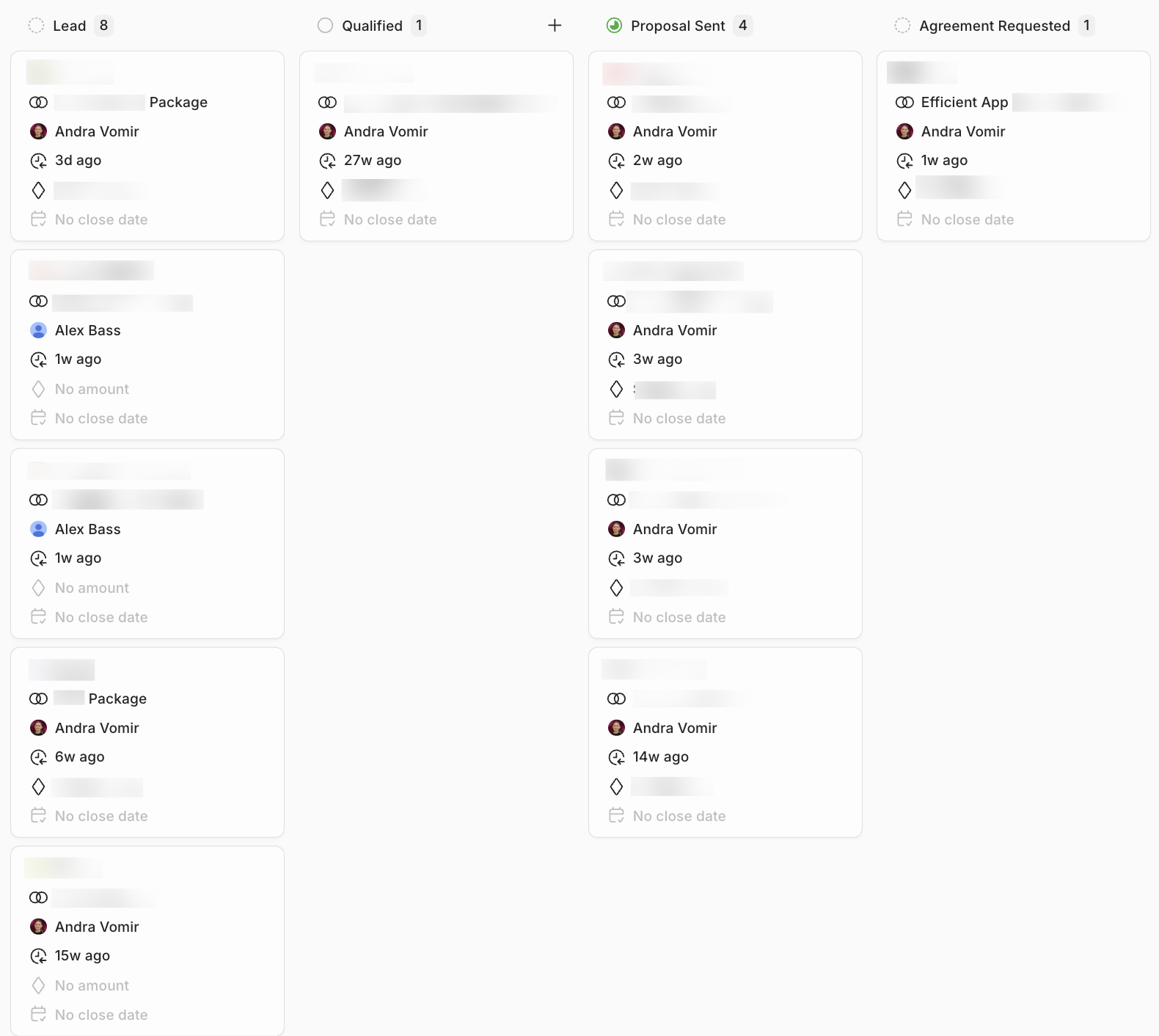
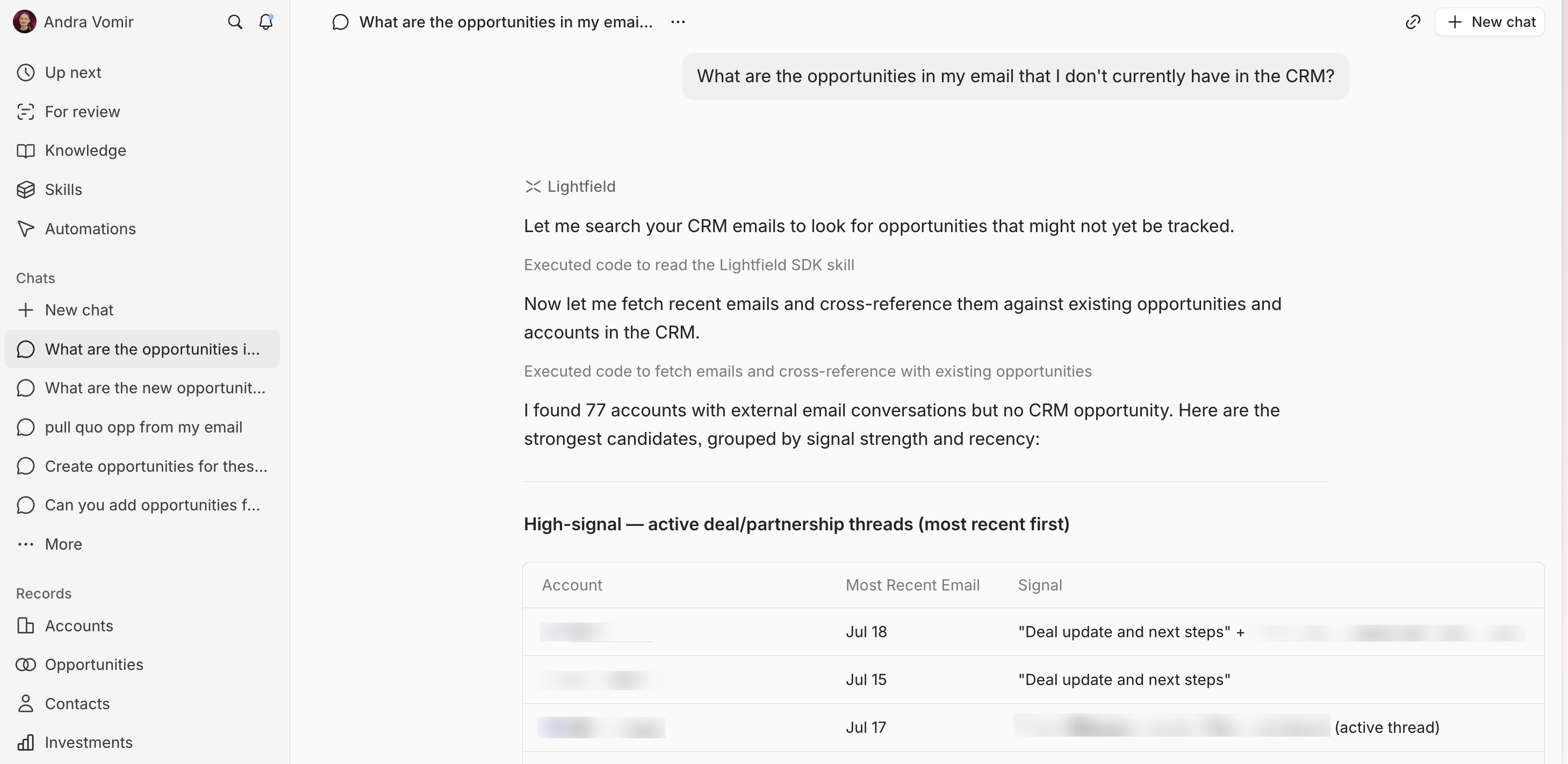
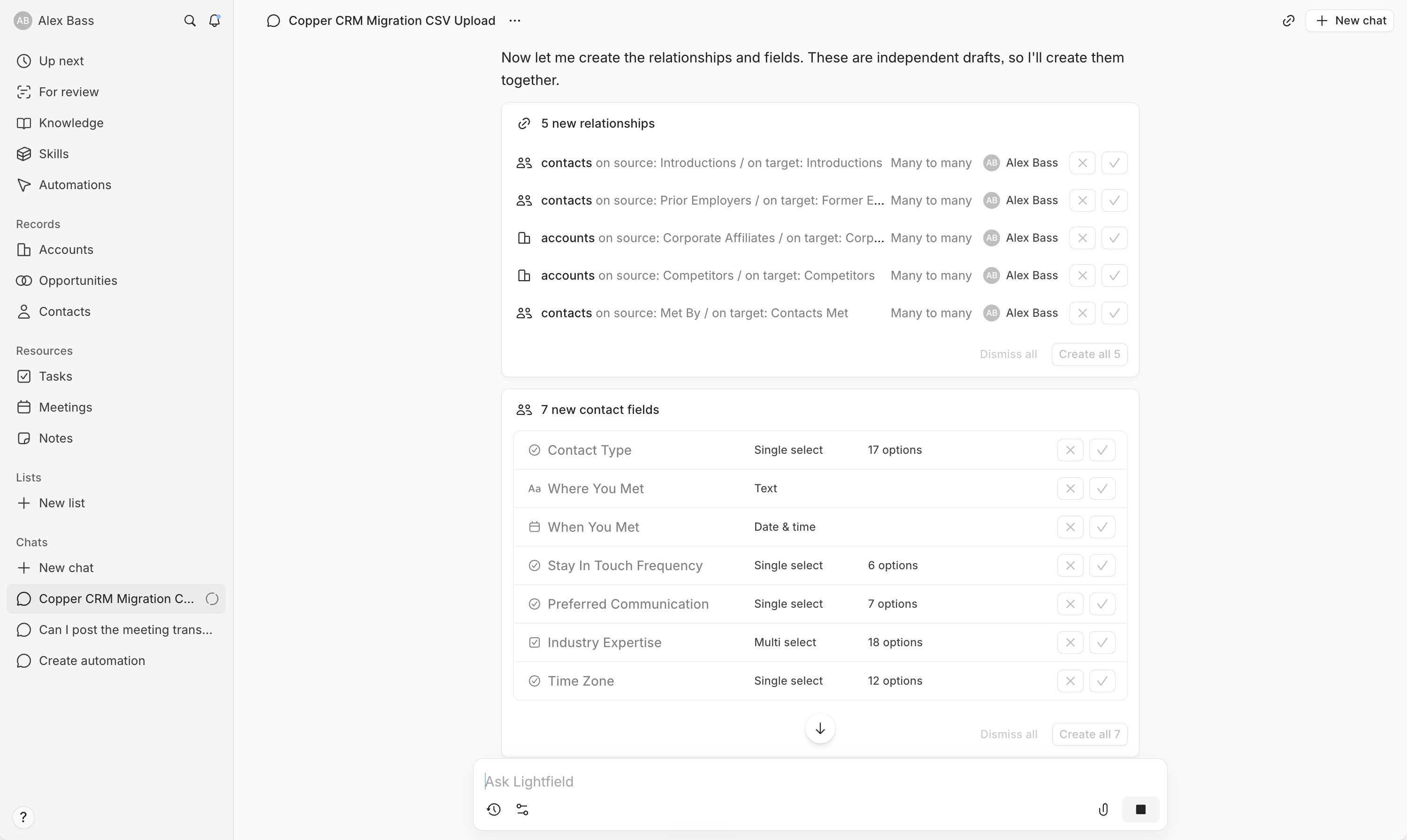
Lightfield