Comparison Summary
Comparison SummaryLightfield keeps your CRM up-to-date automatically so you never feel like maintaining it is a full-time job, while Airtable should not be used for CRM at all.
Only use Airtable if you want a flexible database to replace spreadsheets, but choose Lightfield if you need a CRM that manages itself.
 LightfieldBest
Best AI CRM
Best AI CRM Airtable
Barebones relational contact management
Barebones relational contact management
At a Glance
At a GlanceComparison Video
Comparison VideoI tried every CRM. Here are the worst (and best). *not sponsored*
I tried every CRM. Here are the worst (and best). *not sponsored* 11:29
11:29I tried every CRM. Here are the worst (and best). *not sponsored*
I tried every CRM. Here are the worst (and best). *not sponsored*Editor's Verdict
Editor's VerdictEase of Learning
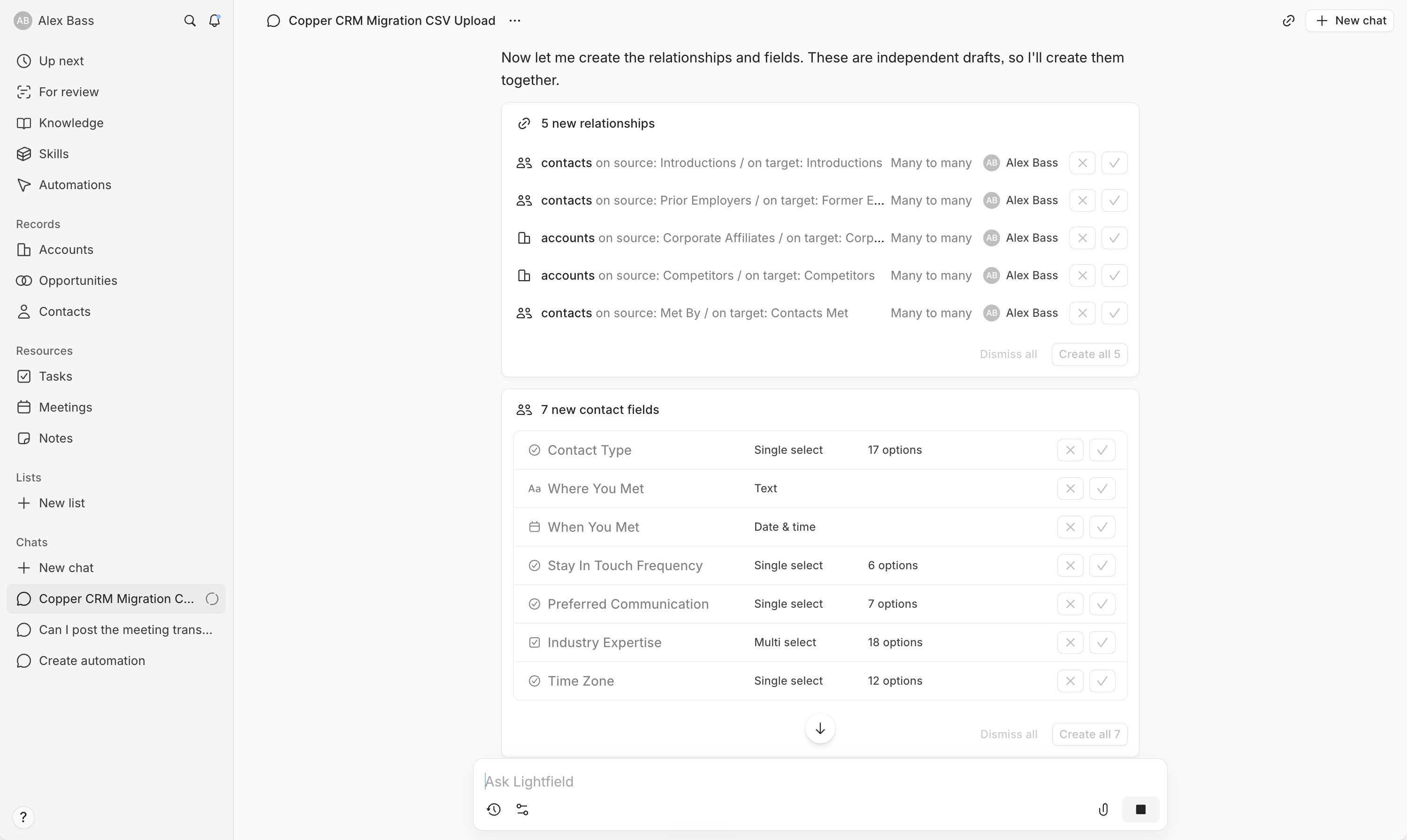
Ease of LearningLightfield is on a completely different level for ease of learning. You can get your whole team running in a single evening, even if you're switching from years on another CRM. The setup is all chat-based, so you don't need to mess with workflow builders, technical details, or spend hours mapping fields. The AI acts like a built-in consultant, handling everything from migration to automations just by having a conversation with you.
Airtable, on the other hand, throws up a lot of hurdles before you can even start. You have to figure out how to structure your CRM from scratch, and knowing when and how to use it is a project in itself. Without the right guidance, you'll hit roadblocks and definitely won't be up and running in less than a day.
If you want your team using a CRM right away without headaches, Lightfield is the only real choice here. Airtable just makes it too complicated and slow.
Workflow Presence
Workflow PresenceLightfield absolutely crushes it on workflow presence. Everything from automations to onboarding happens right inside its AI chat, so your team doesn't have to bounce between tools or mess with integrations. Tasks, tickets, meeting notes, and updates just show up in the right place after calls or emails, no setup needed.
Airtable, on the other hand, only fits naturally if your team already lives in spreadsheets. Even then, it's more like a background database than a true workspace for sales or customer management. You end up patching together workflows or relying on integrations, and it never really feels like home base.
If you want your CRM to actually meet your team where they work and cut out context switching, Lightfield is the clear choice. Airtable can't match how seamlessly Lightfield handles this.
Team Adoption
Team AdoptionLightfield makes team adoption almost effortless because it automatically keeps itself up to date by pulling in info from your emails, meetings, and Slack. Your team doesn't have to remember to log updates or do admin work, so records stay current without nagging. You can even use AI agents to update the CRM right from Slack, making it easy for AI-first teams to stay engaged with zero friction.
Airtable, on the other hand, is so flexible as a CRM that it actually works against you. Teams spend too much time figuring out if they're using it the right way, constantly tweaking the structure, and handling manual setup. The review flat out says your team is unlikely to stick with it unless you provide a lot of guidance, and even then, it's not recommended for adoption.
If you want your team to actually use and keep using a CRM, Lightfield is the obvious choice. Airtable just creates confusion and extra work.
AI Assistance
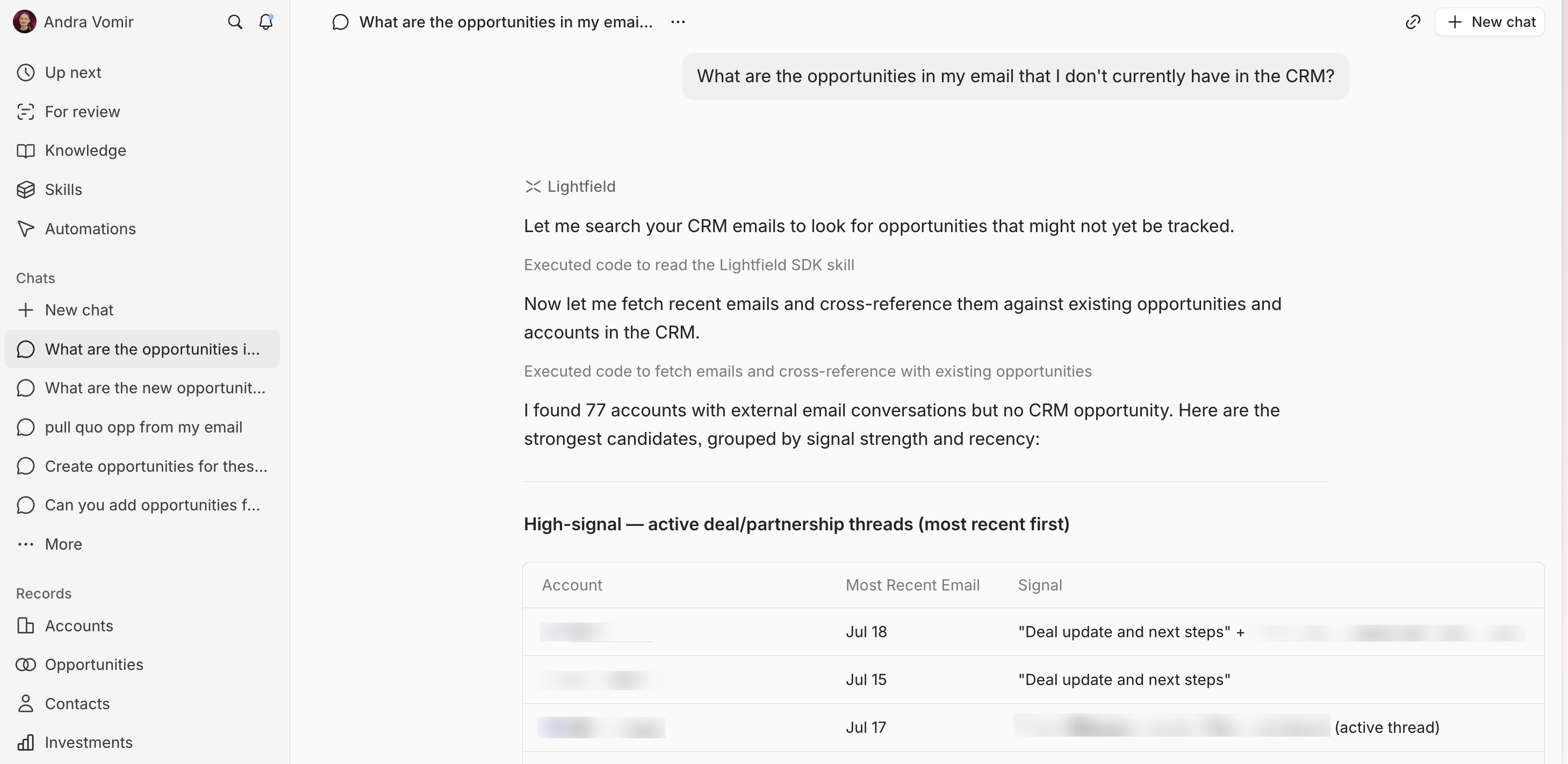
AI AssistanceLightfield isn't just tossing in an AI feature here or there, it runs everything through AI, from setup and data migration to daily updates and workflow building. You can describe what you want in chat, and it actually builds automations for you, even handling complex migrations and field mapping in minutes. It keeps your CRM data fresh by watching emails and Slack for changes, flags updates, and creates tasks automatically. You barely touch anything manual.
Airtable, on the other hand, has zero genuinely useful AI for CRM. You're still doing all the heavy lifting yourself, from setting up records to keeping workflows updated. You get flexibility if you want to build your own automations, but nothing here will actually save you time with AI.
If you want a CRM that truly saves you time with AI, Lightfield is the only real choice. Airtable just doesn't compete on this front.
Integrations
IntegrationsLightfield stands out by making integrations not just seamless, but actually proactive. It pulls real context from your inbox, calendar, and Slack, automatically updates your CRM, and lets AI agents act on live data without you lifting a finger. You can even set up automations directly through chat, skipping clunky builders, and the team handles backend tweaks fast if something isn't fully native yet.
Airtable is rock solid if you want flexibility and reliability. Its API can handle almost anything, and you can swap out forms or sheets without breaking your workflow. Integrations "just work" and you don't have to babysit them, but the focus is on making sure your data flows smoothly between tools, not on automating CRM actions or surfacing insights for you.
If you want integrations that do more than sync data, actually keeping your CRM up to date and letting AI agents take real action, Lightfield is the clear pick. Airtable is still great for flexible, dependable connections, but Lightfield goes further by making integrations drive your workflow, not just support it.
Screenshots
Screenshots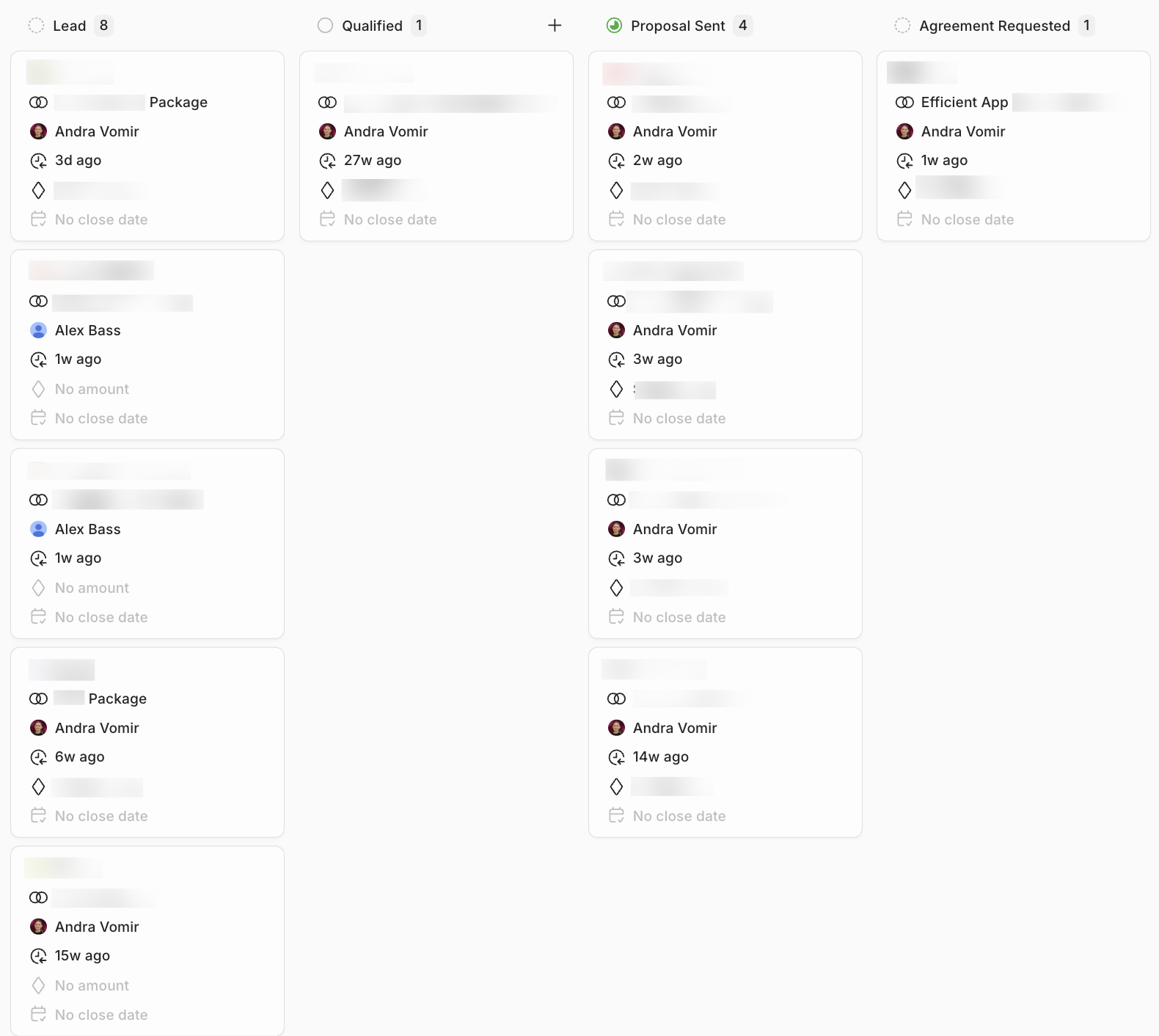
Lightfield