Comparison Summary
Comparison SummarySuperhuman Mail moves through email way faster and is actively supported, while Tatem is minimal but no longer being developed.
Only use Tatem if you absolutely have to, but pick Superhuman Mail for a much smoother and more reliable experience.
 Superhuman MailBest
Best for power users
Best for power users Tatem
TatemLimited online presence, current development status is unclear
Limited online presence, current development status is unclear
At a Glance
At a GlanceEditor's Verdict
Editor's VerdictPurposeful Design
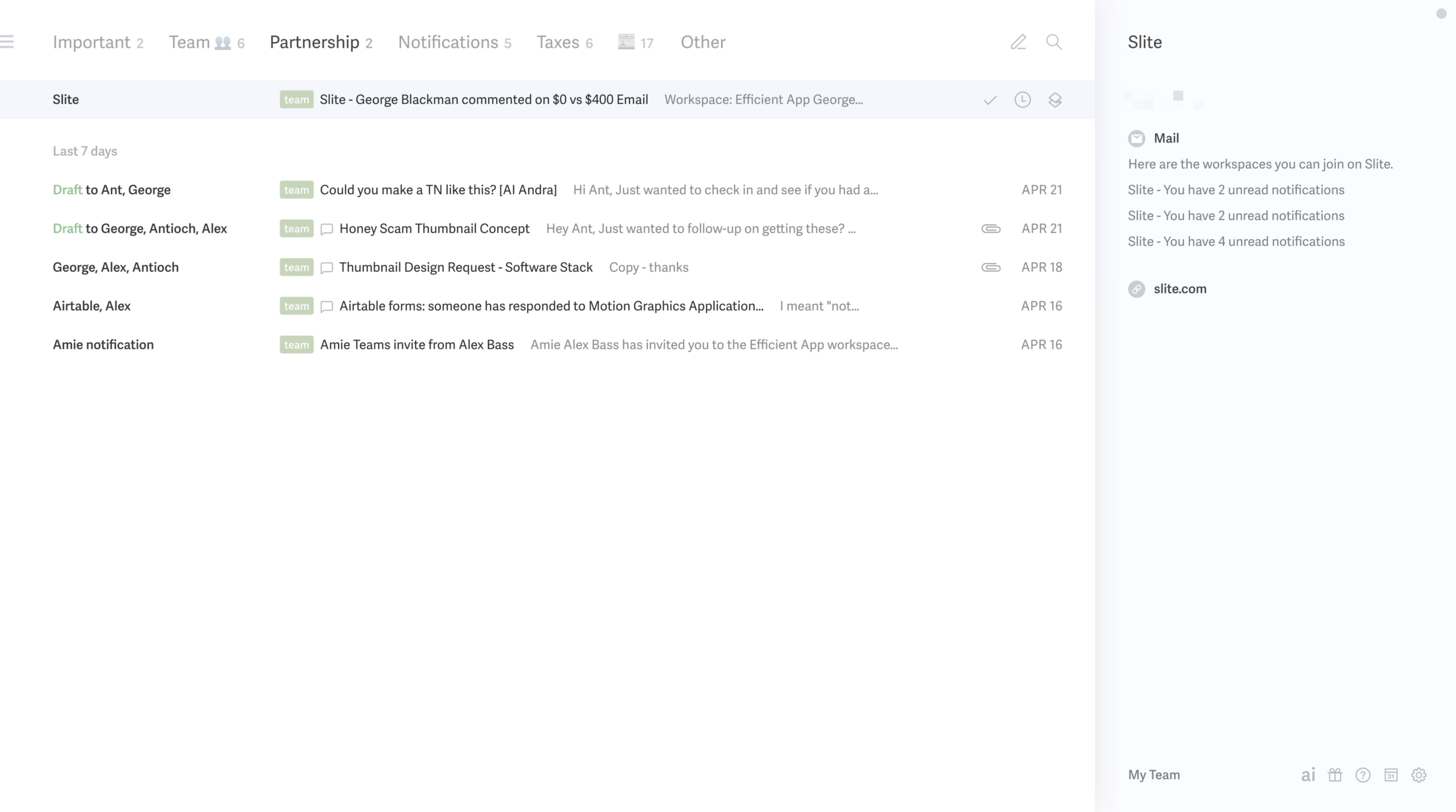
Purposeful DesignSuperhuman Mail is built to keep you laser focused. Its whole triage setup is about segmenting your inbox into custom mini inboxes, so you always know where to focus and what can wait. There's zero clutter, and the design stays out of your way whether you're at your desk or on your phone. The review calls it the only tool that actually protects your attention, which says a lot if staying on task is your top priority.
Tatem also gives you a clean, distraction-free inbox. It's stripped down, loads fast, and lets you process emails quickly without getting pulled off track. Inbox splits and keyboard shortcuts help you batch and move faster, but you don't get much control or customization beyond the basics. If your needs are simple, Tatem keeps you moving, but you'll hit limits if you want to fine-tune how you triage.
If you care most about never getting sidetracked and want real control over where your focus goes, Superhuman Mail is the clear choice. Tatem will work if you just want minimalism and speed, but Superhuman Mail is on another level for purposeful triage.
Speed & Productivity
Speed & ProductivitySuperhuman Mail absolutely flies when it comes to speed and productivity. Everything is built around keyboard shortcuts, and you can do just about anything without touching the mouse. Switching inbox views, snoozing, scheduling with natural language, smart send times, and even advanced snippet analytics all happen instantly and keep you in the zone. The inline reply flow is slick and saves real time, and offline mode works so well you barely notice if you lose connection.
Tatem is fast and distraction-free, with a clean interface that helps you move through basic email actions quickly. You get keyboard shortcuts, but they're simple and don't offer much depth. There's no advanced quick-reply or automation, so you're getting a bare-bones experience designed for straightforward needs.
If you just want something minimalist and quick for basic email, Tatem does the job. But if speed and productivity are your top priorities, Superhuman Mail isn't just faster, it's on another level with thoughtful features that keep you moving and never break your flow. No contest here: Superhuman Mail is the one to pick if you care about speed and getting more done.
AI Assistance
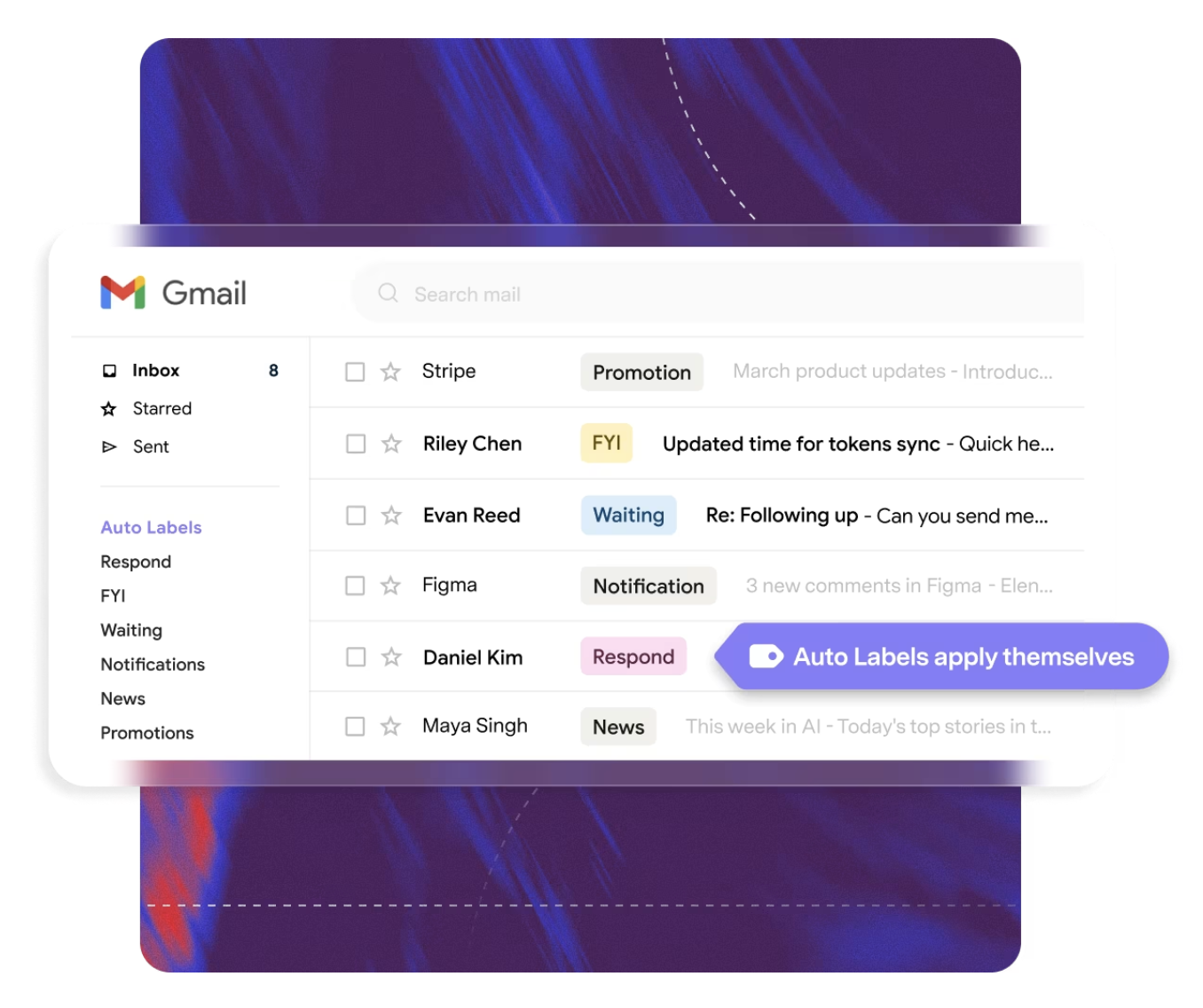
AI AssistanceSuperhuman Mail absolutely runs circles around Tatem when it comes to AI Assistance. Superhuman writes emails in your own tone without setup, organizes everything with auto-labels you can tweak on the fly, and even auto-archives clutter so you barely have to touch your inbox. You just prompt and it handles the rest, saving you serious time and effort.
Tatem, on the other hand, doesn't do any of this. No AI help writing or sorting. You're left drafting and organizing every email by hand, so you miss out on all the time savings and smart automation that Superhuman pulls off.
If you want your email app to actually save you time and handle the busywork, Superhuman is the only real choice here. Tatem just isn't built for it.
Follow-Up
Follow-UpSuperhuman Mail absolutely crushes Tatem when it comes to follow-up. With Superhuman, you get instant read receipts so you know exactly when someone opens your email, plus AI-powered auto-drafts that actually write your follow-up replies in your own tone. That means you barely need to think about tracking or remembering who to nudge next.
Tatem, on the other hand, doesn't offer any smart follow-up features at all. You're stuck remembering everything yourself, which makes it way too easy to drop the ball or miss a reply.
If you care about not missing opportunities and want follow-ups handled fast and intelligently, Superhuman Mail is the only real choice here. Tatem just can't keep up.
Team Collaboration
Team CollaborationIf you care about team collaboration in your inbox, Superhuman Mail completely outclasses Tatem here. Superhuman Mail lets you comment, share drafts, and even pull in people outside your team for feedback, which is a lifesaver when working with contractors or anyone not already in your system. You get real-time visibility into who's read what and who's replying, so you don't step on each other's toes or waste time chasing updates. It even ties in directly with popular CRMs.
Tatem, on the other hand, gives you nothing for collaboration. You're stuck doing everything manually outside the app, which makes it a non-starter for any workflow where you need to work with others in your inbox.
If you need to collaborate with a team, Superhuman Mail is the only real option between these two. There's no contest.
Screenshots
Screenshots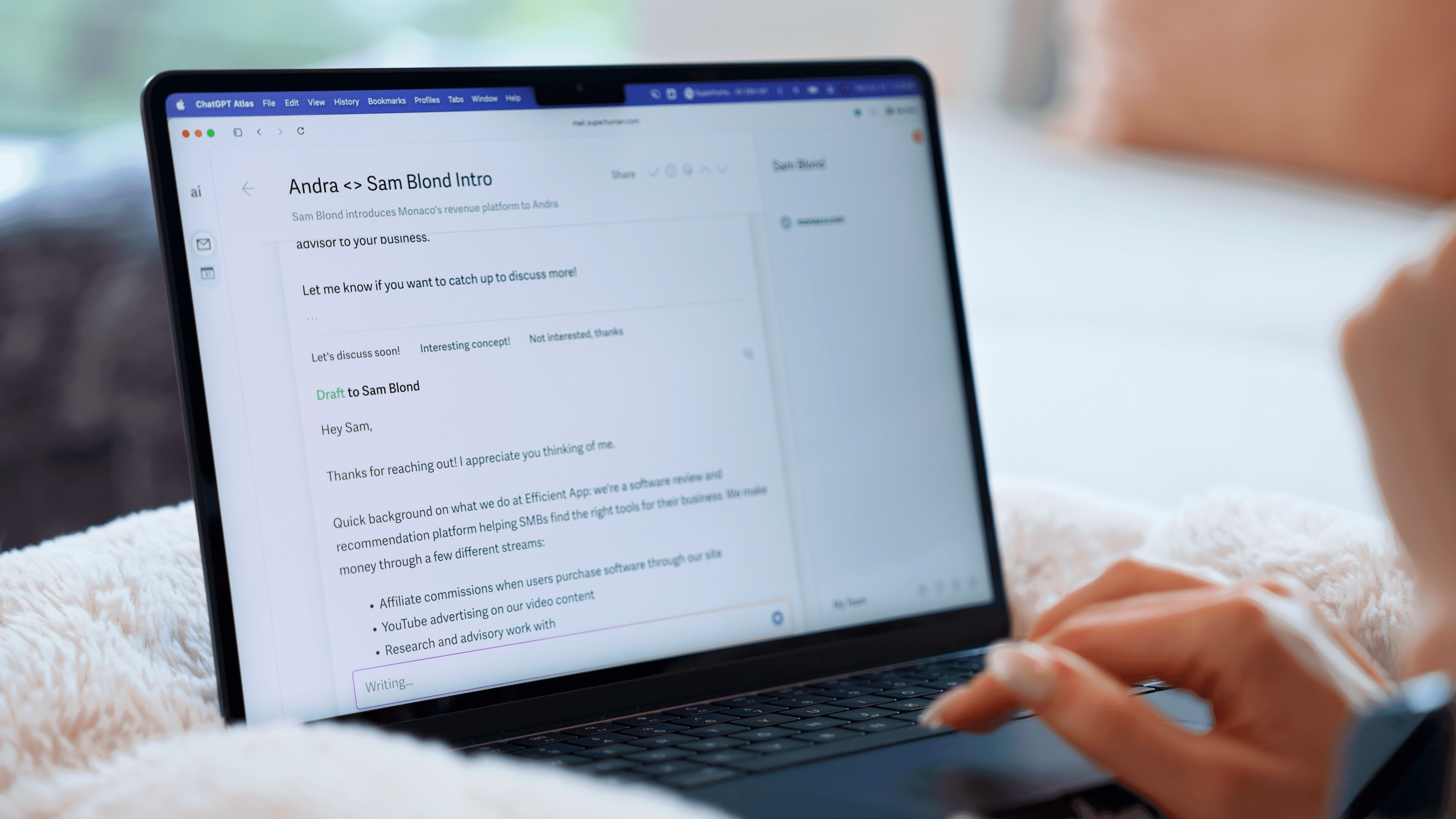
Superhuman Mail