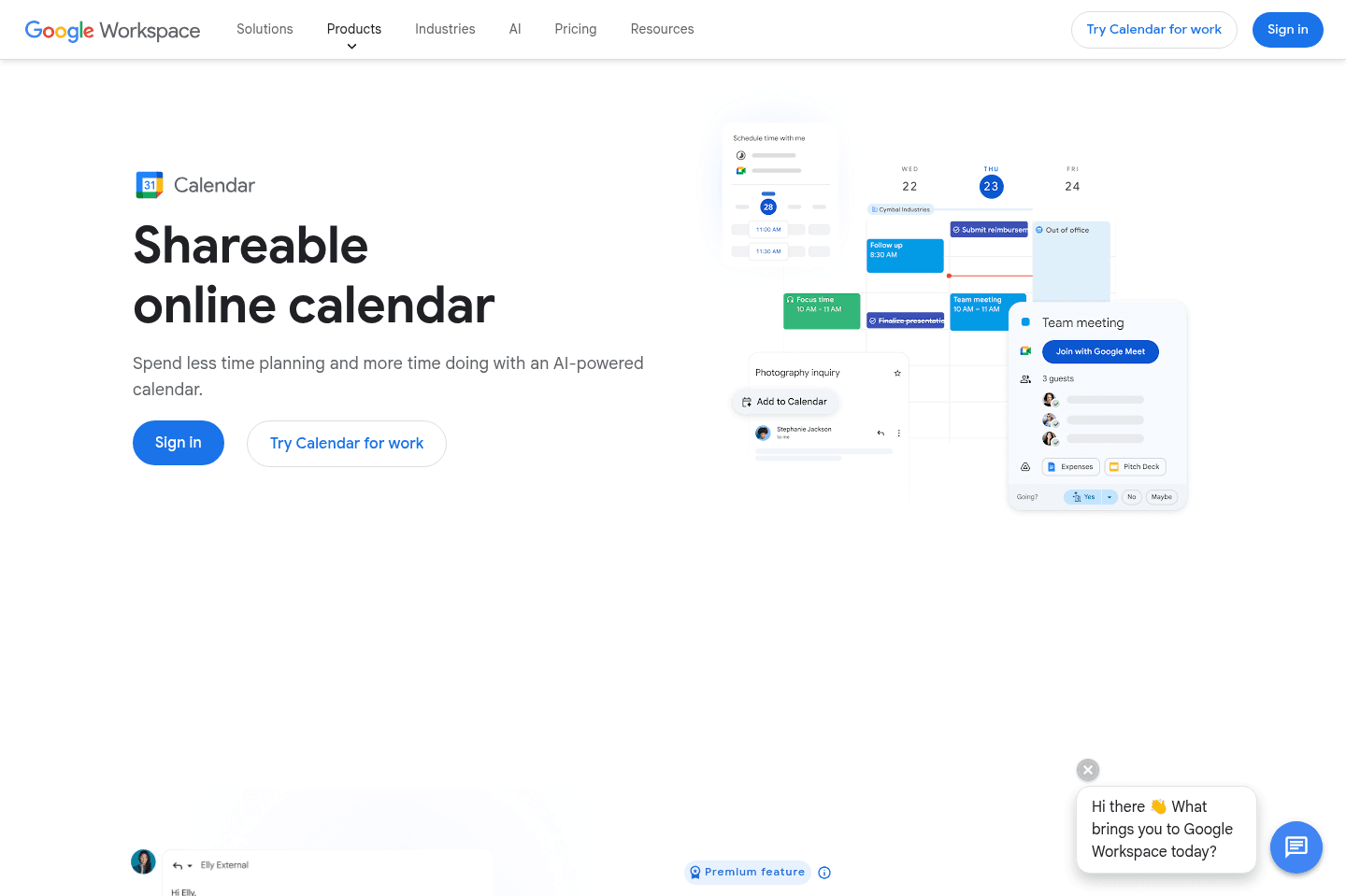












When it comes to calendar apps, the first question is what are you actually missing? You're probably using Google Calendar or Outlook, but since you landed on this page, you're looking for something more.
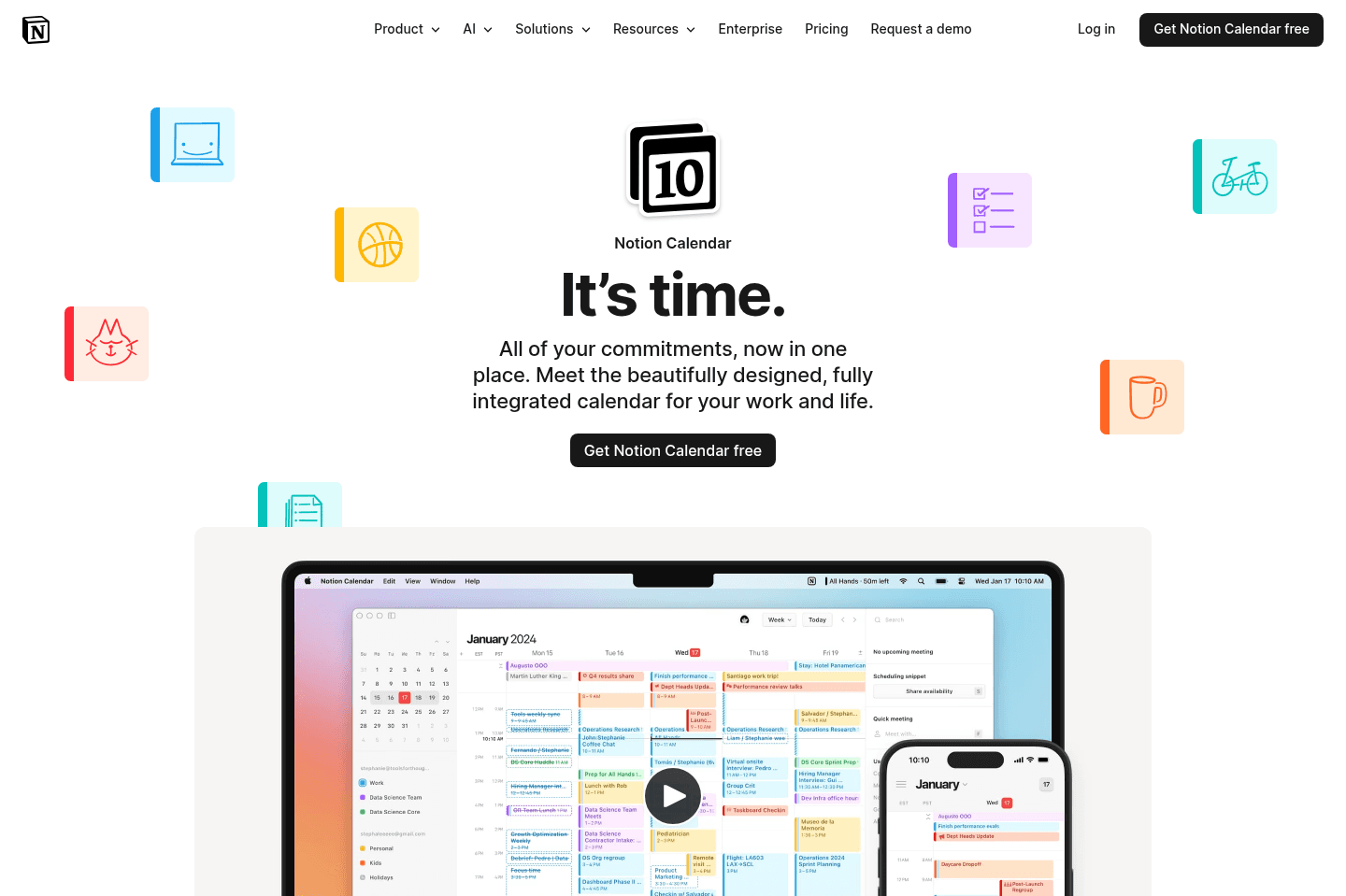
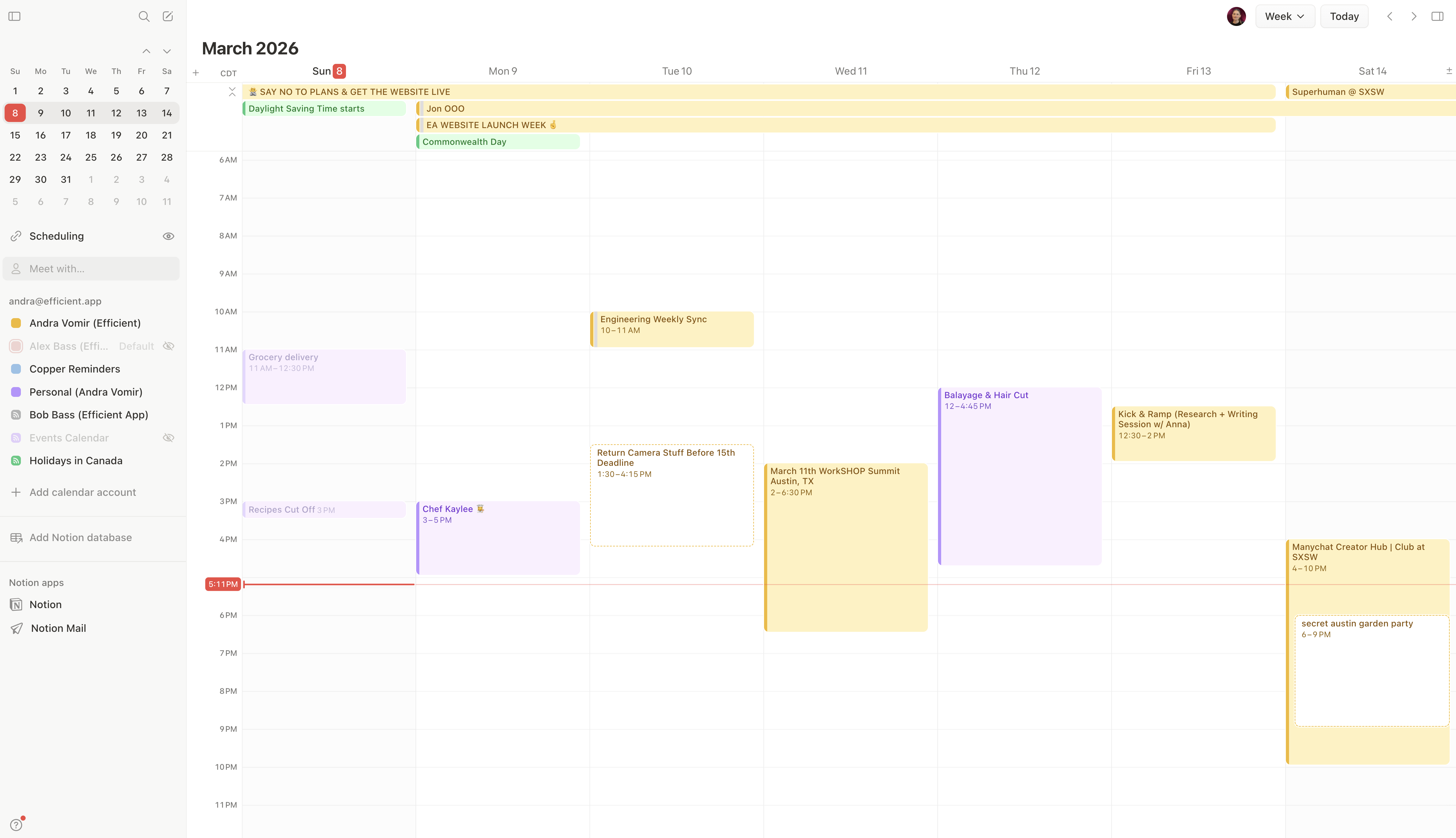
The first upgrade you may be considering is just a more beautifully designed calendar with a better user experience. That's where we recommend Notion Calendar.
With Notion Calendar, you're getting the same features as you'd expect from your basic calendar, but with a more intentional design. It's minimal and less cluttered. I have it pinned in my browser just because it's pretty to look at when I need to.
It's also free, so it's a no-brainer if aesthetics matter to you. They really do matter to me. When a tool has too many buttons, things start feeling clunky, and I notice I get this low-grade internal frustration!
AI Calendar App
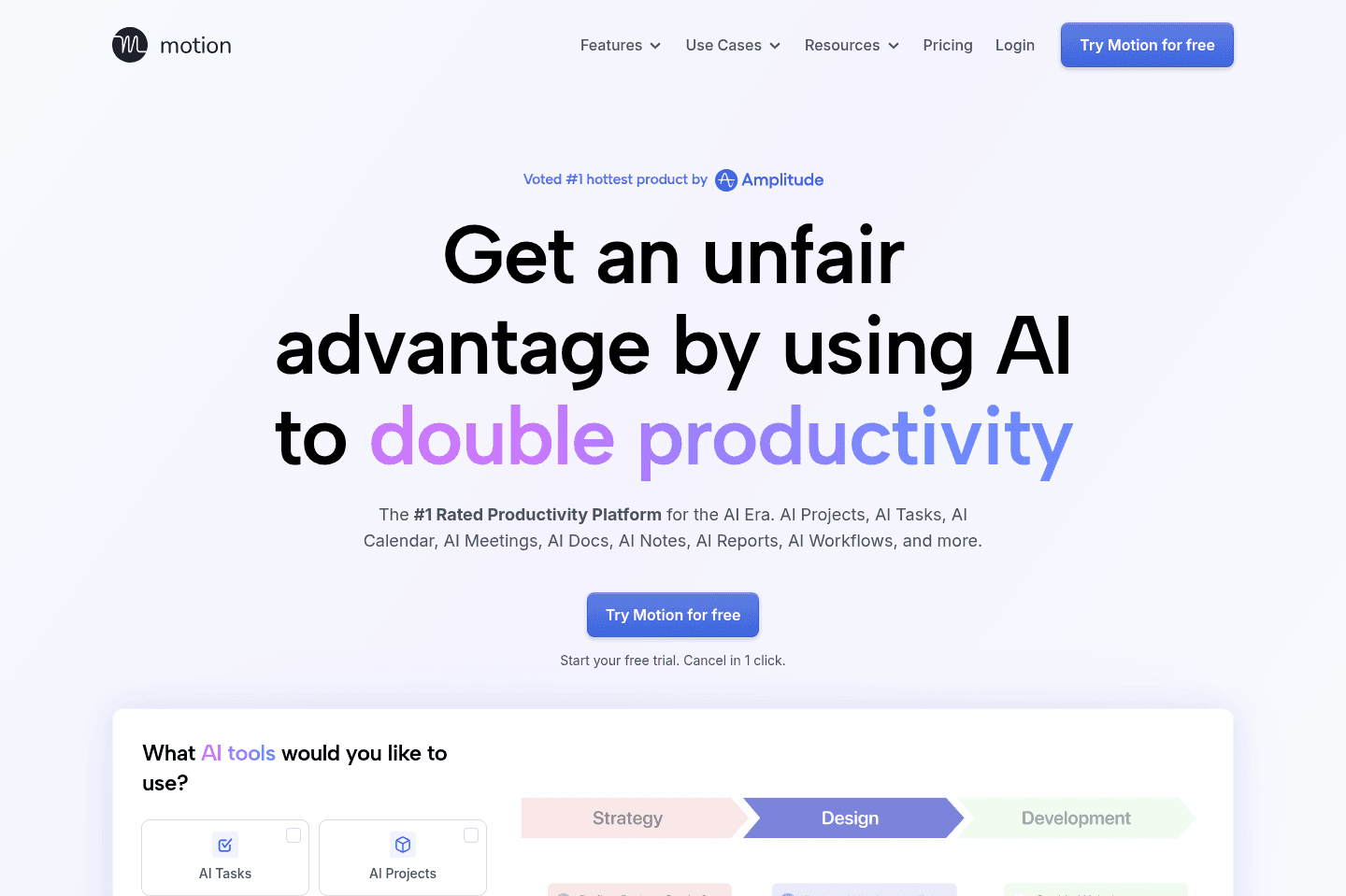
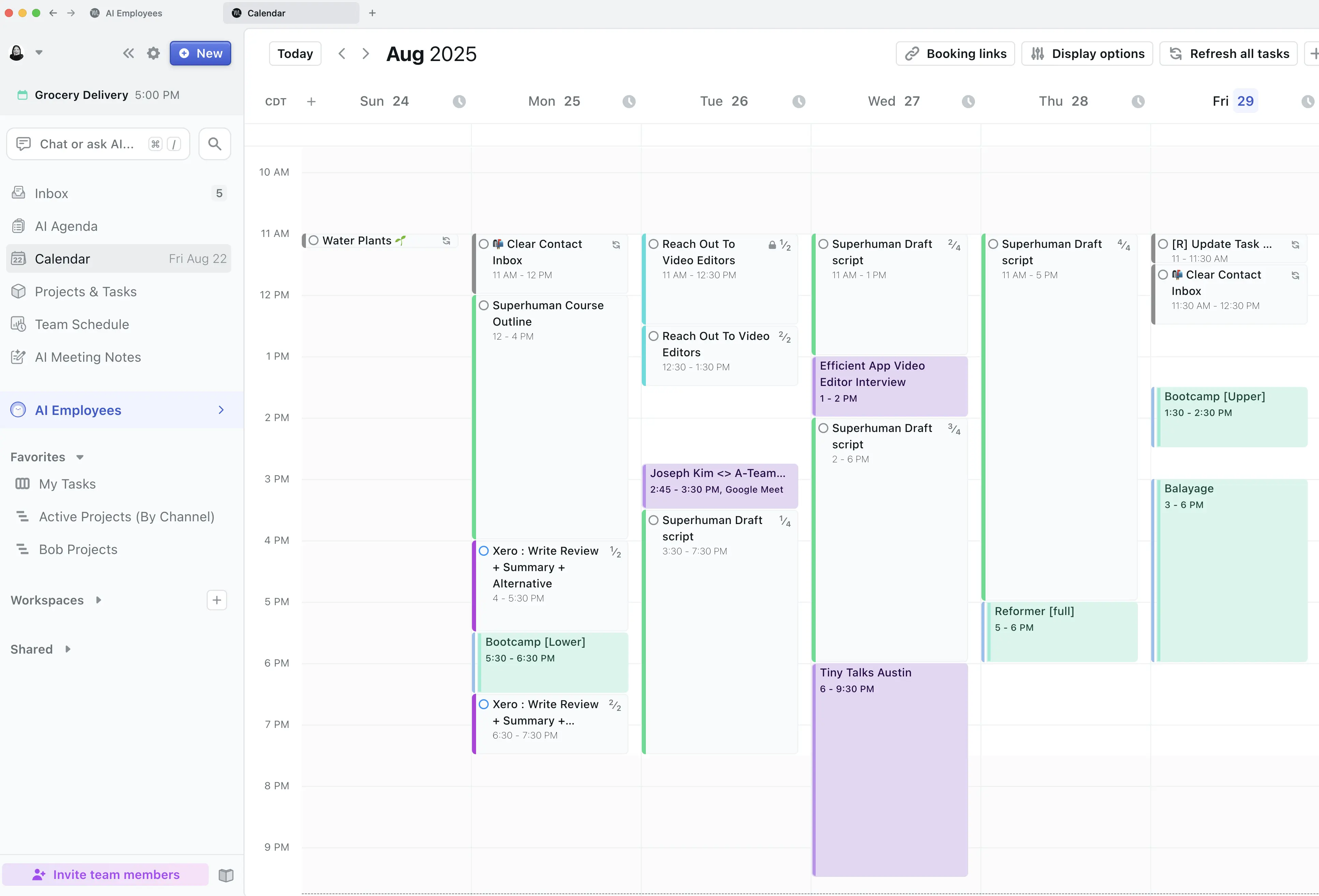
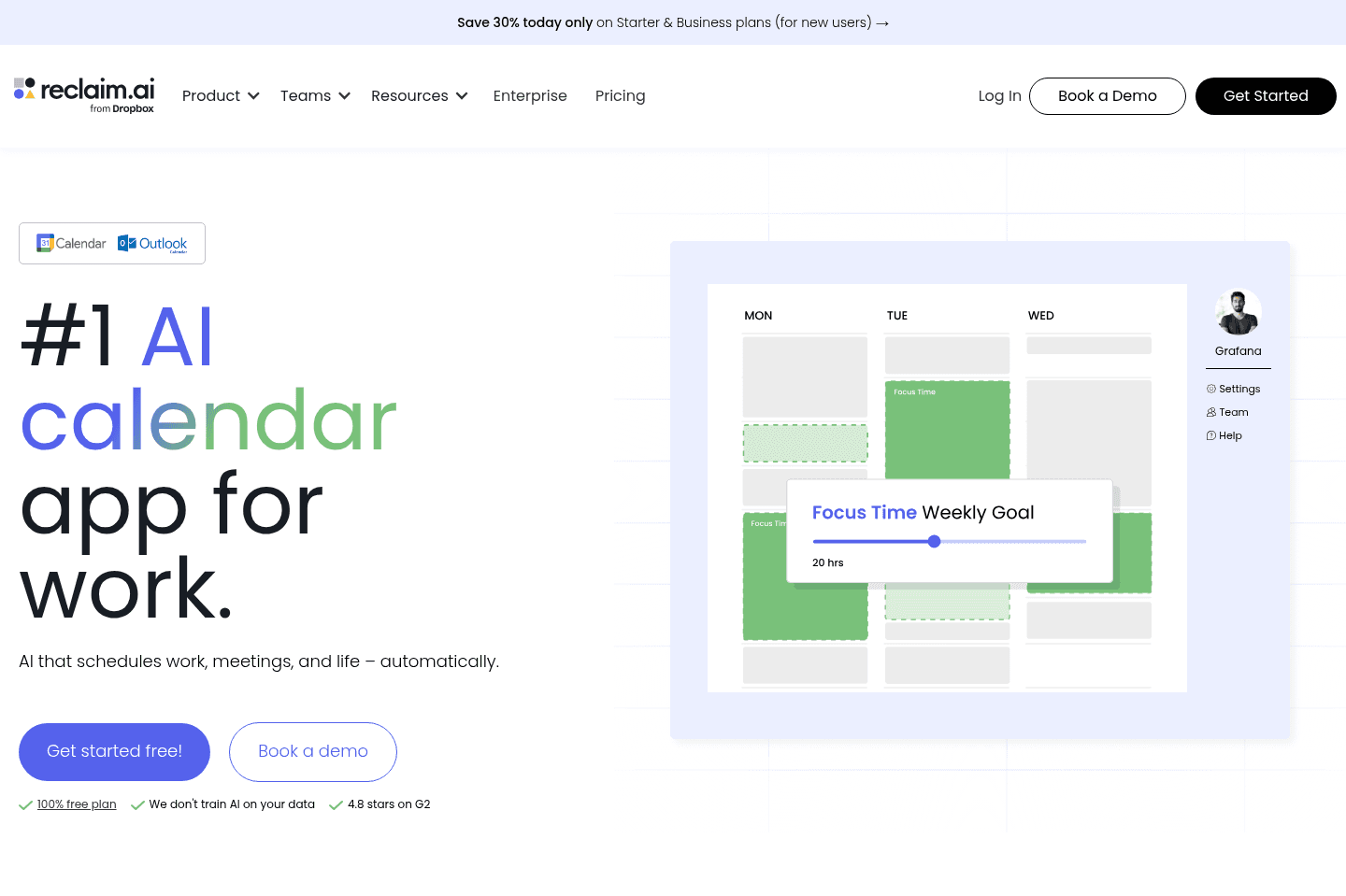
AI Calendar AppThen there's a different type of calendar entirely, one that uses AI to help you manage your meetings and tasks. This is where I personally live 90% of the time.
I use Motion App as my main calendar because I'm not just viewing my schedule, I'm planning projects, scheduling entire YouTube production content (scripting, shooting, reviewing edits), and managing work across the team. It's closer to a project management tool than just calendar management if you use all the features.
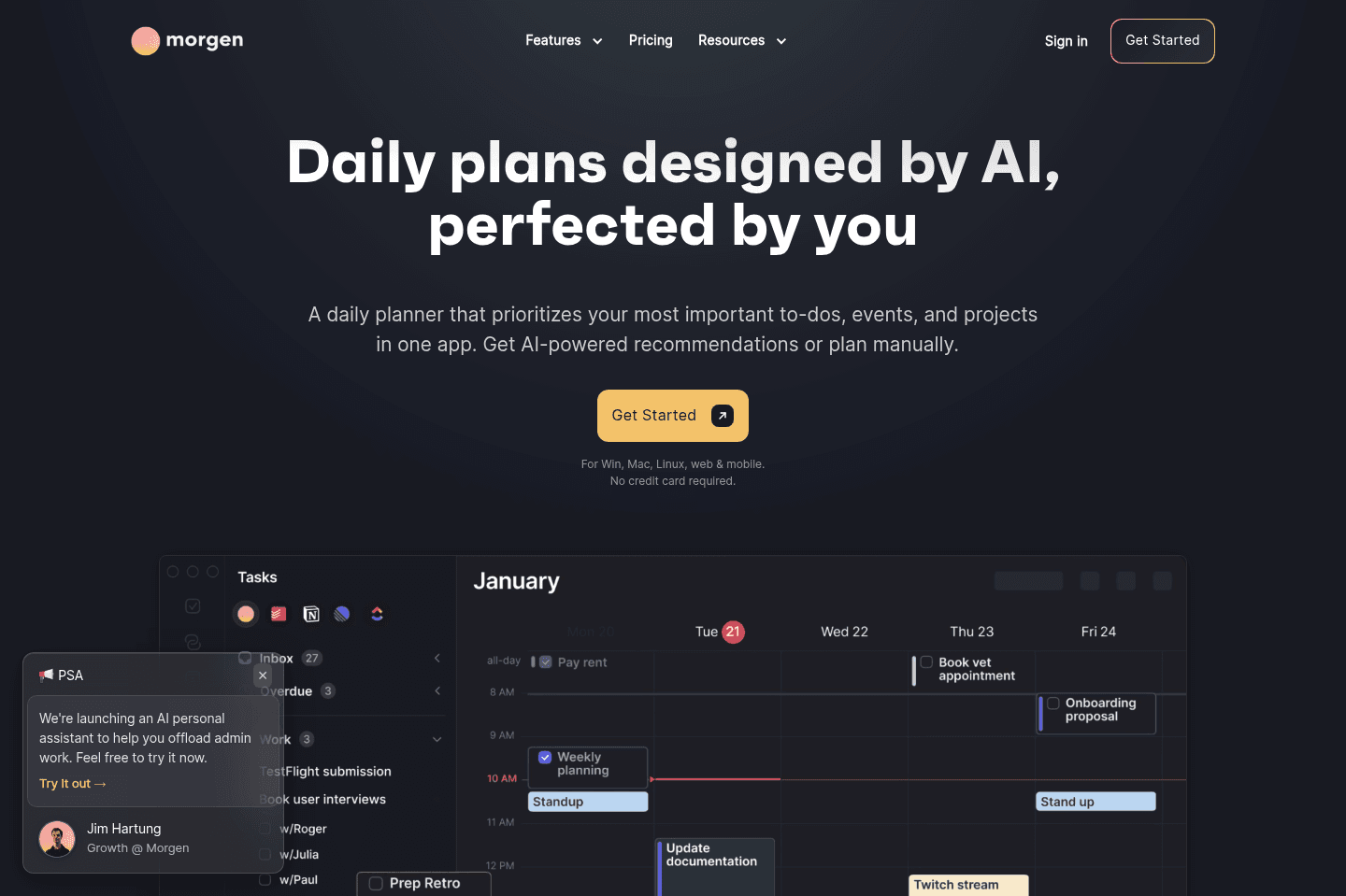
If you like the idea of managing your work on your calendar, then Motion is something you should consider (Morgen Calendar is also a way more barebones version of Motion, if Motion sounds like too much for you). I often recommend Motion to my professional, super busy friends.
By the way, if you already use a project management software, but you like the idea of scheduling tasks on your calendar, then you can also consider one of these best daily planner apps we covered.
Email Calendar App
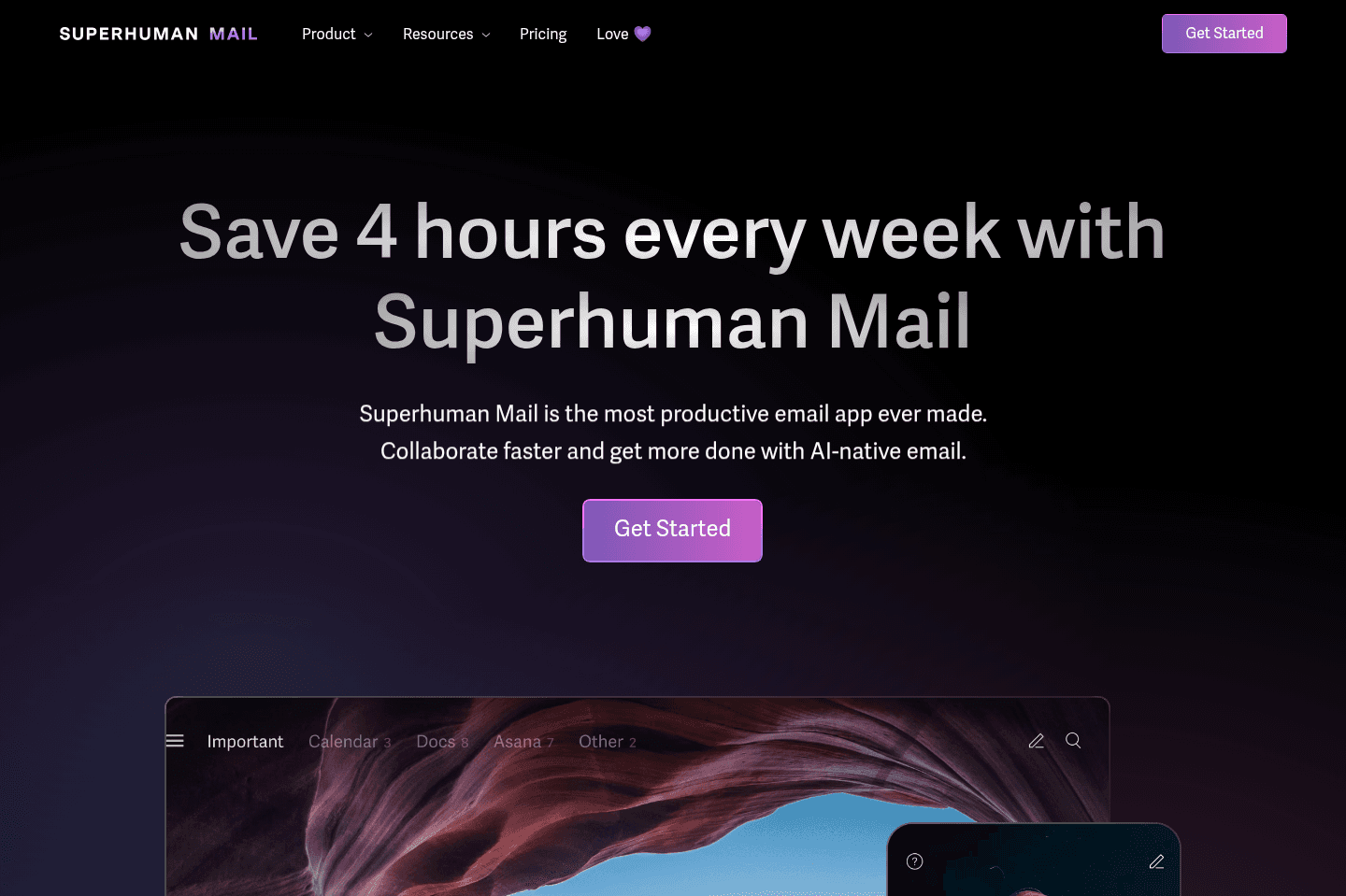
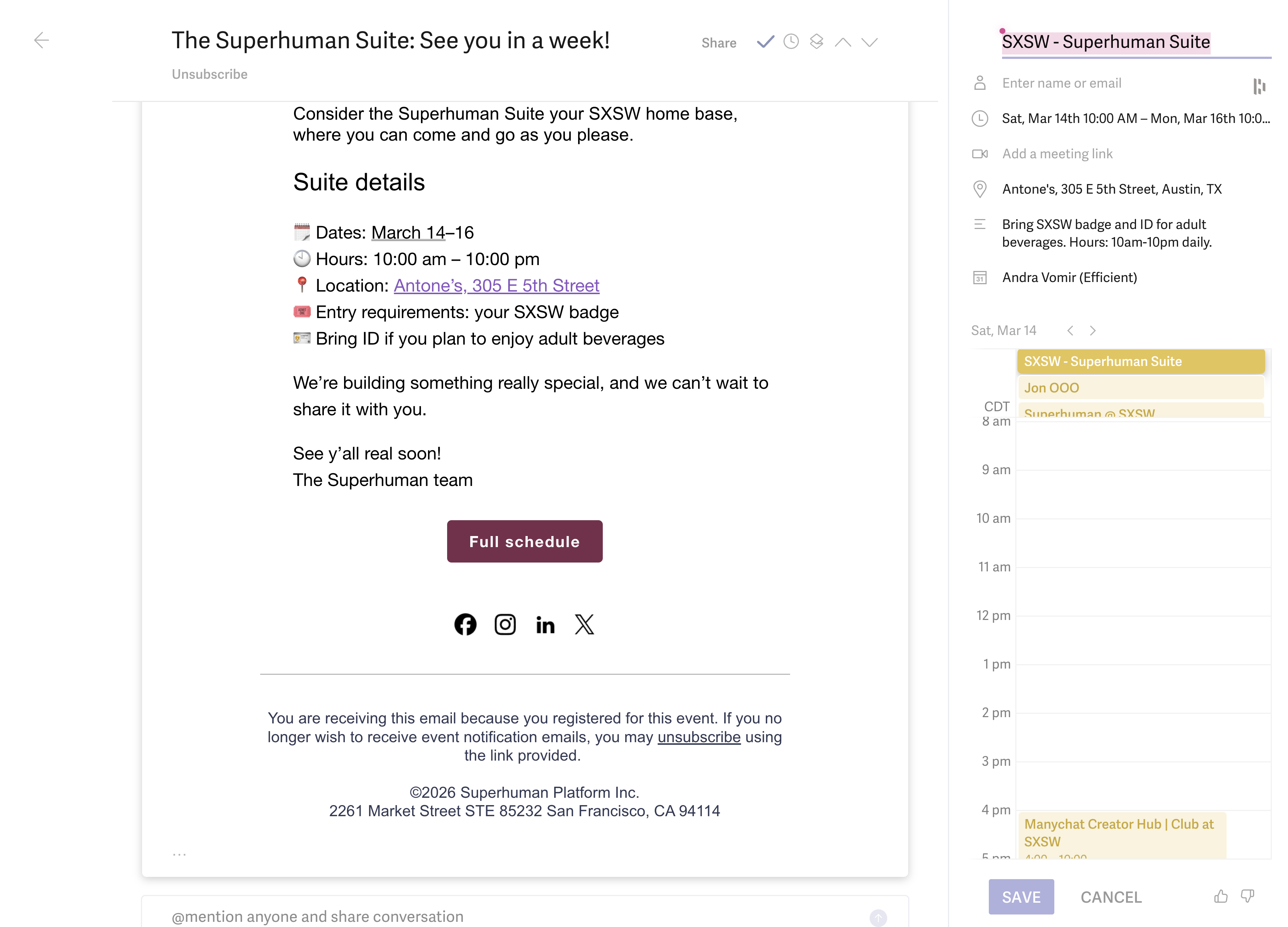
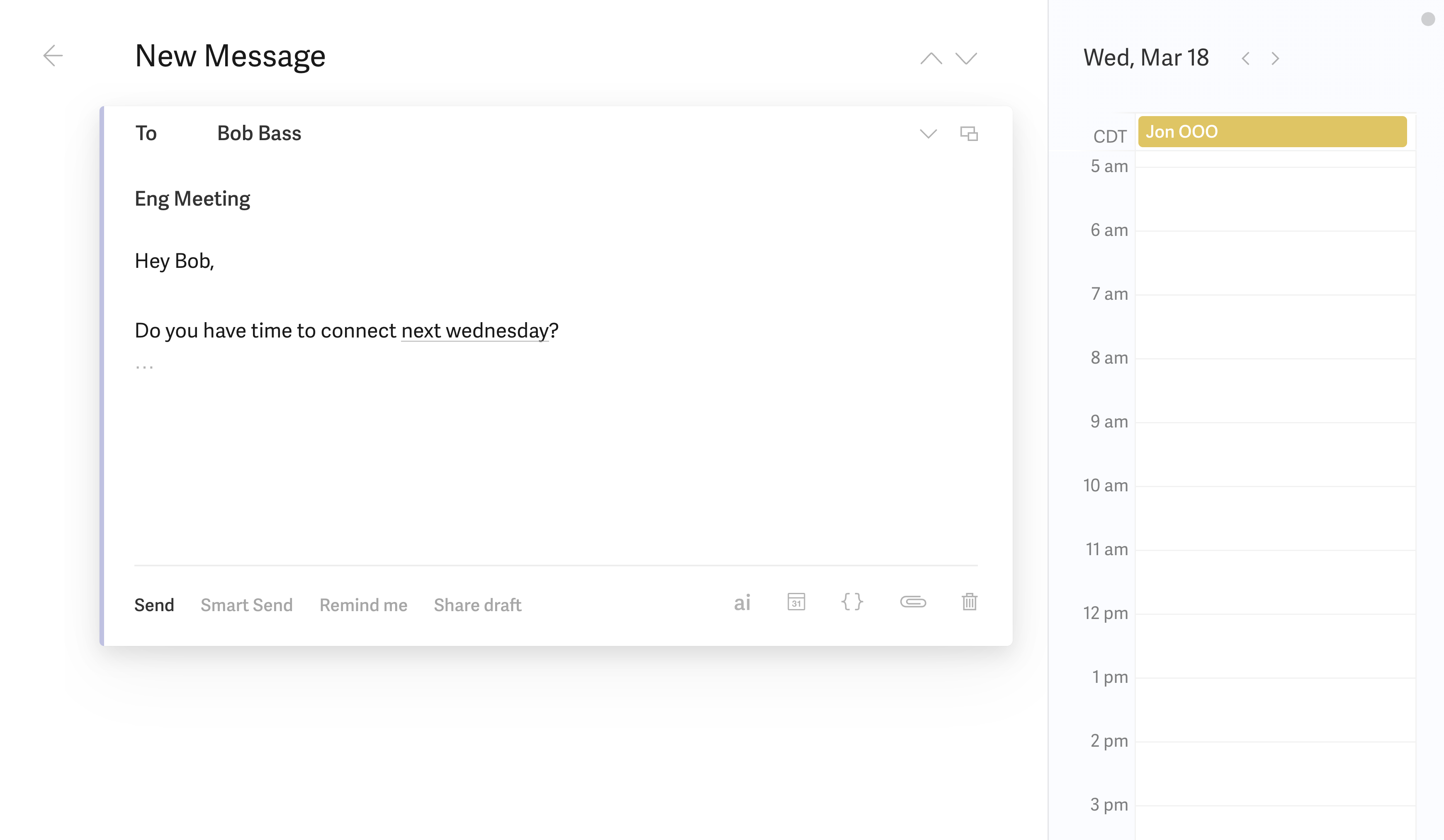
Email Calendar AppIf you live in your inbox and most of your meeting and event scheduling happens from email, the option is to use Superhuman Mail as they have a pretty amazing calendar built in right into the inbox (I use this when I'm in my inbox!).
One keyboard shortcut pulls it up, and you can share a booking link with anyone directly from your emails without ever leaving.
It also has a pretty amazing AI Assistant that I use on my phone or computer with Wispr Flow to dictate the event I want it to create, like "schedule meeting with Alex from 7:30 pm for one hour to review YouTube script over shawarma dinner" and it will automatically create the event without me needing to touch any drop downs to select the time (my least favorite part of creating any calendar event).
The only con is that the calendar is currently embedded into the email app and they don't currently have a standalone calendar app (as soon as they do, it might just take the number one spot for the best calendar, as I love the minimal design, and it's incredibly fast to load).
Mobile Calendar App
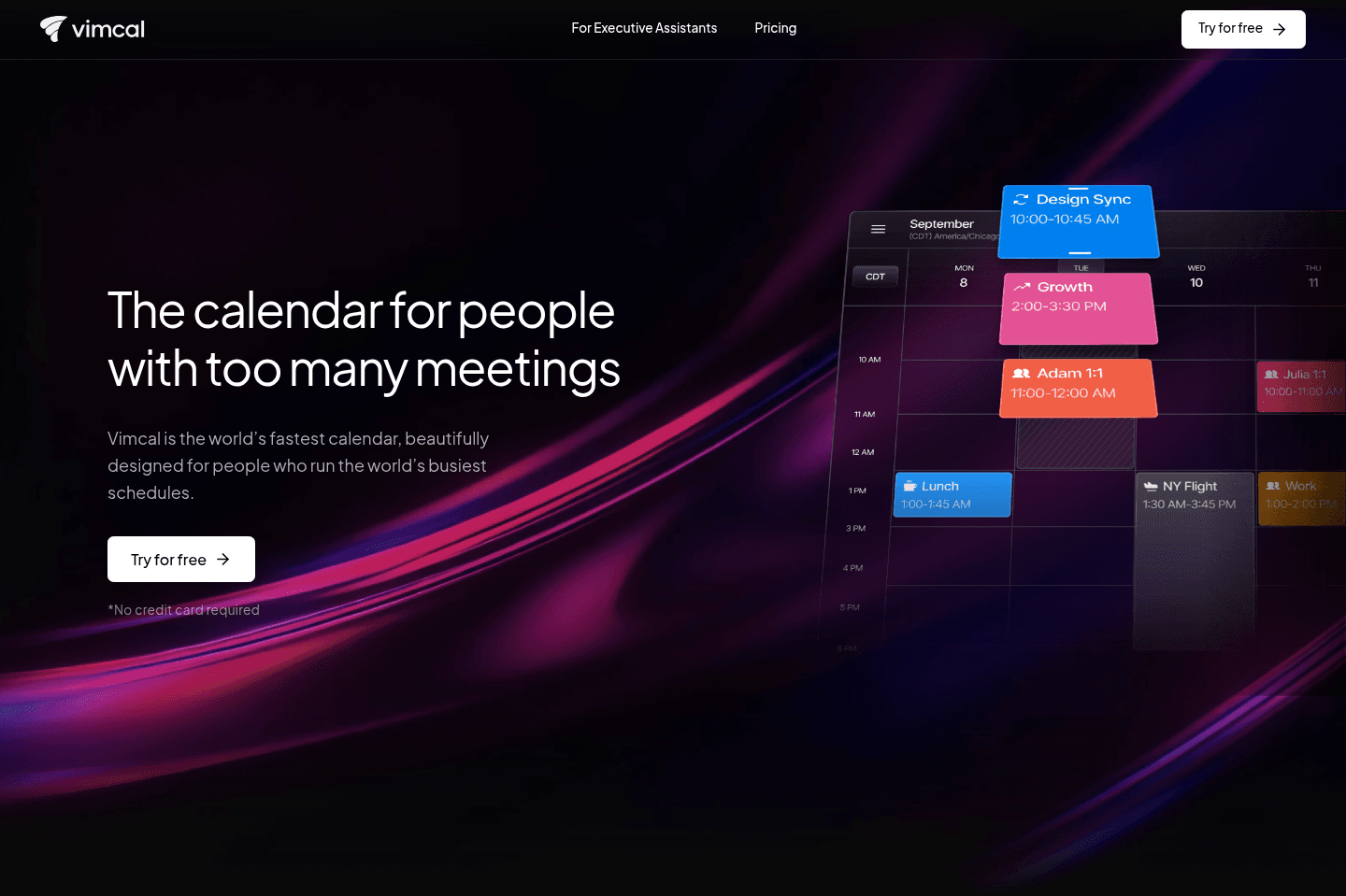
Mobile Calendar AppRight now, on my mobile phone I use Vimcal, because they have a free tier for iOS and because they have natural language processing when it comes to event creation (and because it's my job to evaluate tools). That said, the natural language processing only seems to work 20-30% of the time.
If Superhuman releases a stand-alone mobile calendar app, I'll be switching over.
I realize I just shared that I am using a ton of calendar apps, but remember my job is to test tools. My recommendation for you is pick the one that will add the most value to your life (whether it's just looking at a more beautifully designed calendar, or helping you get work done, or helping you schedule faster from your inbox).
Everything else in the calendar space? Honestly, not much worth saying.