Comparison Summary
Comparison SummarySpark gives you a faster and more organized email experience than Gmail, which feels cluttered and slow for anyone who gets a lot of email.
Only use Gmail if you just need the default that comes with Google Workspace, but Spark is the clear pick if you want your inbox to feel more manageable.
 Spark
SparkCleaner Gmail/Outlook experience with team collaboration features
Cleaner Gmail/Outlook experience with team collaboration features Gmail
GmailBest for your email and calendar foundation
Best for your email and calendar foundation
At a Glance
At a GlanceComparison Video
Comparison VideoBest Email Client: $0 vs $400 Email
Best Email Client: $0 vs $400 Email 26:19
26:19Best Email Client: $0 vs $400 Email
Best Email Client: $0 vs $400 EmailRecommended Alternatives
Recommended Alternatives Superhuman MailBest
Best overall email client
Best overall email client
Editor's Verdict
Editor's VerdictPurposeful Design
Purposeful DesignSpark is noticeably less distracting for triaging emails than Gmail. While Spark still has some clutter, like a busy compose screen and emails that can be hard to read across the wide layout, it at least tries to keep you focused by auto-sorting messages and cutting down on the chaos.
Gmail, on the other hand, is packed with distractions from other Google products and color overload. It's slow to load, which makes it way too easy to get sidetracked, and its label system actually adds to the mess by cluttering your sidebar and never letting you escape the main inbox. If you get a lot of emails and need to stay focused, Gmail will just slow you down and distract you.
Spark isn't perfect, but it's the better pick here if your priority is fast, focused triage without getting pulled off track.
Speed & Productivity
Speed & ProductivitySpark is much smoother if you care about speed and staying on your keyboard. You can jump around the app with CMD+K, use keyboard shortcuts for snooze and send later, and pull up templates with a single shortcut. The only real hiccup is custom snooze dates, where you have to count days instead of just typing them, but everything else is set up to keep you moving fast.
Gmail, on the other hand, makes you hunt for shortcuts and memorize them, and even then they're inconsistent. Anything beyond basic actions slows you down, snooze and schedule are mouse-heavy, templates are buried in settings and take multiple clicks, and the compose window is already cluttered. Offline mode is an afterthought you have to remember to turn on ahead of time.
If you want to work fast and mostly from your keyboard, Spark is the clear pick. Gmail just gets in your way too much.
AI Assistance
AI AssistanceIf you care most about AI writing and organizing emails in a way that actually saves you time, Gmail pulls ahead thanks to its Gemini-powered search. You can ask natural language questions about your inbox and get specific, sourced answers, which Spark just can't do, Spark only offers basic summaries and translations, and you can't dig deeper or get custom context.
When it comes to drafting, Spark does a slightly better job matching your tone because it scans a few of your emails, so the AI-generated drafts sound a bit more like you. Gmail's AI drafts are stiffer and less personal, and its current process can be clunky, often forcing you to clean up awkward extra content if you try to adjust the tone.
But overall, Gmail's ability to answer your questions about your inbox is a real time saver, even if the Gemini feature isn't super obvious or intuitive to access. If you need real AI-powered help organizing and searching your emails, Gmail is the clear choice. If your main concern is getting AI to match your writing style, Spark has a slight edge, but it's limited and doesn't make up for the lack of actual AI organization or search.
Follow-Up
Follow-UpNeither Gmail nor Spark actually helps you with follow-ups. Gmail's read receipts are awkward since you have to specifically request them from the recipient, and that's so clunky it basically doesn't count.
Spark technically offers read receipts, but only if you're paying for the premium version. Still, at least it's possible without that extra awkwardness.
If follow-up features matter, Spark is the slightly less bad option, but honestly, neither one really delivers what you'd want here.
Team Collaboration
Team CollaborationSpark completely outclasses Gmail when it comes to team collaboration. Spark lets your team comment on emails, share drafts, and assign emails so everyone knows their responsibilities. You can even share emails and comment threads externally with a link, making it easy to keep non-team members in the loop (though they can't join the conversation directly).
Gmail doesn't offer any team collaboration features at all, so if you need to work with others on your inbox, it's a non-starter.
If team collaboration is important, Spark is the only real choice here.
Screenshots
Screenshots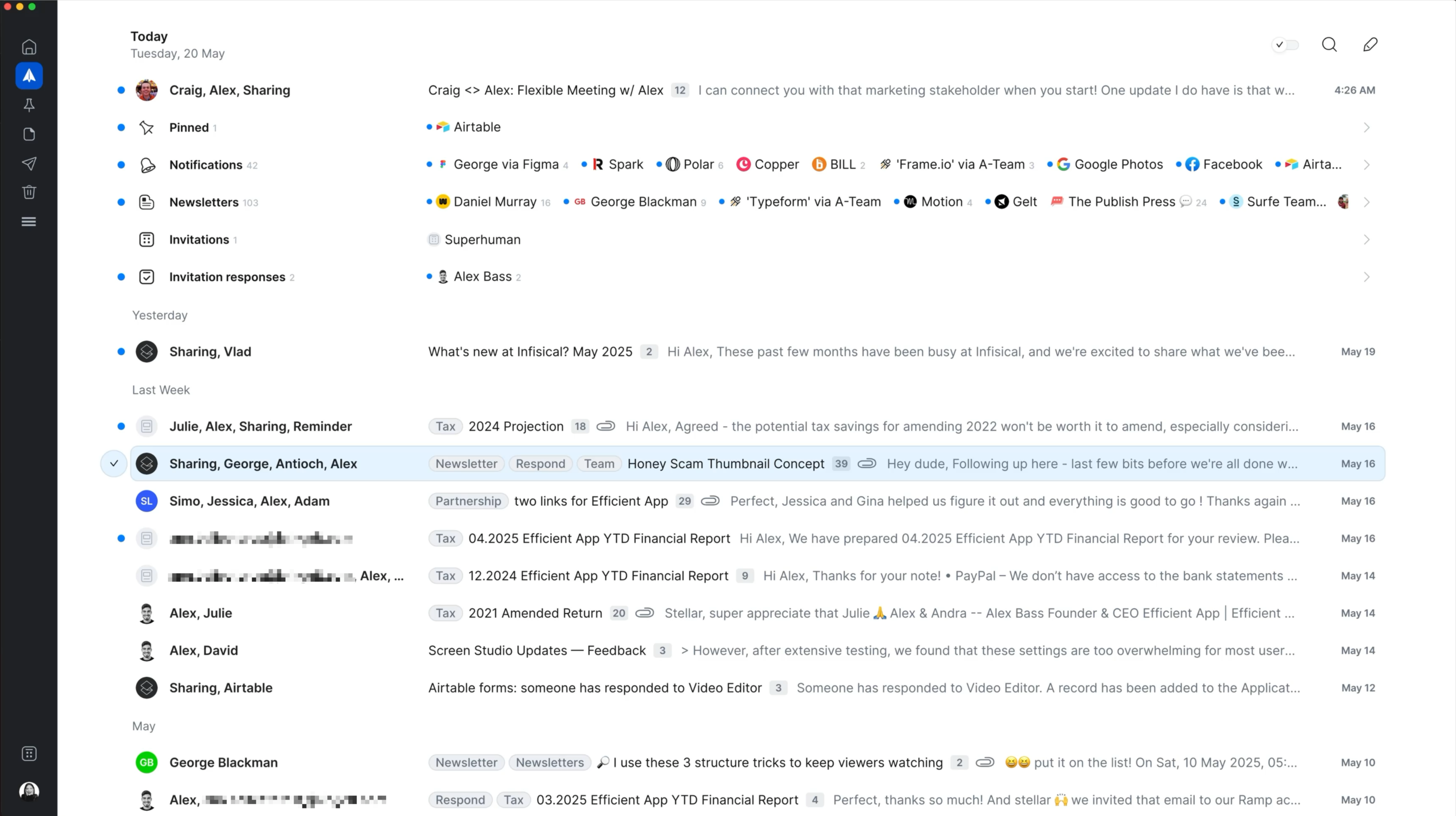
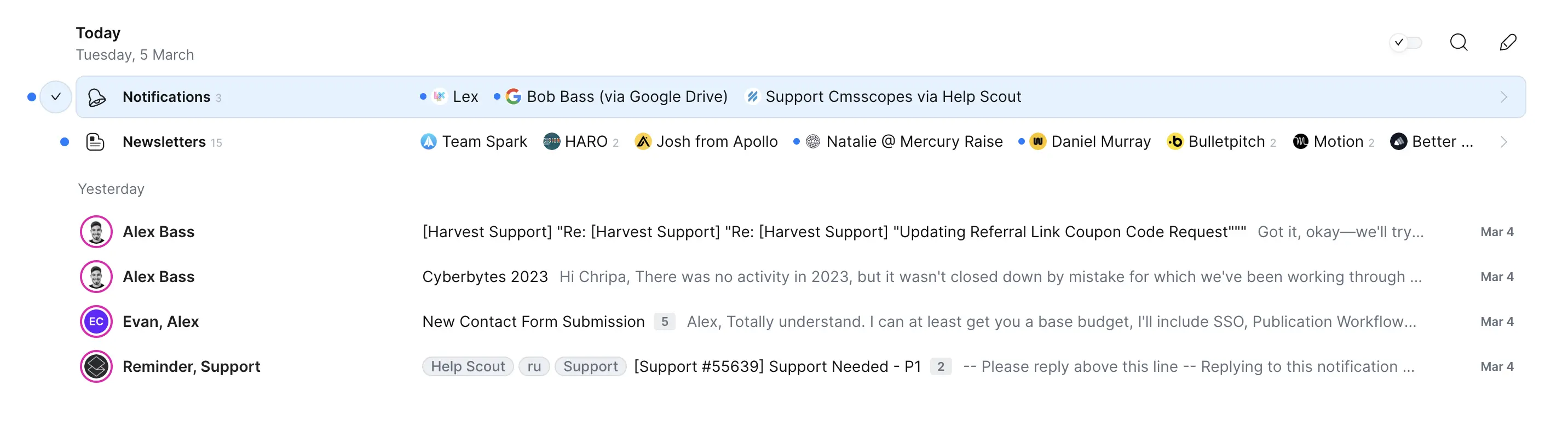
Spark
Spark Mail Interface





