Comparison Summary
Comparison SummarySpark gives you a faster and more organized inbox than Outlook, especially if you want something free and easy as an individual or student.
Only use Outlook if you are locked into Microsoft 365, since Spark is a better pick for most personal email needs.
 Spark
SparkCleaner Gmail/Outlook experience with team collaboration features
Cleaner Gmail/Outlook experience with team collaboration features Outlook
For the average everyday person using Microsoft 365
For the average everyday person using Microsoft 365
At a Glance
At a GlanceComparison Video
Comparison VideoBest Email Client: $0 vs $400 Email
Best Email Client: $0 vs $400 Email 26:19
26:19Best Email Client: $0 vs $400 Email
Best Email Client: $0 vs $400 EmailRecommended Alternatives
Recommended Alternatives Superhuman MailBest
Best overall email client
Best overall email client
Editor's Verdict
Editor's VerdictPurposeful Design
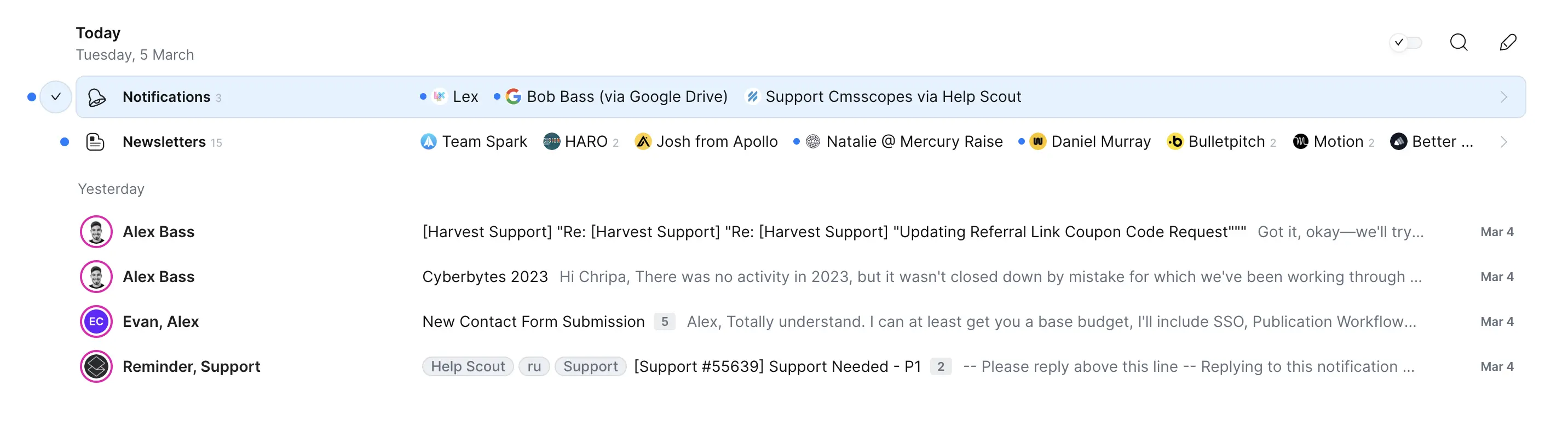
Purposeful DesignIf you want to get through your inbox fast without getting tripped up by distractions, Spark has a clear edge over Outlook. Spark at least tries to help you focus with features like auto-sorting and a more modern design, even if it still has some clutter and the wide email view can wear you out over time.
Outlook, on the other hand, just feels old and slow for triage. You end up wrestling with the interface, and there's no real effort to keep you moving or help you stay focused. The friction is constant, and nothing about it is built for speed.
Neither is perfect, but if you care about purposeful design and blasting through emails, Spark is the better pick.
Speed & Productivity
Speed & ProductivitySpark is much better for speed and productivity. It's built around keyboard navigation, so you can jump anywhere or use features like snooze and send later without ever touching the mouse. Templates are easy to access and tweak with shortcuts, which keeps you moving fast even if some things like inline replies are more tedious.
Outlook, on the other hand, just feels slow and clunky. Keyboard shortcuts and fast workflows aren't really built in, and you'll keep running into friction if you're trying to fly through your inbox. You'd need to bolt on another app just to get to a decent pace.
If you care about moving quickly and want keyboard-driven email, Spark is the clear pick. Outlook isn't in the same league for this.
AI Assistance
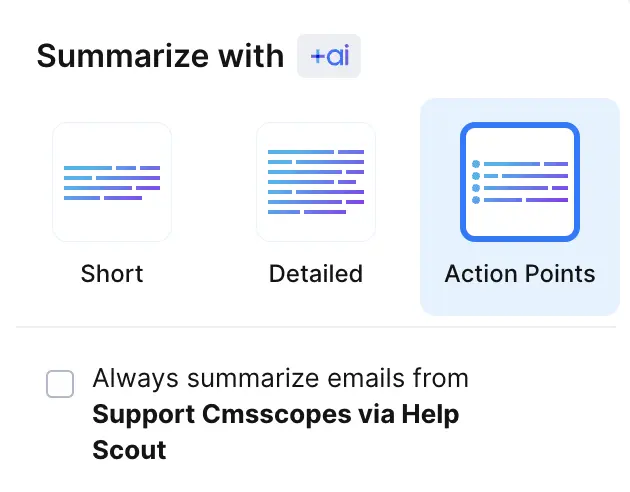
AI AssistanceIf you want any kind of AI help with writing or organizing emails, Spark is the only one here that actually tries. Spark can auto-categorize some emails, give you AI-generated summaries, and even attempt to match your writing style a little by scanning a few of your old messages. It's still pretty limited, but at least you get a bit of time-saving and automation.
Outlook, on the other hand, doesn't offer any AI tools for writing or organizing at all. Everything is on you, so there's no shortcut or smart help.
Neither app is amazing for AI assistance, but Spark gives you a small edge if you're after even basic automation or drafting help. If you want your email to feel a bit smarter, go with Spark. If you don't care about AI at all, Outlook is no different.
Follow-Up
Follow-UpNeither Outlook nor Spark helps with smart follow-ups, so you're stuck tracking everything yourself in both. Outlook doesn't offer any follow-up support at all, so you're completely on your own.
Spark at least gives you read receipts if you pay, but that's it. Since neither actually helps you remember or automate follow-ups, there's no real advantage here.
If you care about smart follow-ups, both fall short. Spark is barely less bad thanks to read receipts, but you won't get actual follow-up help from either one.
Team Collaboration
Team CollaborationSpark blows Outlook out of the water for team collaboration. With Spark, you can comment directly on emails, assign them to teammates, and work together on drafts without ever leaving your inbox. Sharing with people outside your team is easy too, since you can generate a link to bring them into the loop, even if they can't comment themselves.
Outlook doesn't let you comment, assign, or share within your inbox at all. Every bit of collaboration has to happen somewhere else, which means you're constantly switching tools and losing the thread of the conversation.
If working together on emails matters, Spark is the obvious pick. Outlook just isn't built for this.
Screenshots
Screenshots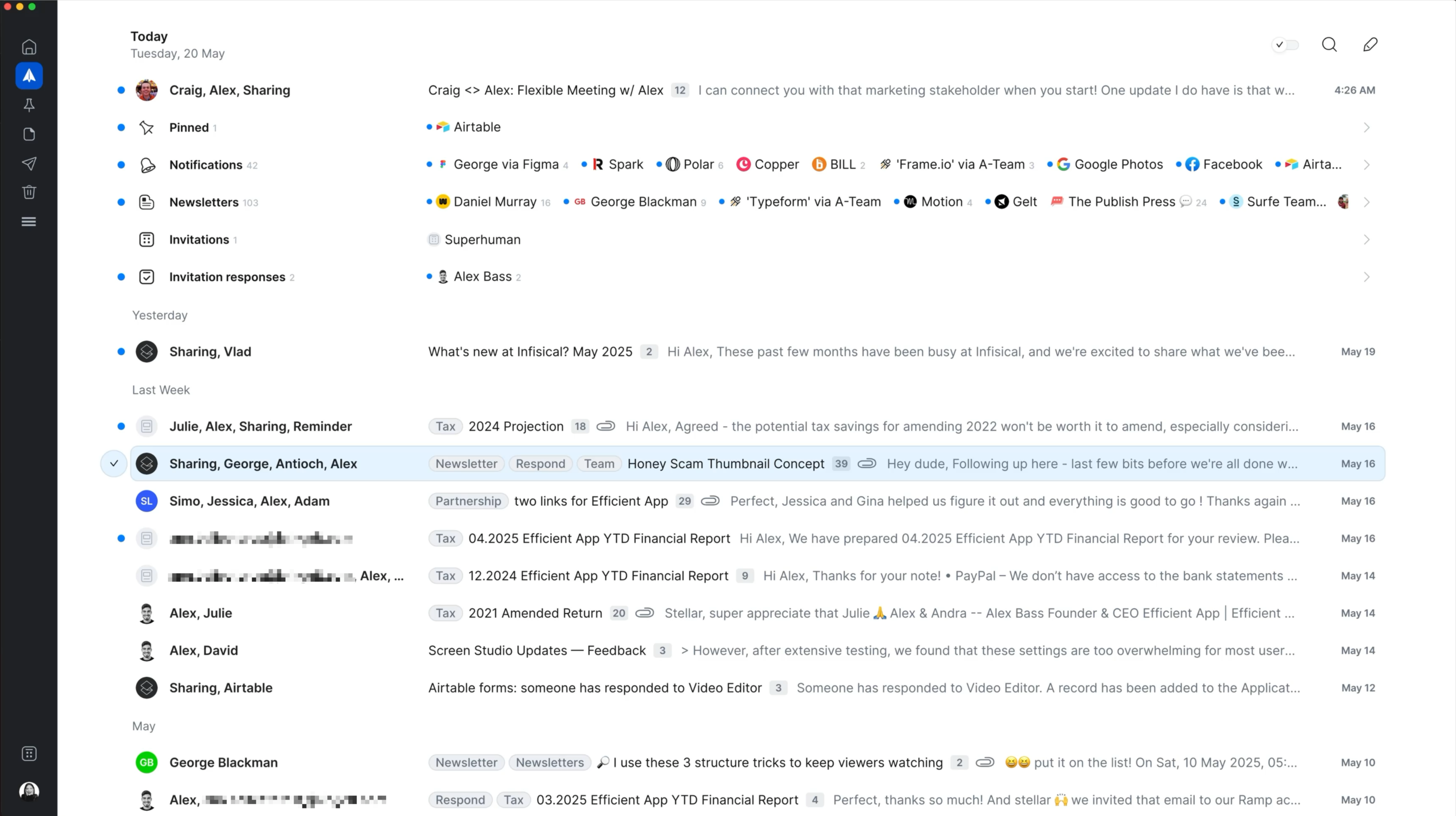
Spark
Spark Mail Interface





