

 Help ScoutBest
Best help desk for customer centric teams
Best help desk for customer centric teams GorgiasRecommended
For eCommerce Shopify stores
For eCommerce Shopify stores PlainRecommended
Best for product-led software companies
Best for product-led software companies FrontRecommended
For teams managing support across email, chat, and social
For teams managing support across email, chat, and social IntercomRecommended
For real-time live chat support
For real-time live chat support Zendesk
Best for large enterprise support teams
Best for large enterprise support teams
Best Help Desk Software at a Glance

Watch the Full Breakdown
Best Help Desk Software Ranked & Reviewed
Watch our full breakdown of the top help desk software, how they performed in testing, and what makes each one worth considering
How We Evaluate Help Desk Software
We score each help desk software across inbox clarity and organization, team collaboration, customer experience, user experience, automation, and hands-on expert evaluation
- Inbox Clarity and OrganizationZero confusion on what needs a response. Clear views, filters, assignments, and threads.
- Team CollaborationClear visibility into who is responding, with notes, assignment, and collision detection.
- Customer ExperienceAllows you to provide human-friendly support. No ticket numbers and impersonal messages.
- User ExperienceIntuitive, clean, readable conversations, no clutter. Your team will spend hours in this tool.
- AutomationActually helpful workflows and automations that help speed up processes.
- Expert EvaluationCurated by, our rankings reflect in-depth testing, industry insights, and hands-on experience.AlexandAndra
Help Scout
Best help desk for customer centric teams
Best help desk for customer centric teamsHelp Scout is the best help desk software if you are a small business or a start-up. We've been using it for over 5 years in our business as a shared inbox for our sales, customer support, admin, and billing. The reason we love Help Scout is because they are the most customer centric help desk. When your customers write in, they are not made to feel like just a support ticket number in a queue. If you are a company that prides itself on providing good customer service, then Help Scout is the right choice for your team.
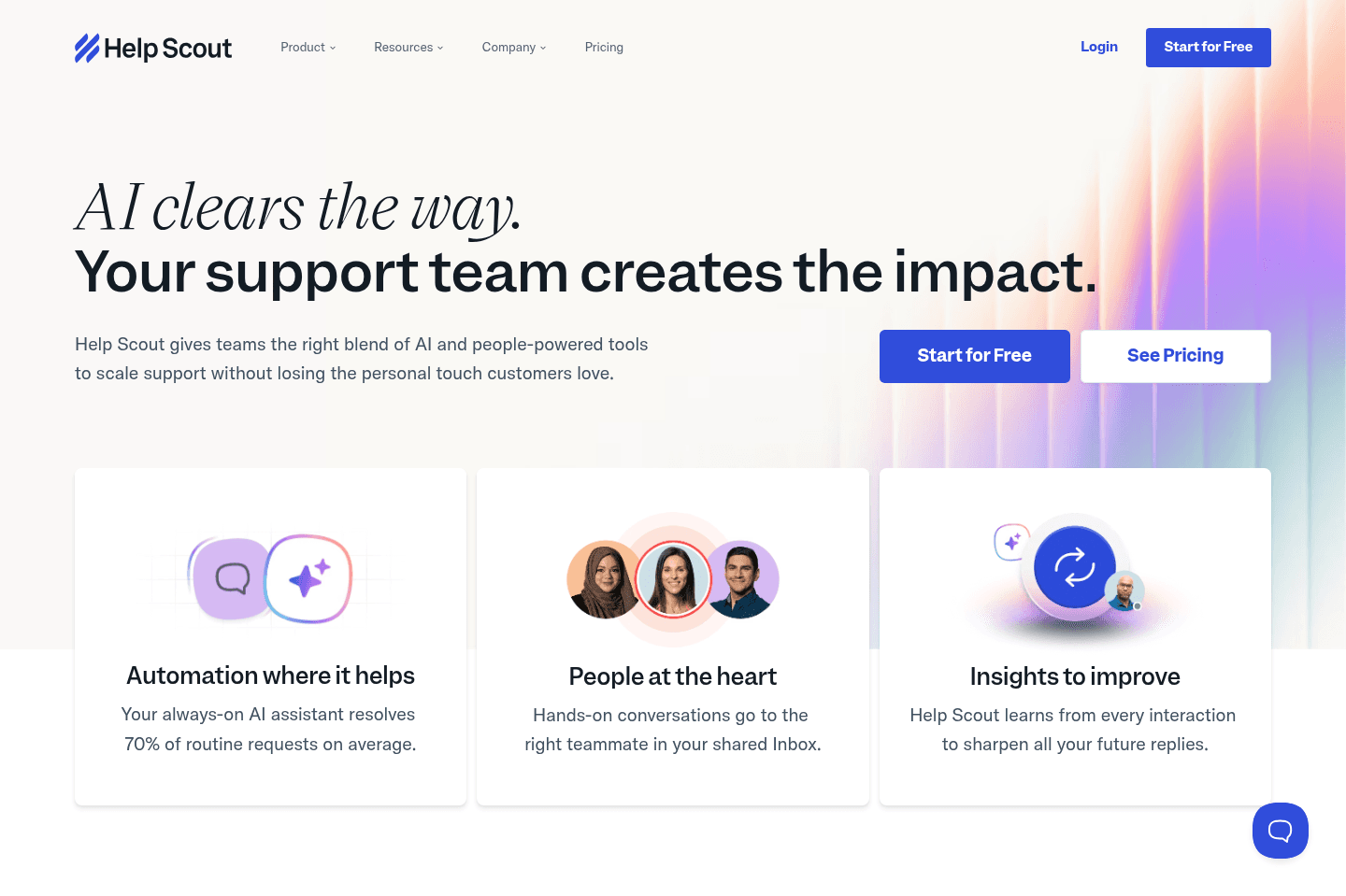
What is Help Scout?
What is Help Scout?We use Help Scout for sales, customer support, admin, receipts (e.g. we forward all of our receipts into an inbox), invoicing, and even recruitment. We've been using Help Scout for over 5 years and we love it!
Help Scout can be best described as a customer-centric tool. They have done an incredible job at building somewhat of a community around their software. For example, when I see a company is using Help Scout (on either the website chat or email response), I have an immediate reaction of feeling that they care deeply about customer support and will have equally caring support reps.
I'm also part of their "Support Driven" Slack community as well and am regularly seeing teams of all sizes (big and small) actually switching over to Help Scout from Zendesk, Intercom, and Front, amongst others.
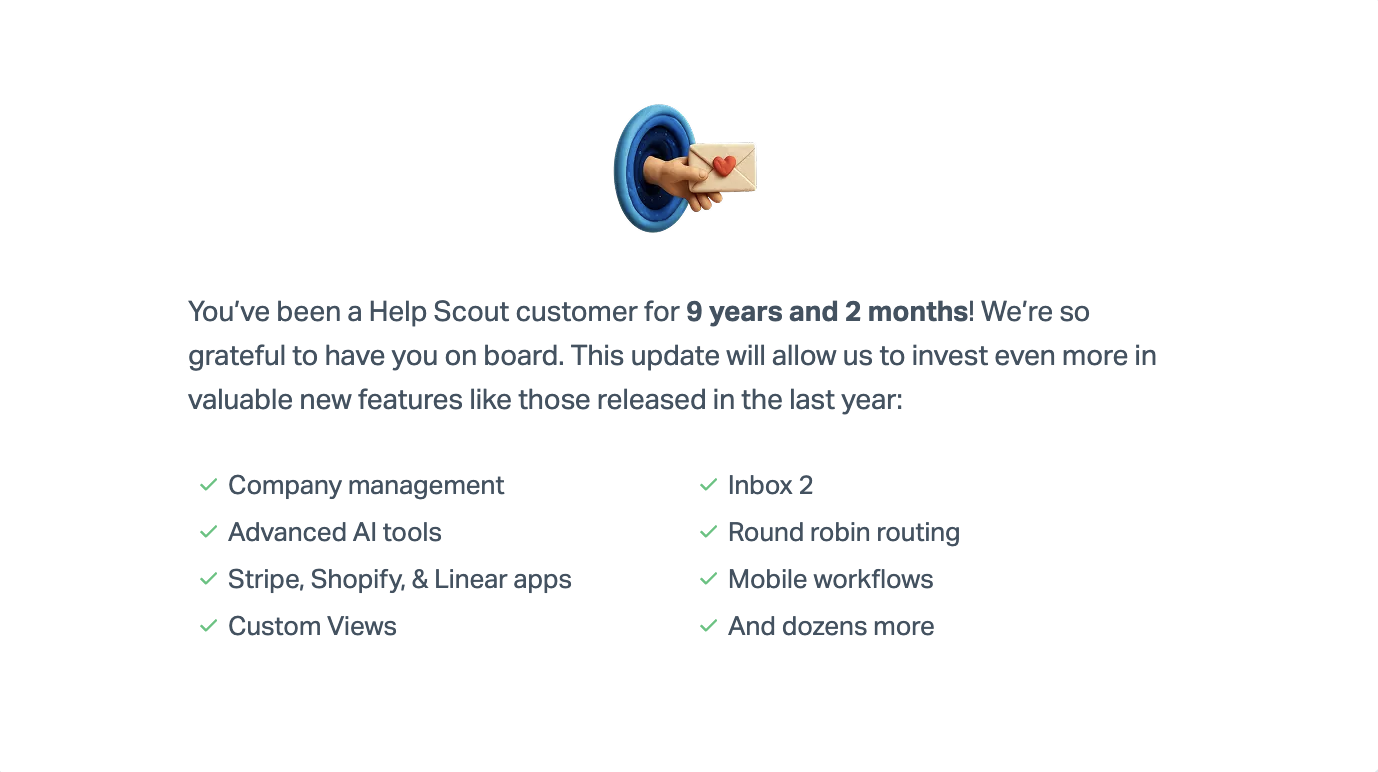
We've actually been using Help Scout for over 9 years at this point:
Key Features
Key FeaturesLive Chat
They have a nice implementation of live chat in their product, as it's actually thoughtful (and further customer-focused). How you might ask? Expectations matching. For one, you have to mindfully to mark yourself as "available", and if you aren't actively in Help Scout for a long enough period of time, it will automatically mark you as "away" (wait that's a feature...? hold on, let me explain).
There's nothing worse than having a "live chat" on your website that gives the impression that you'll get an immediate response, but in reality, you just get a bot that asks for your email address because "the team is away". It's a bad expectation mismatch. Help Scout doesn't allow this to happen.
They have more of an "email first" approach, with a "we might be live though" as a secondary. So when the live chat shows on your website, you can be sure that there's actually a human on the other end. Great expectation matching, which as a small team, I appreciate a lot. Now take that, versus Intercom, which simply upon seeing the logo, you and everyone else expects to speak to someone immediately, and if you aren't on the other end, they get frustrated - you're set up to lose versus surprise and delight (which is what Help Scout constantly allows for). If you're a small or mid-size team, why not set yourself up for success and delight out of the box?
Workflow Automation
Workflow AutomationOne of the areas that got me obsessed with Help Scout many years back was their robust workflows functionality. You can set up either automatic or manual workflows. Automatic is great when you can set up some type of consistent trigger, like when a due date is today and the conversation is active or pending, then mark it active, set the priority custom field to P1, and add the tag "due":
Pair this with the API and you can trigger some pretty powerful workflows both inside and outside of Help Scout.
Artificial Intelligence
Artificial IntelligenceHelp Scout has gone a human-centric approach to AI (unsurprisingly, as it's true to brand). What they've done is things like, automatic summarization of chat threads. So if you're jumping in and out of threads and collaborating with team members on a daily basis, it'll help you get back up to speed, without having to read the entire conversation thread:
We for one appreciate how Help Scout has handled their approach to AI, as when comparing Help Scout to Intercom for example, Intercom tries to rope in AI at every corner, in chat, and trying to automate conversation threads. While this is cool in theory, it does feel a bit like we're back in the "you must first talk to a bot before talking to a human" time period, which still is a bit frustrating. I'm sure Help Scout will do more in this area as AI continues to evolve in time.
Help Scout also has some pretty cool AI assist features coming to the actual compose window, pulling the likes of ChatGPT directly where you're actually responding to messages:
Mobile App
Mobile AppThe thing is, the app is a bit buggy from time to time. You can accomplish most of what you'd like to do on-the-go, the thing is, it's missing some core features like the "workflows" functionality. This means, if you rely heavily on workflows when using Help Scout, you're going to be a bit frustrated when on mobile. I'll admit, I've definitely visited the desktop app on my phone every now-and-again to run a quick workflow 😅
On the plus side, the have an iOS and Android app, and both have similar feature-parity. It really just needs that final 20% added to the mobile app to make it great.
Get the latest rankings and insights on top Help Desk apps—delivered to your inbox. Stay ahead with our expert picks and updates.
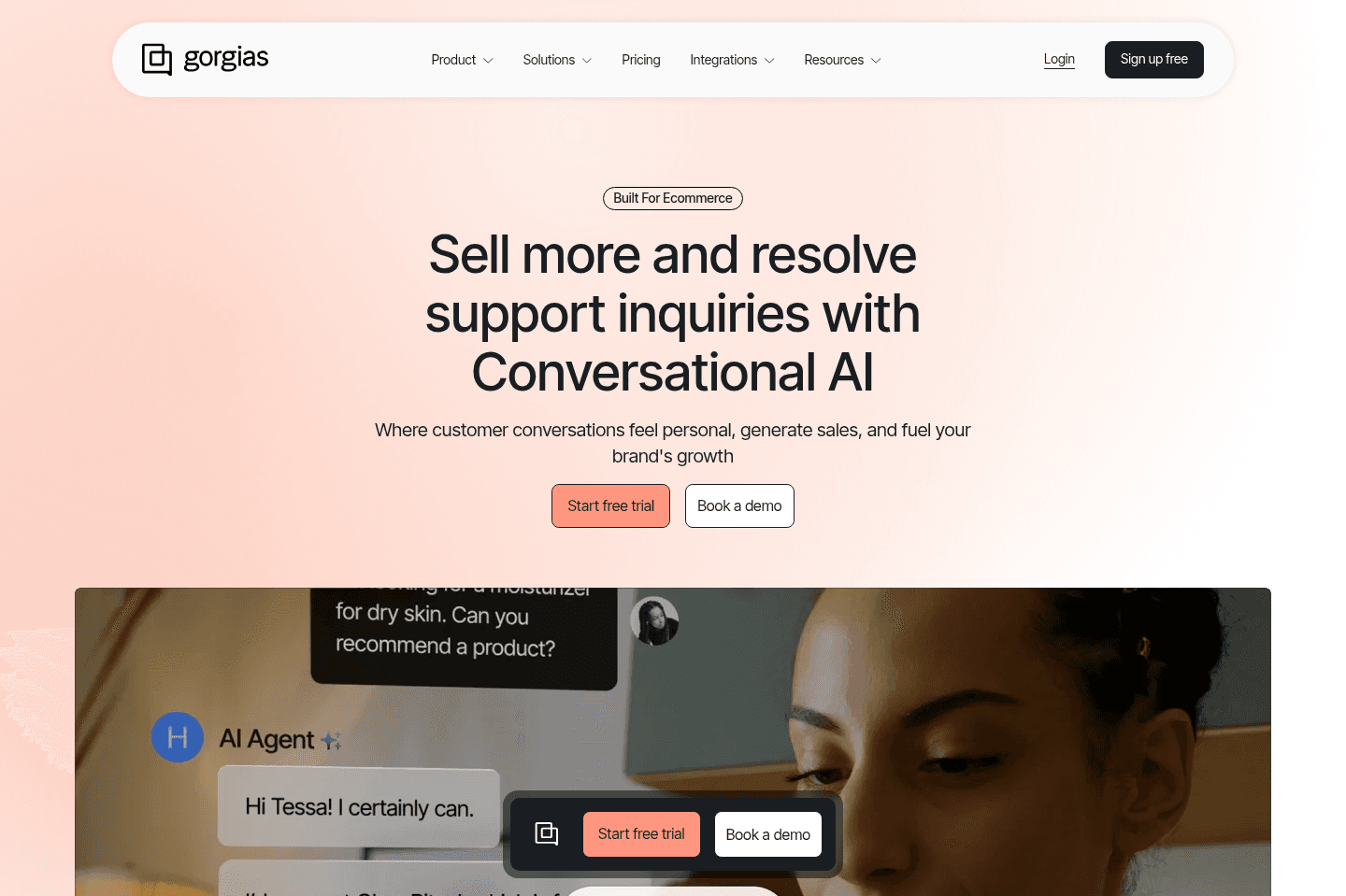
What is Gorgias?
What is Gorgias?We recommend using a more eCommerce focused help desk like Gorgias that will integrate with your Shopify store.
This is helpful because you can see your customer order history as a part of your help desk. And because eCommerce stores tend to get a ton of volume in support tickets, Gorgias also offers automation tools to auto-respond to common inquiries, improving response times and saving time for your team.
Popular eCommerce brands like Olipop, Steve Madden, and Marine Layer use Gorgias.
For that reason, we rank Gorgias as the best help desk for eCommerce companies due to its deep integration with the best eCommerce software & tools like Shopify.

Get through your inbox 2x as fast (for teams of all sizes).
Plain
Best for product-led software companies
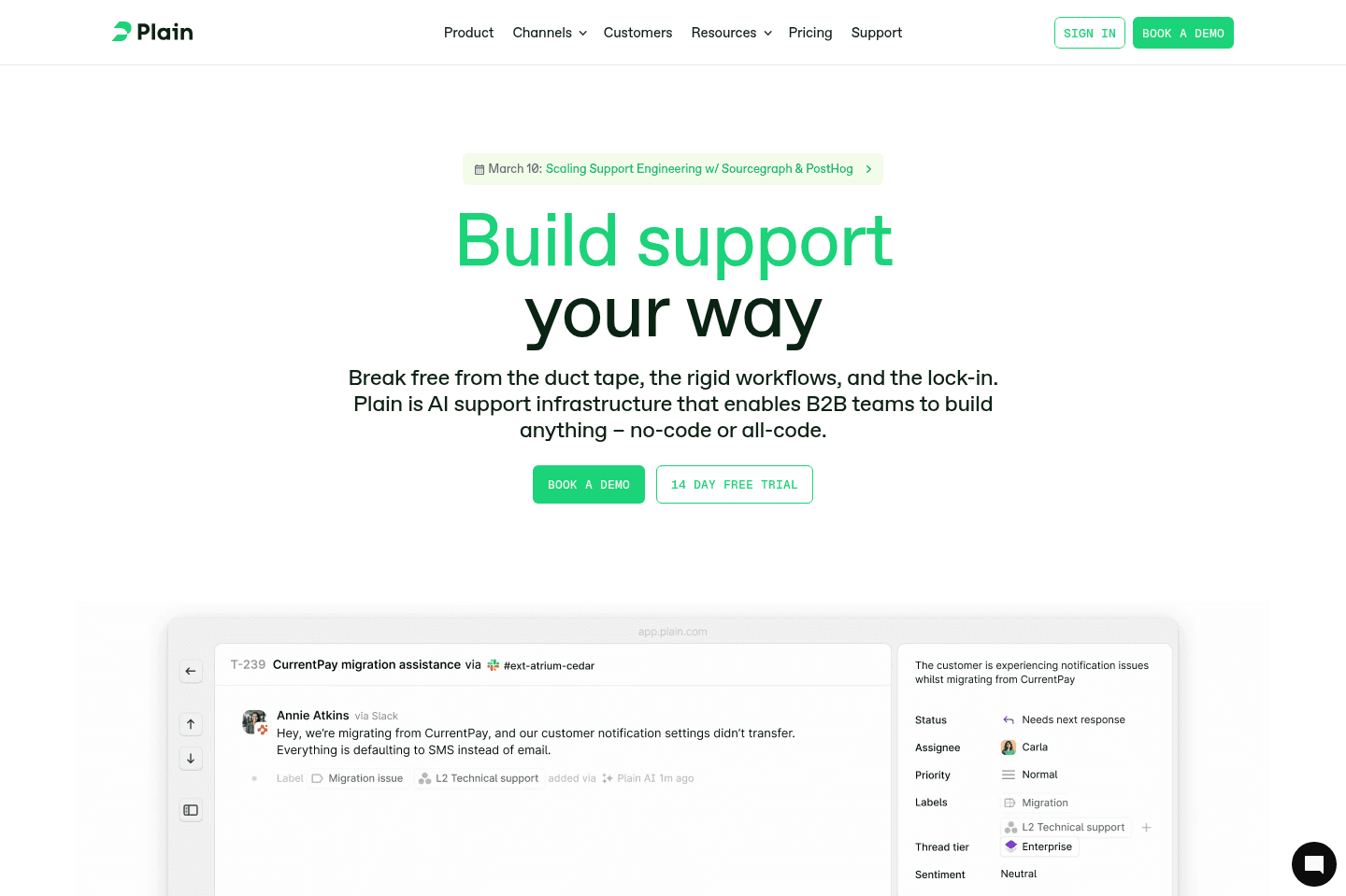
Best for product-led software companiesIf you're more of a product/engineering focused company looking for less of a "shared inbox", and like the idea of a help desk being API-first, then Plain is definitely a top contender.
While they aren't as far along some of our other Top Picks (e.g. Help Scout), they are focusing on simplicity with a single inbox view and deep integrations with Slack and Linear amongst other product–focused collaboration tools.
If we were starting a company today specifically in the software space, we'd have to strongly consider Plain.
What is Plain?
What is Plain?Plain has taken a unique approach to the best help desk space by doing what the name suggests and taking a more "plain" and simple approach to it all.
A single inbox for support teams to prioritize and respond to customers across email, Slack, and other areas. You're not meant to think of Plain as a shared inbox, like many of the other best help desks mentioned.
Plain is focusing heavily on product-teams that can benefit from deeper integrations with tools like Linear, Slack, and Stripe.
Pros & Cons
Pros & ConsPros
Pros- For product-led teams where support and engineering need to stay closely connected
- Deep integrations with Slack, Linear, and Stripe that few help desks offer
- API-first architecture makes it flexible for developer-heavy teams
- Clean, minimal interface centered around a single inbox
- Great Slack workflows (turn messages into tickets and Linear issues)
Cons
Cons- Not designed as a traditional shared inbox (contact@, billing@, admin@ workflows)
- Best suited for technical teams, which may limit adoption for non-technical support staff
- Fewer mature help desk features compared to established tools like Help Scout or Zendesk
- Knowledge base and automation capabilities are more limited
Key Features
Key FeaturesIntegrations
IntegrationsThe standout features of Plain are actually the deep native integrations. If you're using Stripe for your product, you can easily display all the details of the plan and purchases on the right-hand side.
In-fact, the same is the case with Linear + Slack, you can easily turn a Slack message into a support ticket and spin up a Linear issue from that, pulling in full context to one place:
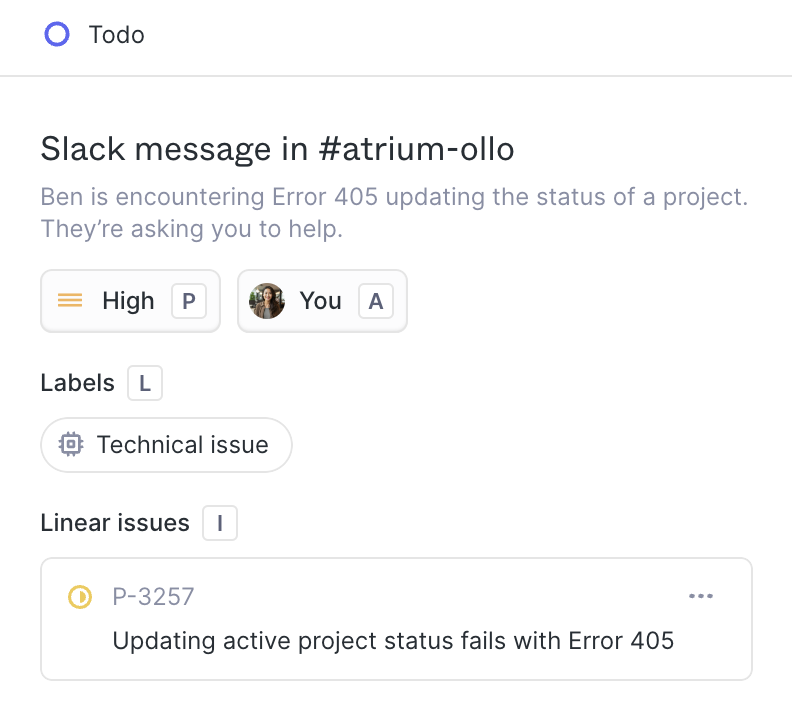
Plain Integration with Linear
So if you're a team especially that has shared Slack channels with customers/partners, Plain has a pretty impressive integration with Slack that we haven't really seen with any other Help Desk on the market.
Final Verdict
Final VerdictIf any of the above integrations sound exciting, they great! You're probably in their target customer profile, if not? That makes sense, it's for quite a specific type of product team, one that is likely using Linear and Slack already.
Just to be clear, Plain is not a shared inbox in the general sense, so you're not going to want to send to it "contact@ admin@ billing@", you're going to only want to use it for your support@ channel, for customers who you specifically want to respond to, likely via an SLA.
If you're looking for a more traditional help desk (or shared inbox), you might want to check out Help Scout instead. That said, if the above fits your use-case, then we think plain is a fantastic choice, and super promising in the somewhat stagnant and uninspiring help desk space!
Front
For teams managing support across email, chat, and social
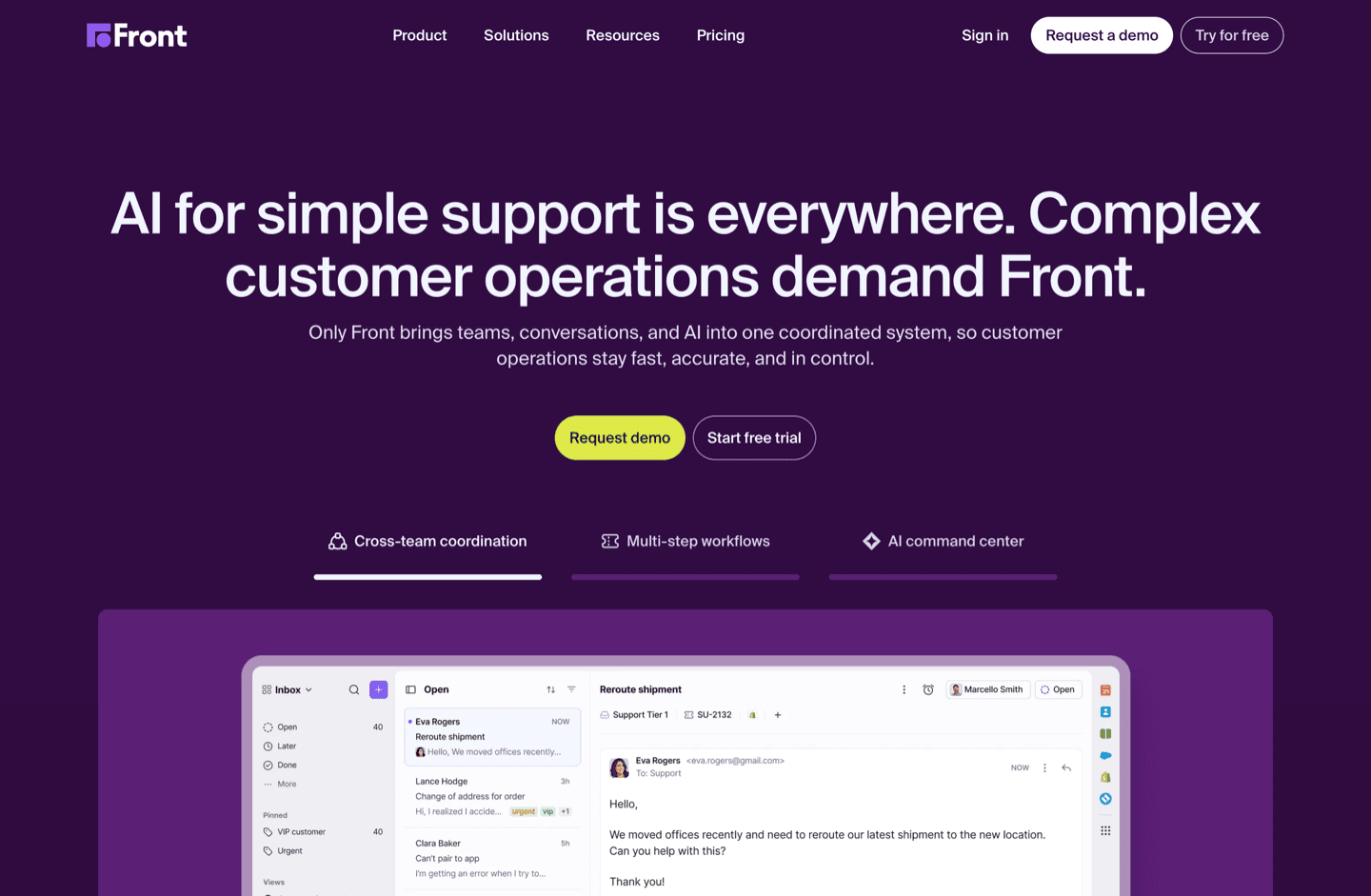
For teams managing support across email, chat, and socialFront pulls email, social, and chat messages into a single inbox. It is one of the best tools for teams managing support across multiple channels, but only if those channels are truly core to your support workflow.
What is Front?
What is Front?My main question here is, are you planning on having your social channels and chat apps as your main source of support?
I mean really, think about that question deeply. I understand that the gut reaction is "yes, that would be great!"—but maybe those 5 customers of yours that prefer to message you via Facebook Messenger or Twitter DM's shouldn't be the sole cause of fragmentation across support channels, requiring you to then use a tool like Front to rope it all back in. So ask yourself, just because you "can" open up your support channels, "should you"?
If the answer is "yes", then that's where I can vouch for Front, but again, you're accepting support fragmentation, and good luck roping that back in in the future.
Again, if you're a small team, you should probably have a primary and centralized support channel, usually "support@yourcompany.com"—that way you can better control routing and tracking feedback.
Also, if you're like us and you love using Superhuman Mail for your direct emails, you're not going to benefit from the other features of Front, like "shared inboxes" and such across the team.
You really need to use Front as your main email inbox to get the most use out of it.
Get through your inbox 2x as fast (for teams of all sizes).
Intercom
For real-time live chat support
For real-time live chat supportIntercom runs live chat for customer support but quickly gets very expensive and creates a lot of pressure to respond instantly, which can overwhelm small teams.
Only use Intercom if you have several full time staff dedicated to live chat and can justify the higher costs, otherwise it is not a good fit for small businesses or anyone without a team ready to handle constant chat demands.
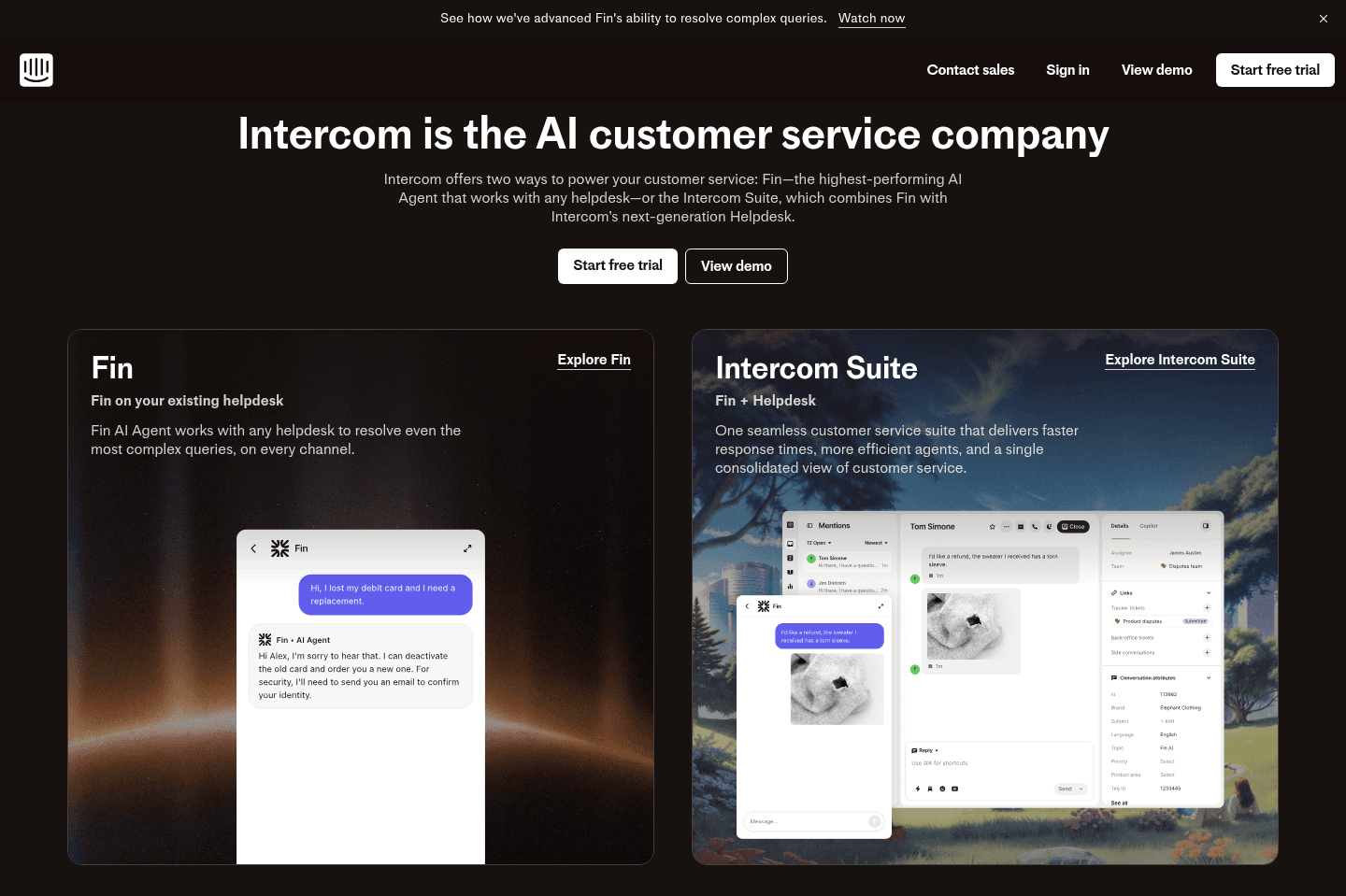
What is Intercom?
What is Intercom?Intercom is great, but is quite expensive for what you get, and it's super live chat focused.
Something I'm regularly reminding small businesses of is that having a live chat has a huge (hidden) cost associated with it, especially as a small team.
It brings with it anxiety of responding (had one client that wouldn't use the restroom out of fear they weren't there to respond to a customer shortly after implementing Intercom into their business.
Yep, it's safe to say that it didn't last very long for their small team, they are no longer using Intercom.
They also charge based on number of contacts and the various components (features) and it gets wildly expensive very quickly.
They are great though and the industry standard for live chat (if you can justify having a few full-time employees to manage your live chat).
Zendesk
large enterprise teams with deep API needs
large enterprise teams with deep API needsZendesk runs like old, clunky software that makes you feel like just a ticket number, not a real customer, and the experience is so frustrating that most customer success reps seem to hate using it. Unless you're an enterprise team with very specific reasons to stick with it, skip Zendesk and look for something that's actually pleasant for both your team and your customers.
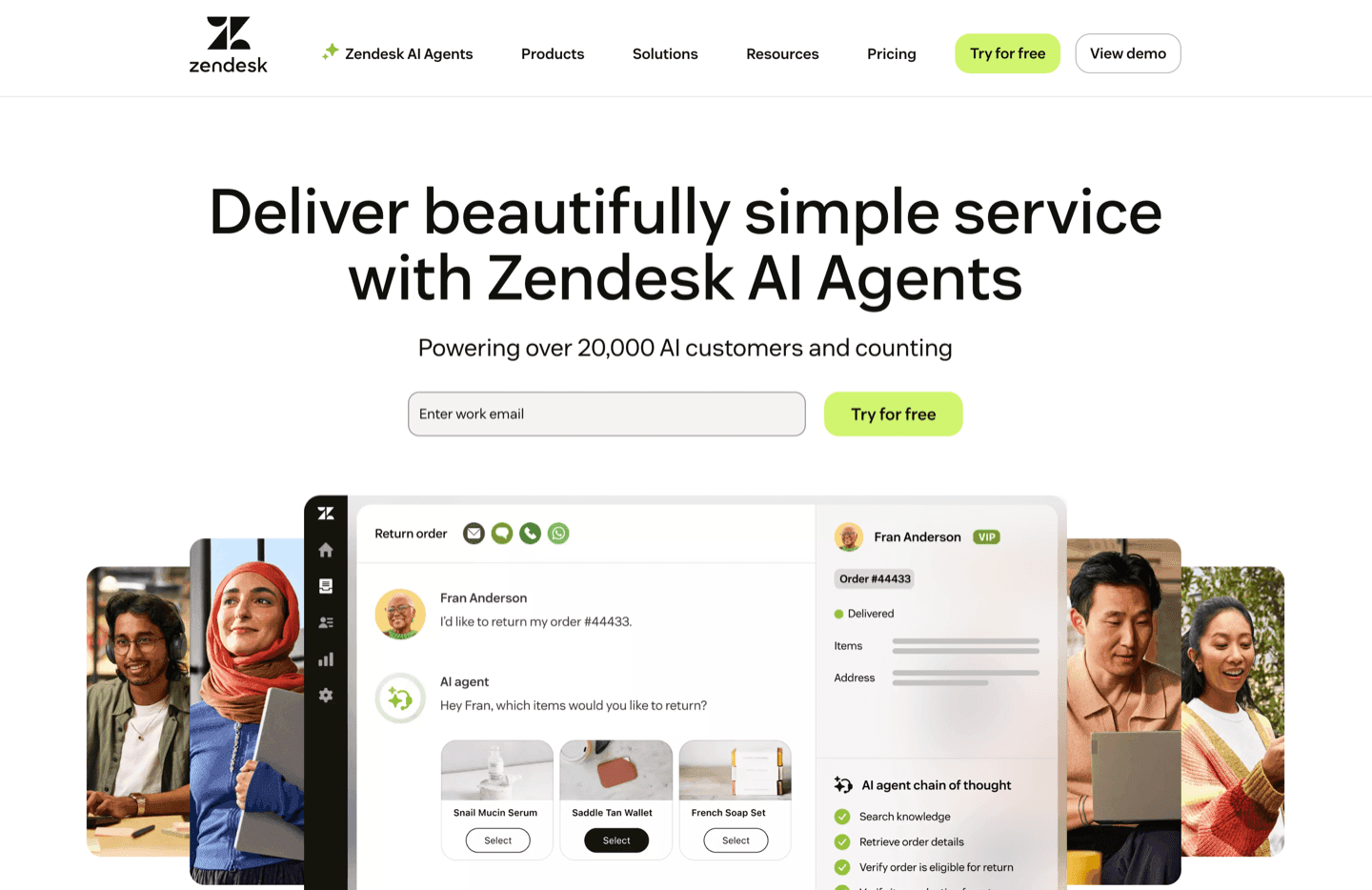
What is Zendesk?
What is Zendesk?Think of Zendesk as the "Salesforce" of the help desk world. They "integrate" with almost everything (what that even means is many things... does that mean it'll do what you want it to do? questionable), they have help docs, an included community platform even. But what's it like to actually use? Well, painful.
There's zero joy in using it. It feels like you're using archaic and unintuitive software, I've still yet to meet a customer success rep that has had even one positive thing to say about it, or rather, I've yet to meet someone that hasn't "hated it" to be more specific.
Key Features
Key FeaturesCustomer Experience
Customer ExperienceIn Zendesk, you are a ticket number, not a person. And yes, customers feel this, it's incredibly apparent and frustrating to experience:
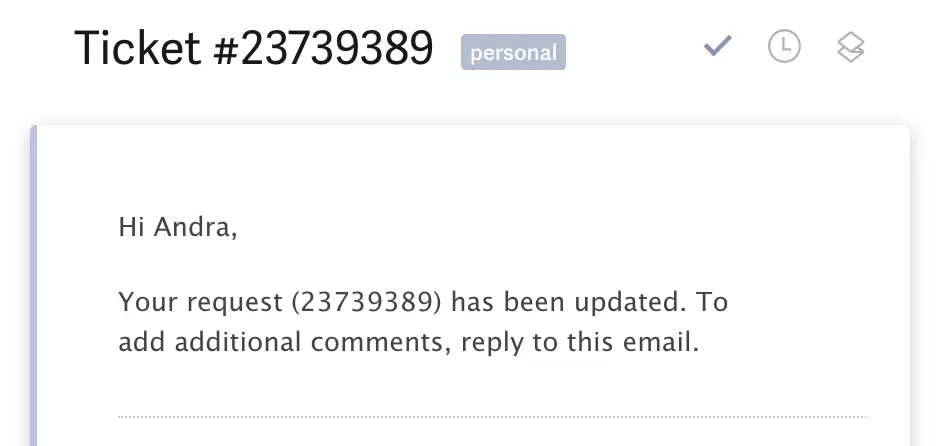
Good luck remembering what this support request was about 😅
Community Functionality
Community FunctionalityBut what about the community component? We want a community!
Well, good luck building one with Zendesk, another area I'm obsessed with, community software (love Discourse + Insided), and I have still yet to see even ONE Zendesk "Community" implementation that isn't just filled with customers complaining about said SaaS that the community was built for, with it all fallen on deaf ears by the company. That's a different story all-together though.
Get through your inbox 2x as fast (for teams of all sizes).