Cal.comBest
Best overall scheduler
Best overall scheduler Superhuman MailRecommended
Best for fast meeting scheduling from email
Best for fast meeting scheduling from email MotionRecommended
Busy professionals looking for a scheduler + task manager
Busy professionals looking for a scheduler + task manager VimcalRecommended
Best for executive assistants
Best for executive assistants Calendly
Legacy scheduling tool
Legacy scheduling tool SavvyCal
Best for personalized scheduling
Best for personalized scheduling Chili Piper
For enterprise teams deeply living in enterprise software
For enterprise teams deeply living in enterprise software TidyCal
One-time payment scheduler
One-time payment scheduler
Best Scheduling Software at a Glance



Watch the Full Breakdown
Best Scheduling Software Ranked & Reviewed
Watch our full breakdown of the top scheduling software, how they performed in testing, and what makes each one worth considering
How We Evaluate Scheduling Software
We score each scheduling software across ease of scheduling, modern appearance and branding, customization & control, automation, team and advanced scheduling, and hands-on expert evaluation
- Ease of SchedulingIncredibly simple and clear booking experience.
- Modern Appearance and BrandingClean booking pages with custom branding, clear time zones, and polished confirmation emails.
- Customization & ControlDoes it have flexible scheduling rules like buffer times, availability, and event types?
- AutomationAutomates reminders, follow-ups, rescheduling, and meeting integrations so nothing falls through.
- Team and Advanced SchedulingDoes it have built-in team scheduling like round robin and shared availability?
- Expert EvaluationCurated by, our rankings reflect in-depth testing, industry insights, and hands-on experience.AlexandAndra
Cal.com
Best overall scheduler
Best overall schedulerCal is the most flexible and modern scheduling software on the market when it comes to complex scheduling needs (e.g. taking payments upon booking, round robin scheduling, automated follow-ups). Think of it as a way more modern version of Calendly.
That said, if you're just looking for a meeting scheduler, and only have a couple of meetings per week, check your existing subscriptions as most tools have a scheduler bundled in by now.
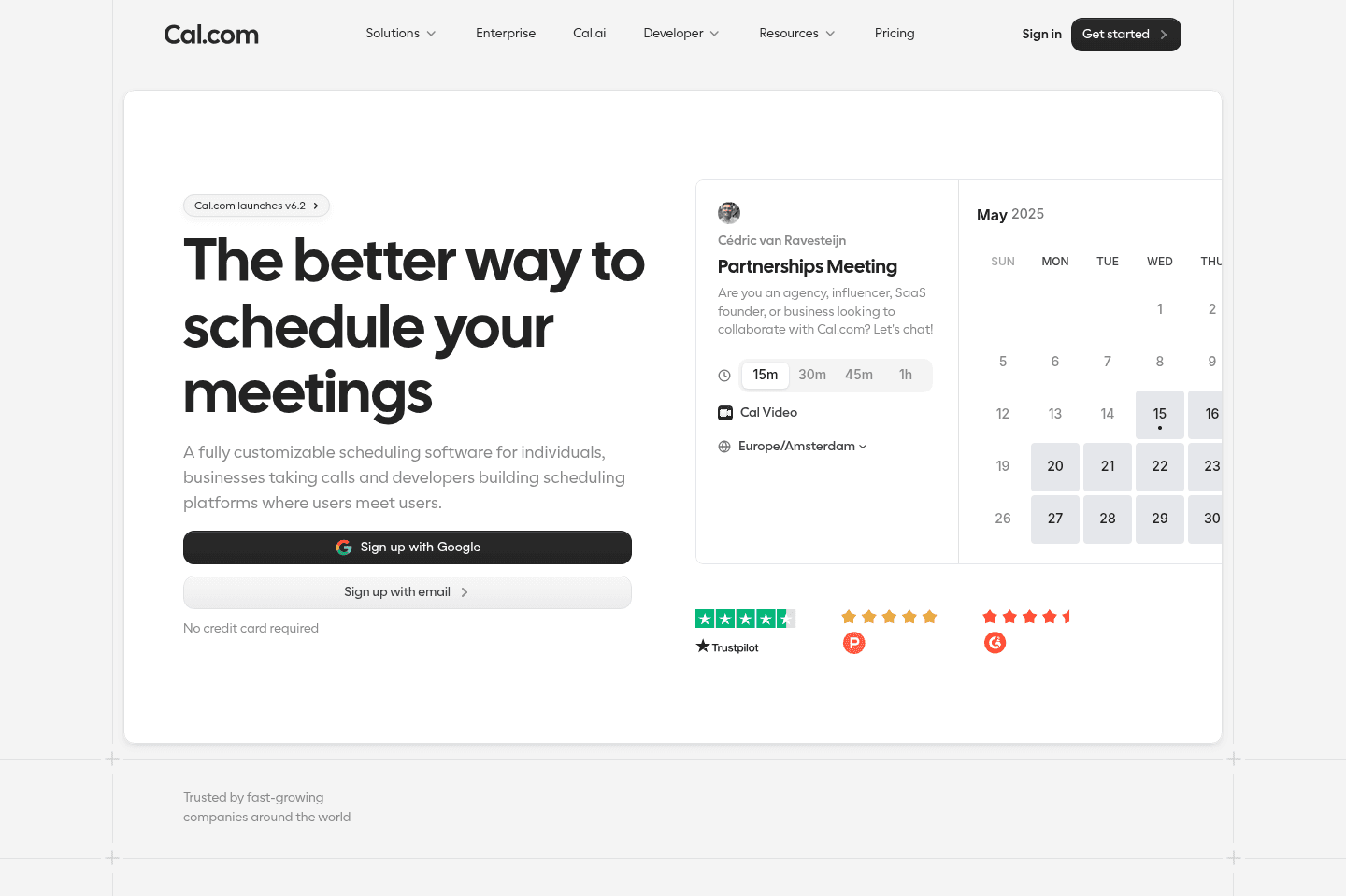
What is Cal?
What is Cal?Cal has changed the meaning and expectations when it comes to the standalone scheduler app category as it's the most flexible, and modern scheduling software on the market.
While Calendly was the leader in the meeting scheduling space for the past decade, over the past few years Cal has given them a run for their money, and in our opinion, has overtaken them.
Cal is by far the best overall meeting scheduler for individuals, SMBs, startups, sales & customer support teams, and even enterprises because they are incredibly flexible. Schedule meetings & appointments (checking multiple team members calendars), set up recurring appointments, take payments with scheduling, and create custom workflows.
Where meeting schedulers have become more of a feature of a product, like that of Motion, amongst others in the best calendar apps space, Cal has doubled down on that fact by not only making their tool open source core, but by also giving a robust API, allowing you to use their scheduling infrastructure for your own product. This makes it ideal for our more technical friends, enterprises, educational institutions, or even doctors offices.
That said, if you only need a basic meeting scheduler for 1:1 meetings, Cal is likely more than you need. Many of the best daily planner apps, project management tools, and even the best email clients now have a scheduler built in, so it's worth trying what you already pay for before adding another tool.
Key Features
Key FeaturesRound Robin
Round RobinUnlike other schedulers, Cal has something called weighted round robin scheduling, which lets you distribute meetings based on actual team availability instead of splitting them evenly.
For example, if one sales rep works fewer days than others, you can assign them a lower weight so they receive fewer bookings. You can also create more complex setups, like ensuring one sales rep is always on a call (customer support) while rotating different engineers into each meeting.
Routing Forms
Routing FormsCal is also awesome if you need routing forms. E.g. if your business offers multiple services like bathroom, kitchen, or outdoor remodeling. Based on what a customer selects via a form, they can be routed to the right specialist automatically.
Open Source
Open SourceCal is also open source, which means everything is transparent, and if you want, you can even run it on your own servers. That gives you full control over your data, instead of being locked into a tool you can’t change. This is more relevant to enterprises or companies concerned with security though.
Pricing
Pricing- Free: Best for individuals who need simple scheduling with no usage limits.
- Teams: $12/mo per user (billed yearly). Best for small teams and startups that need collaborative scheduling features.
- Organizations: $28/mo per user (billed yearly). Best for larger teams that need more control, security, and advanced routing.
- Enterprise: Custom pricing. Includes dedicated support, SLAs, advanced integrations, and enterprise-grade infrastructure.
Get the latest rankings and insights on top Scheduler apps—delivered to your inbox. Stay ahead with our expert picks and updates.
Superhuman Mail
Best for fast meeting scheduling from email
Best for fast meeting scheduling from emailSuperhuman Mail is the best email client on the market. It's wildly fast, minimal (not bloated with features), and helps individuals and teams triage through emails most efficiently. We've been using it for 6+ years and can't ever imagine going back to regular email.
Claim the Superhuman free trial for an limited time 2 months free, which is more than enough time to see if it fits your workflow.
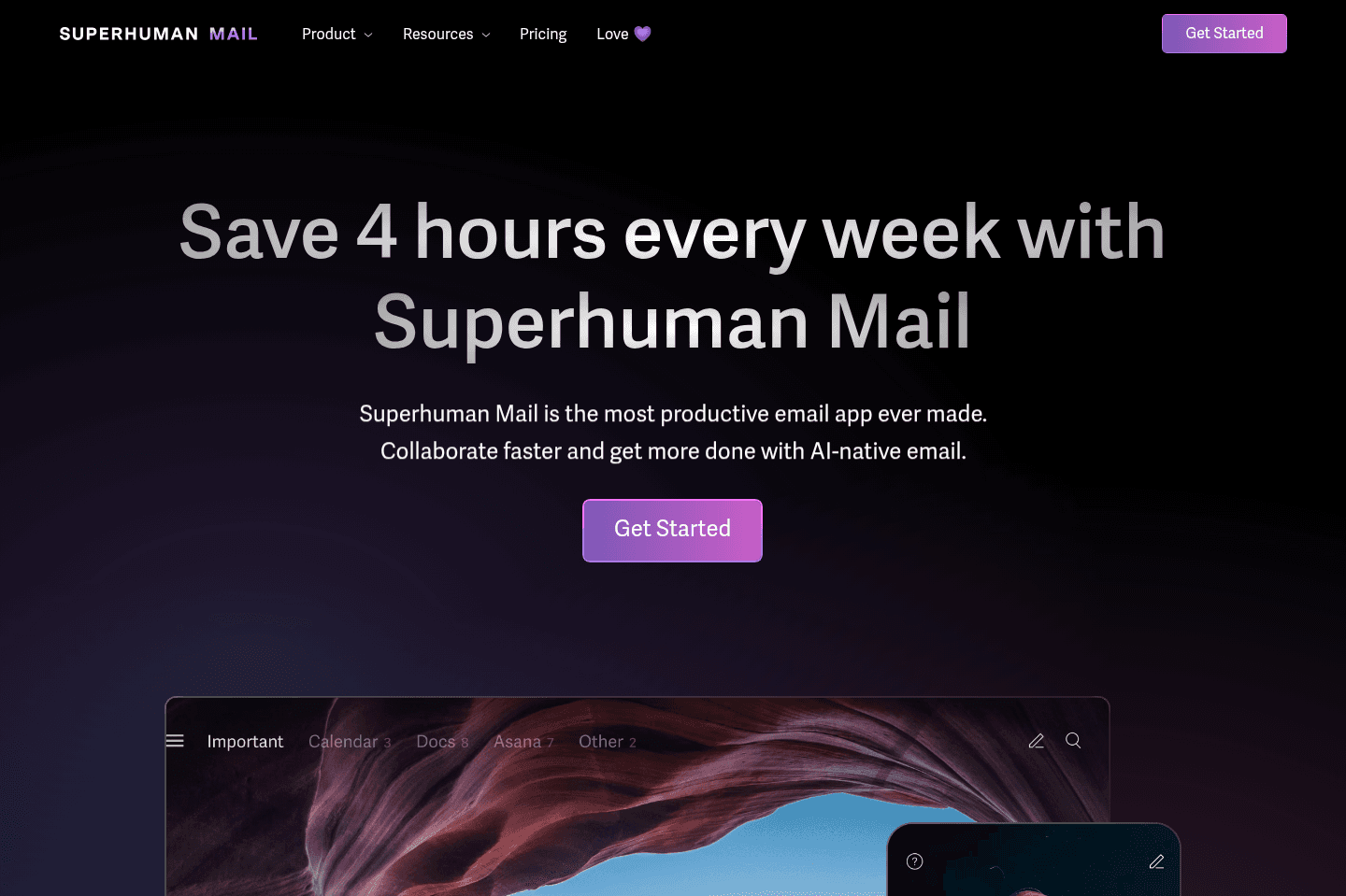
What is Superhuman Mail?
What is Superhuman Mail?Superhuman Mail is an email app that sits on top of your Gmail or Outlook, and Superhuman's scheduler is its lightweight scheduling feature built directly inside it.
Instead of opening up another tool to send over your availability, you can use a keyboard shortcut to share your availability in seconds.

If you're busy and spend a lot of time in your inbox, this scheduling feature within Superhuman Mail is incredibly fast and integrated, so it's a no-brainer to use (you can read our Superhuman Mail Review to learn about the other reasons why we love it for email). As soon as this scheduling feature became available, we made it part of our workflow because it was just too seamless not to use!
It's exactly what you'd need if you just want to share quick availability with someone.
Pros and Cons
Pros and ConsPros
Pros- Quick scheduling from your inbox
- Polished, minimal UX
- Customizable booking pages
- Booking pages can check for your team's availability too
- Reduces communication friction
Cons
Cons- Limitations on meeting duration options
- No custom intake questions
- Unclear timeframe for mobile availability
Key Features
Key FeaturesShare Availability
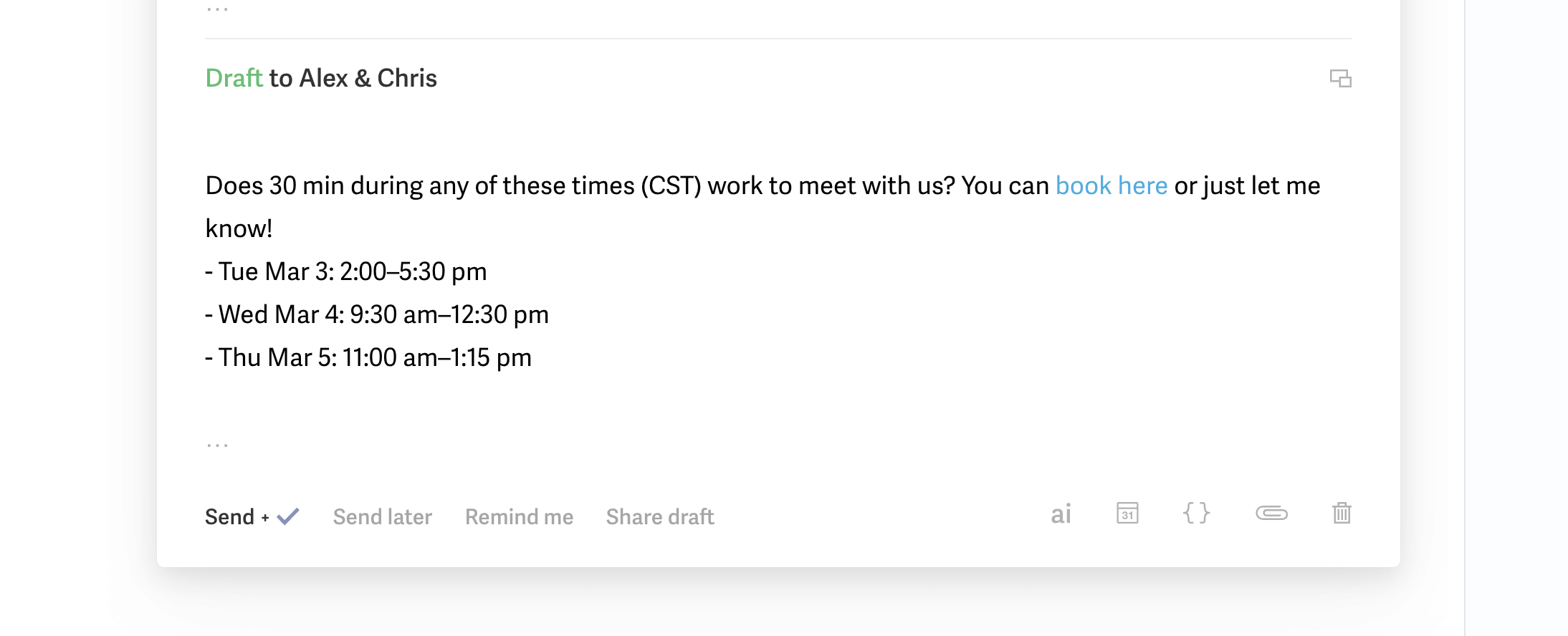
Share AvailabilityYou can quickly insert specific time slots directly into an email. You are able to share a booking page, or select specific time slots for your recipient.
Customizable Booking Page
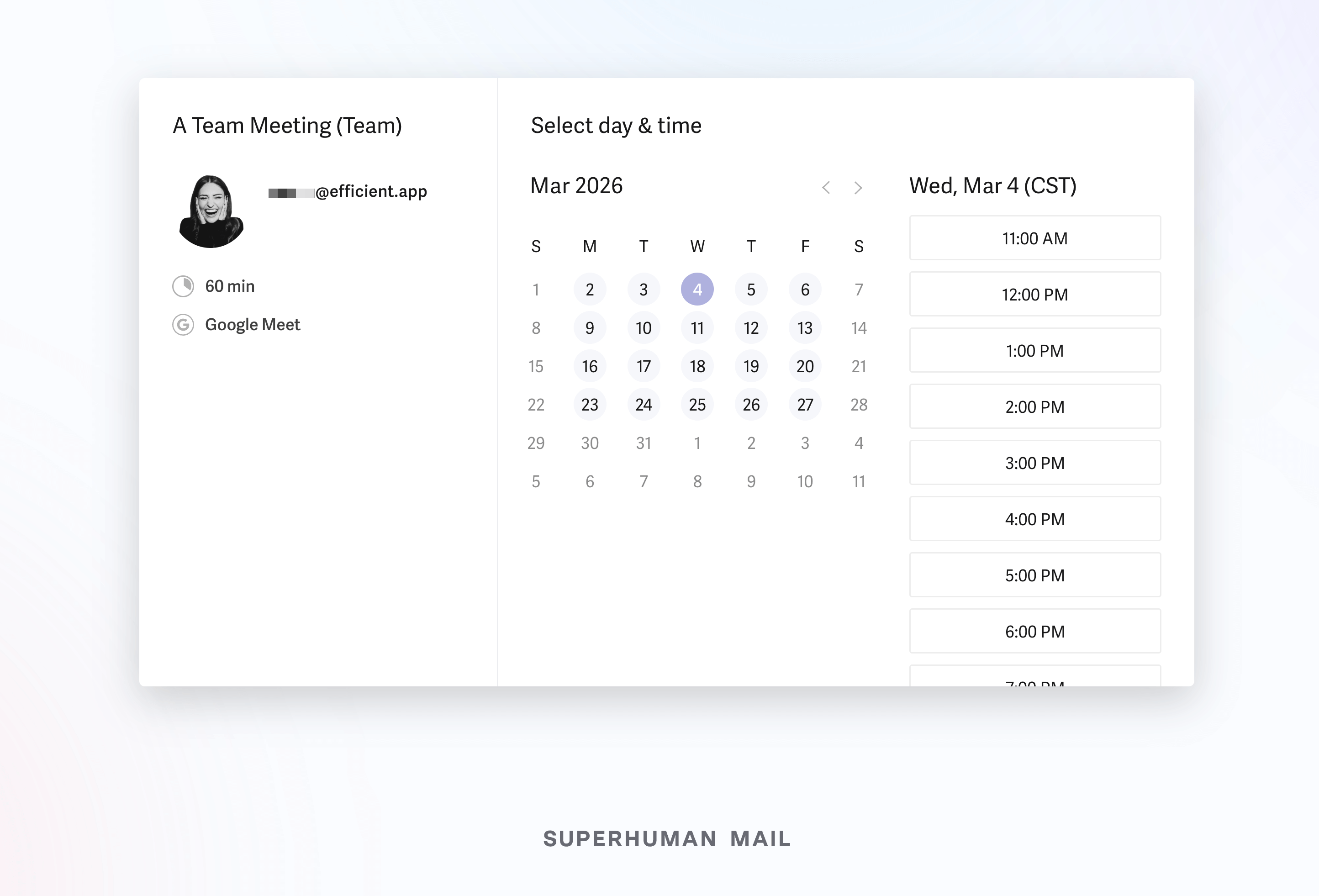
Customizable Booking PageThe booking page lets you preset available times that you're open for meetings. You can personalize your defaults like duration, required notice prior to booking, and conflict checks across all calendars (or team members calendars).
But heads up, if you have more advanced scheduling needs (e.g. want people to fill out forms prior to booking with you or you require payments upon booking), you likely need a more robust scheduling too.
Keyboard Shortcuts
Keyboard ShortcutsIt wouldn't be Superhuman Mail if they didn't add a keyboard shortcut to save on time. Hit Cmd+Shift+A (Mac) or Ctrl+Shift+A (Windows) and you're able to insert either a booking page or specific availability within seconds, without ever breaking flow 🏎️💨
Pricing
Pricing- Comes included with your Superhuman Mail subscription: $30/mo per user ($300 per year)

Not a tool. A hire.
Motion
Busy professionals looking for a scheduler + task manager
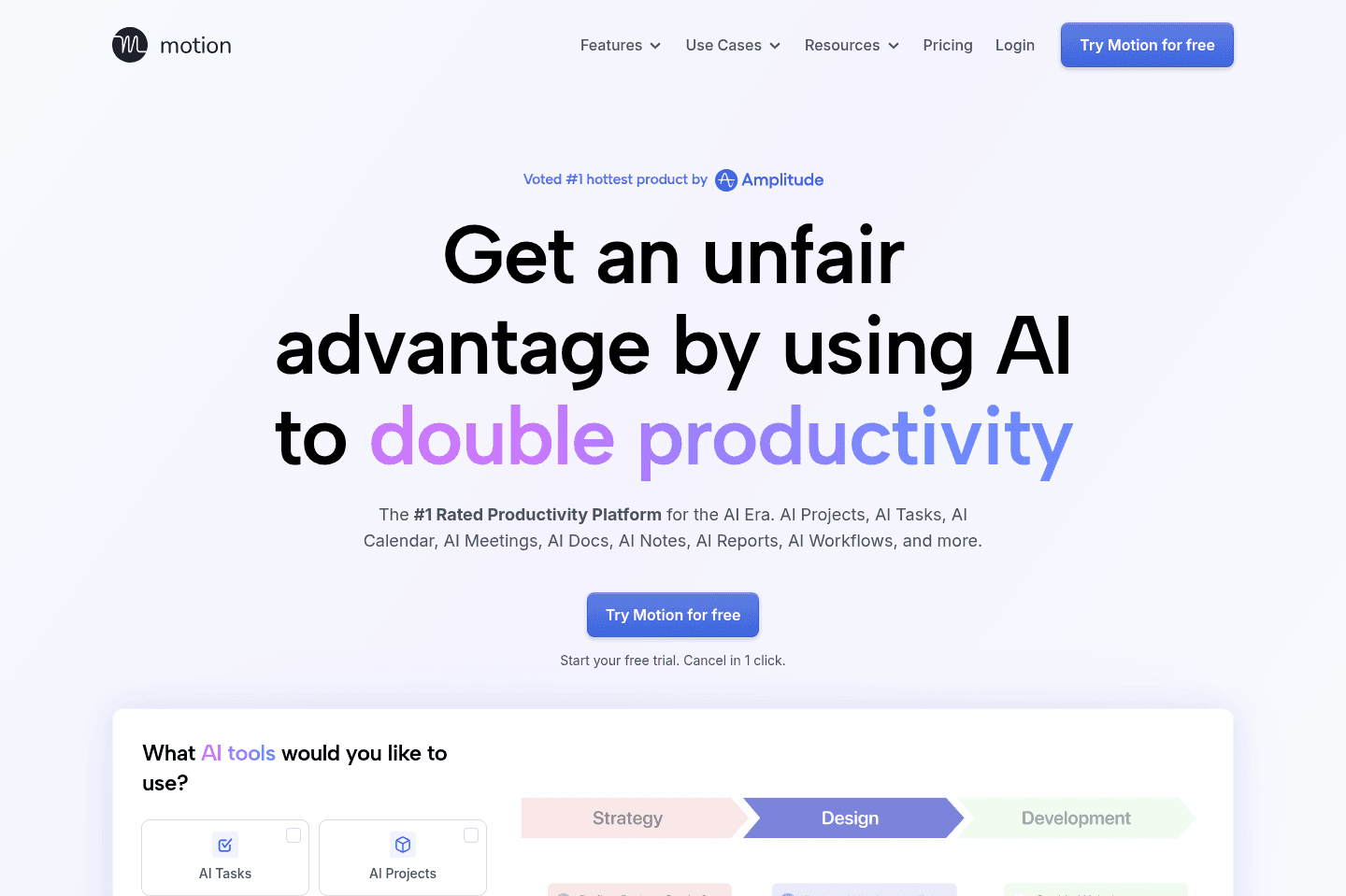
Busy professionals looking for a scheduler + task managerMotion is the most innovative AI-powered project management tool for individuals and teams who want to fully embrace AI to get work done.
It uses AI to take all of your team's projects, tasks, priorities, deadlines, and dependencies to build the perfect day for you and your team, time blocking tasks right on your calendar. They also have AI Docs, & an AI Note Taker, helping you get work done faster.
We've been using it for 5 years and is core to how we manage our time and projects!
What is Motion?
What is Motion?Motion is a project management tool that has a pretty awesome scheduling feature. If you're just looking for a standalone scheduler, skip Motion. But if you're looking for a way to organize your tasks, projects, and time and you only basic scheduling needs then Motion could be a great fit. We use it ourselves and have so for 4+ years.
The meeting scheduler itself gives you the ability to share availability or create simple booking pages (you can even ask participants a few questions prior to scheduling).
That said, if your business has heavy workflows around scheduling (e.g. you need round robin for leads routing, or want to take payments before a call), then Motion isn't for you.
Pros and Cons
Pros and ConsPros
Pros- Seamlessly integrated with Motion’s task and project management system
- Fully synced with your calendar and real availability
- Customize templates (e.g., solo meetings or team meetings)
Cons
Cons- Not built for complex scheduling workflows (taking payments, etc)
- No lead routing and automation compared to dedicated tools
Key Features
Key FeaturesCustom Booking Links
Custom Booking LinksWe use it to create general or one-time links to share our availability. You can define your working hours and control exactly when people can book with you, so it does offer some flexibility.
Scheduling Controls
Scheduling ControlsYou have the ability to avoid back-to-back meetings and the option to set daily meeting limits. You can also create separate scheduling templates, which gives you an added layer of organization (e.g. if you work two jobs, and want one scheduling link for weekdays vs weeknights).
Team Booking Pages
Team Booking PagesYou can set up booking pages for multiple team members. For example, we have a booking page that checks my calendar along with my co-founders so that someone can book in with both of us.
Pricing
PricingMotions prices range from $19 to $34 per month (Individual to Team plans), and the meeting scheduler is included within that broader system.
Vimcal
Best for executive assistants
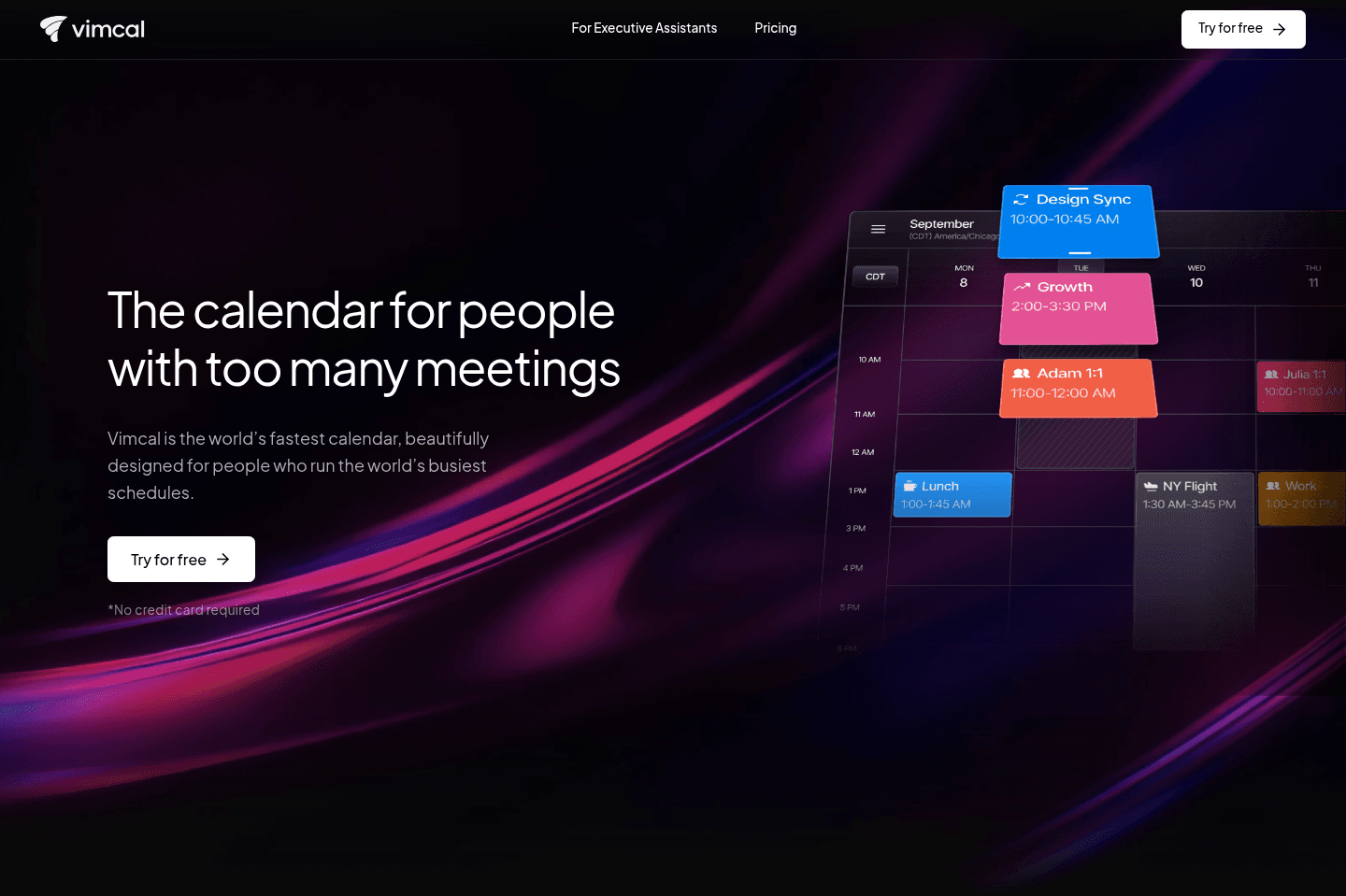
Best for executive assistantsVimcal markets itself as "the calendar for people with too many meetings (iOS only).
With that, the main problem they are trying to solve is helping folks schedule meetings more efficiently.
While we agree that Vimcal is the fastest calendar we tried, there are other calendars that do way more (e.g. task management in addition to scheduling). So we'd recommend Vimcal if, and only if, scheduling meetings faster is single thing you wish you could do more of.
What is Vimcal?
What is Vimcal?Vimcal markets itself as "the calendar for people with too many meetings." It’s an iOS-focused calendar aimed at helping heavy schedulers, mainly executive assistants, coordinate complex meetings more efficiently. It's not for booking appointments (e.g. you can't take payments upon bookings), so it's not the same as Cal or Calendly, but if you specifically have a lot of meetings specifically Vimcal can be a useful scheduler.
Vimcal makes the most sense for executive assistants or operators managing packed calendars for leaders, especially when meetings involve 5–10+ participants and careful coordination. For those users, features like group polling and natural language scheduling can reduce back-and-forth.
However, for individual professionals with more straightforward scheduling needs, you can probably just get away with using a scheduling feature that is a part of an app you already use.
Pros and Cons
Pros and ConsPros
Pros- Built for heavy meeting schedulers
- Group polling for coordinating large meetings
- Natural language event creation
- Clean iOS interface
- Replaces booking tools with a full calendar system
Cons
Cons- iOS-only (no Android support)
- iOS app can feel laggy/buggy
- Over-engineered interface with too many shortcuts
- Expensive in terms of value
Key Features
Key FeaturesFast Availability Sharing & Calendar
Fast Availability Sharing & CalendarWith Vimcal, you also get a full-fledged calendar that is the main interface you operate from, so it can also replace your Google Calendar. From there you can quickly share your availability.
Vimcal has a desktop app that works on Mac and Windows, and an iOS app, but no Android app at the moment.
Executive Assistant Focused Scheduling
Executive Assistant Focused SchedulingVimcal was clearly designed with EAs in mind, who are usually managing complex scheduling workflows. For example, if your EA needs to coordinate a 10+ person meeting across multiple time zones, Vimcal lets them quickly propose several time slots and send a poll so participants can vote on what works.
Instead of manually emailing everyone back and forth, the EA can gather availability in one place and lock in the best time.
Group Polling
Group PollingInstead of going back and forth over email, you can send out availability polls and let your team vote on time slots. This is helpful when you have to find the perfect time for company retreats or those constant leadership meetings.
App Pricing
App Pricing- Free: Best for iOS users, both mobile and desktop versions available
- Paid plans: Start around ~$16/month for individuals
- Enterprise: Price by contact only. Includes extra security and custom billing.
Not a tool. A hire.
Calendly
Legacy scheduling tool
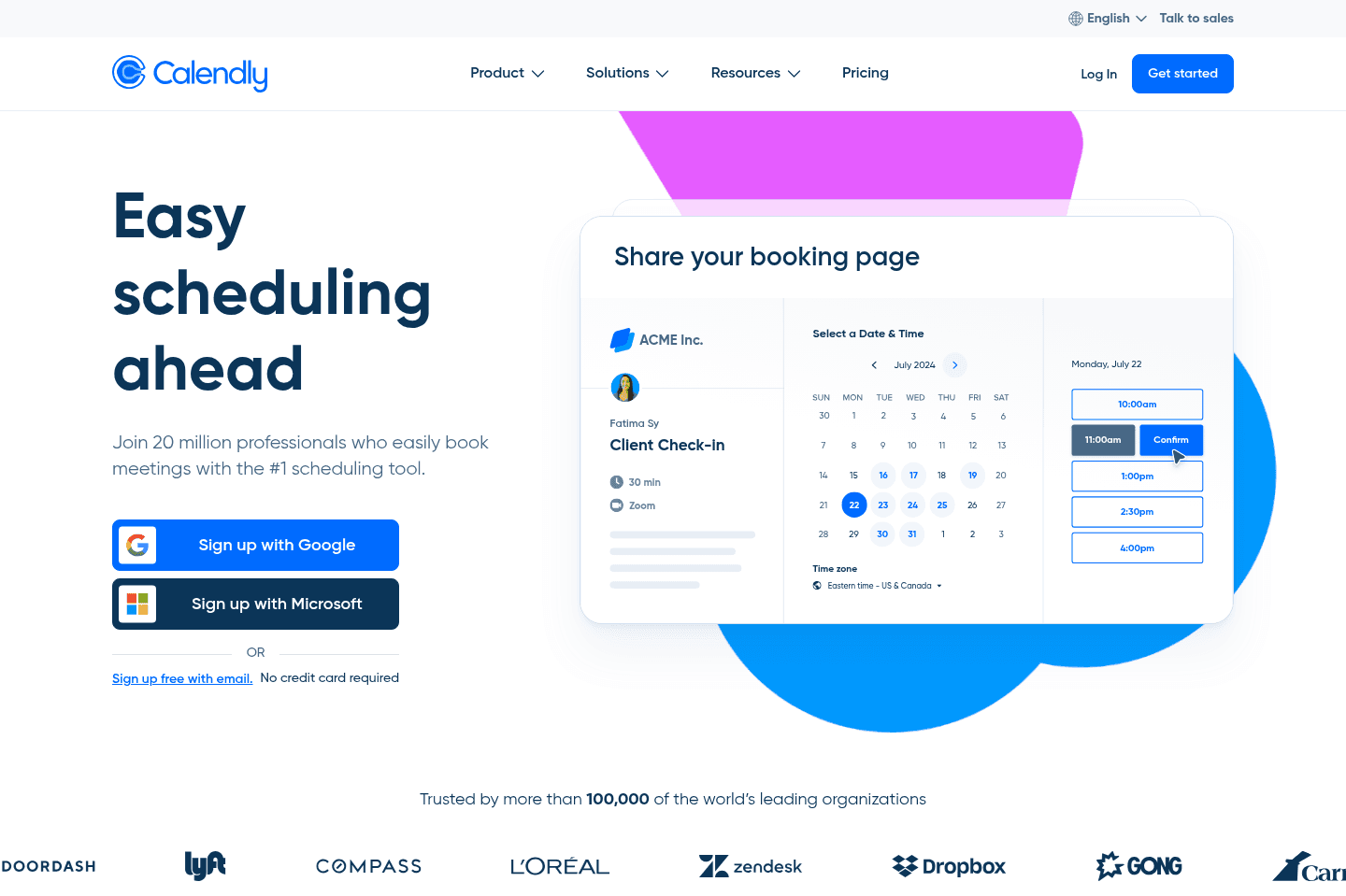
Legacy scheduling toolCalendly handles online meeting scheduling but now feels outdated and less flexible compared to newer options like Cal.com. If you want a scheduler with faster performance and more adaptable workflows for teams, skip Calendly and choose something more modern.
What is Calendly?
What is Calendly?We've implemented Calendly into many businesses over the years as it once was the market leader when it came to online meeting scheduling. But we recently evaluated a new tool called Cal.com and we found that they are much more modern than Calendly. It is are faster, and their workflows are so much more flexible for teams looking to add automated scheduling into their business processes.
Compared to Cal.com, Calendly are feels like the older tool that feels outdated.
So if you are looking for a new scheduler, skip Calendly and grab Cal.com instead, you'll thank us for it!
SavvyCal
Best for personalized scheduling
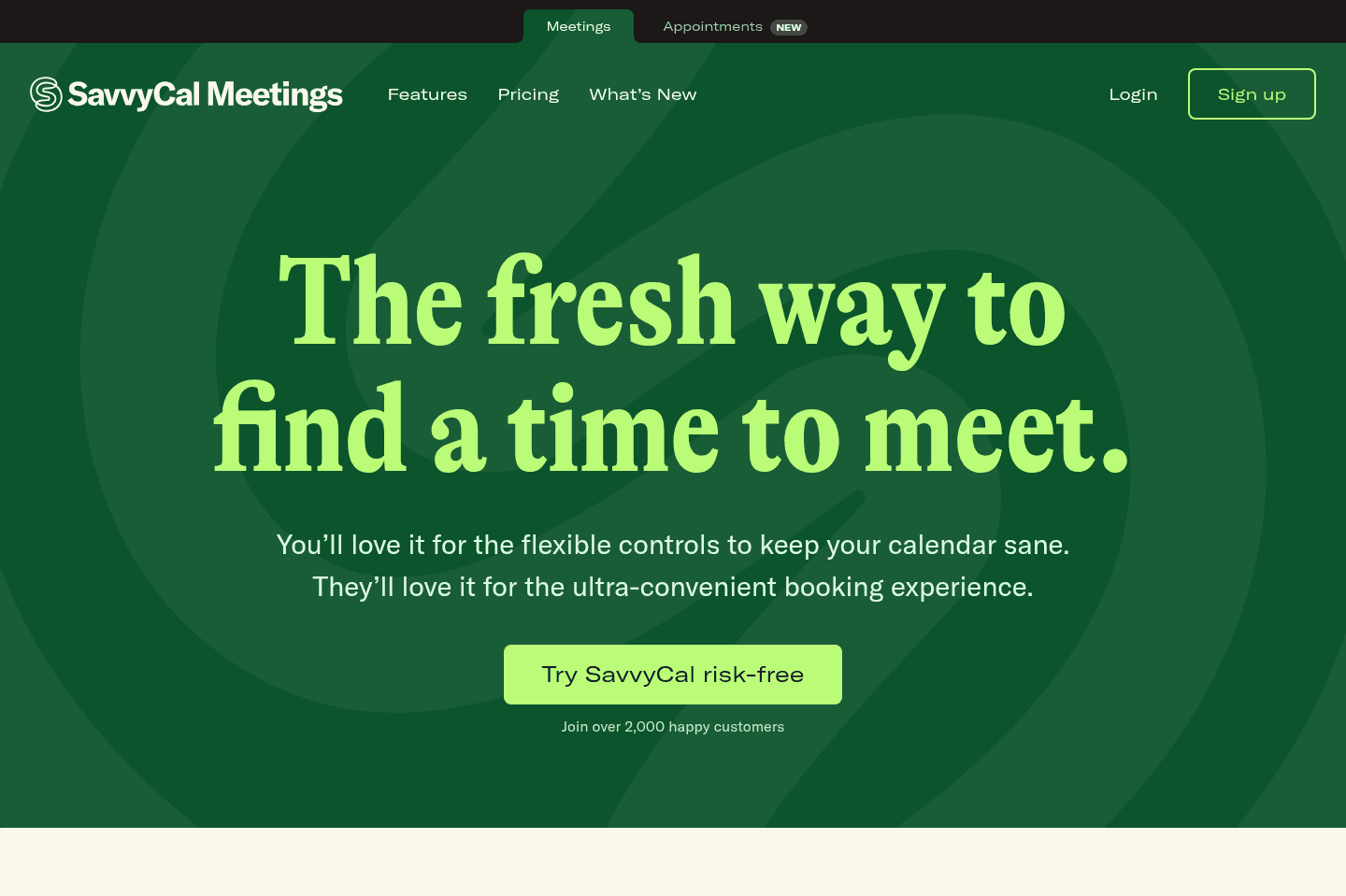
Best for personalized schedulingSavvyCal lets teams offer a more personal scheduling experience with a clean interface and features like letting others drag to select times, but it lacks the workflow depth and API power needed for complex or heavy scheduling. If you need advanced scheduling or want a free option, skip SavvyCal.
What is SavvyCal?
What is SavvyCal?SavvyCal is well-suited for teams that value personalized scheduling and a user-friendly interface, offering thoughtful features like allowing someone scheduling with you to drag times on your calendar instead of clicking available slots.
However, when it comes to workflows and API capabilities, SavvyCal falls short. It’s not as powerful as something like Calendly or our top pick, Cal.com (check out our Cal.com review). If your scheduling needs are heavy or complex, SavvyCal won’t be able to meet those demands effectively.
Adding to this, SavvyCal doesn’t offer a free plan—not even for a single scheduling link—leaving us questioning why you’d pay for it when Cal.com offers free scheduling on their individual tier.
Not a tool. A hire.
Chili Piper
For enterprise teams deeply living in enterprise software
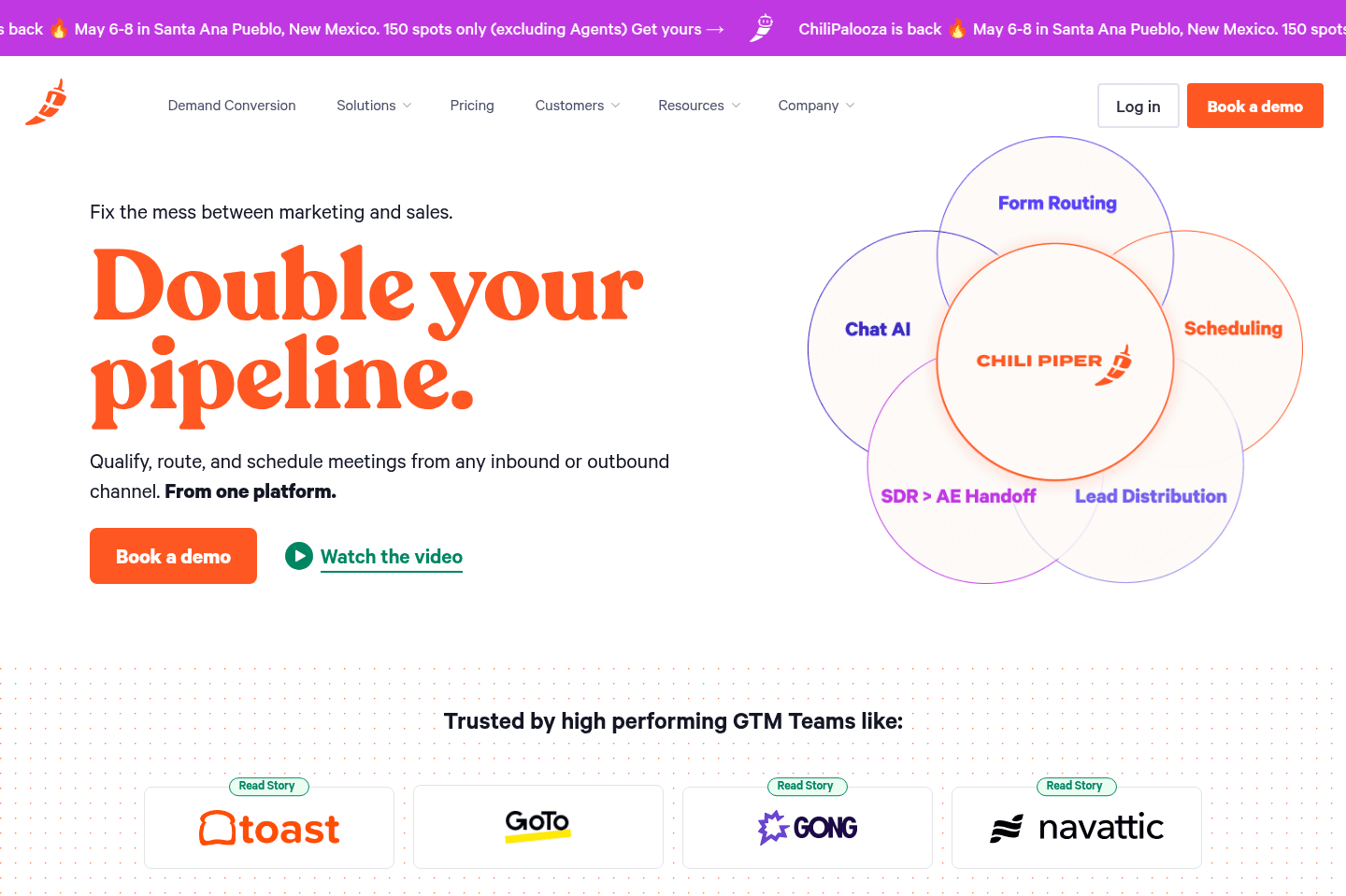
For enterprise teams deeply living in enterprise softwareChili Piper handles scheduling and lead routing for enterprise sales teams that use Salesforce and need features like round robin booking. If you are not an enterprise company or you use a non-Salesforce CRM, skip this scheduler because it ignores smaller teams and lacks flexibility for non-enterprise needs.
What is Chili Piper?
What is Chili Piper?Chili Piper has made their mark in the enterprise scheduling and lead routing space.
We were actually using them back in our search to find the best calendar scheduler on the market, and actually replaced Calendly with Chili Piper.
Since we were quite early on in using it though, we didn't realize that they were building every product decision for that of enterprise companies. So never would they integrate with a non-enterprise CRM like Copper, they focused only on Salesforce.
Competition
CompetitionThe long and short of it is that if you're looking for a deeply integrated Salesforce meeting scheduler, and terms like "round robin" come up regularly for your team, Chili Piper is probably the solution for you.
If you're instead looking for deeper integration with your CRM and you're using something like Copper or Pipedrive or HubSpot, you might consider Cal or Calendly instead.
If you're just looking for the best calendar scheduler on the market, and thinks like speed of scheduling, spinning up a new scheduling link, and priority/focus time blocking are important to you, Motion is definitely the winner in this category.
Final Verdict
Final VerdictIf you are an enterprise company, using Salesforce, and robust lead routing + your company is sales-heavy, you might consider Chili Piper.
That said, when I was first using Chili Piper, I was really just looking for a low-friction scheduler that was super flexible. It wasn't until finally stumbling upon Motion, that I could finally end the hunt.
If you're a smaller team, or not using an enterprise CRM like Salesforce, we'd highly recommend you taking a look at Motion vs Chili Piper, as Motion is likely to check more boxes, as it also has a baked in tasks right inside of your calendar.
TidyCal
One-time payment scheduler
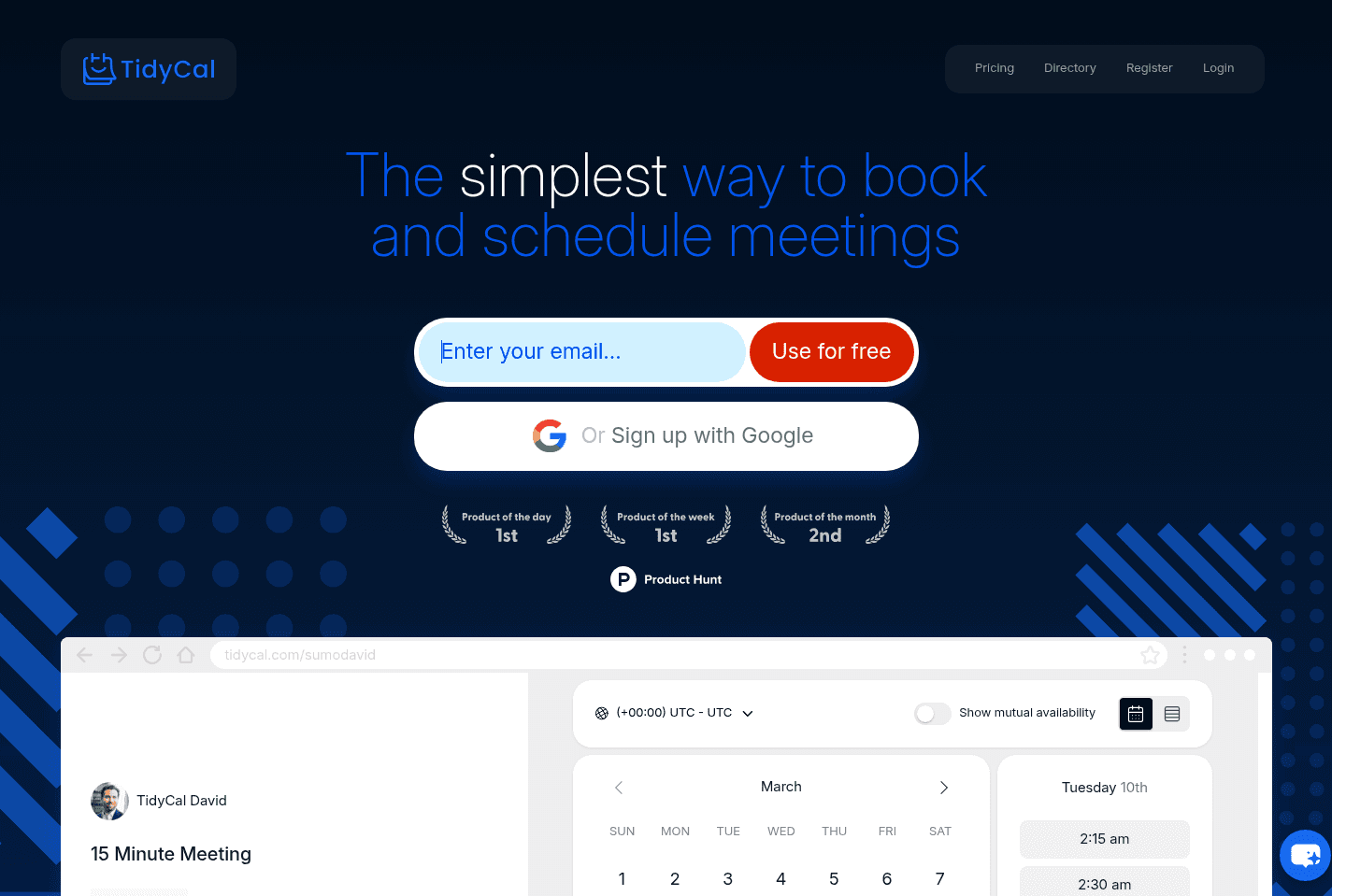
One-time payment schedulerTidyCal used to be more competitive when Calendly was it's only competitor. This is because TidyCal is a one-time payment of $29 (vs. paying a subscription for Calendly). But recently, a new scheduling tool called Cal.com has come on the market, and they offer everything that TidyCal does on their free tier, making it no longer a competitive choice.
What is TidyCal?
What is TidyCal?TidyCal might have caught your attention because it offers a one-time payment of $29 instead of a subscription model. It includes scheduling and payment features, which can be tempting...but let us tell you, it's not worth it.
First, we generally don’t recommend purchasing software with one-time payments because they often lack ongoing updates and support. Subscriptions ensure that a team is continuously improving the product and driving innovation, whereas a one-time fee usually means little to no advancement.
The other reason it's not worth it is because a newer scheduler called Cal.com offers everything that TidyCal does on their free tier 😅
TidyCal was more appealing when it only competed with Calendly, but now, with Cal.com on the market —well — you do the math.
Not a tool. A hire.