Comparison Summary
Comparison SummaryVimcal gets you through meeting scheduling faster than anything else, while Superhuman Mail focuses on blazing through emails efficiently.
Only use Vimcal if scheduling meetings quickly is your main issue, use Superhuman Mail for handling email and skip it for calendar needs.
Calendar
Calendar Superhuman MailRecommended
Best calendar for those already using Superhuman Mail
Best calendar for those already using Superhuman Mail VimcalRecommended
Built for Executive Assistants
Built for Executive Assistants
Scheduler
SchedulerEditor's Verdict
Editor's VerdictIf your main goal is scheduling a ton of complex meetings fast, especially if you're an executive assistant wrangling lots of participants across time zones, Vimcal is built for you. It's designed to crush heavy-duty scheduling with features like group polling and natural language event creation, all from a dedicated calendar interface. For people managing high-volume, high-stakes calendars, Vimcal cuts out the back-and-forth and locks down group meetings in a way Superhuman Mail just doesn't try to match.
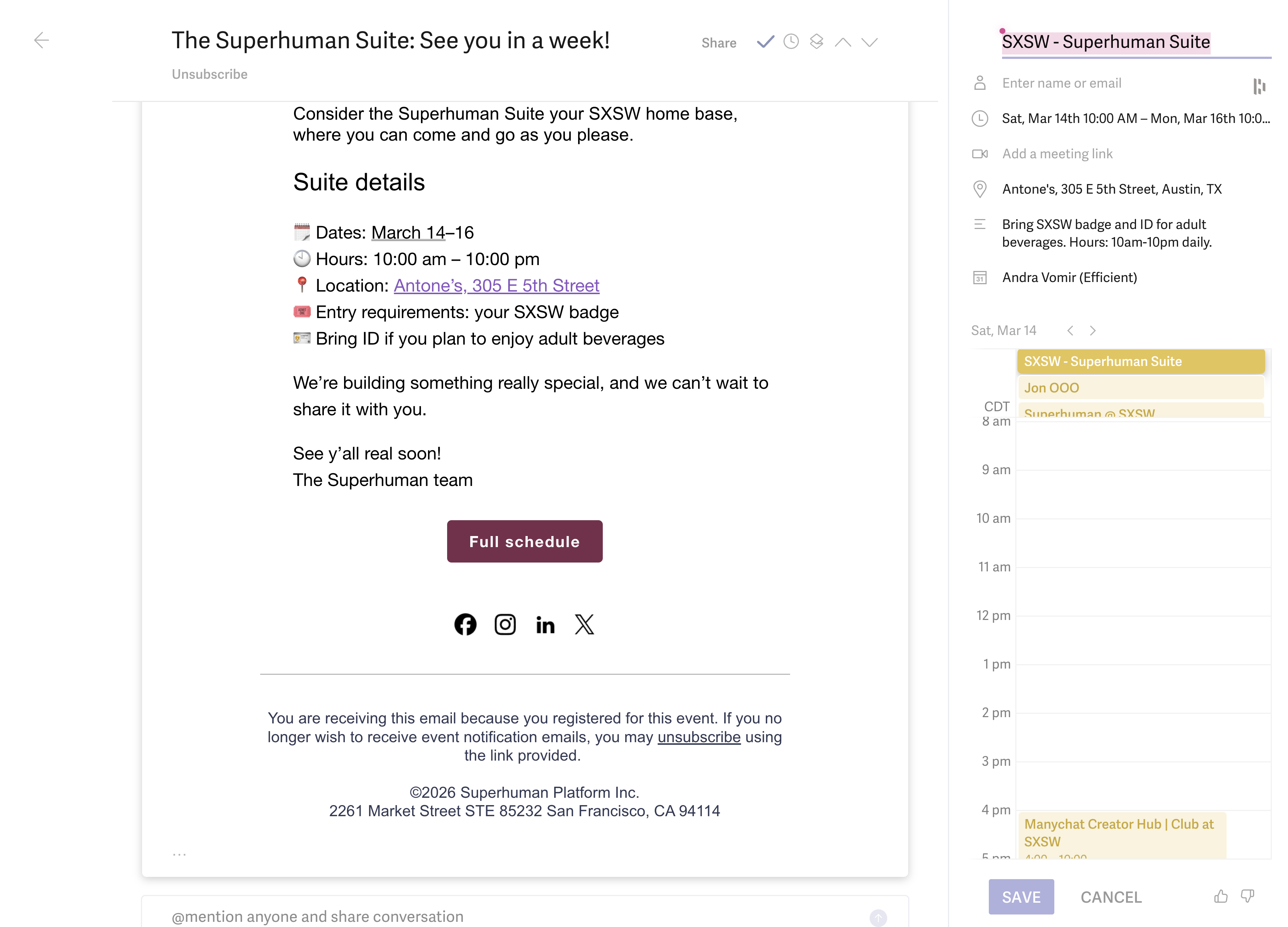
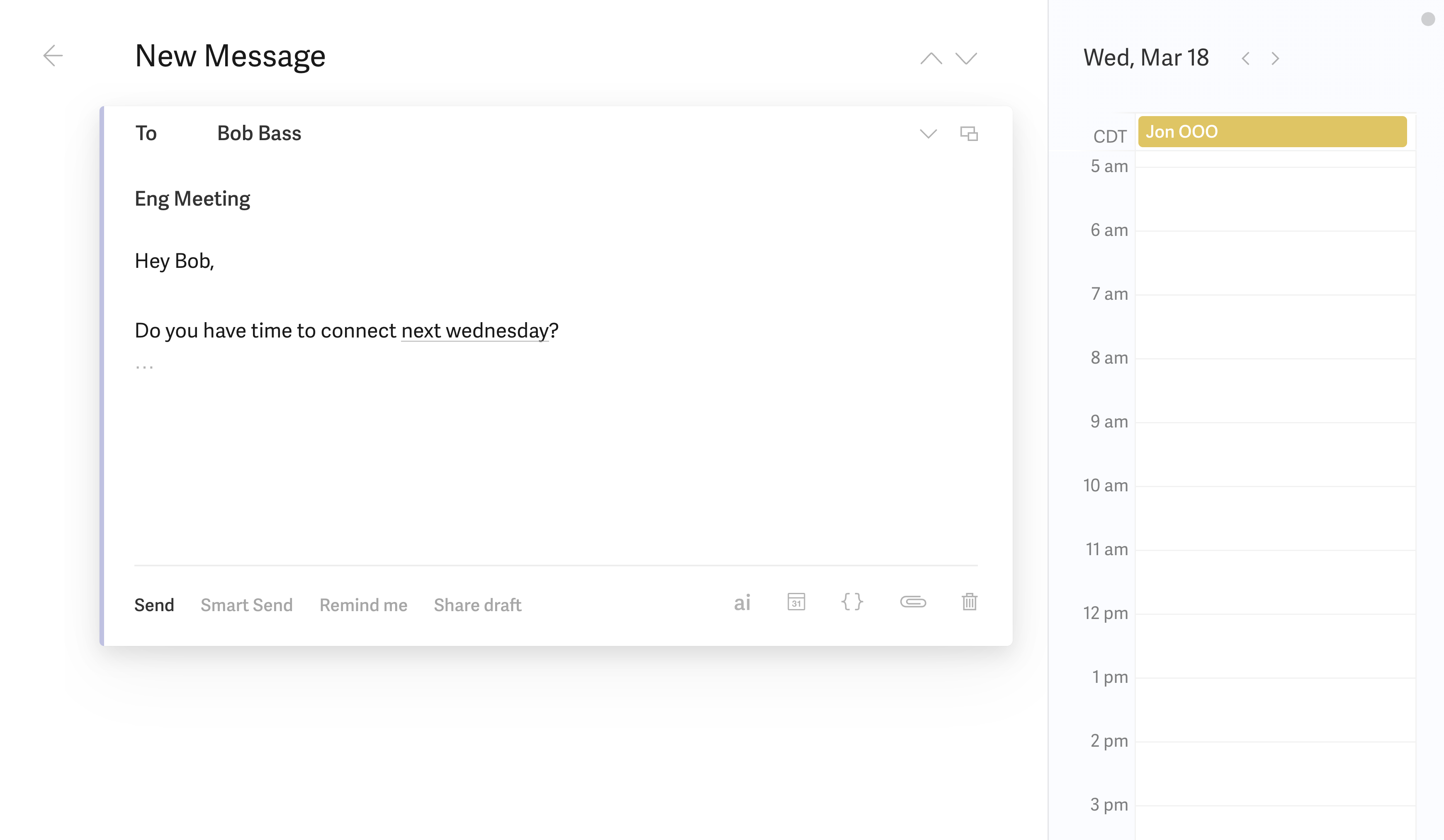
If you mostly live in your inbox and want to turn emails into events without breaking your flow, Superhuman Mail nails that. Its calendar is tightly integrated with email, so you can create events or check your schedule instantly with a shortcut. The AI assistant and natural language make adding meetings from messages feel effortless, especially for solo professionals or teams who want to keep everything in one streamlined place.
But if you're measuring purely on scheduling efficiency for heavy meeting coordination, Vimcal is the one that actually moves the needle for high-volume schedulers. Superhuman Mail is great for quick, individual scheduling from email, but it's not built to handle the multi-person, multi-time zone puzzles that Vimcal was made for.
So: choose Vimcal if you're the person responsible for getting a dozen busy people in a room at the same time. Go with Superhuman Mail if you want your calendar to disappear into your email workflow, but don't need advanced scheduling muscle.
Screenshots
Screenshots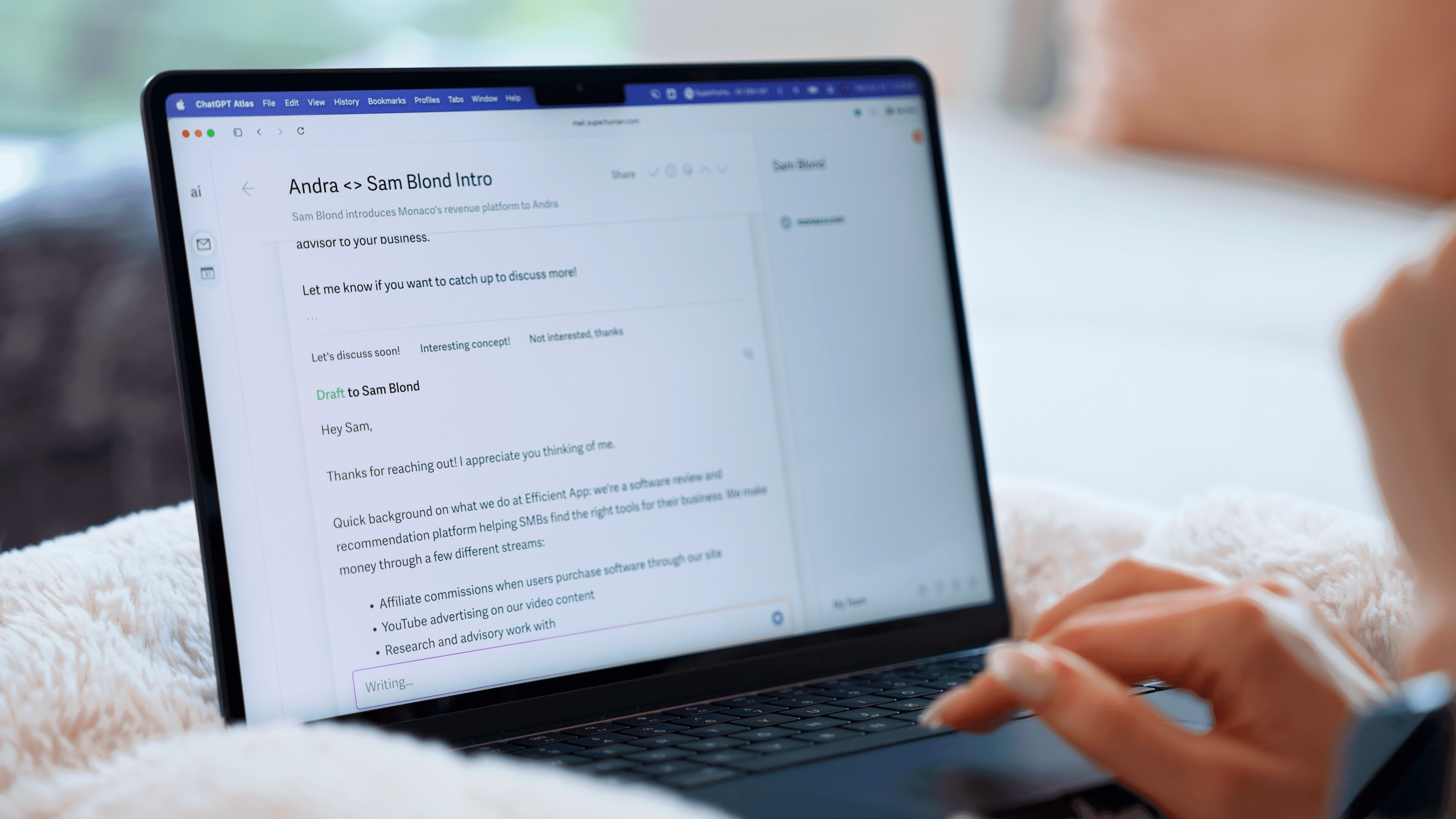
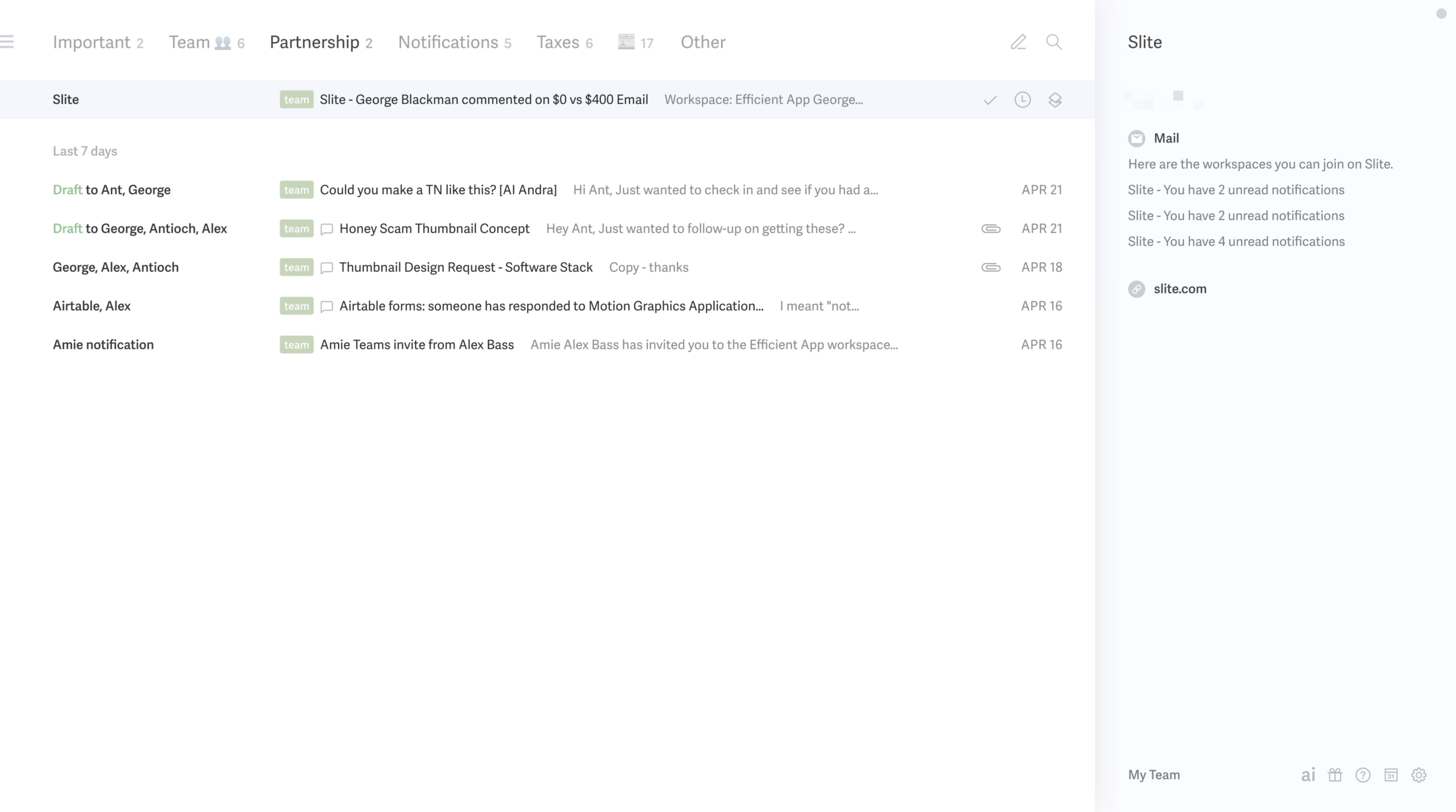
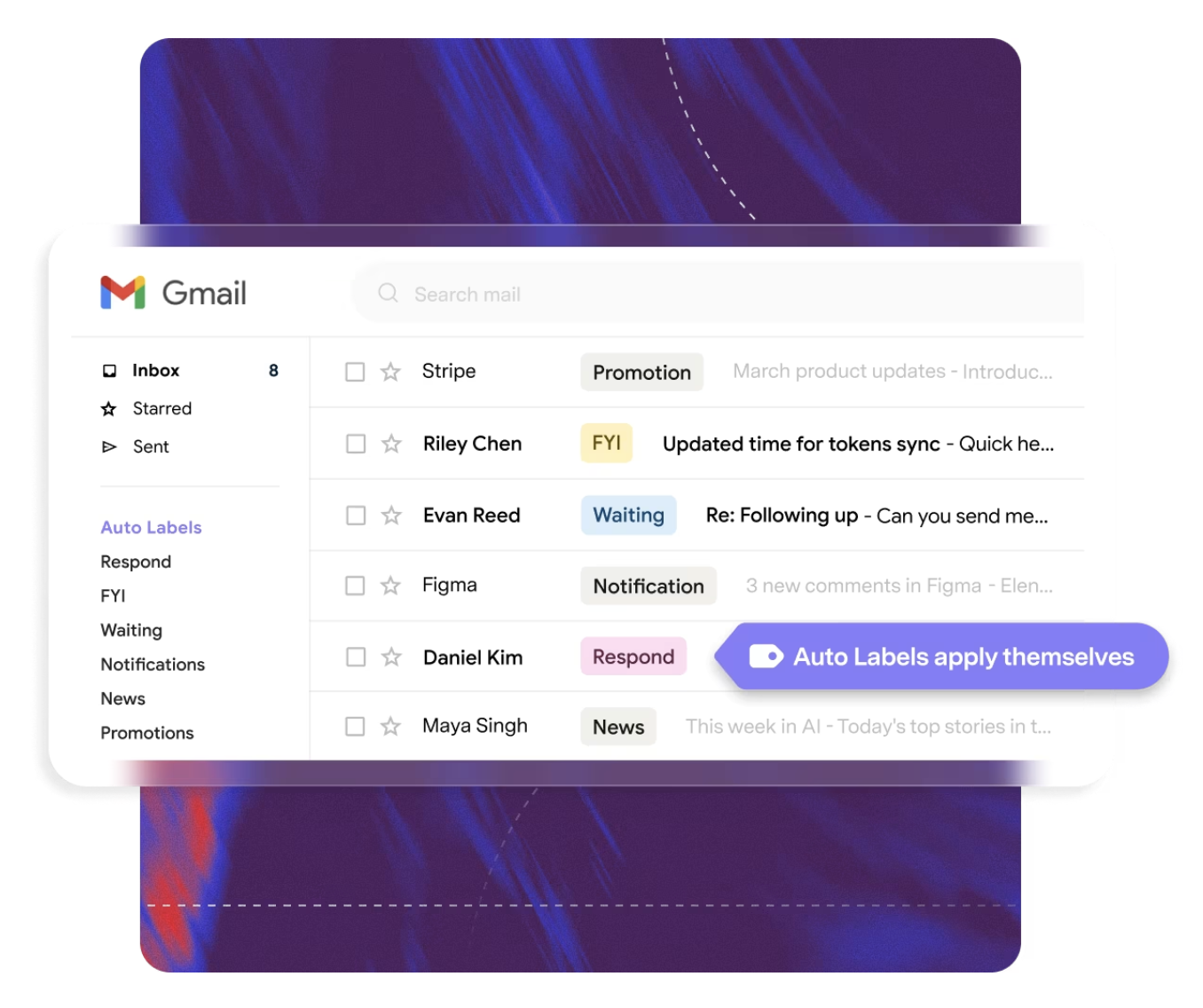
Superhuman Mail