Comparison Summary
Comparison SummaryWe used Copper for 10+ years in our business, and have used HubSpot for 6 years with one of our consulting partners.
Our verdict? HubSpot has one of the worst user experiences as a CRM, we always dreaded even needing to log into the CRM. If you're looking for a modern CRM in the AI-era, there are better CRM options.
We ultimately ended up switching away from Copper because we craved an AI-first CRM that was more modern for the time we're living. What we use now? Lightfield (and are so much happier for it).
CRM
CRM Copper
Traditional CRM for Google Workspace
Traditional CRM for Google Workspace HubSpot
For enterprise teams needing marketing automation
For enterprise teams needing marketing automation
Sales
SalesComparison Video
Comparison VideoBest Small Business CRM?
Best Small Business CRM? 13:56
13:56Best Small Business CRM?
Best Small Business CRM?Recommended Alternatives
Recommended Alternatives LightfieldBest
Best AI CRM
Best AI CRM WonderlyRecommended
Best for home remodeling businesses
Best for home remodeling businesses
Editor's Verdict
Editor's VerdictEase of Learning
Ease of LearningCopper is generally easier to learn because it works right inside Gmail and Google Calendar, so anyone already using Google Workspace can just start using it with no real learning curve. There's no new interface to figure out and no bouncing between tabs, so teams can actually be up and running the same day without training headaches.
HubSpot, on the other hand, makes you jump through setup hoops just to get basics like email logging to work, and even small technical missteps can block you from getting started. Instead of diving in, you'll be slowed down by setup quirks and troubleshooting, which kills any hope of same-day onboarding.
If you want your team using the CRM today without confusion or technical roadblocks, Copper is the clear pick. HubSpot just isn't built for instant adoption.
Workflow Presence
Workflow PresenceCopper keeps your sales team in the zone by letting you handle tasks, add contacts, and track activity right inside Gmail or Google Calendar, so you barely interact with the CRM interface at all. That means almost zero context switching and no admin headaches.
HubSpot, on the other hand, constantly interrupts your workflow. If you don't check every box or connect every email exactly right, your conversations can vanish from the CRM and you're left manually tracking things down. This extra friction breaks your flow and slows everything down.
If you want your CRM to just blend into your daily tools and not make you babysit email threads, Copper is the clear pick here. HubSpot makes you work for it, while Copper just works where you already are.
Team Adoption
Team AdoptionCopper and HubSpot are both going to be a lot more challenging to get your team to adopt in the AI-era. They are both older CRM's that require quite a bit of training and hand-holding to get the team to adopt. If your team has heavily adopted AI, we recommend skipping both these CRMs.
AI Assistance
AI AssistanceCopper and HubSpot both fall short on genuinely useful AI features that save you time, but for different reasons.
Copper barely brings AI into the workflow. You can use it to write AI emails, but anything deeper just isn't there. Their new Copper GPT is a totally separate ChatGPT app, not a built-in assistant, so it doesn't actually help in your daily CRM tasks.
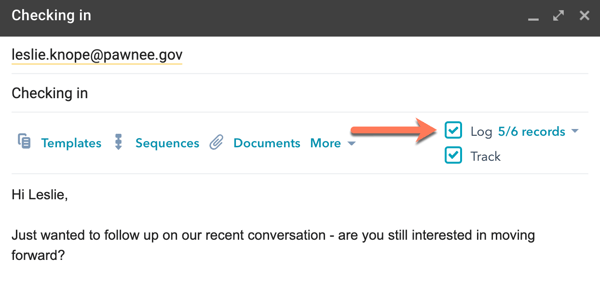
HubSpot claims to log emails automatically, but it's finicky. If you don't check every box, right client, extension, contact, address, emails just won't log, and you won't know until it's too late. Instead of saving time, you end up babysitting the process, which defeats the point of AI assistance.
If you're picking purely for AI features that actually help, neither really nails it, but Copper's limitations are about missing features, while HubSpot's are about features that should work but often don't. Given the choice, I'd go with Copper, since at least you know what you're getting and won't get caught off guard by missing data. But honestly, neither is a strong pick if real AI help is what you need.
Integrations
IntegrationsCopper makes life easier if you rely on Google Workspace. Its deep, seamless integration means emails, files, and contact info show up right where you work, and the Chrome extension keeps everything in context. Lead capture and email sync just work, so you don't waste time chasing down info. You still have to handle most other integrations the old fashioned way, but at least the basics are smooth if you live in Gmail.
HubSpot gives you a ton of integration options, but actually getting them up and running is more of a slog. The API isn't as friendly, so you'll burn more time setting things up and keeping them working. If you've got a team with someone dedicated to admin work, you can get things dialed in, but you'll always have to babysit those connections.
Screenshots
Screenshots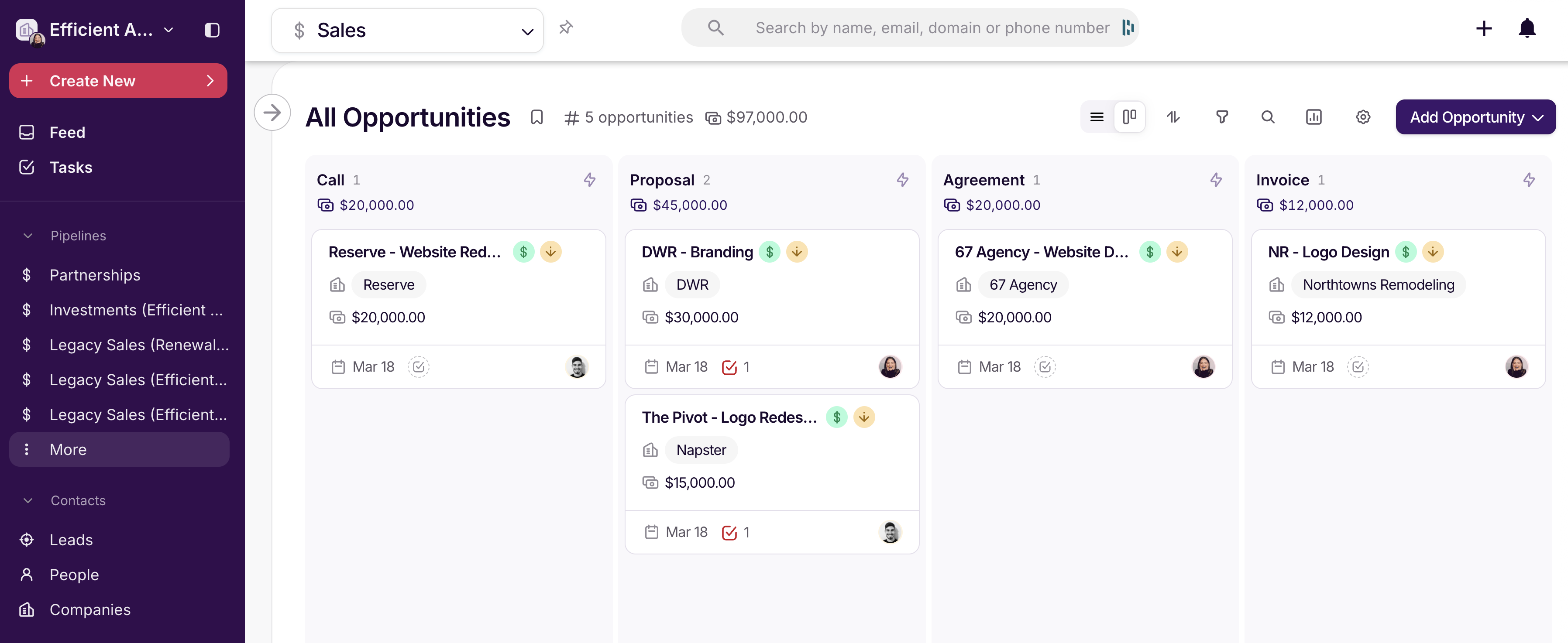
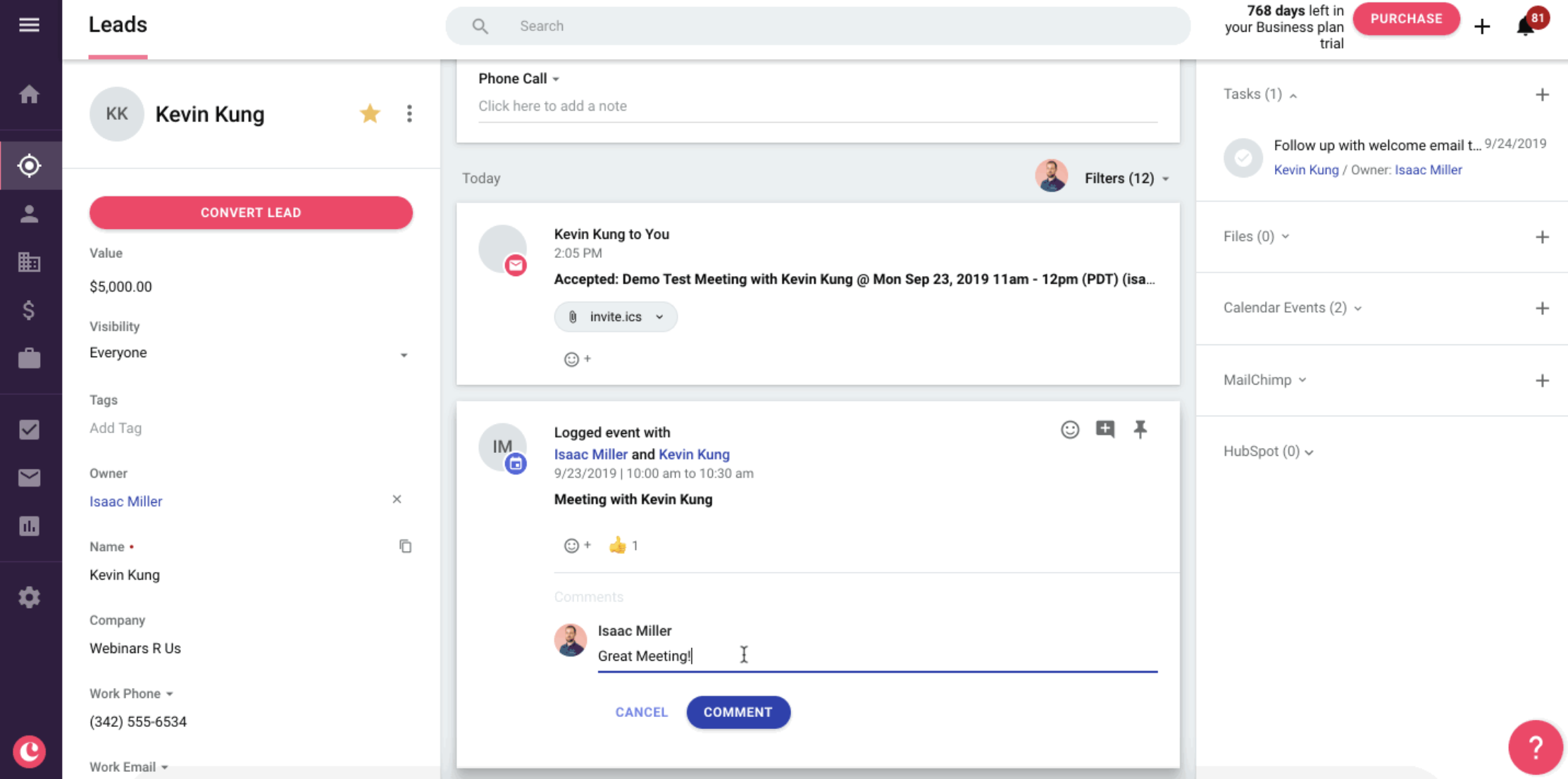
Copper