



Select
FTC
Efficient App laurels

5 Best Integration & Data Sync Tools in 2026

Updated Jan 19, 2026

See how our top 5 picks compare across the 5 integration & data sync tools we evaluated.

Explore what each does best, where it falls short, and why it earned a spot on our 2026 list.

Alex Bass Headshot
Alex Bass
Andra Vomir Headshot
Andra Vomir

    Best Integration & Data Sync Tools at a Glance

    5 apps and 1 deal
  1. Surfe
    Surfe

    Best for syncing LinkedIn contacts to your CRM

    Best for syncing LinkedIn contacts to your CRM
  2. Whalesync
    Whalesync

    Best for robust two-way data sync

    Best for robust two-way data sync
  3. Outfunnel
    Outfunnel

    Best for syncing marketing and sales data with your CRM

    Best for syncing marketing and sales data with your CRM
  4. Make
    Make

    For complex automation and integrations

    For complex automation and integrations
  5. Zapier
    Zapier

    Best no-code tool for building app integrations

    Best no-code tool for building app integrations

How We Evaluate Integration & Data Sync Tools

We score each integration & data sync tool across multiple criteria, and hands-on expert evaluation

  • No Category Criteria records assigned to this category yet.
  • Expert Evaluation
    Curated by
    Alex
    and
    Andra
    , our rankings reflect in-depth testing, industry insights, and hands-on experience.
1
Surfe

Surfe

Best for syncing LinkedIn contacts to your CRM

Best for syncing LinkedIn contacts to your CRM

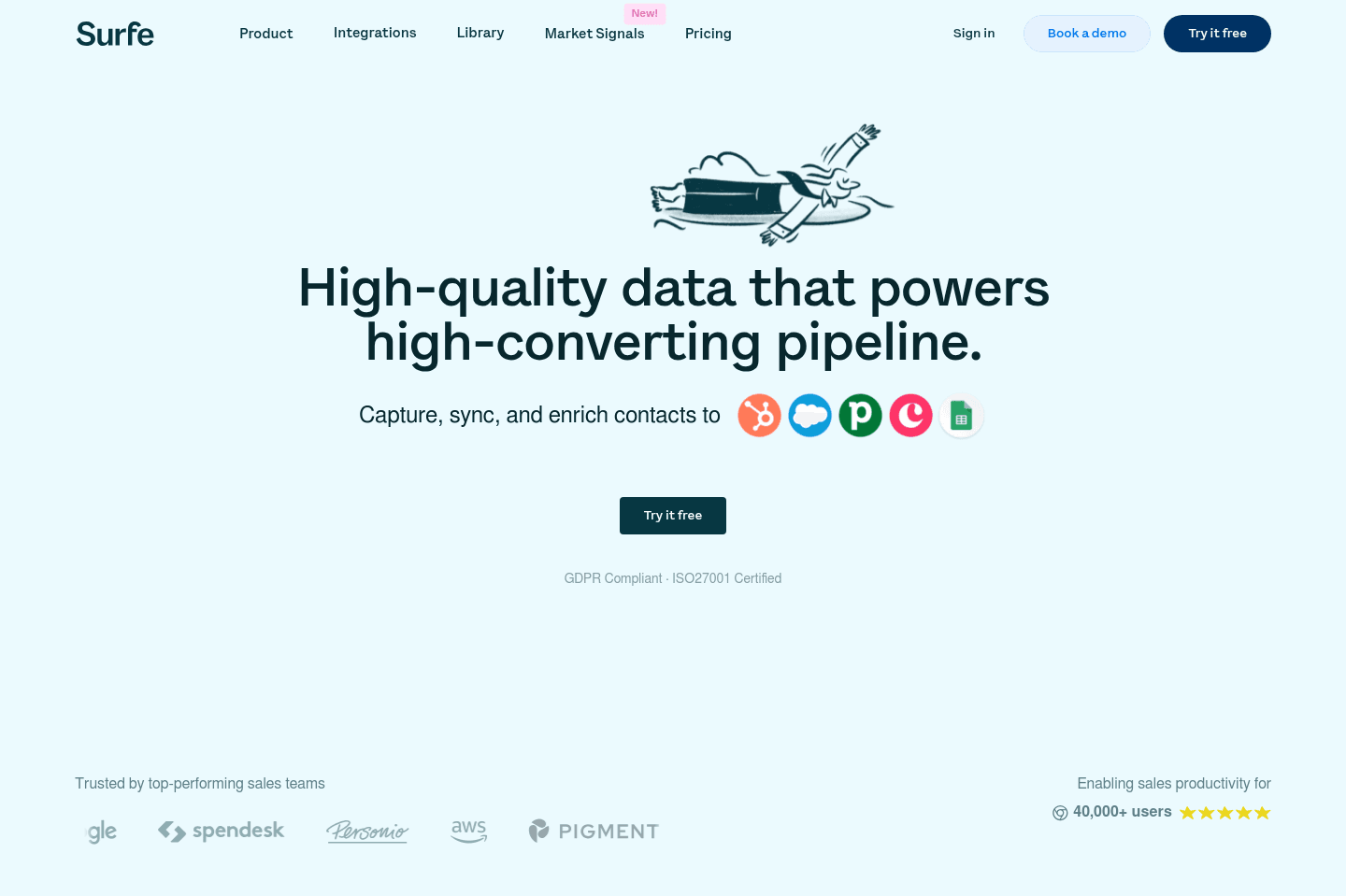
Surfe lets you manage your LinkedIn connections and CRM data together right inside LinkedIn, making it easy to add leads and sync conversations without the usual hassle.

If you regularly build your lead list on LinkedIn and need the smoothest, most focused CRM integration, this is the tool to use, though you'll have to wait until you're back at your computer to add new leads from mobile.

Surfe
Go to Surfe site

What is Surfe?

What is Surfe?

Using LinkedIn with any CRM has always been a completely disjointed mess. You're adding people, unsure if they will accept your requests, and then conversations are had there before knowing if they should even be in your CRM.

This is where Surfe comes into play—you can simply continue using LinkedIn to connect and build your lead list like you normally do, but with the added benefit of accessing all of the most important information from your CRM right there within LinkedIn.

What I really appreciate about what the team is doing here is that they are focusing specifically on LinkedIn, to give the best user-experience possible, whereas most integration companies will start narrow and then begin going broader over time (e.g. Zapier + MakeOutfunnel + Whalesync). While this is totally fine (we love those mentioned tools), it just means that there's only so deep they can go into the user-experience and integration depth that focus allows you to do.

So with that said, we're confident in saying that there's no better CRM + LinkedIn integration tool on the market. Surfe is the clear winner. We personally use and pay for them and love it.

In-fact, what I find myself doing is going to events and prioritizing adding people on LinkedIn, because I know if they are there, it's a single click to get them added to our CRM (along with all of our conversations).

One thing I wish they had though was a way to create the lead/person within the CRM when on mobile, because I'd love to do this step when meeting someone cool out at a networking event instead of waiting to get them added to the CRM until after I get back to a computer.
Subscribe for updates

Get the latest rankings and insights on top Integration & Data Sync apps—delivered to your inbox. Stay ahead with our expert picks and updates.

2
Whalesync

Whalesync

Best for robust two-way data sync

Best for robust two-way data sync

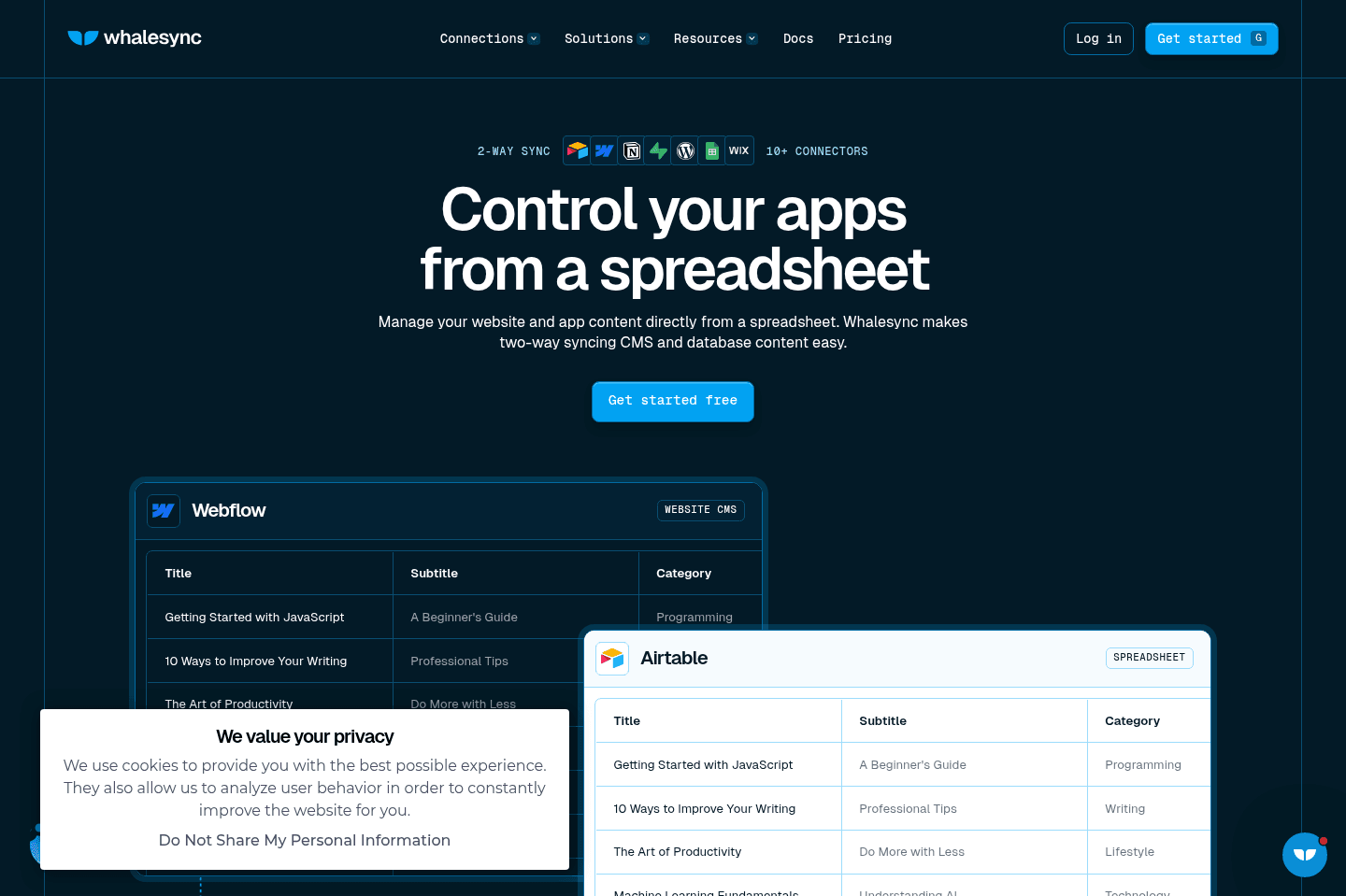
Whalesync handles true 2-way data sync between apps like Webflow, Airtable, Notion, and HubSpot better than anything else, especially for users who need complex connections and want to keep data in sync across multiple platforms.

If you depend on these specific tools and need reliable, bidirectional syncing, it's the go-to solution, but avoid it for managing blog posts or rich text with images or code since it will overwrite those fields and could cause data loss.

Whalesync
Go to Whalesync site

What is Whalesync?

What is Whalesync?

Whalesync is PieSync reborn and reimagined (as it was sadly acquired and shutdown by HubSpot).

Key Features

Key Features

2-Way Sync

2-Way Sync

When it comes to 2-way data syncing between apps, that's where tools like Zapier and Make fall apart.

If you're looking for the most powerful 2-way sync on the market between the apps that Whalesync works best with (e.g. WebflowAirtableNotion, and HubSpot, amongst others), then there's no other place to look.

Our Webflow site has actually gotten so complex, that we relied quite heavily on Whalesync to manage all of these apps and listings within Airtable using Whalesync. Efficient App and Efficient Stacks are actually totally separate Webflow sites, so we use Whalesync to connect them through Airtable. It's pretty powerful.

Important note: We do not use Whalesync + Airtable for managing/writing blog posts or any in-depth rich text fields, as Airtable does not allow for inline images or code snippets (and Webflow doesn't allow for "open in new tab" links within rich text fields via their API), so if you have those fields enabled, they will overwrite all of your rich text in-line images/code blocks and you will have to do a backup recovery within Webflow (please learn from our mistakes).

Superhuman Mail
Superhuman Mail
Featured

Get through your inbox 2x as fast (for teams of all sizes).

3
Outfunnel

Outfunnel

Best for syncing marketing and sales data with your CRM

Best for syncing marketing and sales data with your CRM

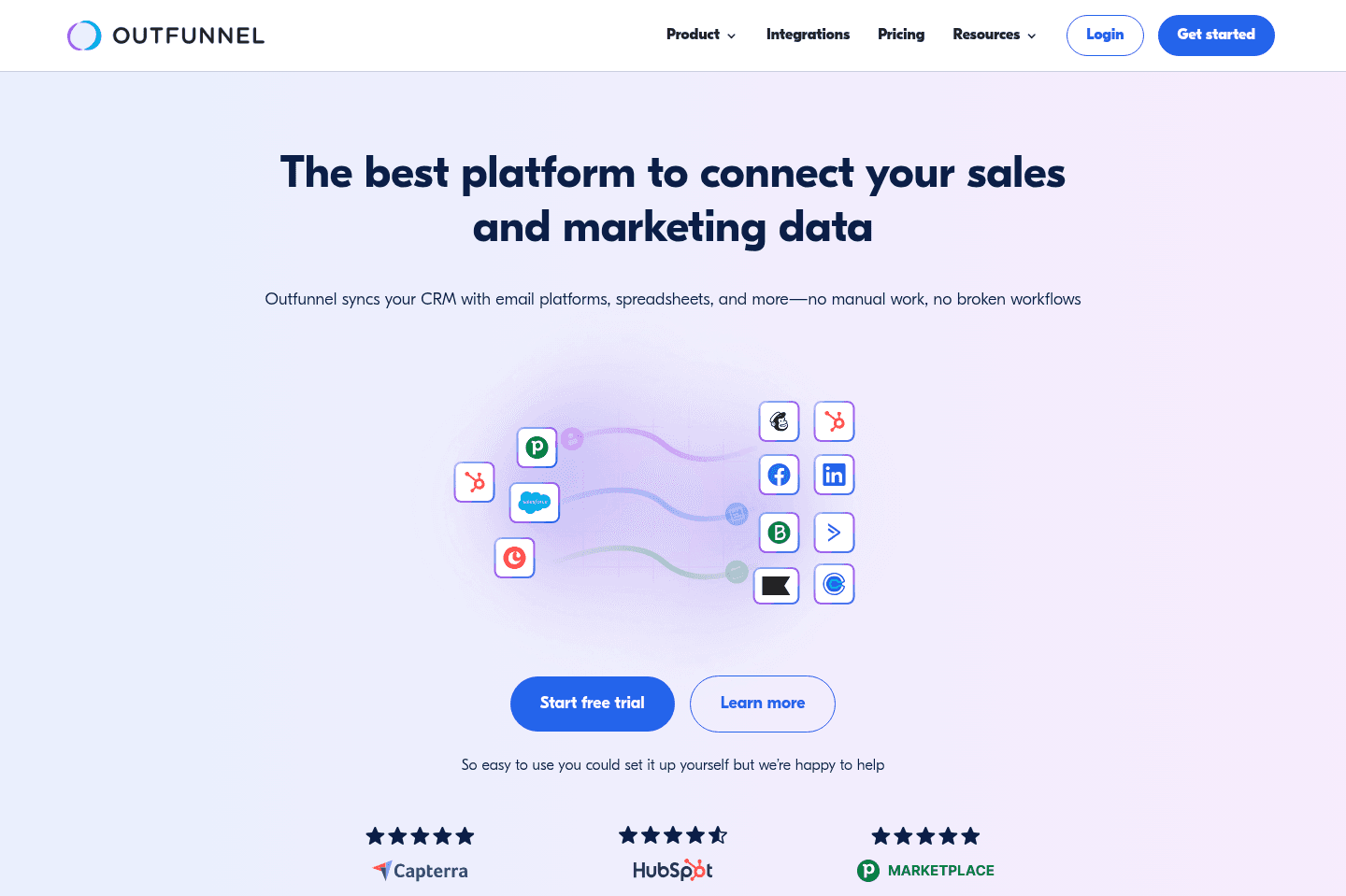
Outfunnel automates syncing sales and marketing data across your CRM, logs activity from tools like Calendly, and scores leads based on engagement, letting your sales team see the full customer journey in one place. If connecting multiple tools to your CRM matters to you, especially for automated email follow-up and deep lead tracking, this is the integration tool you should consider taking a look at.

Outfunnel
Go to Outfunnel site

What is Outfunnel?

What is Outfunnel?

Outfunnel is one of the few tools that we use with absolutely every single one of our customers when we were doing consulting (we also use it internally here at Efficient App).

If you fill out our "Request Audit" form form for example, you'll get an automatic email sent from us + we'll see the various pages you visited on our site all within our CRM.

Key Features

Key Features

Outfunnel covers the complex syncing of sales and marketing data (syncing full databases not just one-off form submissions). Essentially taking marketing insights and connects it to your CRM, giving further lead context to your sales team.

Tie that in with some automated email for follow-up with their email marketing integrations, and you have an entirely automated start to your sales process.

It even connects with other tools like Calendly, and automatically logs booked calendar invites and the form responses right there within your CRM activity section.

What's most amazing is they take all of these insights and role up a clean "lead score", so you can see what prospects and customers are most engaged.

We couldn't run our business without Outfunnel. They are one of just a few software solutions that we'd even say this for.

4
Make

Make

For complex automation and integrations

For complex automation and integrations

Make handles complex data automation and advanced integrations but actually feels like learning a programming language, so unless you're comfortable with APIs, webhooks, and arrays, you'll get lost fast.

This is really only a good fit if you're a technical user or engineer who wants to solve tough data problems, not if you need simple, beginner-friendly automation.

Make
Go to Make site

What is Make?

What is Make?

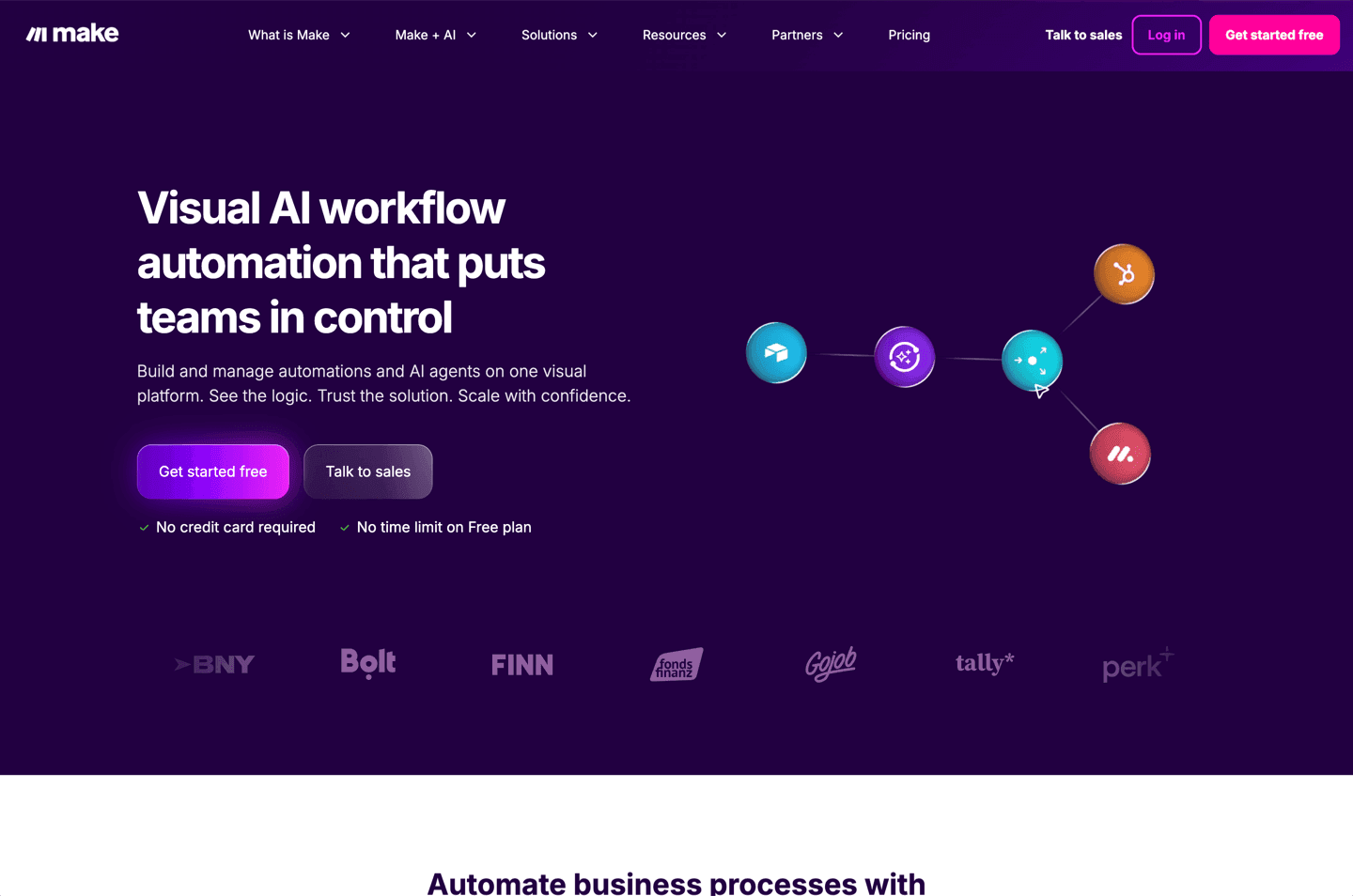
While at first glance Make may look more user-friendly and visually appealing than that of Zapier with their drag-and-drop interface and animated bubble-like components, it's deceptively complex, yet extremely powerful.

Make is much more than a tool to just pass data from one app to another, it's also a fully-featured data manipulation tool for the data.

Because of that, learning how to use Make effectively is actually like learning a programming language, which is where the initial deception comes from.

The people I know that use Make as their main integration tool, are using it for quite complex data problems, for large companies, and they are often just as technical as a traditional engineer.

If you don't know what an API is, how webhooks function, and how arrays work, you're likely going to struggle with using Make.

Superhuman Mail
Superhuman Mail
Featured

Get through your inbox 2x as fast (for teams of all sizes).

5
Zapier

Zapier

Best no-code tool for building app integrations

Best no-code tool for building app integrations

Zapier connects apps and automates workflows with a user-friendly interface. We've been huge fans of Zapier for many, many years, in fact, Alex has been called one of "Zapier's biggest power users" by the Zapier themselves 😄

Zapier
Go to Zapier site

What is Zapier?

What is Zapier?

Zapier is the most popular integration and automation platform on the market. While they've had competitors arise over the years like Make, Tray, and Workato, they've managed to build one of the most user-friendly interfaces of them all, along with the largest number of deeply supported apps. Not a small feat whatsoever.

If you're using a modern software (take any app listed on our site for the most part), and there's sure to be a Zapier connector. This is pretty baffling when you really think about it.

When comparing Zapier vs Make for example, Make may look more user-friendly and accessible, but we're here to tell you that isn't the case. Make is more powerful with some inline formulas and other logic power features, but that definitely does not make it easier to use. If anything, it's easy to feel quite overwhelmed when first using Make.

Time and time again, in trying Make, we have found ourselves coming back to Zapier. It really can be bent and molded into what it needs to be.

Key Features

Key Features

Artificial Intelligence

Artificial Intelligence

In recent months, Zapier has gone incredibly deep into leveraging AI like OpenAI to rethink and evolve the integration space as a whole. This is something we applaud, and have been quite impressed by.

No Code Tool

No Code Tool

We're seeing Zapier slowly outgrow even just the integration world, and actually evolve into one of the best no code tools on the market. At the rate they are going with AI, alongside Tables and Interfaces, we wouldn't be surprised if we start seeing Airtable vs Zapier actually come up in the conversation in the future in the No-Code Builder space along with the Database space. For right now though, we'll have to award the winner to Airtable, but that doesn't mean we're not keeping a close eye on what Zapier has up its sleeve.

Discover More Efficient Apps Lists

Explore the best apps across different categories and find the perfect tools to stay productive.

Superhuman Mail
Missive
Notion Mail
Spark
Gmail
Tatem
Hey
Outlook
Skiff
Email

9 apps and 0 deals

Motion
Linear
Asana
Monday
ClickUp
Wrike
Trello
Jira
Shortcut
Project Management

9 apps and 0 deals

Related app comparisons
Whalesync
Zapier
Whalesync vs ZapierIntegration & Data Sync
Whalesync
Make
Whalesync vs MakeIntegration & Data Sync
Outfunnel
Zapier
Outfunnel vs ZapierIntegration & Data Sync
Browse Categories