What is Wispr Flow?
Wispr Flow started as an AI detection tool that works across your phone and computer, but they recently just added AI note-taking to their product called Notetaker. We've been using Wispr Flow for well over a year, and it's become an integral part of our productivity suite. You can read our full Wispr Flow review to get our full thoughts on how we use it.
It makes sense that Wispr Flow would add AI note taking as a feature because people are already used to talking to Wispr Flow all day at work. Instead of just writing one message, now you can record entire conversations and even voice memos to yourself. What's unique about Wispr Flow's notetaker is that they are able to detect who is speaking (similar to Otter).
The long-term vision for Wispr Flow is that one day they will able to take action for you based on what you say.
Imagine you're planning a trip with a friend and you use Wispr Flow as a note taker. You mention you'll be traveling to a new place and need to rent a car, and Wispr Flow then goes and finds some options for you proactively. It's not there yet, but we wouldn't be surprised if this is coming soon 👀
Pros & Cons
Pros
- Labels who said what during each meeting
- Natural extension of a tool you might already be talking to all day
- Not bot joins your meeting
- Included in Wispr Flow subscription
Cons
- Limited integrations compared to other AI notetakers
- Not available on Windows, Android and iPhone (yet)
- Will not record audio or video (if that matters to you)
Key Features
Speaker Labeling
Wispr Flow can detect who is speaking and who is saying what. If you have five people on a call and you are trying to distinguish who is responsible for what, this is helpful.
Voice Memos & Meeting Recordings
Meetings don't actually even need to involve other people. A lot of Wispr Flow users have said that they wish they can just dictate voice memos, aka their thought processes and ideas. While the notetaker is available on Mac only at the moment, you can use the Wispr Flow iOS app for voice memos, which I love.
When comparing Wispr Flow's AI note taker to something like Granola, Wispr Flow is still very much brand new and doesn't have the amount of third party integrations that something like Granola has at this stage, so thats something to be aware of. For example, Granola integrates in with all of our AI tools, including our AI CRM.
Dictation
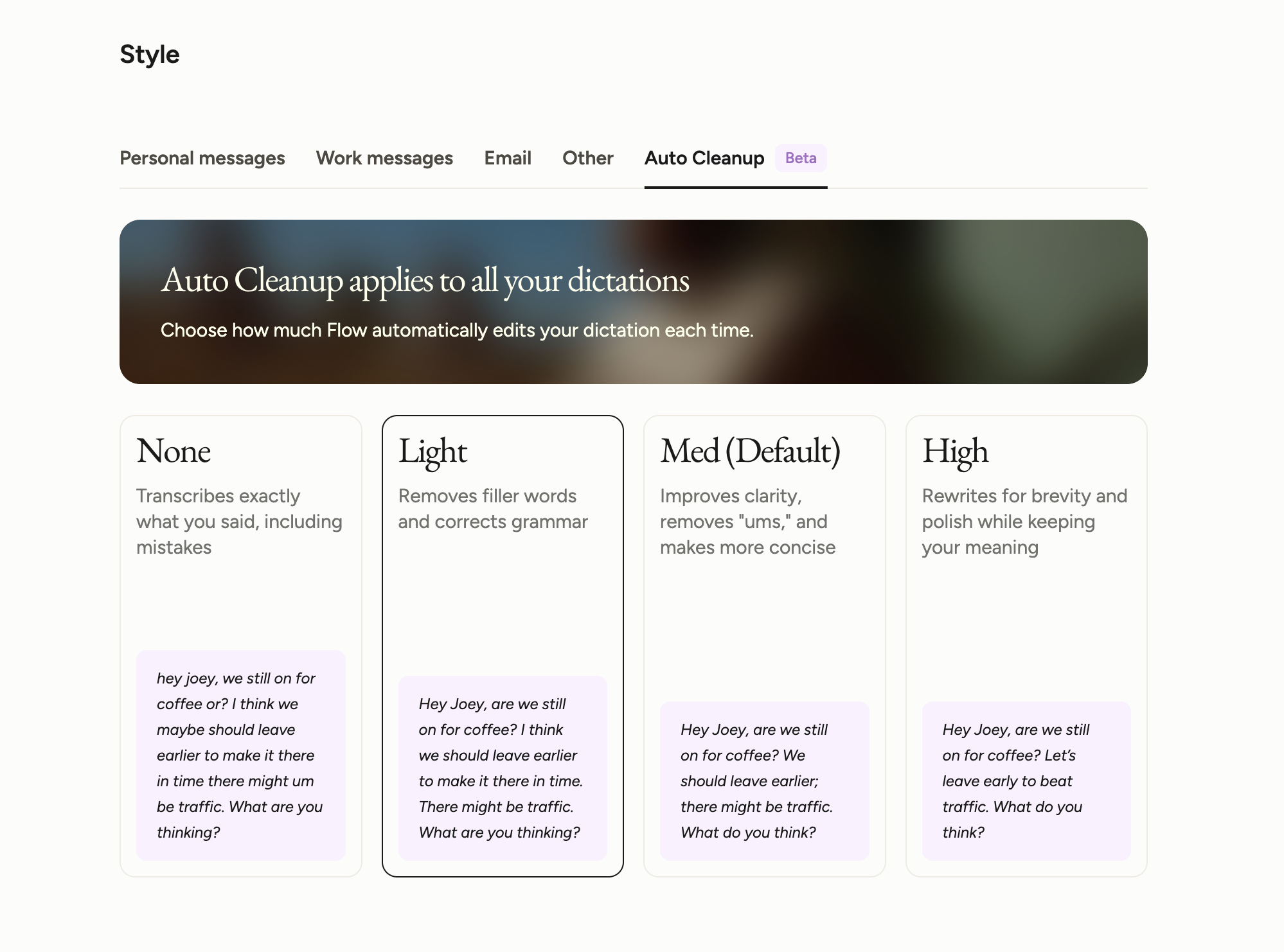
If you use Wispr Flow as a notetaker, you automatically get access to their dictation feature (which is their main product). It uses AI to clean up your text as you speak, so you can send messages faster from your phone or computer. In fact, I used Wispr Flow to dictate the first draft of what I've written here.
Pricing
- Free: $0. Best for anyone who wants to try Wispr Flow and see if it fits into their workflow. Dictation is capped at 2,000 words a week on desktop and 1,000 on iPhone, with Android unlimited for now. Includes notetaker and voice memos on Mac.
- Pro: $15/mo per user ($12/mo billed annually). Best for individuals who plan to use Wispr Flow daily or for team collaboration. Unlimited dictation, higher meeting limits, longer note retention, access to the advanced thinking models, and centralized billing with no seat minimum.
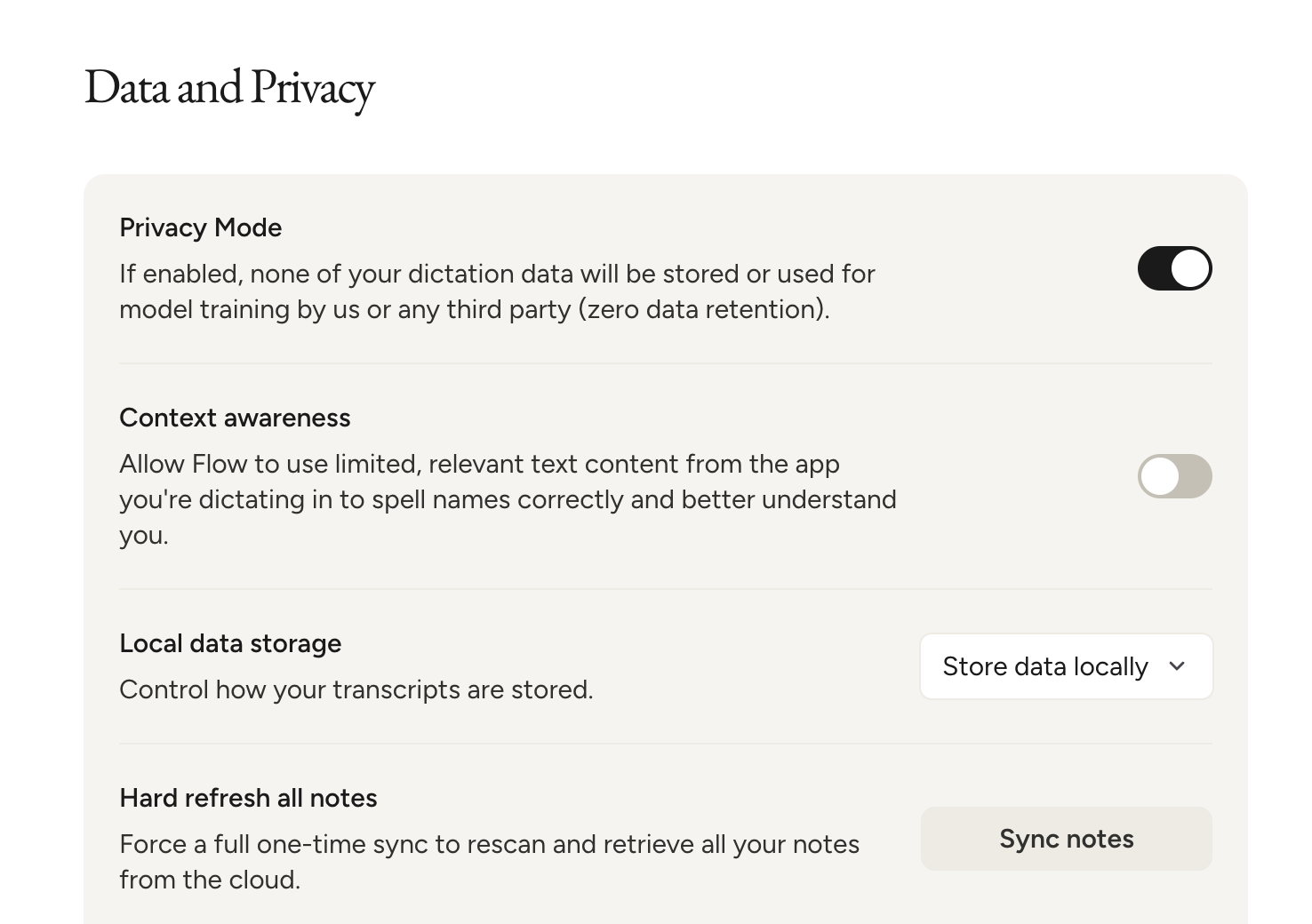
- Enterprise: Contact for pricing. Best for teams that need more control around security and compliance. Adds SOC 2 Type II, ISO 27001, a HIPAA-ready BAA, SSO and SAML, audit logs, and enforced privacy mode across the team
 Wispr FlowRecommended
 tl;dvRecommended