

 Wispr FlowBest
Best AI voice dictation app
Best AI voice dictation app
Best Dictation Software at a Glance
How We Evaluate Dictation Software
We score each dictation software across multiple criteria, and hands-on expert evaluation
- Ease of UseQuick to set up and intuitive to use without a steep learning curve.
- Feature DepthCore features that work well, not surface-level checkboxes.
- Reliability & PerformanceConsistent, fast, and dependable with minimal bugs.
- Value for MoneyPricing that's fair relative to what you actually get.
- Integrations & EcosystemWorks well with other tools in your stack.
- Expert EvaluationCurated by, our rankings reflect in-depth testing, industry insights, and hands-on experience.AlexandAndra
Wispr Flow
Best AI voice dictation app
Best AI voice dictation appWe've been trying dictation tools for years, and Wispr Flow is the first one that actually worked reliably enough for us to keep using every single day.
Press a button, speak, and it'll use AI to write out clean text across Slack, texts, email (anywhere). I even use it for fast content writing or when I'm talking to AI. At this point, it feels like one of those tools where, if it disappeared, I'd be massively annoyed. If you spend a big chunk of your day writing or typing, definitely give it a shot. This is the future.
What is Wispr Flow?
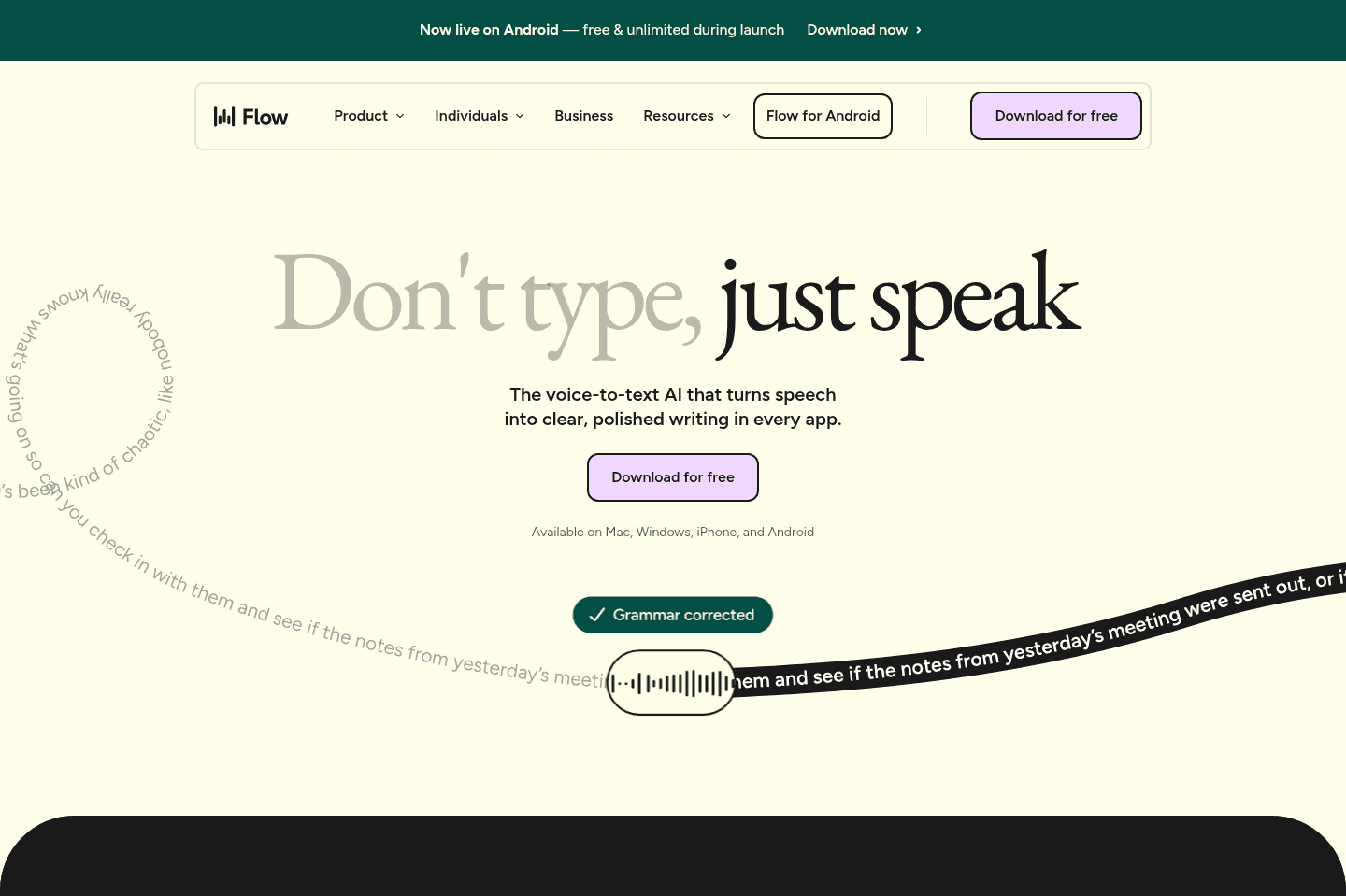
What is Wispr Flow?Wispr Flow is an AI dictation tool that lets you speak naturally, and uses AI to fix any errors as you speak (e.g. if you correct yourself mid-sentence, it will just output the corrected text).
You can use it anywhere, on your computer, iOS or Android. Email, ChatGPT/Claude, notes, text messages, Slack, whatever.
My Experience with Wispr Flow
My Experience with Wispr FlowAlex sent me the link to download Wispr Flow and explained to me "it's dictation but it'll correct words and speaking errors, it has AI. So if you say lets meet Tues - actually Thursday, it will just write Thursday."
I downloaded it on my phone immediately, and as I was doing so, also sent it to my best friend saying "I think you'll like this" as she's always sending voice-memos to me and her team.
From day 1, I noticed a huge difference compared to Apple Dictation (which I never used because each time I did, it typed gibberish, not understanding what I am saying, and I'd spend more time editing what it wrote out).
After downloading Wispr Flow on my computer, it started being a tool I always reached for when writing, especially first drafts of a blog post or review. I quickly hit my limit on the free tier and upgraded my account.
It's now been over a year since I've started using Wispr Flow. It's not a "nice to have", it's a tool I feel handicapped without.
Pros and Cons
Pros and ConsPros
Pros- Works across any app with a text field
- Genuinely fast and reliable enough to use every day
- AI cleanup saves you from editing every little speech mistake
- Custom dictionary helps with names, jargon, and phrases you use often
- Multi-language support is genuinely impressive and better than native tools
Cons
Cons- iPhone has a little more friction than desktop or Android
- Some advanced features are nice-to-have rather than core
Key Features
Key FeaturesAI Transcription
AI TranscriptionThis is the whole reason Wispr Flow stuck for me. I remember being on the way to grab coffee with a friend and using it to answer a text when she asked, "How's that thing any different than using Apple's dictation?"
Fair question. I'll explain it to you the same way I explained it to her... Wispr Flow doesn't make me clean up every little mistake I make while speaking. If I start a sentence one way and then correct myself halfway through, it fixes that for me. That matters a lot, because otherwise you're just replacing typing fatigue with editing fatigue, and I'd already had enough of that with other tools.
Works Everywhere
Works EverywhereOne of the best parts of Wispr Flow is that I don't have to think about where to use it. I just use it.
On desktop, I hit my keyboard shortcut and start talking in Slack, Gmail, ChatGPT, or wherever I am working.
On iPhone, there is a little more friction because it has to take over the keyboard, and yes, that extra second can make me a little impatient sometimes. But once it is going, it is easy. That's another reason Wispr Flow fit into my workflow so fast; it became an easy habit for me instead of just another tool I had to remember to use.
Style and Tone Personalization
Style and Tone PersonalizationThe style and tone personalization has improved a lot since I started using Wispr Flow. At first, the AI rewrite side of Wispr Flow made me sound weirdly formal. And overall, I'm just not a huge fan of AI polishing my work; It takes away all the soul.
But now they've added the "auto clean up" to their settings, and now it feels much more in tune with who I am and how I write. Really, I just want help getting my thoughts out faster, not to be rewritten into someone else, and that (for the most part) gets done with Wispr Flow.
Multi-language Support
Multi-language SupportOne of my colleagues told me that she loves that she can answer a Slack in English and then switch over and respond to her mom in Spanish without having to mess with settings or go back and correct a bunch of grammar issues.
That's exactly how this kind of feature should work. So if you work across languages or your team does, the multi-language support is actually usable and helpful.
Notetaker
NotetakerWispr Flow recently launched their AI note taker, where you can record voice memos or meetings with others. It will transcribe your meeting, detect who is saying what, and then automatically generate AI summarized notes.
Pricing
Pricing- Free: Best for anyone who wants to try Wispr Flow and see if it fits into their workflow.
- Pro: $15/mo per user ($12/mo billed annually). Best for individuals who plan to use Wispr Flow daily or for team collaboration.
- Enterprise: Contact for pricing. Best for teams that need more control around security and compliance.
Get the latest rankings and insights on top Dictation apps—delivered to your inbox. Stay ahead with our expert picks and updates.