Comparison Summary
Comparison SummaryWispr Flow nails reliable dictation every day and makes turning speech into clean text anywhere simple, while Cluely feels less refined.
Wispr Flow is the one to stick with if you write or type a lot.
 Wispr FlowRecommended
Best for existing Wispr Flow users
Best for existing Wispr Flow users Cluely
For proactive suggestions during calls
For proactive suggestions during calls
Editor's Verdict
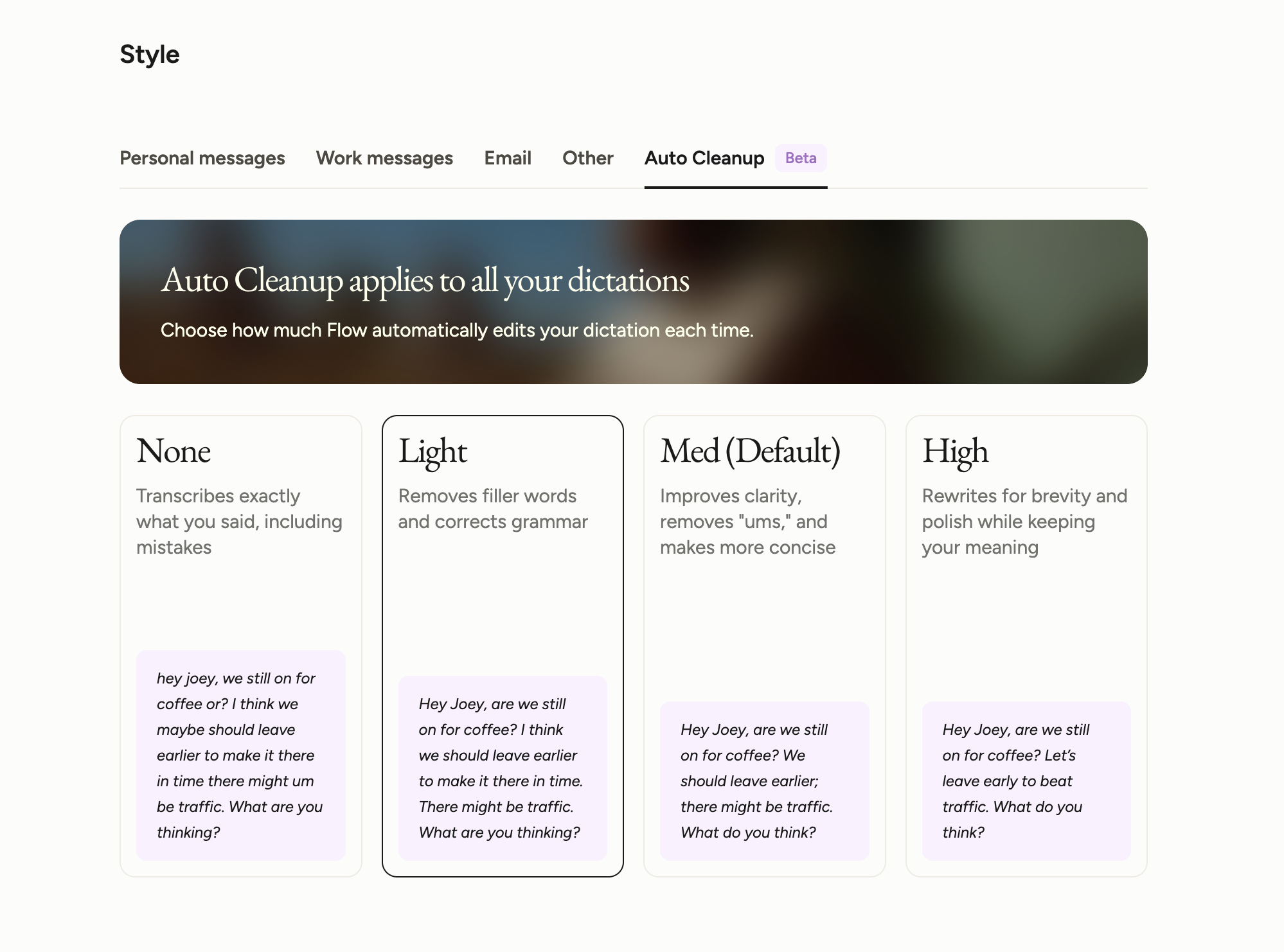
Editor's VerdictWispr Flow nails speaker labeling and clean dictation so you always know who said what during meetings, and it actually works well enough to rely on every day. You get clear, labeled notes, plus you can easily dictate messages or voice memos wherever you're working. That reliability and clarity are the big deal here. The main catch is it's Mac only for now and doesn't have a ton of integrations yet, but if you care most about accurate speaker tracking and everyday usable notes, it delivers.
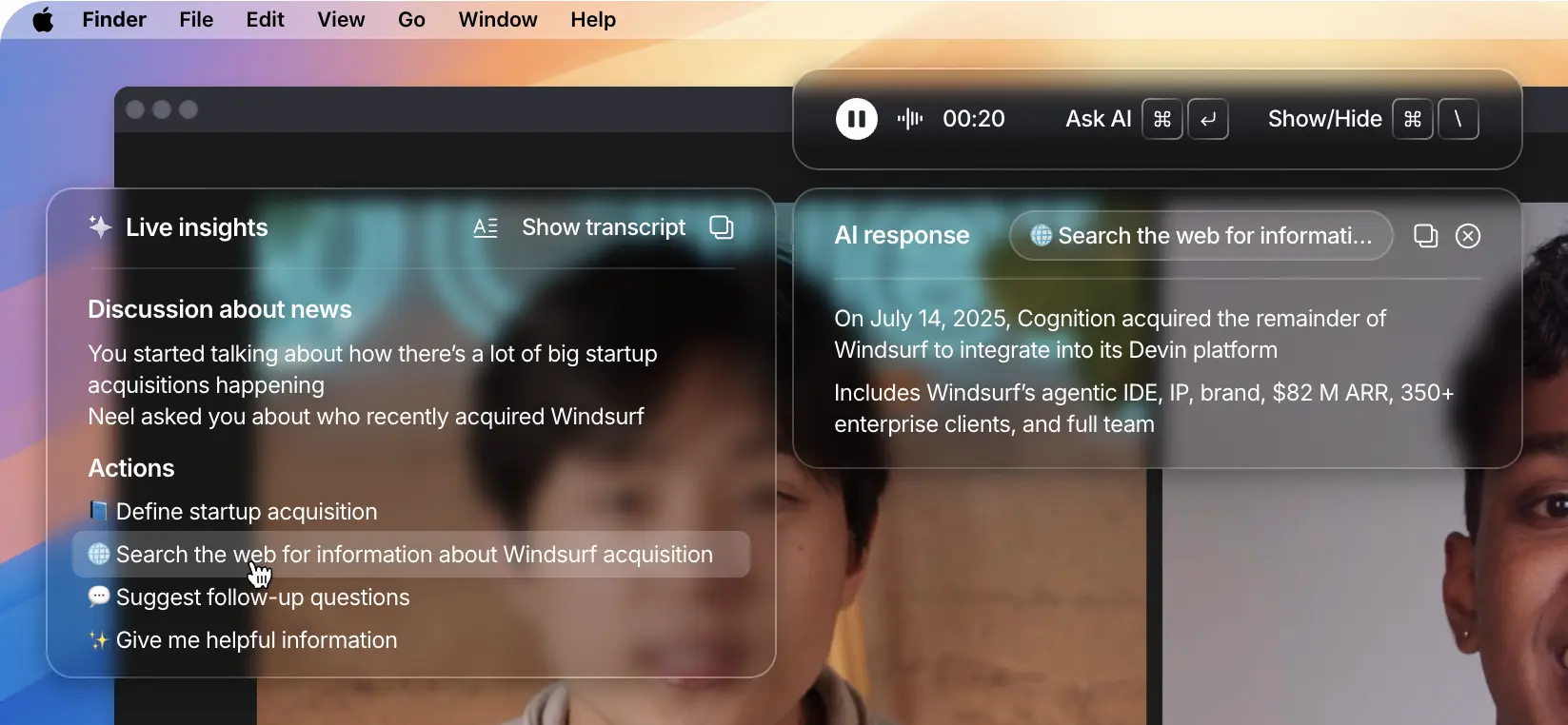
Cluely tries to stand out by being more active in your calls with real-time prompts and context-based suggestions, but it doesn't offer anything special for tracking who's talking or making sure notes stay organized by speaker. Its main move is surfacing suggested questions, not nailing the basics of clean, labeled transcripts. If you just want proactive tips or search prompts in meetings, Cluely's approach might be interesting, but it skips over the core note-taking workflow most people need.
If you want actual, reliable AI note taking with clear speaker labeling, Wispr Flow is the one that gets it right. Cluely's more about being clever with prompts than solving the note-taking problem directly. Go with Wispr Flow if you care about notetaking that just works and keeps your meetings clear.
Screenshots
Screenshots
Wispr Flow