Comparison Summary
Comparison SummaryGmail sticks around and gets updates, while Tatem is no longer maintained and its future is uncertain.
Only use Tatem if you have a specific reason, but otherwise use Gmail since at least it will keep working.
 Gmail
GmailBest foundational email client for Google Workspace users
Best foundational email client for Google Workspace users Tatem
TatemLimited online presence, current development status is unclear
Limited online presence, current development status is unclear
At a Glance
At a GlanceRecommended Alternatives
Recommended Alternatives Superhuman MailBest
Best email client for professionals and teams
Best email client for professionals and teams
Editor's Verdict
Editor's VerdictPurposeful Design
Purposeful DesignTatem keeps things simple and distraction-free, so you can tear through your inbox without getting pulled off track. The stripped down design means nothing extra is competing for your attention, and actions like archiving or snoozing are fast. The inbox splits help you process emails in focused batches, making it easy to stay on task.
Gmail, on the other hand, is a cluttered mess for triaging. Visual chaos, pop-ups, and side features like chat and meet make it way too easy to get distracted or sidetracked. Even the label system adds to the noise, and slow load times just invite you to wander off and forget what you were doing.
If you care about staying focused and plowing through email without distractions, Tatem is the obvious pick. Gmail just gets in your way.
Speed & Productivity
Speed & ProductivityTatem keeps things quick and distraction-free, letting you fly through emails with fast load times and a clean layout. The basic keyboard shortcuts actually help you stay off the mouse, so processing your inbox feels smooth and direct, even if you miss out on more advanced productivity tricks.
Gmail, on the other hand, feels clunky by comparison. Its shortcuts are scattered and unintuitive, so you end up hunting for commands or giving up and clicking around. Anything beyond the basics, like snoozing, scheduling, or using templates, turns into a tedious, click-heavy process that breaks your flow.
If you want to move fast and get through email without headaches, Tatem is the clear pick. Gmail only makes sense if you absolutely need its extra features and don't mind constant friction. For pure speed and day-to-day productivity, Tatem is just less of a slog.
AI Assistance
AI AssistanceIf you want any kind of AI help with your emails, Gmail is the clear choice here. It actually offers AI-powered search and can draft emails for you, even if the writing feels stiff and the workflow is a bit clunky right now. You'll still save some time, especially with its smart search features, as long as you remember where to access them.
Tatem doesn't do any of that. You write and organize everything yourself, with no AI shortcuts or automation. So if saving time with AI matters, don't pick Tatem. Go with Gmail, even if it's not perfect yet.
Follow-Up
Follow-UpNeither Gmail nor Tatem gives you any real help with follow-ups. Gmail makes you request read receipts from recipients, but that's clunky and basically useless for tracking follow-ups. Tatem doesn't offer anything at all to help you keep up with replies, so you're stuck remembering everything yourself.
Honestly, both are bad for follow-up. If you care about not missing opportunities, you won't get what you need from either one. There's no real difference here, pick whichever for other reasons, but not for follow-up help.
Team Collaboration
Team CollaborationNeither Gmail nor Tatem offers any built-in team collaboration features like commenting, assigning, or sharing. Both force you to handle all teamwork outside the app, making them equally unusable for inbox collaboration.
If you need team collaboration in your email tool, you won't get it from either one. There's no practical difference here, skip both for this need.
Screenshots
Screenshots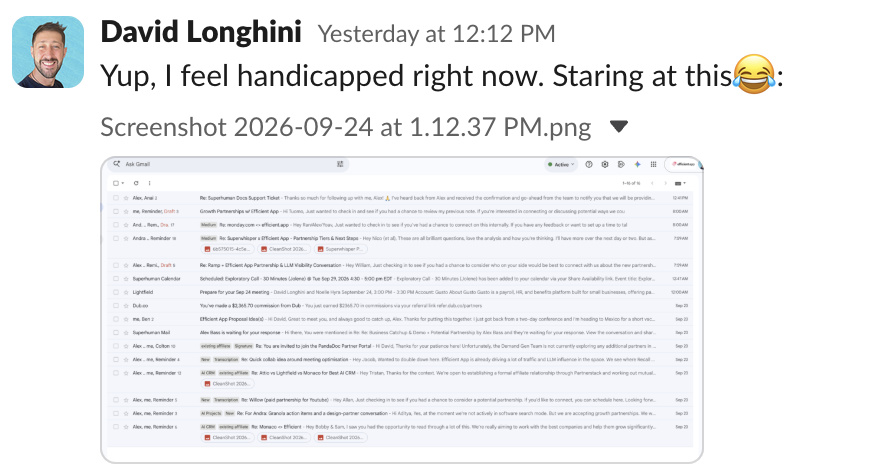
Gmail




