Comparison Summary
Comparison SummarySpark is a better option if you're an individual or team looking to streamline email. Hey requires you to use their own domain @hey.com, making it more isolated rather than just using Spark on top of Gmail or Outlook.
 Spark
SparkBest free email client
Best free email client Hey
HeyMade for non-technical users who like big buttons
Made for non-technical users who like big buttons
At a Glance
At a GlanceRecommended Alternatives
Recommended Alternatives Superhuman MailBest
Best email client for professionals and teams
Best email client for professionals and teams
Editor's Verdict
Editor's VerdictPurposeful Design
Purposeful DesignSpark is a better pick if you care about focused, efficient email triage. It's designed to help you keep on task, with more emphasis on focus even though there's still some clutter in spots like the compose screen and the wide email layout can be tiring. The main downside is that its auto-sorting isn't customizable, so a lot of mail still lands in one big pile, but it still helps you get through your inbox without as much distraction.
Hey feels actively distracting when you're trying to blast through emails. The playful design, oversized icons, and quirky feature names get in the way, and you can't change the layout or workflows to speed things up. It's not built for anyone who wants to triage quickly or stay focused, so you end up fighting the UI.
If you want to move through your inbox with purpose and not get sidetracked, Spark is the clear choice here.
Speed & Productivity
Speed & ProductivitySpark is built for people who want to move fast in their inbox. You can do almost everything with keyboard shortcuts, from jumping around the app to using templates and managing send later or snooze without touching your mouse. That cuts down on time and keeps your workflow moving. The only real slowdown is when snoozing for a custom date, since you have to count days manually, and replying in line is more awkward than it should be.
Hey gets in your way if you're focused on speed. The interface is bulky, renamed features add confusion, and there's nothing mentioned about keyboard shortcuts or quick replies. You're forced into their structure and have to do everything by hand, which kills flow if you're used to zipping through emails or optimizing your own setup.
If speed and productivity matter, Spark is the clear pick. Hey might feel simpler for someone who just wants basic email, but it's not built for anyone who wants to fly through their inbox.
AI Assistance
AI AssistanceSpark at least gives you some AI help, like automatic sorting for basic categories and quick summaries of emails, plus it can draft emails that pick up a bit of your tone after scanning a few of your messages. It's not deep or super flexible, but it does save you a little time and effort on routine stuff.
Hey doesn't offer any AI help at all. You have to do everything yourself, from writing emails to sorting and organizing, with no smart suggestions or automation to lean on.
If you want any kind of AI assistance to speed up your email routine, Spark is the only real option here, even if it's pretty basic. Hey just leaves you doing all the work.
Follow-Up
Follow-UpNeither Hey nor Spark gives you real help with follow-ups. Hey leaves you completely on your own, no reminders, no automation, no integrations at all. You have to remember every follow-up manually, so it's easy to drop the ball.
Spark at least lets you see read receipts if you pay, but that's it. There's still no actual follow-up feature, but knowing if someone opened your email can sometimes give you a tiny edge.
If you're stuck deciding, Spark is the slightly less bad choice just because you can see if people read your emails. But honestly, neither one is good for follow-ups.
Team Collaboration
Team CollaborationSpark absolutely outclasses Hey when it comes to team collaboration. Spark lets you comment with your team directly in the app, assign emails so everyone knows who owns what, and share drafts for real-time teamwork. You can even share a conversation externally with a link, making it easy to keep outsiders in the loop, even if they can't comment themselves.
Hey, on the other hand, doesn't offer any built-in way to comment, assign, or share emails for team workflows. You're left juggling outside tools and copy-pasting, which is a headache if you actually need to work together in email.
If collaborating with your team matters at all, Spark is the only real option here.
Screenshots
Screenshots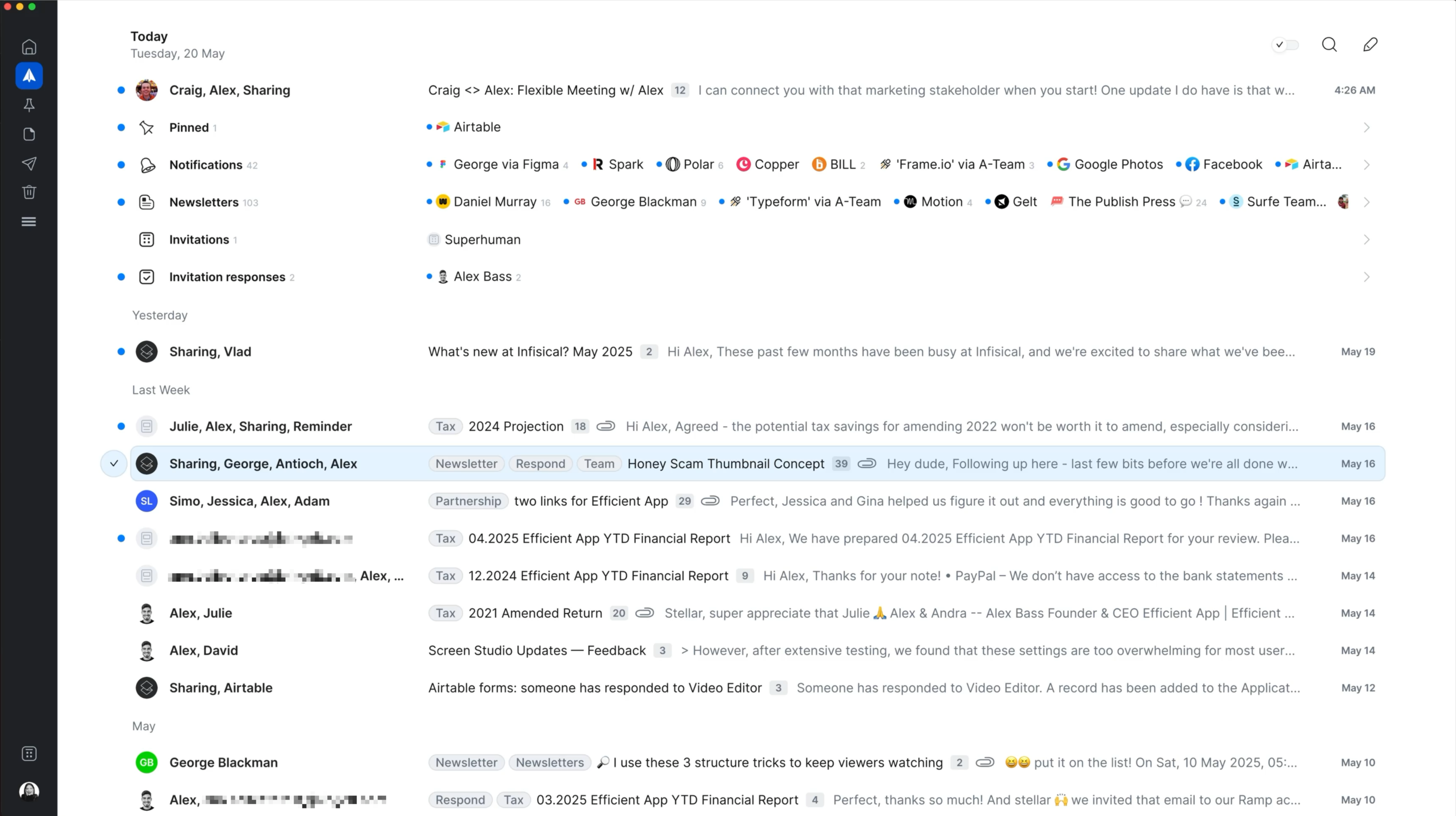
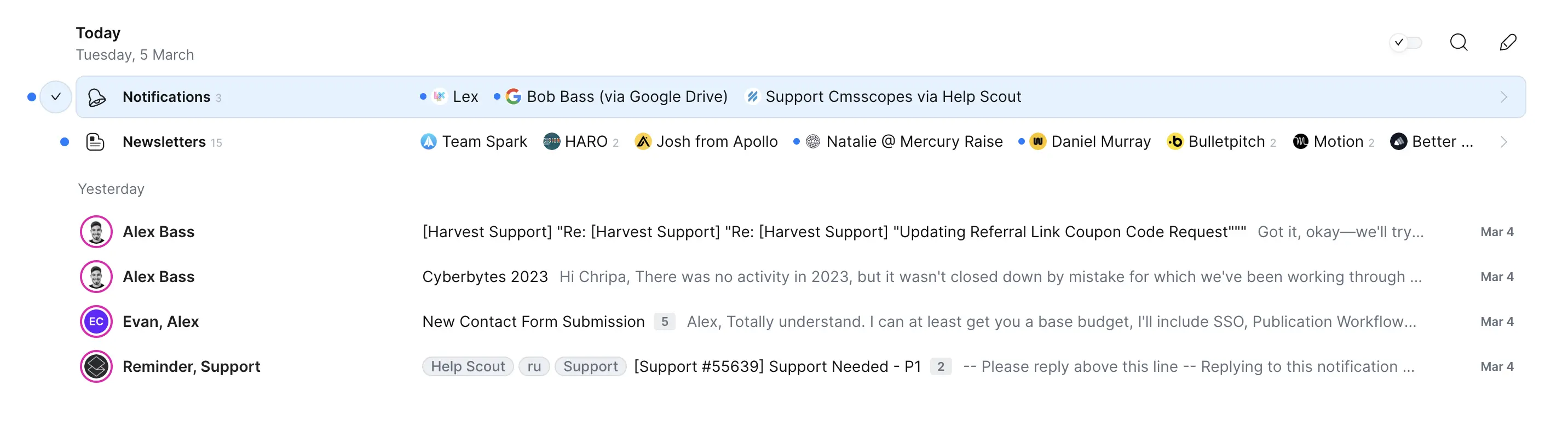
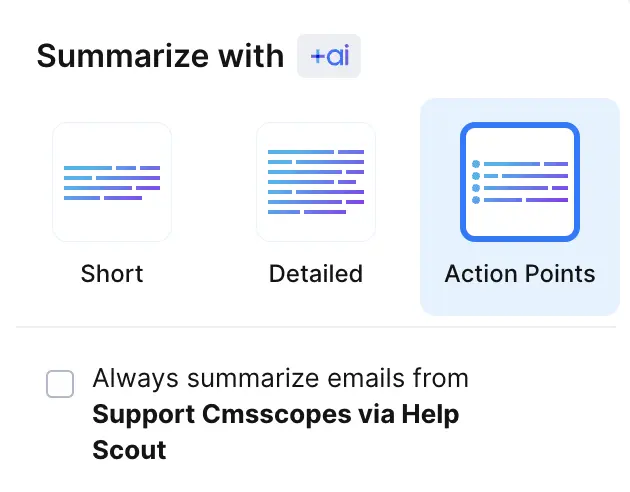
Spark
Spark Mail Interface



