Comparison Summary
Comparison SummaryChatGPT Atlas pulls in all your past conversations and sits in your sidebar, so you move faster and keep context, unlike Claude.
Only use Claude if you want a writing or research buddy, but for actually working faster every day, stick with ChatGPT Atlas.
 ClaudeBest
Best for thoughtful reasoning and execution
Best for thoughtful reasoning and execution ChatGPT AtlasRecommended
Shut down & rolled into ChatGPT Chrome extension
Shut down & rolled into ChatGPT Chrome extension
Recommended Alternatives
Recommended Alternatives ViktorBest
Best Slack-based AI chatbot
Best Slack-based AI chatbot Granola
Best virtual and in-person AI note taker
Best virtual and in-person AI note taker LittlebirdRecommended
Best for context aware chat and recall
Best for context aware chat and recall
Editor's Verdict
Editor's VerdictChatGPT Atlas crushes it when it comes to weaving your full chat history and context right into your workflow. If you want an AI that remembers how you work, what you care about, and lets you instantly pull in details from open tabs or your browsing history, Atlas is the clear pick. That deep memory and the ability to interact with your browser content directly (like referencing tabs, modifying text inline, or using the agent mode to actually navigate for you) just make day-to-day work way faster and more natural, especially for small business teams and anyone who lives in their browser.
Claude is strong as a writing and thinking partner, especially if you take the time to load up your briefs or skills. It asks smarter questions and respects your context better than ChatGPT does out of the box. But its browser integration is weak, its Chrome extension loses everything if you close it, and cross-device memory is missing. So if your workflow is web-based or you need persistent context and quick research, you'll hit frustrating limits fast.
Bottom line: If you want seamless browser and AI integration that remembers your work and boosts team output, go with ChatGPT Atlas. Claude is great for deeper writing sprints, but for everyday research and browser-driven tasks, Atlas just works better and feels like it's built for the job.
Screenshots
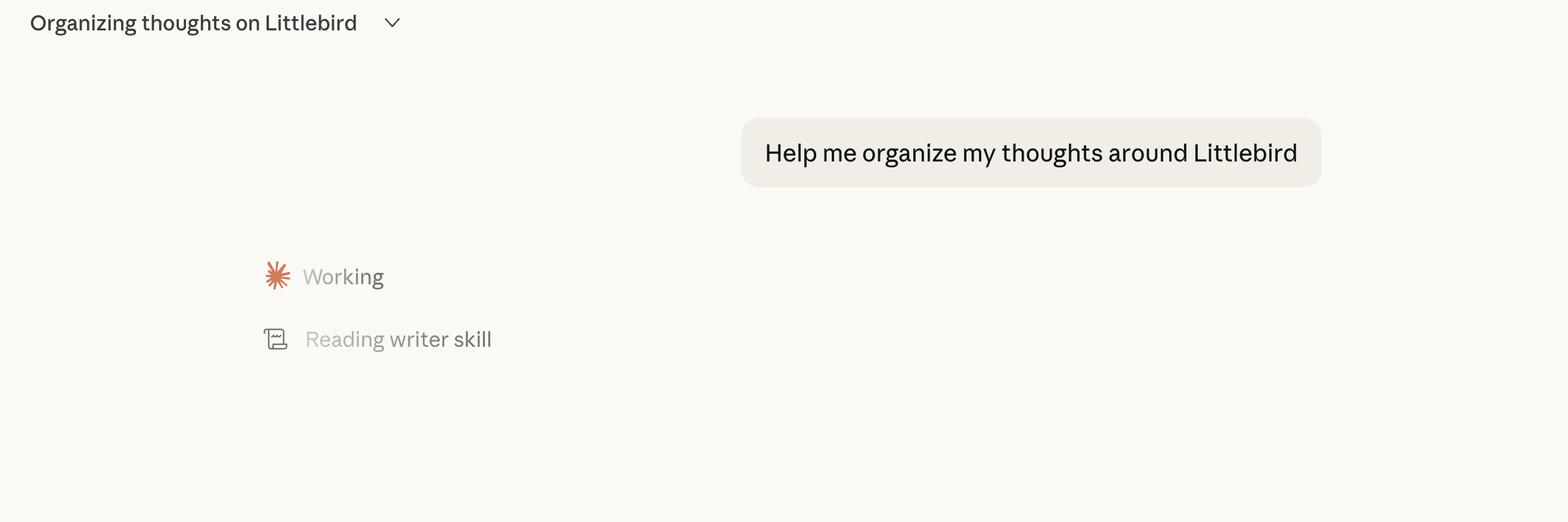
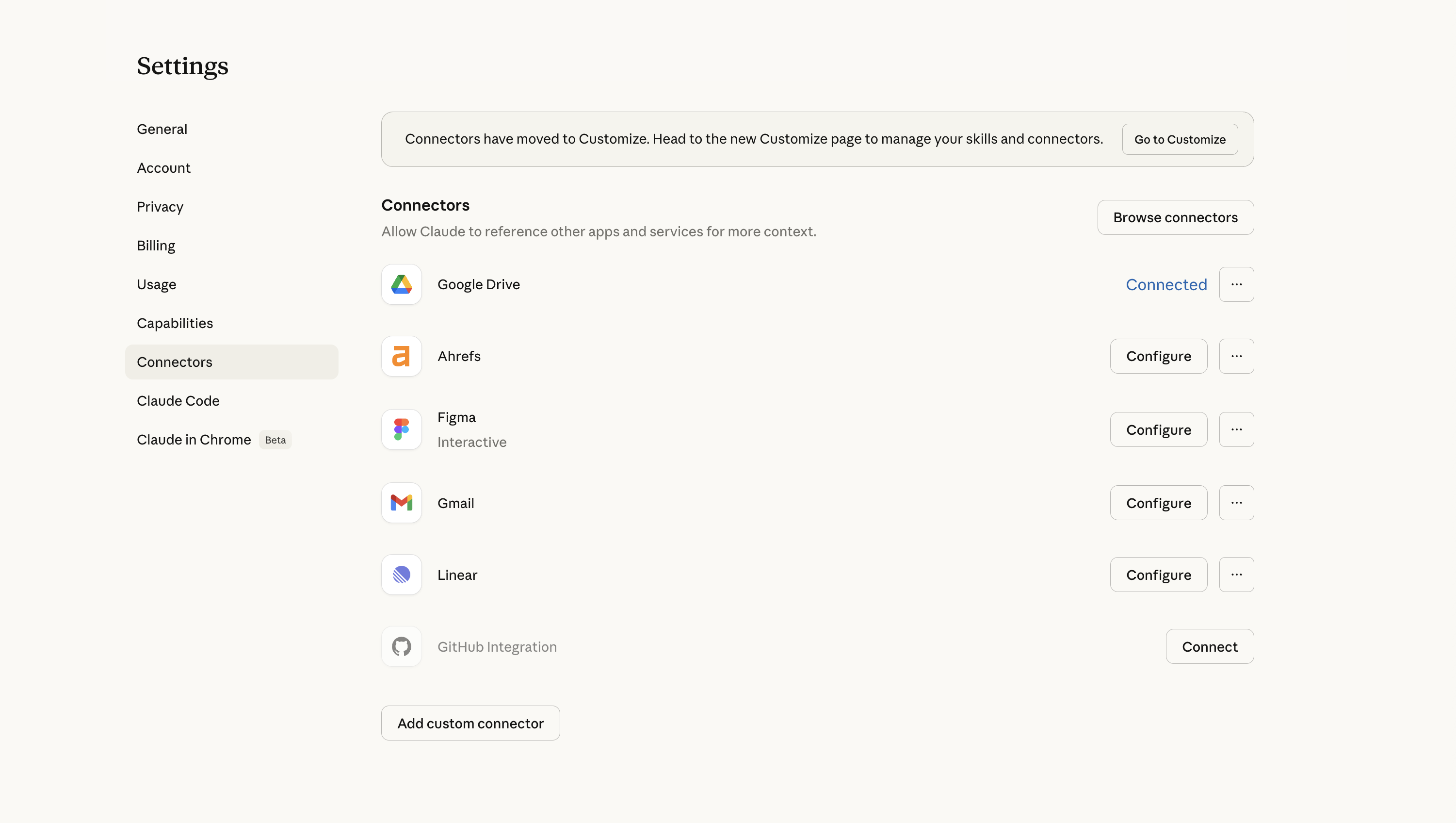
Screenshots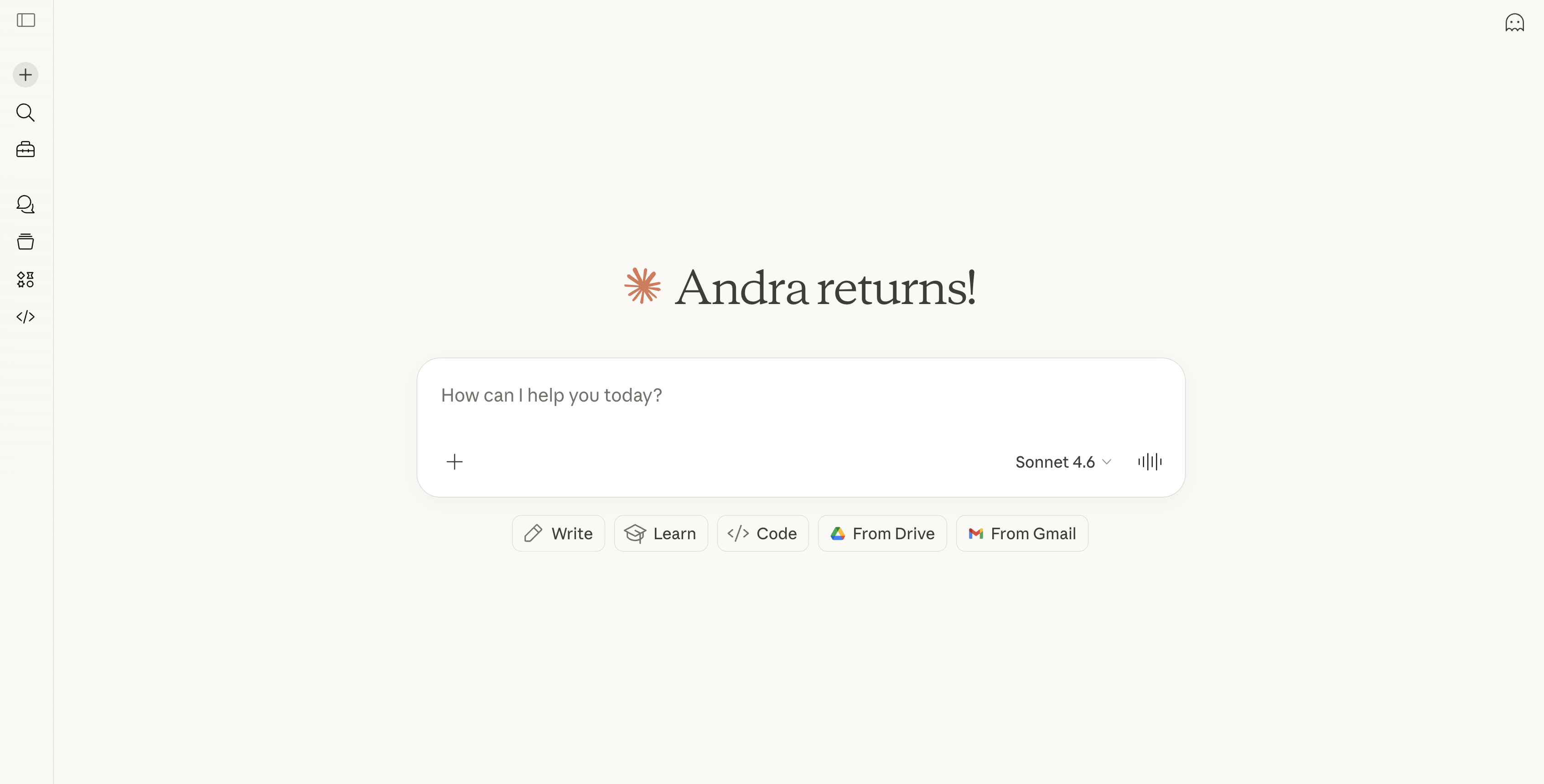
Claude