Comparison Summary
Comparison SummaryTodoist keeps task management simple and practical for personal use, while Routine gets confusing by trying to do too much with planning and databases.
Only use Routine if you really need its attempt at connecting knowledge and projects, but Todoist is the clear pick for straightforward daily task handling.
Todo List
Todo List TodoistBest
Best simple to-do app
Best simple to-do app Routine
Free daily planning app
Free daily planning app
Daily Planning
Daily PlanningRecommended Alternatives
Recommended Alternatives MotionBest
Best AI to-do app for organizing tasks and time
Best AI to-do app for organizing tasks and time SunsamaRecommended
Best for time blocking tasks on your calendar
Best for time blocking tasks on your calendar
Editor's Verdict
Editor's VerdictTodoist is straightforward and reliable for personal task management. You get predictable basics like creating, prioritizing, and organizing tasks, plus simple list, kanban, and calendar views. There's no confusion about what it does or how to use it. Time blocking is there, but it's minimal, so if you want deep daily planning, you'll probably end up using another app alongside it.
Routine tries to offer everything at once, daily planning, project management, Notion-style databases, but ends up feeling messy and confusing. The interface is clunky, basic actions take trial and error, and it's way too easy to break things you shouldn't be able to touch. Even though it has a free tier and lets you drag tasks onto a calendar, the experience is neither smooth nor clear. Instead of making your life easier, it adds mental load and complexity, especially with its labels and note features that just muddy the workflow.
If you want a simple, no-nonsense task manager for personal use, Todoist is the clear pick. Routine's ambition gets in its own way, leading to a confusing and unstable experience, while Todoist just works. Only go with Routine if you're desperate for something free and don't mind wrestling with clunky design, otherwise, stick with Todoist.
Screenshots
Screenshots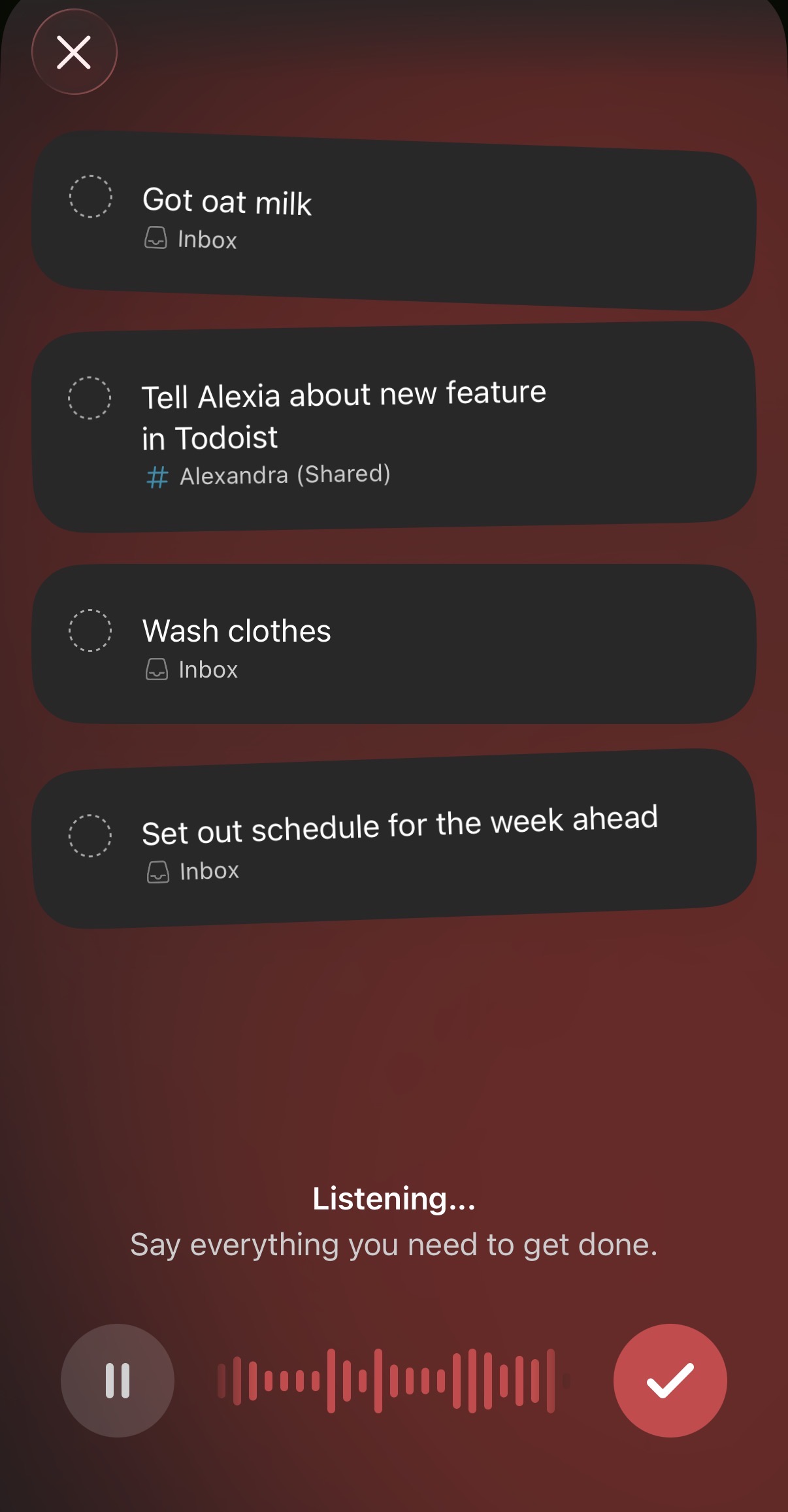
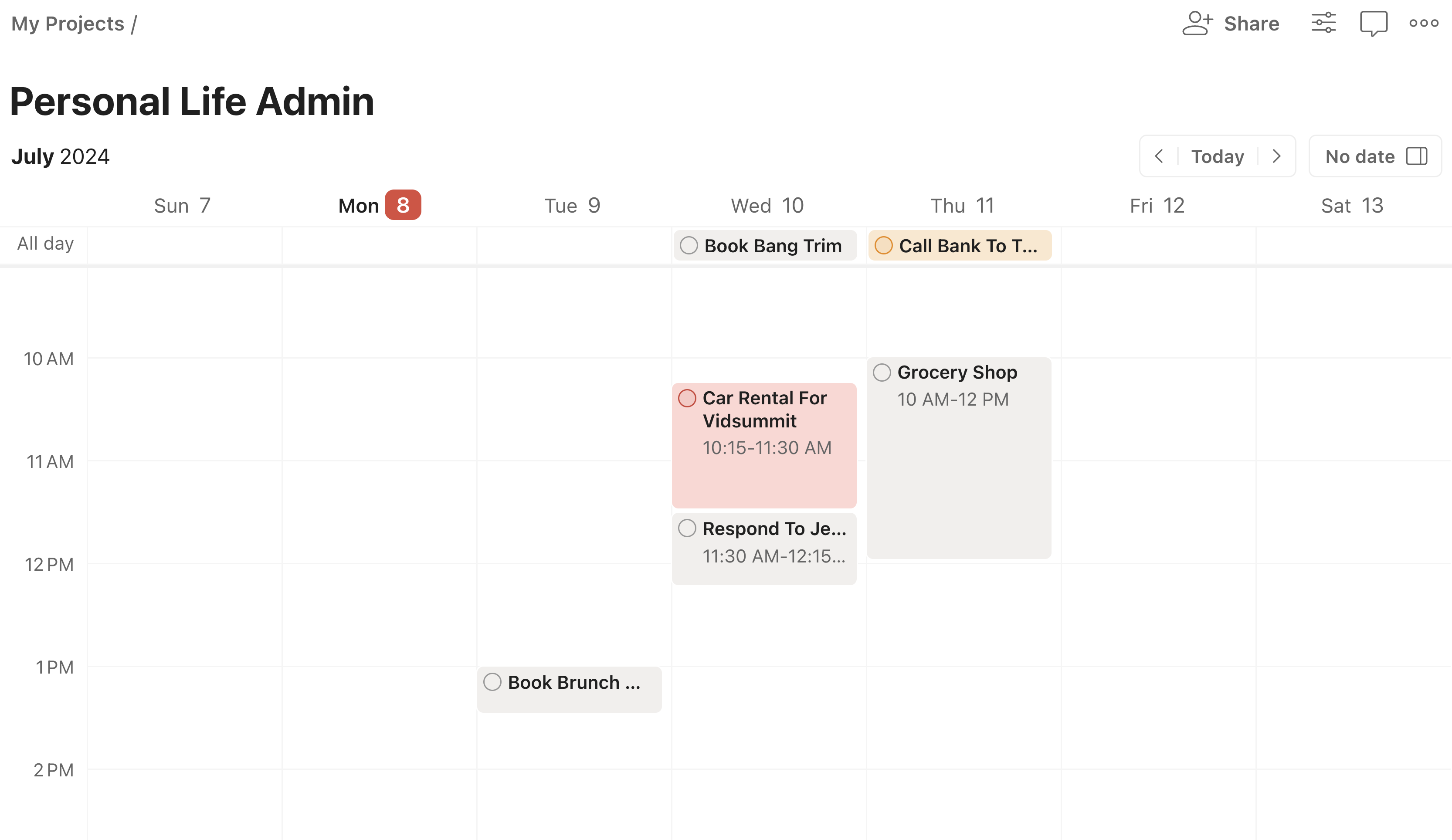
Todoist