Comparison Summary
Comparison SummaryTodoist gives you straightforward personal task management with no extras, while Morgen Calendar offers a faster interface and lets you add simple tasks but is mainly a calendar upgrade rather than a true task manager like Todoist.
Only use Morgen Calendar if you want a better calendar and just need basic tasks; stick with Todoist for actual task management.
Todo List
Todo List TodoistBest
Best simple to-do app
Best simple to-do app Morgen CalendarRecommended
Calendar with basic task management
Calendar with basic task management
Daily Planning
Daily PlanningRecommended Alternatives
Recommended Alternatives MotionBest
Best AI to-do app for organizing tasks and time
Best AI to-do app for organizing tasks and time SunsamaRecommended
Best for time blocking tasks on your calendar
Best for time blocking tasks on your calendar
Editor's Verdict
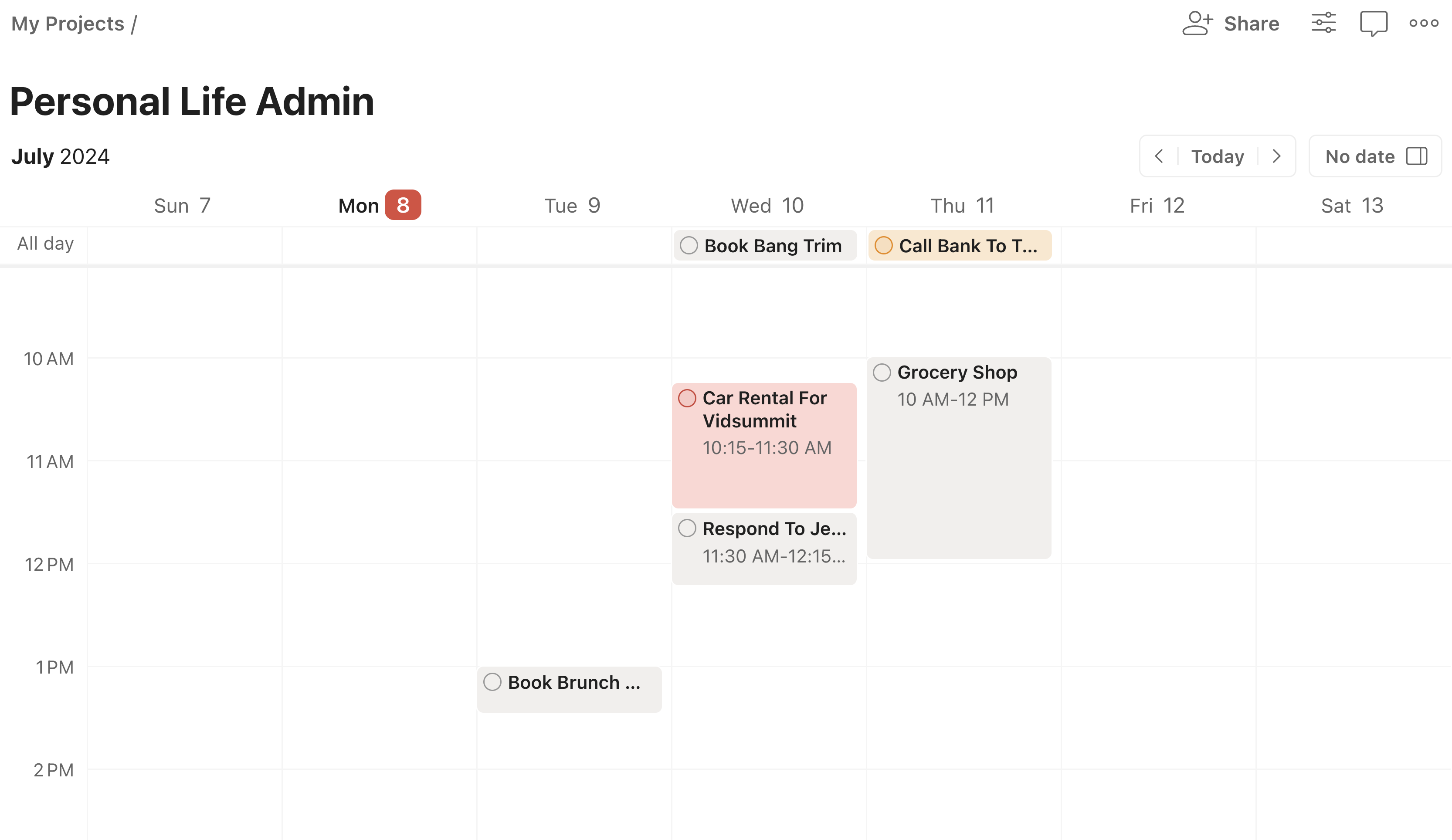
Editor's VerdictTodoist is built specifically for task management and gives you all the basics you'd expect: creating, prioritizing, and organizing tasks with labels, plus list, kanban, and (on paid plans) a simple calendar view. Its focus is clear: if you need to manage tasks, especially for personal life, Todoist does it directly and reliably. While its calendar and time-blocking features are minimal, you still get more task management depth than with Morgen.
Morgen Calendar, on the other hand, is a calendar first. It looks and feels better than Google Calendar or Outlook and lets you add very simple tasks, just a name and deadline, then drag them onto your schedule. But you can't label tasks, categorize them, or manage bigger projects from within Morgen. If all you want is to dabble in daily planning and occasionally toss a task onto your calendar, Morgen feels smooth and easy. But anyone with more than a handful of tasks, or who cares about organizing or tracking them, will quickly hit its limits.
If task management is what matters, Todoist is the clear pick. Morgen only works if your needs are extremely basic and you care more about calendar design than actually managing tasks. For anything beyond dabbling, Todoist simply gives you more control and organizational tools.
Screenshots
Screenshots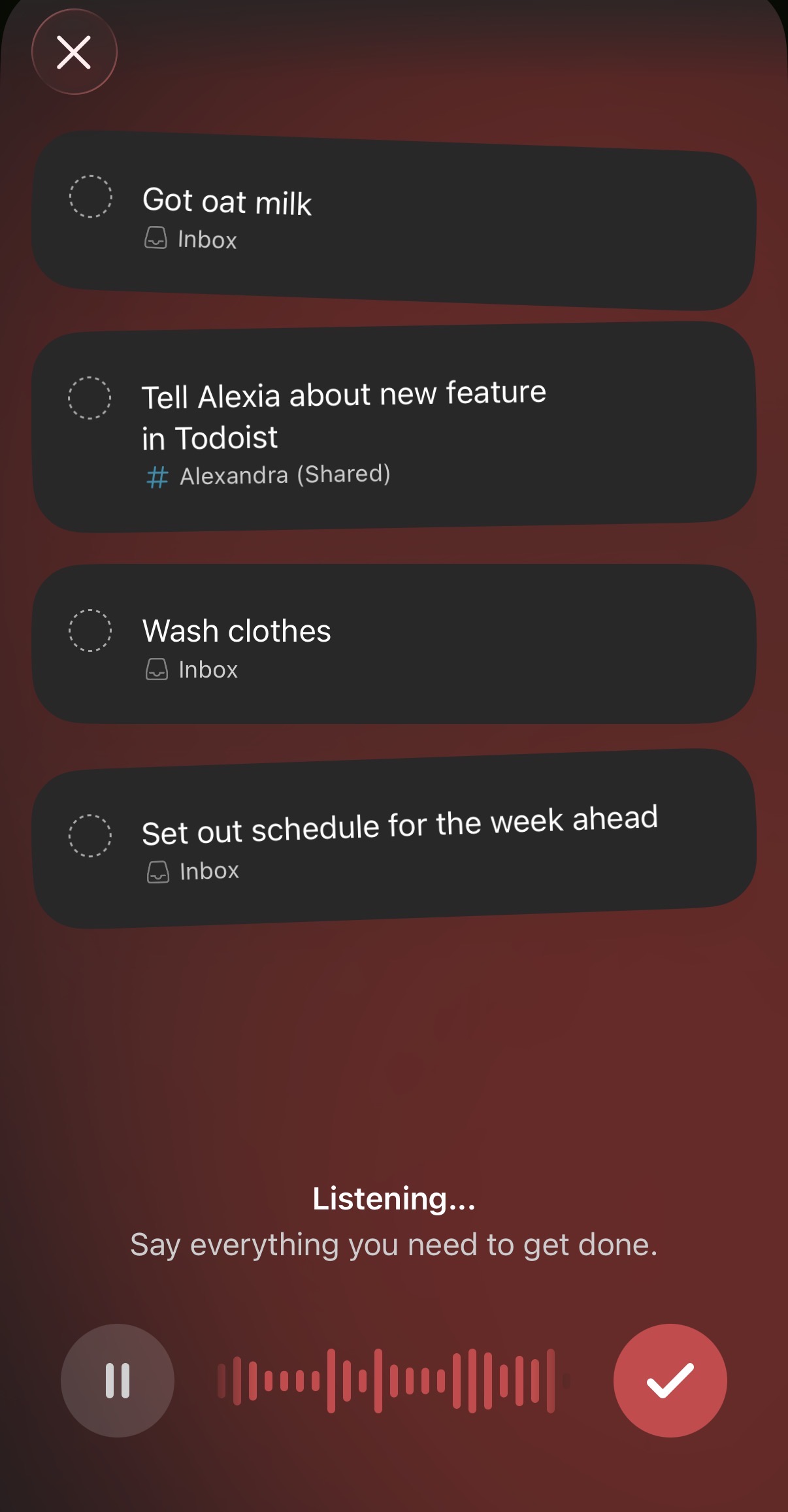
Todoist