Comparison Summary
Comparison SummaryLinear nails project management for engineers and feels modern, while Routine tries to do too much and ends up confusing to use.
Only use Routine if you absolutely need its daily planning, but Linear is the clear pick for focused engineering project work.
 LinearRecommended
Best for engineering teams
Best for engineering teams Routine
Free daily planning app
Free daily planning app
Recommended Alternatives
Recommended Alternatives MotionBest
Best AI to-do app for organizing tasks and time
Best AI to-do app for organizing tasks and time SunsamaRecommended
Best for time blocking tasks on your calendar
Best for time blocking tasks on your calendar
Editor's Verdict
Editor's VerdictLinear is purpose-built for engineers and product teams, with a focused, modern approach that ties bugs, feature requests, and sprints together cleanly. It's not trying to be everything for everyone, it's all about making engineering workflows efficient and enjoyable. If your team is mostly engineers or product people, Linear just fits and actually makes people want to use it.
Routine, on the other hand, tries to cover daily planning, project management, and knowledge management all at once, but ends up feeling clunky and confusing. Instead of clarity, you get complexity: basic things are hard to do, and it's easy to accidentally mess up core parts of your setup. It's not polished enough for business use, and even as a personal planner, it's more hassle than it's worth if you want anything beyond basic calendar blocking.
If you're an engineering or product team, Linear is the obvious choice because it actually supports your workflow and won't slow you down with confusing features or awkward design. Routine might work if you're a student or just want a free, simple planner for messing around, but it's nowhere near as reliable or focused for real project management. Linear is built for teams who want to get things done without the mess.
Screenshots
Screenshots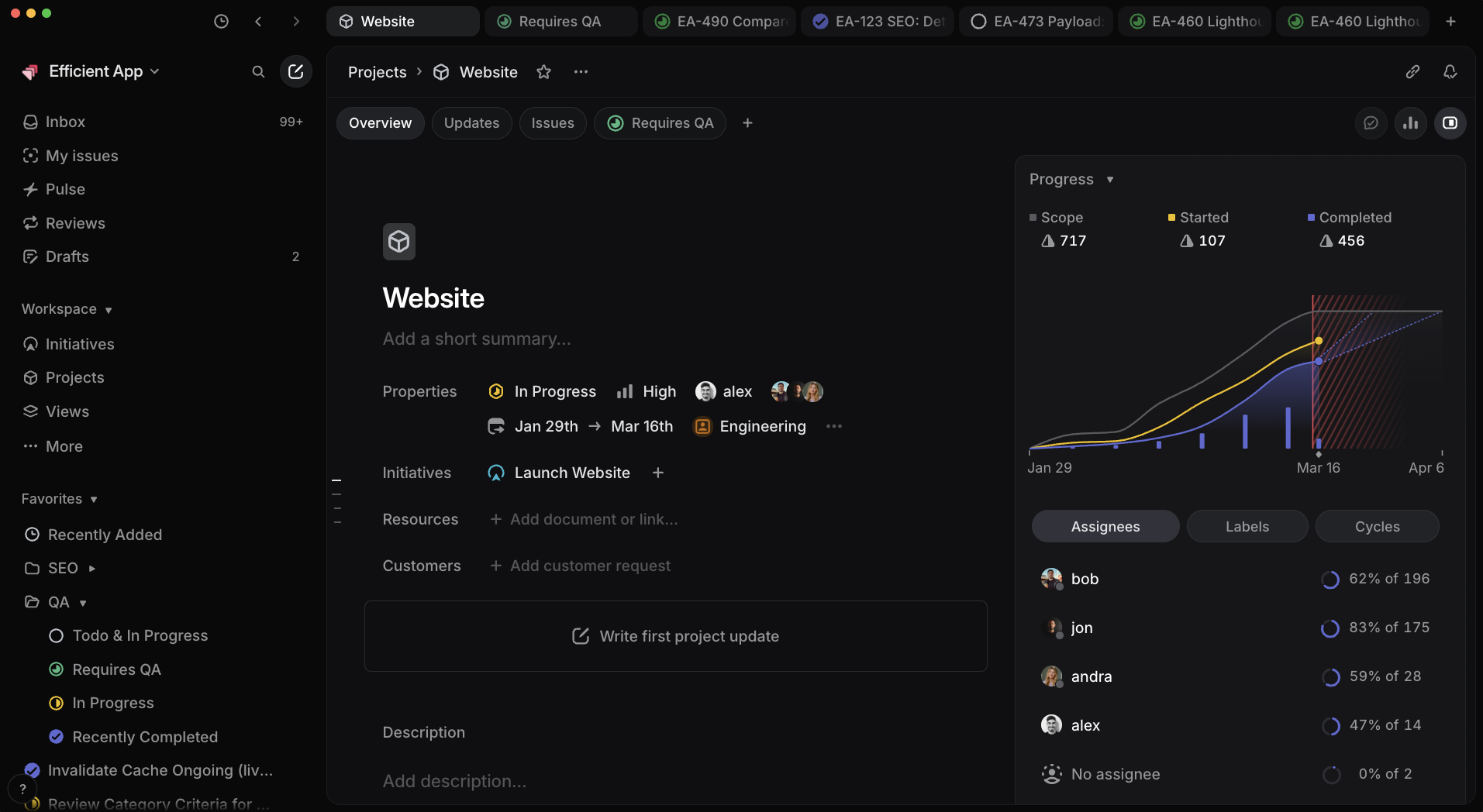
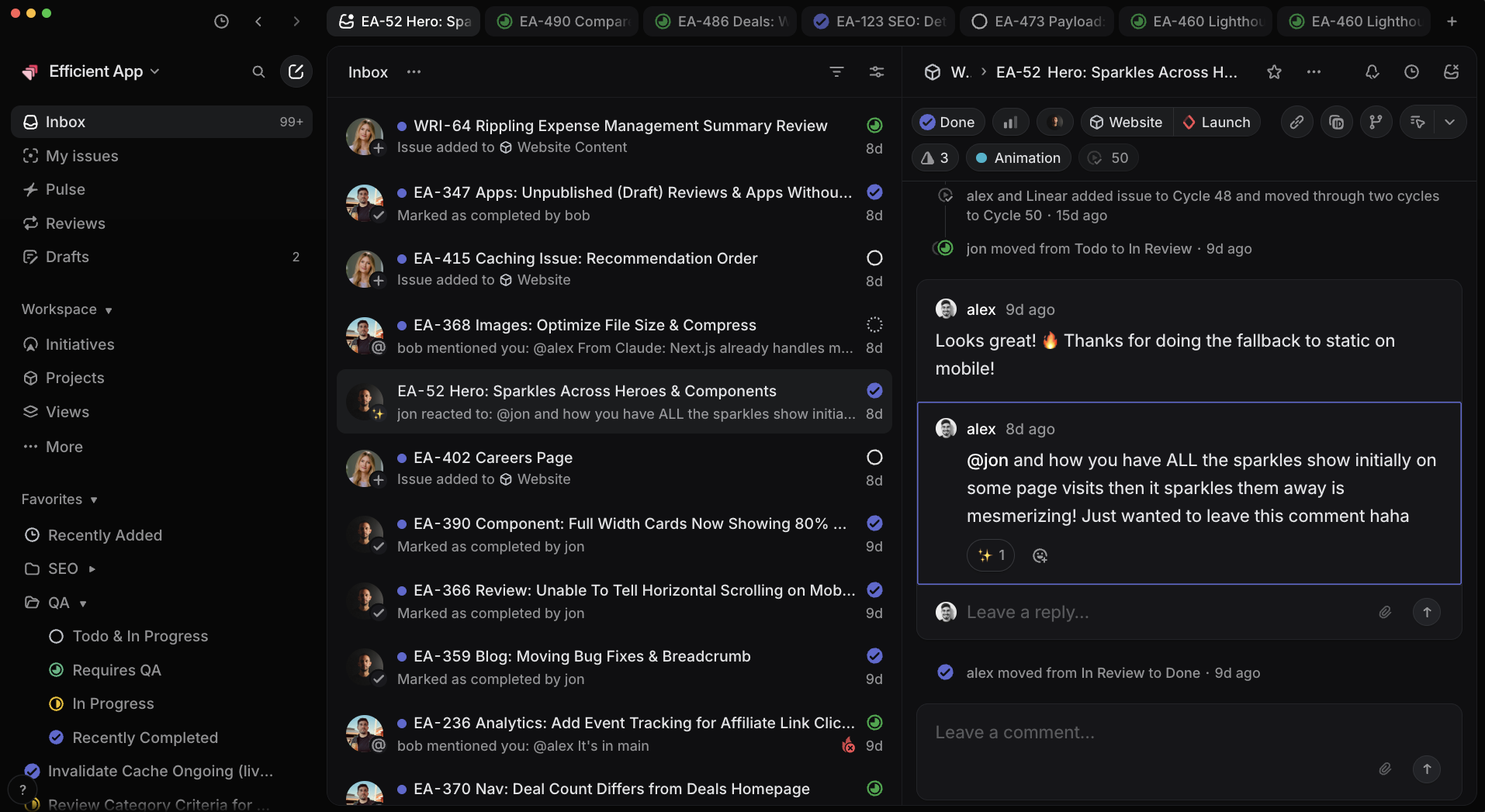
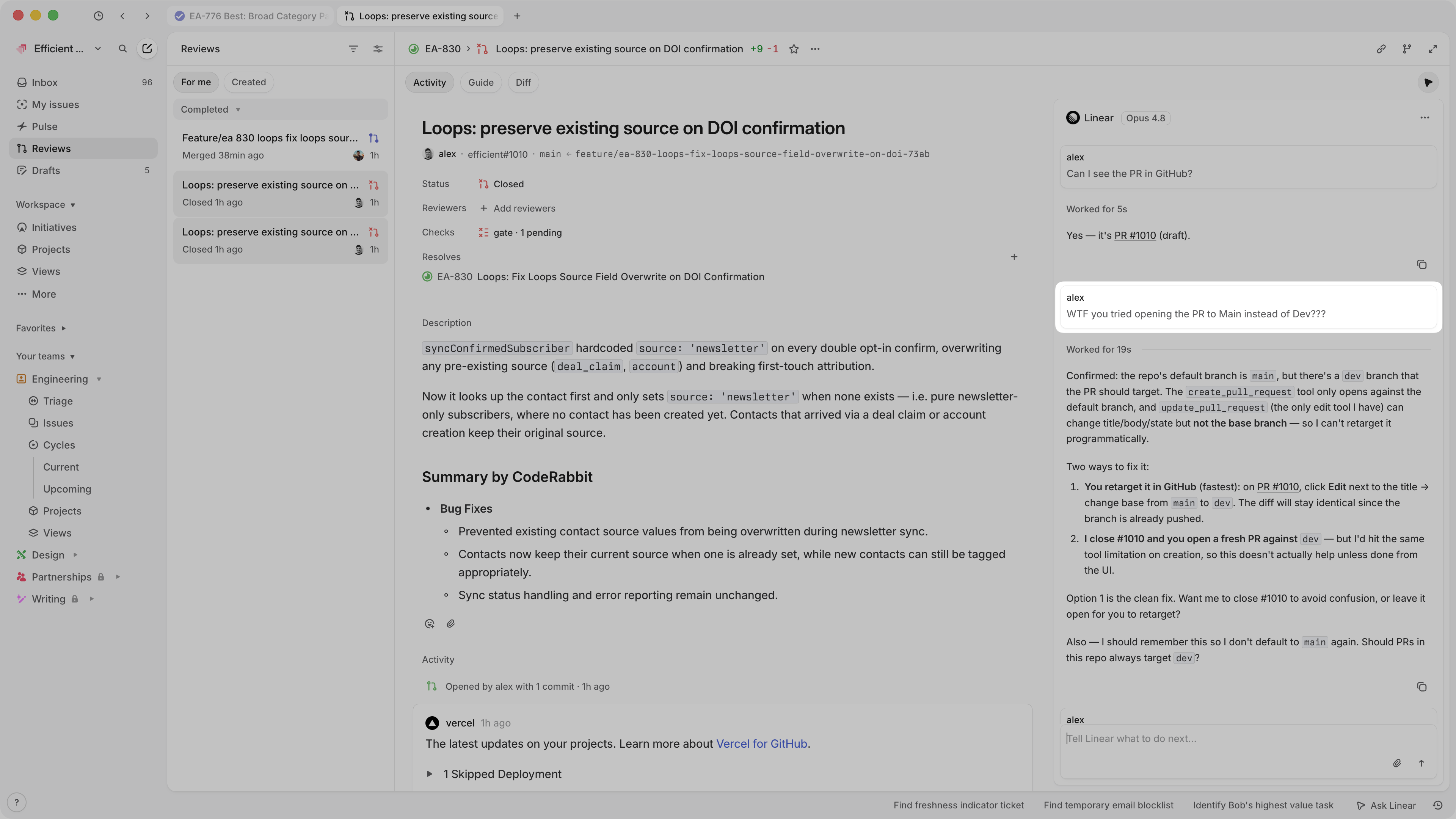
Linear
Linear Project Progress Reporting