Comparison Summary
Comparison SummaryLinear nails engineering workflows and feels way faster to adopt than Asana, which needs heavy setup and ongoing care to be useful.
Only use Asana if you have a big team, a project manager, and want lots of features; otherwise, Linear is the clear pick.
 LinearBest
Best for engineering teams
Best for engineering teams AsanaRecommended
Best for enterprise teams
Best for enterprise teams
At a Glance
At a GlanceRecommended Alternatives
Recommended Alternatives MotionBest
Best AI project management for small-mid-size teams
Best AI project management for small-mid-size teams
Editor's Verdict
Editor's VerdictInnovation
InnovationAsana stands out for making project management feel approachable and simple at a time when most tools were clunky and hard to use. They set the bar early on with a clean UX and intuitive collaboration, and their AI feels genuinely useful, not just for show. Their innovation is about raising the baseline for everyone by focusing on making complex workflows easy.
Linear, on the other hand, is all about engineers. They reimagined project management specifically for engineering teams, ditching old-school tools like Jira and building tight integrations with engineering workflows. Their innovation is laser-focused on what engineers actually need, not just general project management.
If you're an engineering team, Linear's specialized approach is the real breakthrough here. But if you want innovation that changed the whole category and made things better for a broader set of teams, Asana's the one that redefined the space. Both are highly innovative, but the right pick depends on whether you want broad, category-shaping change (Asana) or a targeted leap forward for engineers (Linear).
AI Assistance
AI AssistanceLinear's AI features are built for engineers and really dig into what technical teams need. It doesn't just automate busywork - it summarizes issues, prioritizes backlogs, creates reports, manages ticket triage, and even plugs into code tools like Copilot and Devin. If your team is all about software development, Linear's AI is tailored to your workflow and will actually save you time where it matters.
Asana's AI is more general-purpose for project management. Its chat lets you move projects and deadlines around easily, and the AI teammates can handle real tasks using your account's context. This is great if you want an AI that helps with classic project management, not just engineering work.
If you're managing an engineering team, go with Linear. Its AI is made for you and will make your life easier in ways Asana can't touch. For everyone else, especially if you're running non-technical projects, Asana's AI is the better fit since Linear's features just aren't built for your kind of work.
Daily Focus
Daily FocusIf you want something that helps you actually get your own work done day to day, Linear is just smoother. The minimal interface, fast load times, and keyboard shortcuts make it easy to keep moving without getting bogged down. It's built for developers, so if you're in engineering, you'll notice how much less friction there is compared to other tools.
Asana has improved with its new AI features, making it less of a chore to update. But you still end up feeling like you're managing the tool itself as much as your tasks, with a lot of manual oversight needed. The AI teammates help, but it doesn't fully shake the sense that you're babysitting your to-do list.
If daily focus and personal productivity matter most, especially for engineers, Linear is the clear pick. Asana isn't bad, but it's just not as effortless for keeping yourself on track each day.
Ease of Learning
Ease of LearningLinear is much quicker for engineering teams to pick up because it's built around their workflows and uses clear, familiar terminology. You can get started right away without needing an expert or major setup, so you're actually up and running in less than a day if you're managing engineering tasks.
Asana, on the other hand, is so flexible that you'll probably need someone dedicated just to set it up and train the team. It takes real effort and expertise up front, and you won't get that "easy to learn" feeling until everything is already configured.
If your team is doing engineering work, Linear is the obvious choice for getting started fast. But if you're not in engineering, Linear's workflow and language will slow you down, and neither option is perfect out of the gate. For general teams, Asana is still more approachable than trying to bend Linear to fit, but it's not truly easy to learn for anyone.
Team Adoption
Team AdoptionLinear is insanely fast for engineering teams to adopt. You barely need to explain anything, engineers get it right away, and the built-in integrations with coding tools and Slack make it feel like it belongs in their workflow. No training, no hand holding, and teams actually get excited about using it, which almost never happens with new tools. If you're leading an engineering, product, or design team, Linear is the clear choice for team adoption.
Asana, on the other hand, is a headache to roll out. It needs a lot of setup, documentation, and ongoing management enforcement just to get people to use it. Teams often struggle to stick with Asana unless someone is constantly pushing them, and confusion is common if it's not implemented perfectly. Adoption is an uphill battle unless you have a pro guiding you through setup.
But if you need a tool for marketing or sales, Linear won't cut it, those teams feel boxed in and usually end up using something else, which kills adoption across the whole company. Asana is less of a fit for engineers but at least covers more team types, even if it's harder to get everyone using it.
Bottom line: For engineering, product, and design teams, Linear is way easier to adopt and actually gets used. For broader teams, neither is perfect, but Asana is the only one that covers everyone, even if adoption is rough.
Screenshots
Screenshots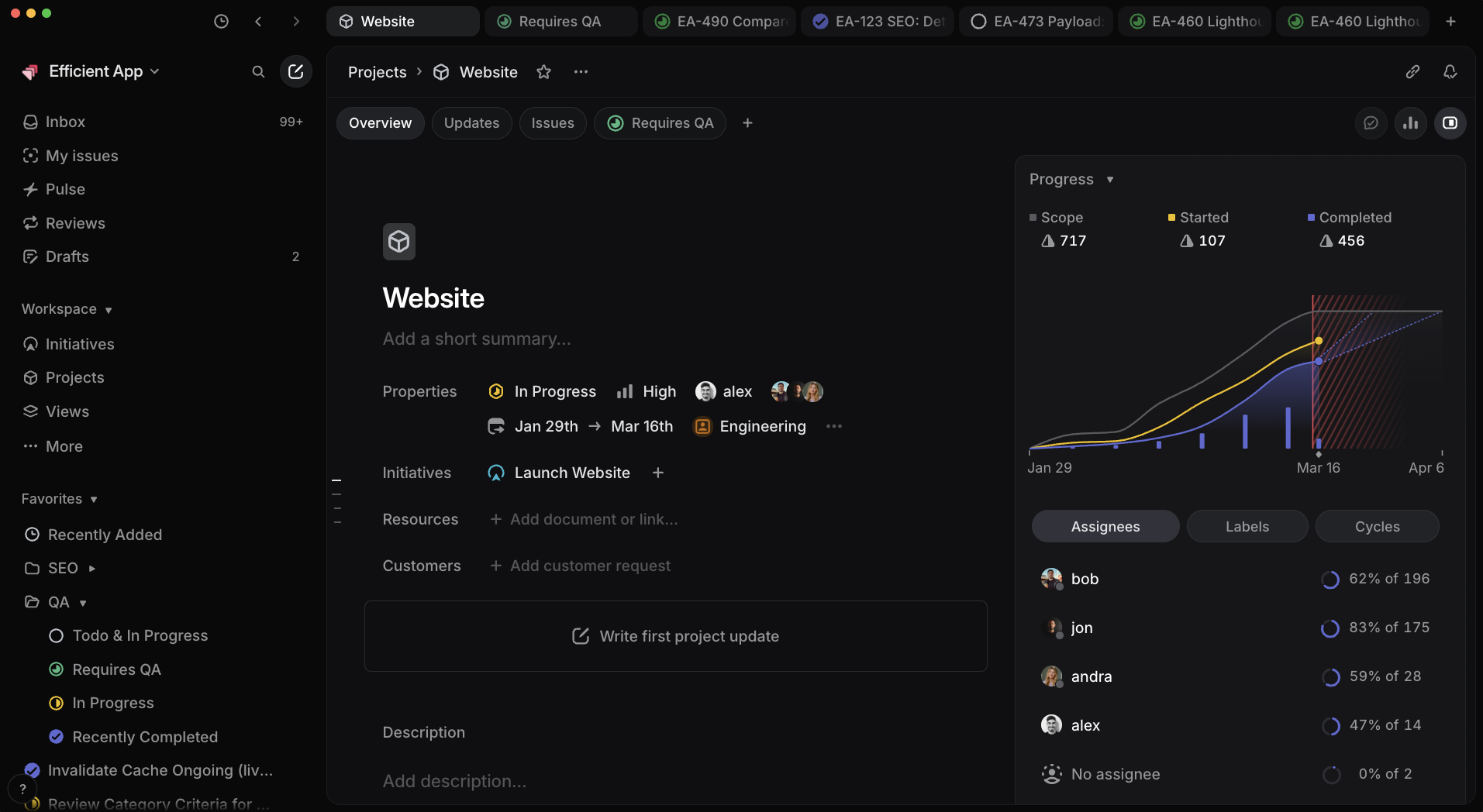
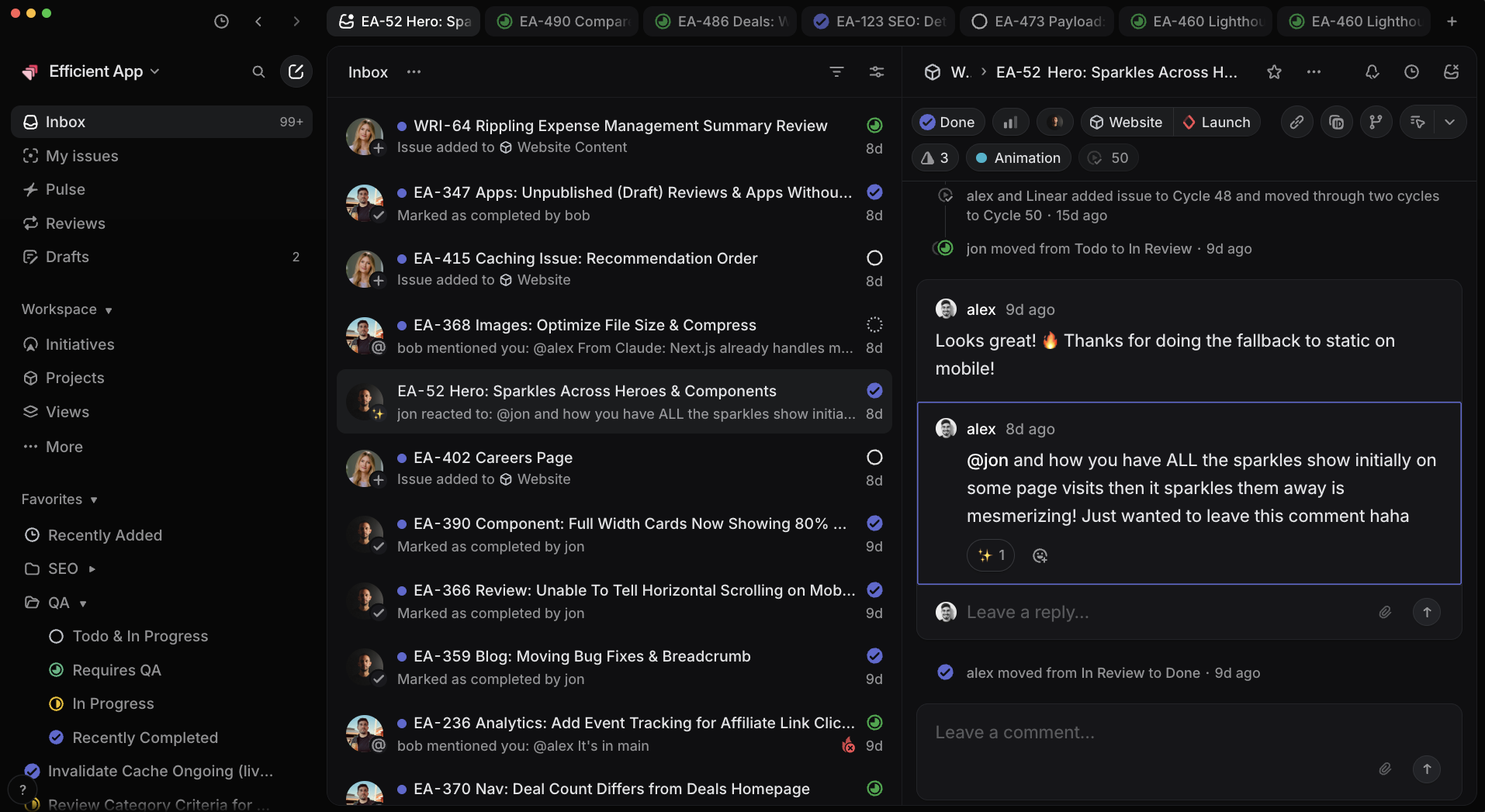

Linear
Linear Project Progress Reporting