Comparison Summary
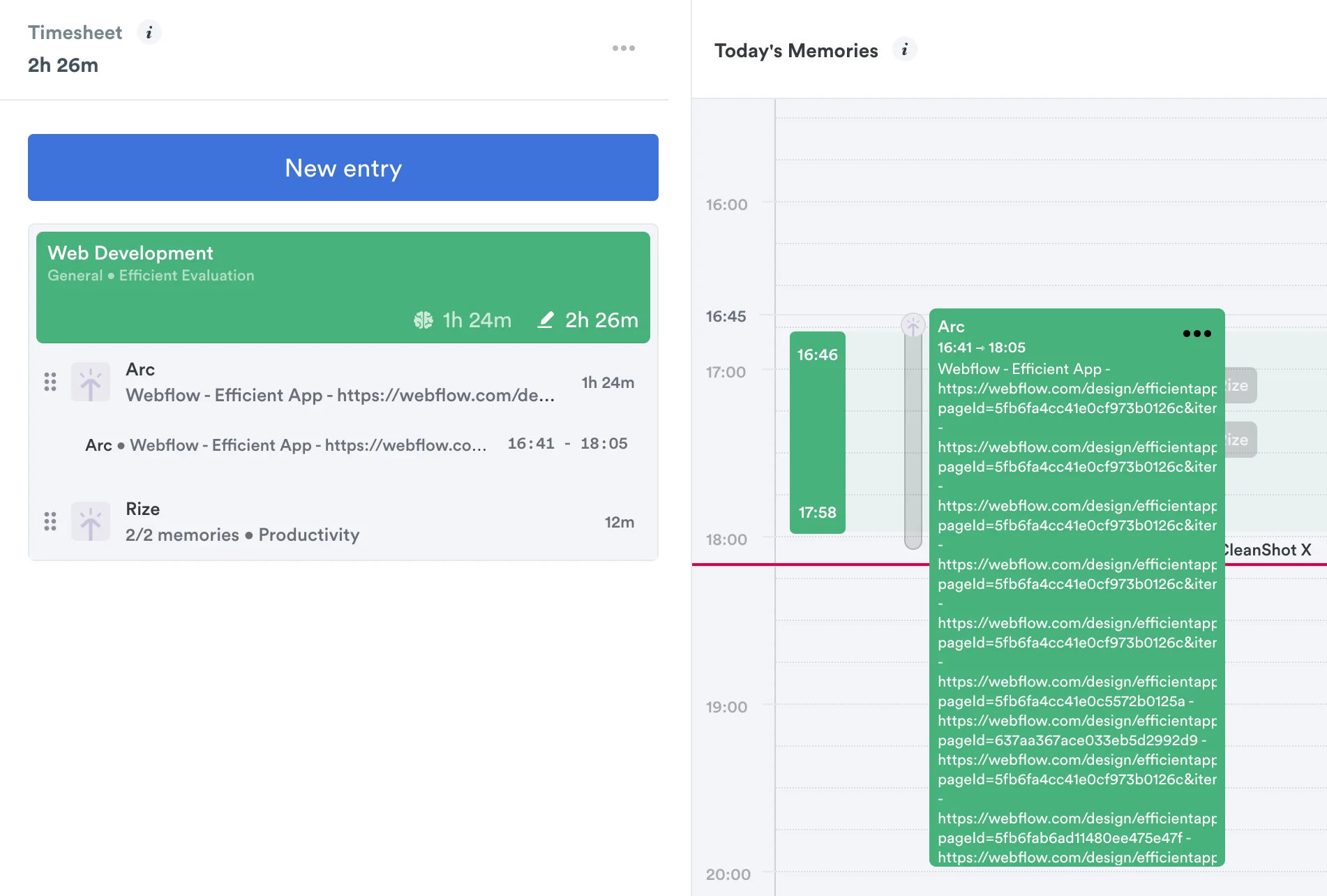
Comparison SummaryTimely tries to log your activity automatically but just ends up dumping a mess of browser URLs that you have to untangle yourself, while Toggl tracks your time in detail but forces you to do extra manual steps for every entry.
Only use Toggl if you can handle tedious entry work and do not need billing or invoicing, and skip Timely unless you want to sort through confusing logs.
 TogglRecommended
Best for tracking what you did all day
Best for tracking what you did all day Timely
For automatic time tracking
For automatic time tracking
Trending Right Now
Trending Right NowEditor's Verdict
Editor's VerdictTimely tries to automate time tracking by logging your app and website activity, but it mostly just gives you a confusing mess of browser time and endless URLs, leaving you to manually figure out which work was for which client or project. That makes it a pain if you actually need clear, project-specific tracking, you're left sorting through data that doesn't map to real work.
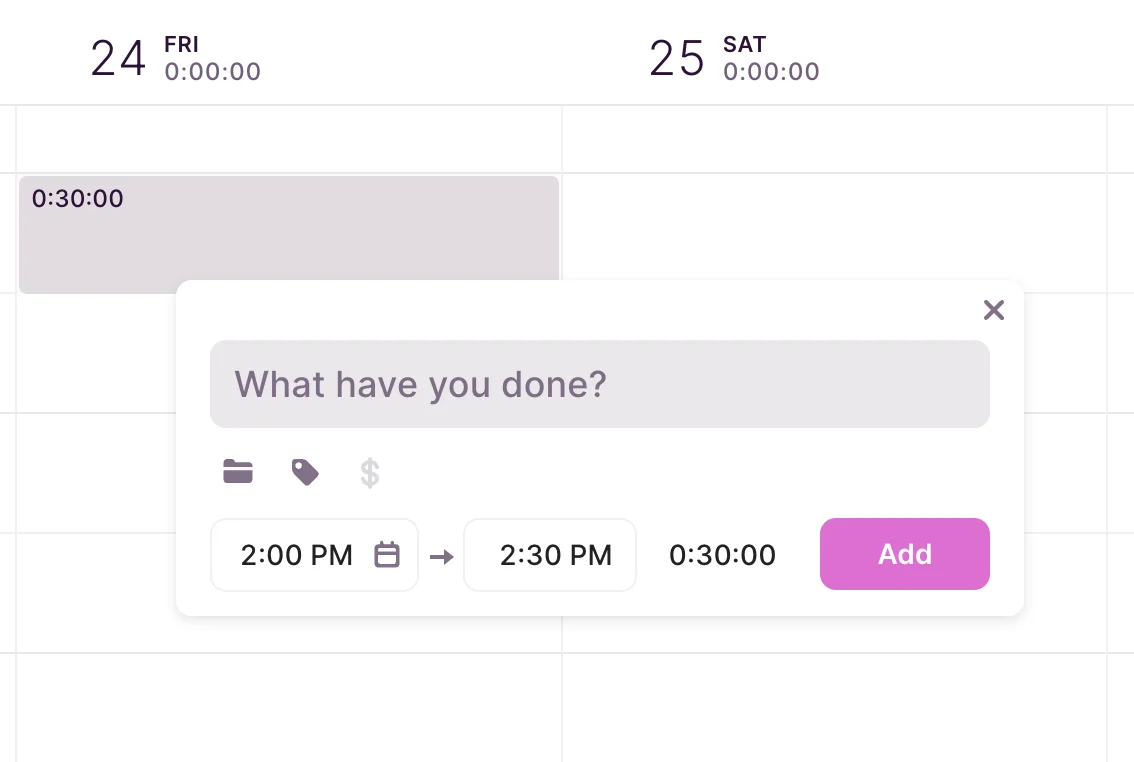
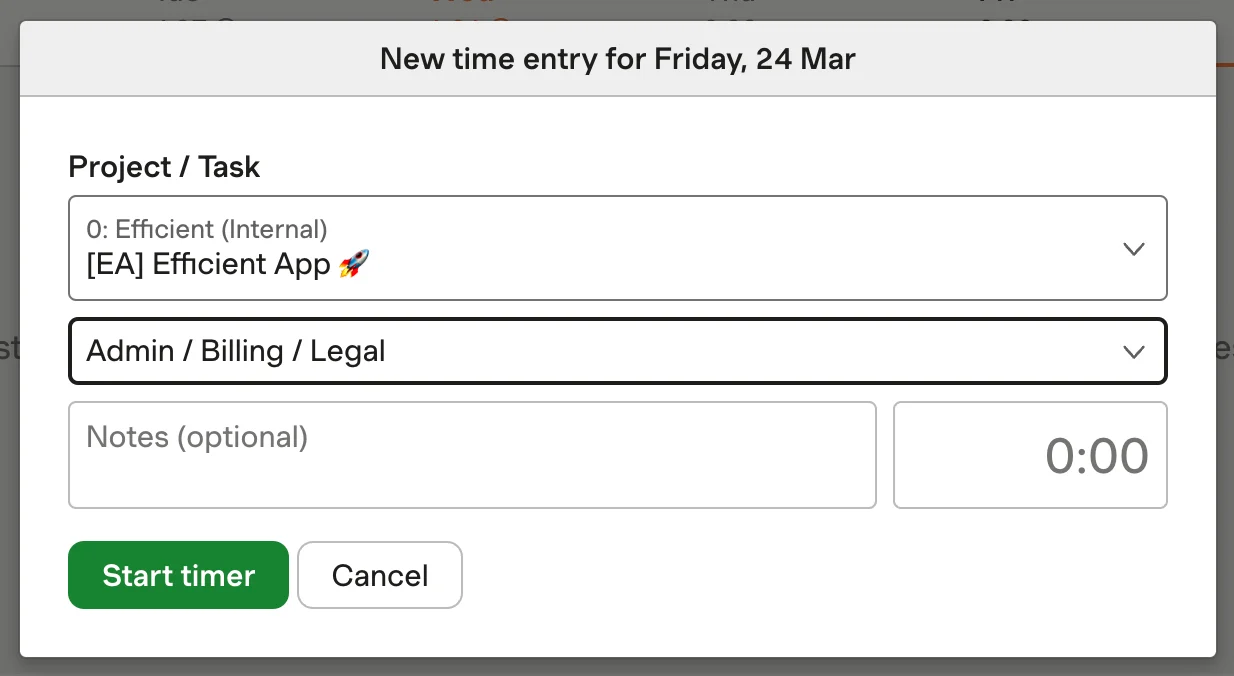
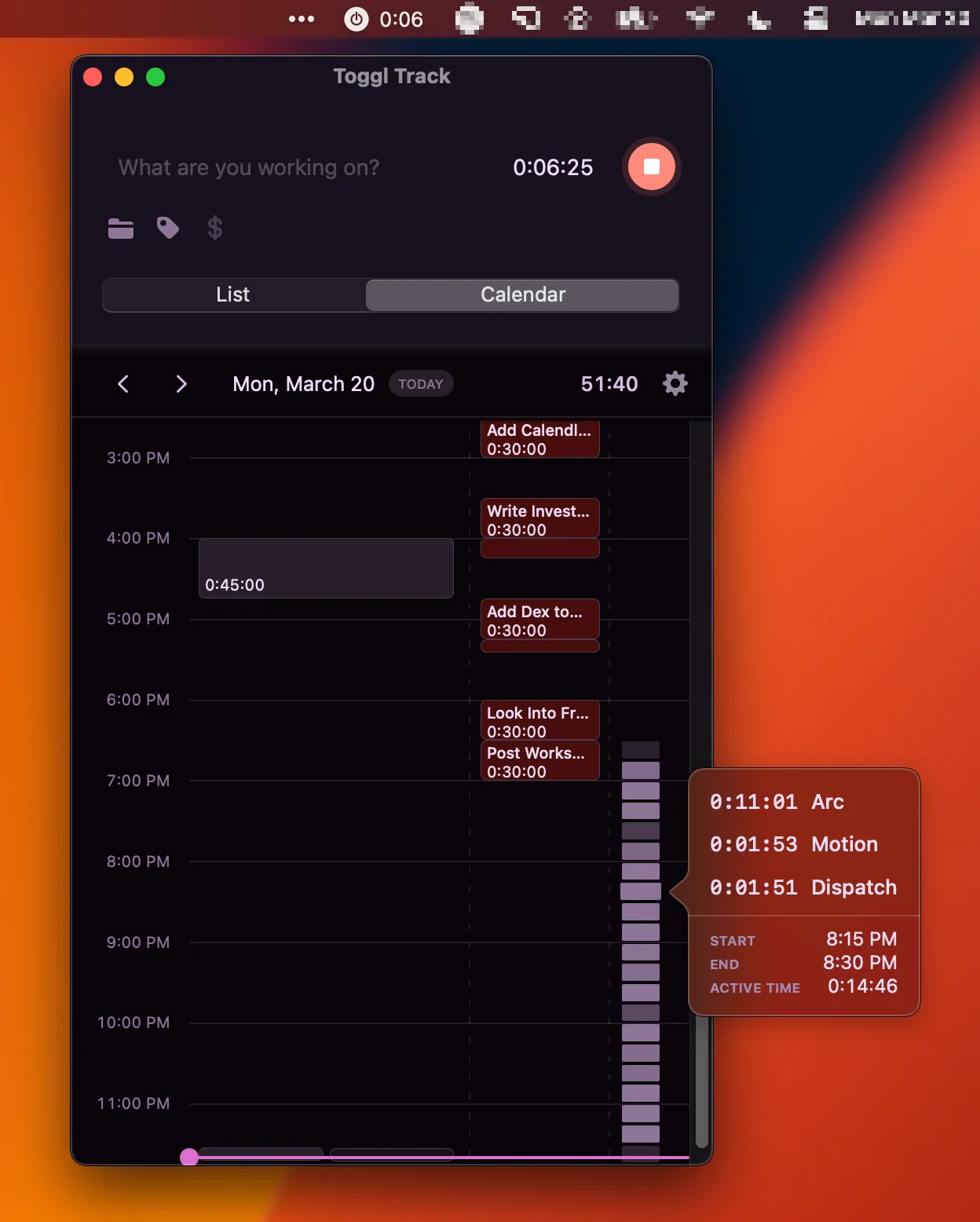
Toggl, on the other hand, asks you to manually enter what you did and for how long, but this process is tedious and adds extra steps every time you log something. It's built more around tracking what you did, not who it was for or what project, so it's not ideal if you need structured, client-focused records. The friction in the workflow makes it hard for teams to build a consistent habit.
Both fail hard if you want effortless or structured time tracking for teams. Timely's automation doesn't deliver usable results and Toggl's manual process is too clunky for regular use. If you're forced to pick, Toggl at least lets you attach entries to projects, but it's still a grind. For anything resembling easy or reliable team time tracking, neither is the right call.