Comparison Summary
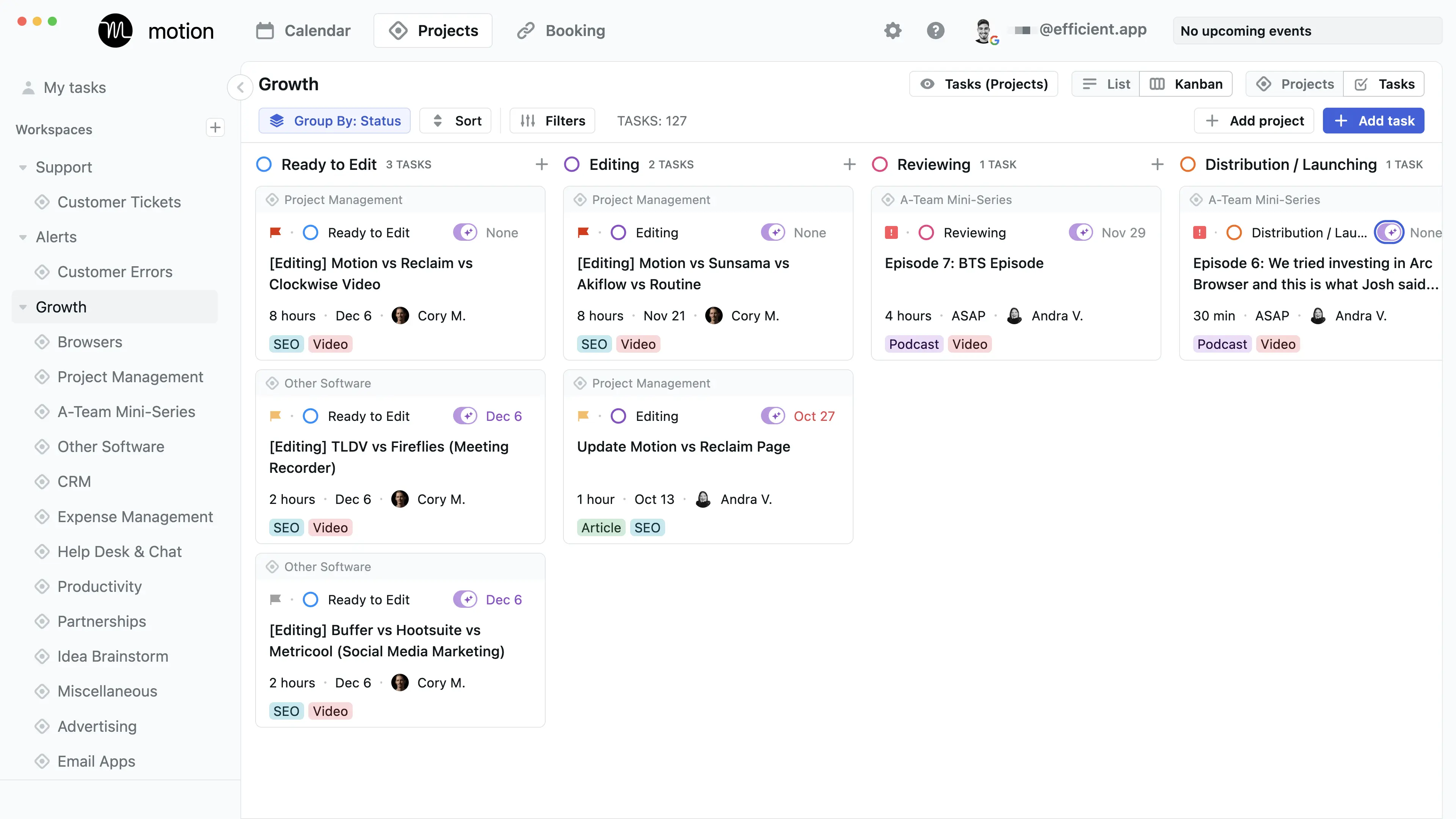
Comparison SummaryMotion is a full project management tool while Todoist is more built for basic task management. While Todoist has a team features, it's missing collaborative features like task dependencies and longer-term planning views like Gantt Charts and team workload.
Todo List
Todo List TodoistBest
Best simple to-do app
Best simple to-do app MotionBest
Best AI to-do app for organizing tasks and time
Best AI to-do app for organizing tasks and time
Daily Planning
Daily PlanningComparison Video
Comparison VideoBest To-Do List Apps
Best To-Do List Apps 11:51
11:51Best To-Do List Apps
Best To-Do List AppsEditor's Verdict
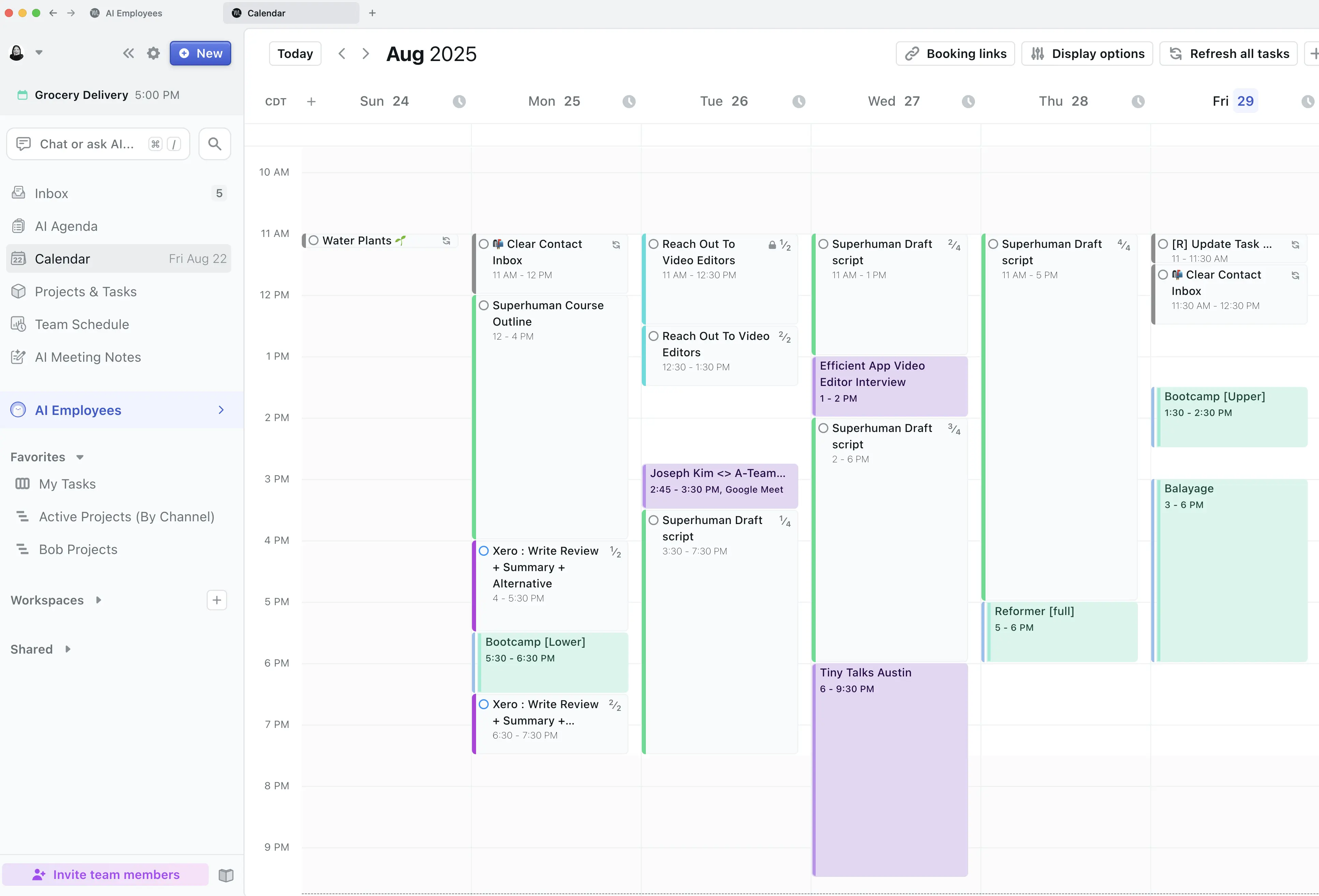
Editor's VerdictMotion's AI auto-scheduling is a completely different level from Todoist's basic time blocking. Motion doesn't just let you put tasks on a calendar, it actively manages your schedule for you, automatically rescheduling tasks, warning you about deadline risks, and updating everything if your plans change. Todoist's calendar view and time blocking are just tacked-on features and don't come close to handling your day or workload for you.
If you want your tasks managed for you with minimal effort, Motion is the only real choice here. It's built for people and teams who need their entire schedule handled, not just a to-do list. Todoist is fine if you only want a personal task list, but it won't help you actually stay on top of shifting priorities or manage your workload the way Motion does.
For anyone who cares about truly automated scheduling and having tasks fit into your real day, Motion is the clear pick. Todoist only works if you're happy to do all the planning and shifting yourself.
Screenshots
Screenshots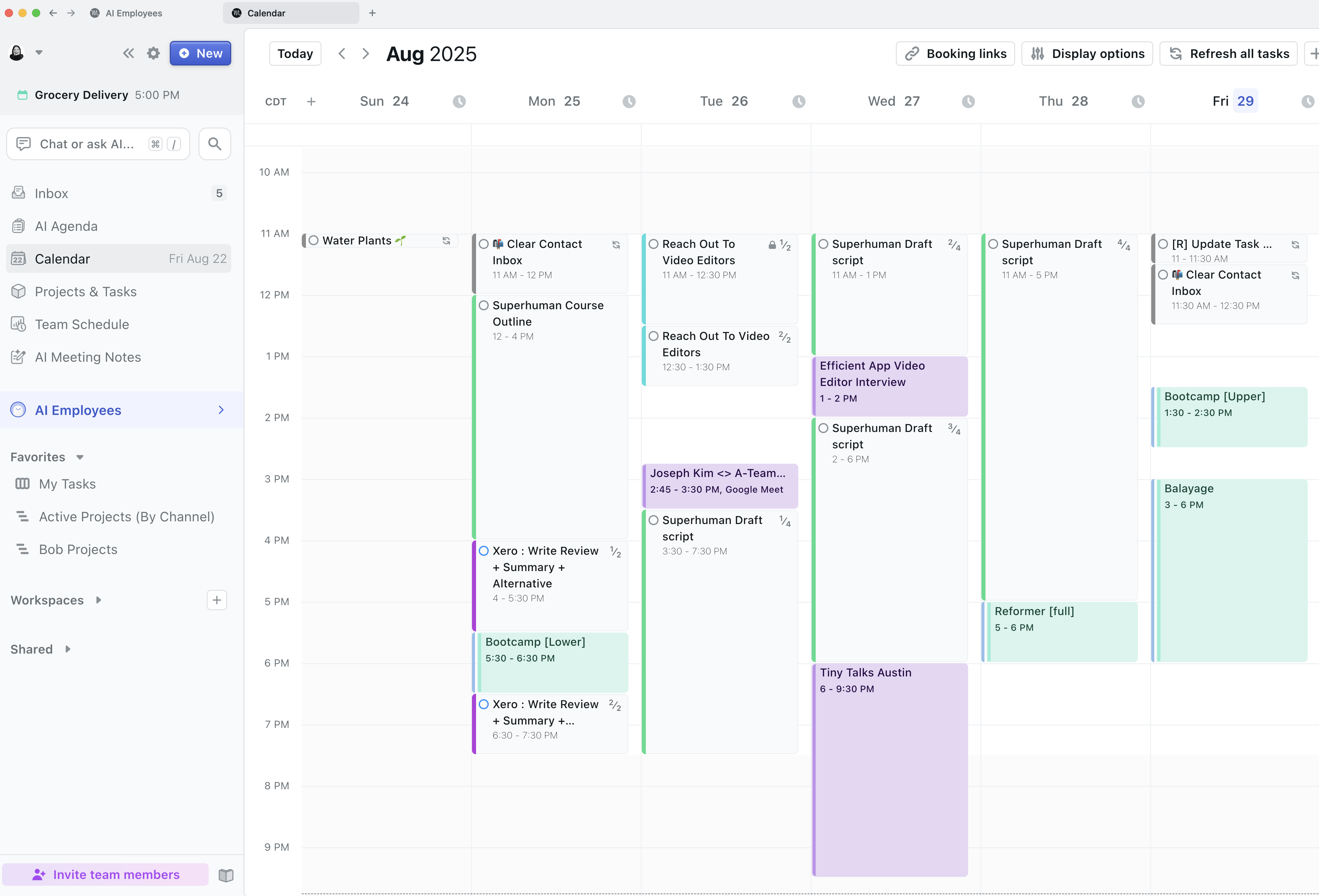

Motion