
Summary
Summary Dia BrowserRecommended
Best for AI power users living in the browser
Best for AI power users living in the browser SafariRecommended
Best browser for battery life (MacOS only)
Best browser for battery life (MacOS only) SigmaOSRecommended
Best alternative browser layout
Best alternative browser layout Google ChromeRecommended
Best for stability & reliability
Best for stability & reliability Arc BrowserRecommended
For your productivity workspace
For your productivity workspace BraveRecommended
Crypto-focused privacy browser
Crypto-focused privacy browser Comet BrowserRecommended
Best for free agentic mode
Best for free agentic mode Firefox
Best non-Chromium privacy-based browser
Best non-Chromium privacy-based browser Edge
EdgeFor Windows users already deep in the Microsoft ecosystem
For Windows users already deep in the Microsoft ecosystem Vivaldi
Best for extreme browser UI customization
Best for extreme browser UI customization Shift Browser
For pinning apps in a browser sidebar
For pinning apps in a browser sidebar Opera
OperaStaying relevant but serious privacy concerns
Staying relevant but serious privacy concerns Chromium
Browser engine foundation
Browser engine foundation
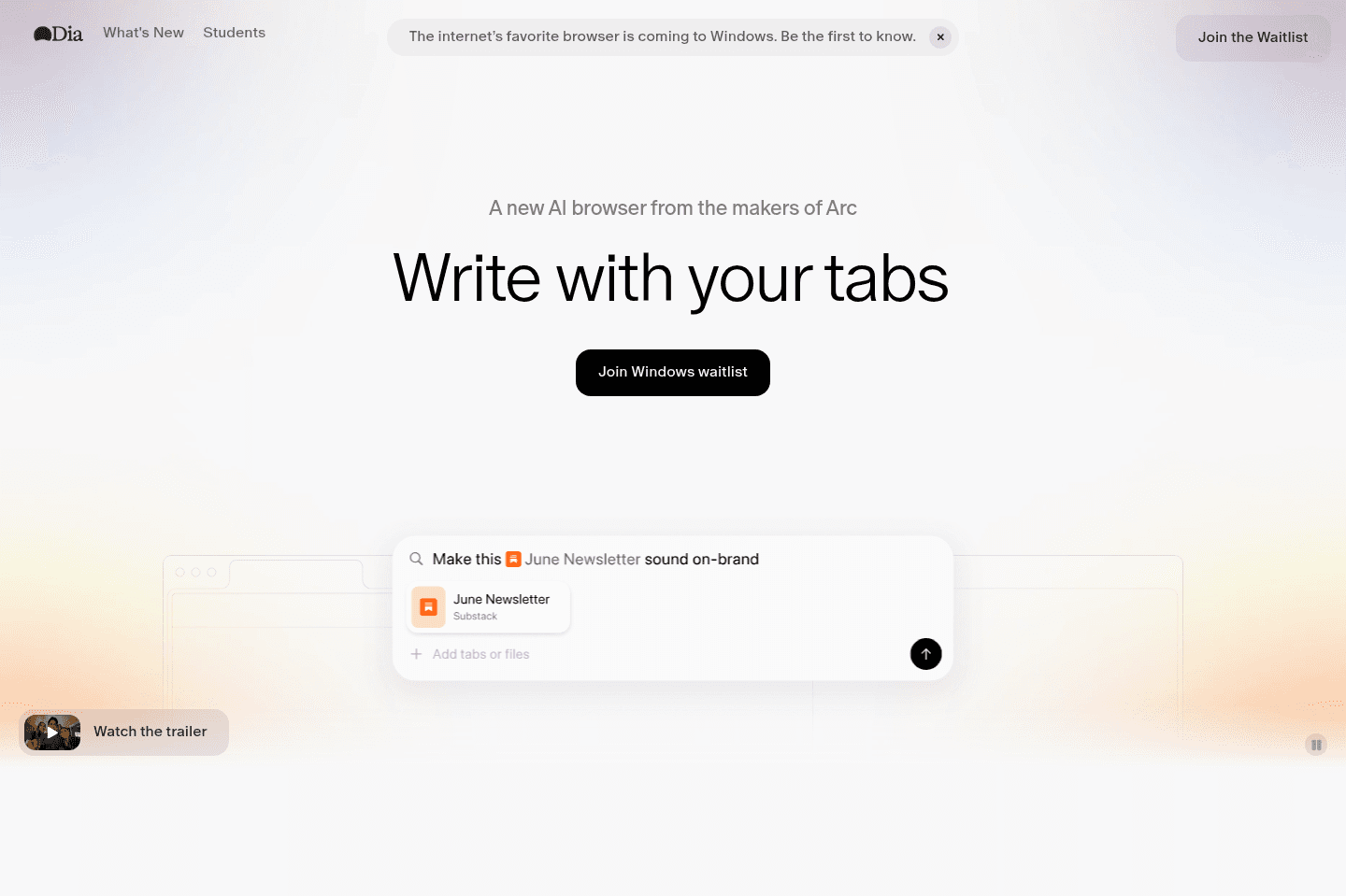
Dia Browser
Dia BrowserBest alternative for simple browsing with built-in AI.
Dia Browser is a great alternative for those who want a straightforward, Chrome-like browser experience with helpful AI features always within reach. If you're looking for a minimal interface that doesn't overwhelm you with customization or complex layouts, and you like the idea of a browser that can summarize articles, answer questions, or help with research directly in a chat sidebar, Dia will feel right at home.
It's especially well-suited if you're newer to AI tools, or just want pre-built prompts to interact with content on the page without needing to set up workflows or extensions. The design leans toward being approachable for everyday browsing rather than productivity-heavy tasks.
If you need deep customization, advanced features, or rely on your browser for power-user workflows, Dia's early-stage simplicity and current feature limitations will likely feel restrictive. For now, it's best for those who want a clean, AI-supported browsing experience without the need for advanced controls.
Safari
SafariBest alternative for stable Apple ecosystem browsing.
Safari is an alternative for those who want a browser that just works across all their Apple devices without any fuss. If you value battery life and want your browser to feel like a seamless extension of your Mac, iPhone, and iPad, Safari fits right in. The experience is especially smooth if you're already using multiple Apple products, with handy touches like picking up browsing sessions between devices.
You won't find much in the way of major innovation or flashy new features here. Safari keeps things simple, aiming for reliability and a familiar interface that doesn't distract from the websites you visit.
If you're looking for a browser that pushes the envelope or offers new ways to work and collaborate, Safari will feel basic and unexciting.
SigmaOS
SigmaOSBest alternative for a new browser layout.
SigmaOS is an alternative for those who want to try a browser that rethinks how workflows and layouts should look. If you are curious about productivity-focused browsers and want to see a more opinionated, experimental approach, SigmaOS stands out for its willingness to break from the usual design conventions.
Just keep in mind, SigmaOS runs with much less funding than most browsers, and its paid tiers are pricier. If you need a tool with guaranteed long-term support or wide adoption, this might not be the best fit.
Google Chrome
Google ChromeBest alternative for reliable browser stability.
Google Chrome is an alternative for those who want a browser that feels familiar, works consistently, and doesn't surprise you with sudden changes. If your work or personal life leans on Google services, or you need a browser that runs smoothly across Windows, Linux, and other non-Mac platforms, Chrome delivers the steady experience you're probably used to.
If you care most about dependability and are not looking for new or experimental features, Chrome's conservative approach makes sense. The interface and workflow rarely change, which is exactly what many users want when they just need things to work.
If you're on MacOS or want a browser that rethinks how you handle tabs and bookmarks, Chrome may feel limited, as it prioritizes stability over innovation.
Arc Browser
Arc BrowserBest alternative for organized and focused browsing.
Arc Browser is a great alternative for those who want a browser that goes beyond just opening tabs and feels truly built for productivity. If you care about organizing your digital life, like separating work and personal spaces, managing tabs with more control, or using keyboard shortcuts to move quickly, Arc is designed with these workflows in mind. It's especially well-suited for users who have tried productivity extensions in other browsers but found them lacking, or for anyone who wants their browser to feel as smooth and integrated as the rest of their operating system.
If you use tools like Notion or Superhuman and value customization and efficiency, Arc adds another layer of organization with features like Spaces and split screen views that help keep your work segmented and easy to access. The experience is noticeably different from traditional browsers, focusing on making daily browsing feel more thoughtful and enjoyable.
If you're on MacOS, Arc is fully featured and highly recommended. On Windows, some features are missing and development has slowed, so it may not be as strong a fit if you need full parity across platforms.
Brave
BraveBest alternative for privacy-first browsing.
Brave is a great alternative for those who put privacy at the center of their web experience and are comfortable managing their own data. If you value built-in tracker blocking, want to avoid Google services, and are open to using blockchain-backed tools like a crypto wallet or rewards program, Brave stands out for keeping your browsing activity disconnected from your identity.
Switching to Brave is straightforward if you are already using a Chromium-based browser, since extensions and bookmarks transfer easily. The interface feels familiar, with a few tweaks, so there's little learning curve for most users.
If you struggle with managing passwords or seed phrases, or if you aren't interested in crypto or the extra steps that come with privacy-focused tools, Brave may feel inconvenient. It's best for users who are willing to trade some ease of use for stronger privacy controls.
Comet Browser
Comet BrowserBest alternative for research with AI-powered web navigation.
Comet Browser is a great alternative for those who want an AI assistant that can actually interact with the web and help with deep research. If you often need factual information and clear citations, or find yourself juggling multiple tools to get reliable sources, Comet's assistant is built to dig into the internet and show you exactly where it finds its answers.
If you prefer a browser that doesn't just search, but can follow your instructions to click around, open new pages, and even help with tasks like finding promo codes while shopping, Comet stands out. The browser's integration with email and calendar also means you can ask it about upcoming events or important emails directly.
Early adopters and power users who are comfortable with a few rough edges will get the most from Comet, especially if you've been waiting for a browser that actually does things for you, not just fetches information.
It's worth noting that some features, like fully taking action on any webpage by voice, are not yet fully functional. If you need a polished, primary browser for all your daily use, you may find Comet still evolving.
Firefox
FirefoxBest alternative for avoiding Chromium browsers.
Firefox is an alternative for those who want a browser built outside the Chromium ecosystem and are focused on distancing themselves from Google's control over the browser market. If you care most about privacy and prefer not to use browsers tied closely to Google, Firefox stands out for running its own engine and maintaining a non-profit model.
Just be aware, Firefox's smaller market share means you'll see fewer third-party extensions and a higher chance of certain sites or web apps not working as intended. Many users end up keeping a second browser for full compatibility with Chrome extensions and newer web technologies.
Edge
EdgeBest alternative for tight Microsoft 365 integration.
Edge is an alternative for those who rely on Microsoft 365 and want a browser that connects smoothly with other Microsoft products. The experience is tailored for users already embedded in the Microsoft ecosystem, as the browser promotes and integrates Microsoft services directly into your workflow.
If you are not using Microsoft 365 as your main productivity suite, Edge is not for you. The interface can feel a bit dated, and the AI functions are mostly just pre-set ChatGPT tools rather than something more advanced.
Vivaldi
VivaldiBest alternative for deep browser customization.
Vivaldi is an alternative for those who want to control every detail of their browser's appearance and layout. If you care about tweaking buttons and picking exact color themes, Vivaldi still lets you shape the interface to your liking more than most options.
Just be aware that the overall design feels dated, and what once set it apart is now standard in many browsers. If a modern look is important to you, this may not be the right fit.
Shift Browser
Shift BrowserBest alternative for sidebar app pinning.
Shift is an alternative for those who want to keep their favorite apps pinned on a sidebar and need simple, fast account switching in one place. If your workflow involves juggling multiple web apps and you like having quick access to them without jumping between tabs, Shift keeps things tidy and easy to reach.
You'll get most value if you're willing to switch browsers entirely and don't mind stepping away from Chrome, Safari, or Firefox.
If you're looking for major innovation or want your browser to feel cutting edge, Shift may feel dated compared to newer options.
Opera
OperaWorkspaces and Tab Grouping Focus.
Opera is an alternative for those who want a browser with modern tab management like workspaces and tab grouping.
That said, there are also ongoing privacy concerns due to company ownership and ad-driven revenue, so if data privacy is central to your workflow, consider these tradeoffs before making Opera your primary browser.
Chromium
ChromiumBest alternative for browser engine foundations.
Chromium is a great alternative for those who want a browser foundation that powers most major browsers and supports easy switching between them. If you care about using the same extensions and moving bookmarks across different browsers, Chromium underpins that experience.
However, if you are looking for a standalone browser with a polished user experience out of the box, Chromium itself is not designed for direct end-user use.

Toby
TobyBest alternative for new tab page organization.
Toby is an alternative for those who want to manage browser tab overload through a visually organized new tab page. If you prefer handling your tabs by grouping and accessing them from a clean browser extension rather than relying on deeper browser tools, Toby fits that workflow well.
If you need more advanced tab control or deeper integration with your browser, you may find its approach limited.

Workona
WorkonaBest alternative for browser-based workspace switching.
Workona is an alternative for those who juggle multiple roles and need to keep work segmented across lots of open browser tabs without changing their browser. If you want the ability to jump between sets of tabs tied to different projects or workflows, and you prefer to stick with your current browser, Workona makes this simple by letting you archive and restore relevant tabs with a single click.
It's especially useful if you rely on cloud apps and want to share workspaces or important links with your team, all while staying in Chrome or another Chromium-based browser. If you don't want to switch to a new browser just to manage tabs, Workona fits right in as an extension.
If you're looking for the most advanced tab management features or want a tool that replaces your browser entirely, Workona may feel limited compared to more specialized options.
Videos
VideosBest AI Browser? Comet vs ChatGPT Atlas vs Dia (Honest Review)
Best AI Browser? Comet vs ChatGPT Atlas vs Dia (Honest Review) 8:15
8:15Best AI Browser? Comet vs ChatGPT Atlas vs Dia (Honest Review)
Best AI Browser? Comet vs ChatGPT Atlas vs Dia (Honest Review) 13:23
13:23Best Web Browser? Arc vs Chrome vs Safari vs Brave
Best Web Browser? Arc vs Chrome vs Safari vs Brave