Select
FTC
Efficient App laurels

9 Best AI Note Takers in 2026

Updated Apr 29, 2026

See how our top 6 picks compare across the 9 AI note takers we evaluated.

Explore what each does best, where it falls short, and why it earned a spot on our 2026 list.

Alex Bass Headshot
Alex Bass
Andra Vomir Headshot
Andra Vomir

    Best AI Note Takers at a Glance

    9 apps and 4 deals
  1. Granola
    Granola

    Best virtual and in-person AI note taker

    Best virtual and in-person AI note taker
  2. Littlebird
    Littlebird

    Best context-aware AI note taker

    Best context-aware AI note taker
  3. Motion
    Motion

    Best AI meeting bot for task creation

    Best AI meeting bot for task creation
  4. Amie
    Amie

    Best non-bot AI with audio recording

    Best non-bot AI with audio recording
  5. tl;dv
    tl;dv

    Best for low-friction setup that records video

    Best for low-friction setup that records video
  6. Fireflies
    Fireflies

    Best for deep CRM integrations

    Best for deep CRM integrations
  7. Gong
    Gong

    Best for enterprise sales teams who need to analyze data

    Best for enterprise sales teams who need to analyze data
  8. Otter
    Otter

    For quick meeting transcription and notes

    For quick meeting transcription and notes
  9. Cluely
    Cluely

    For proactive suggestions during calls

    For proactive suggestions during calls
Watch the Full Breakdown

Watch the Full Breakdown

AI Note Taker Overview

Types of AI Note Takers

Types of AI Note Takers

There are 4 main types of AI meeting recorder solutions:

  1. Transcript-only (no audio or video saved)
  2. Transcript + audio recording
  3. Transcript + audio + video recording (meeting bot required)
  4. Context-aware (captures on-screen activity before, during, and after meetings)

So to know which solution is best for you, it really comes down to which of the above 4 options are most important to you (and think about the privacy implications for each).

The final verdict section gets into which is best for each and why, but when reading the rest of the writeup, try narrowing down what is most important to you.

Best AI Note Takers Ranked & Reviewed

Watch our full breakdown of the top AI note takers, how they performed in testing, and what makes each one worth considering

Recorded by our expert reviewers
Alex
and
Andra
Independent, hands-on testing.Learn more

How We Evaluate These AI Note Takers

We score each AI note taker across effortless recording, clear summaries and action items, search and recall, sharing and collaboration, user experience, and hands-on expert evaluation

  • Effortless Recording
    Record meetings in one click and start taking notes instantly.
  • Clear Summaries and Action Items
    Provides quick summaries that highlight decisions and action items in seconds.
  • Search and Recall
    Uses AI to search meetings and answer questions in natural language.
  • Sharing and Collaboration
    Easily share clean, readable notes with teammates and stakeholders.
  • User Experience
    Easy and enjoyable to use with a modern interface.
  • Expert Evaluation
    Curated by
    Alex
    and
    Andra
    , our rankings reflect in-depth testing, industry insights, and hands-on experience.
1
Granola

Granola

Best virtual and in-person AI note taker

Best virtual and in-person AI note taker

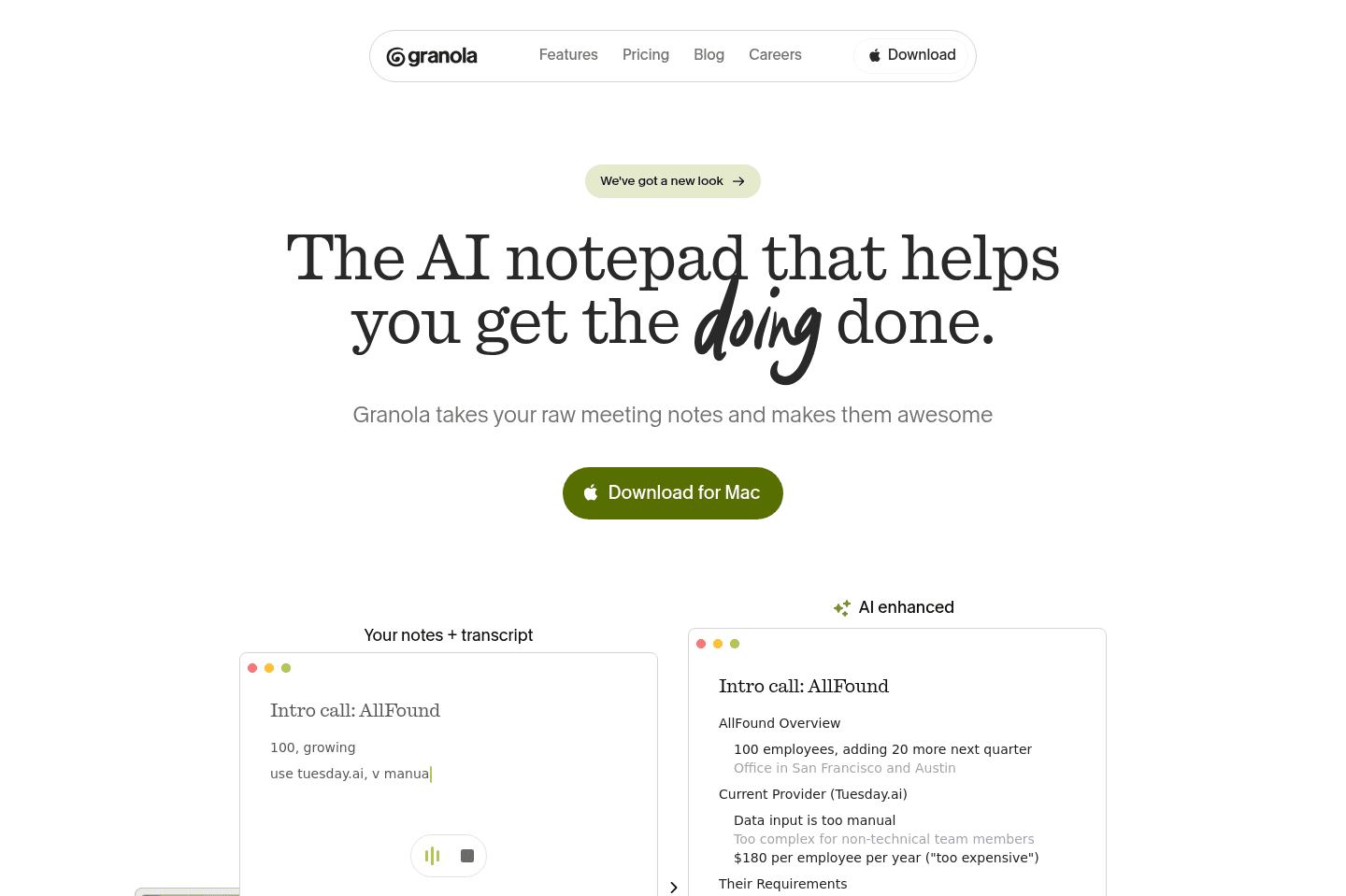
Granola is a meeting recorder tool that doesn't require those annoying bots to join. In-fact the people you're on the call with don't even have to know you're using it. It then transcribes and organizes notes for you.

I typically find myself saying "I'm just going to take notes, and by that I mean turn on Granola."

We have a rule at Efficient App: if Granola wasn't there, it didn't happen, we use it at least 3-5 times a day and love it.

Granola
Go to Granola site

What is Granola?

What is Granola?

Granola is a meeting recorder tool that doesn't require those annoying bots to join. In-fact the people you're on the call with don't even have to know you're using it.

Interestingly enough, this isn't any different than just having a note taker on the call, because they don't allow you to playback the audio. What you can do is ask Granola's AI Chatbot questions about the call, or any calls you've had across the company.

You can even ask Granola questions mid-call, which uses full context of the call up to that point, or can even come up with contextual questions to ask to help the conversation flowing. It's really as if you have an active note taking assistant on the call alongside you, helping you keep the conversation flowing, and researching further context details when needed.

We make sure to always have Granola recording our meetings (even in-person team meetings and brainstorming meetings), even if we have one of the best AI note taker bots joining the call as well. It's just a more lightweight solution that can't be kicked from calls and is less invasive.

Pros and Cons

Pros and Cons

Pros

Pros
  • Incredibly easy to use
  • AI notes save a lot of cleanup after calls
  • Records more than just scheduled meetings
  • Less invasive than meeting bots that join calls
  • Full transcripts are searchable and actually useful
  • You can add your own notes and Granola will build around them
  • Great for founders and small teams documenting ideas, meetings, and processes

Cons

Cons
  • iOS only right now (Android coming soon)
  • Integrations are limited
  • No audio or video recording (if you care about that)

Key Features

Key Features

Background Recording

Background Recording

This is the first thing that made Granola click for us. When we use meeting bots, there's usually friction involved. They have to join your call and announce itself, and sometimes they accidentally get kicked out. Granola is just always available. You bring it up, you click record, and you can go. It'll just sit quietly in the background and record your transcript. The whole thing just feels way lighter and way less invasive.

We still use meeting bots when we need full recordings, but day to day, Granola's what actually gets used.

Capture Everything

Capture Everything

When we first started using Granola, it was for scheduled meetings, but then we started using it for in-person meetings and chats.

Just the other day, Alex and I were out on a walk when we started brainstorming. I literally paused to pull out Granola so we could start recording our conversation. Later, I took those notes and dropped them into AI to quickly turn them into a deck for a team presentation.

And that's exactly why we always say, "If it's not in granola, it didn't happen!"

Transcription + Notes

Transcription + Notes

Granola transcribes everything everyone says, live, word for word, and then turns it into organized notes once I hit Generate Notes. And I love that it still gives me the full transcript too. It's really useful for when I need to pull exact quotes or check on what was actually said, or if I need to go back and drop parts of the conversation into a document later.

We also really like that Granola's AI doesn't take too much control away from you. I always pop in notes while a meeting is happening, and Granola builds around them instead of replacing them. So your final notes still feel like your notes, just way more organized.

AI Assistant

AI Assistant

The AI here is actually useful. The AI assistant in Granola has actually saved me a couple of times. Sometimes during a meeting, I might need to pop out for a couple of seconds, and instead of having to interrupt everyone and play catch-up, I can just pop into Granola's chat and ask, "What did I miss?" and it'll give me a quick recap. That's the kind of thing that is genuinely helpful.

Integrations

Integrations

Granola watches your calendar for meetings or even Slack huddles, and it'll pop up when a meeting starts and ask if you want to record. It's a nice little nudge that makes a huge difference because it's one less thing to remember.

Where we still feel the gap is deeper integrations. The big one we want is Linear. We'd love to finish an engineering call and have Granola recommend tickets or push action items somewhere useful without us having to manually copy and paste everything over. Right now, you can still ask the AI what tickets it would recommend, which is helpful, but it's not as proactive as we'd like.

Pricing

Pricing
  • Basic: $0 per month. Best for individuals who want to try Granola and see if it fits into their workflow before committing.
  • Business: $14/user/mo. Best for individuals or small teams who want unlimited meetings and collaboration within a shared space.
  • Enterprise: $35/user/mo. Best for larger teams that need more admin permissions and privacy control options.
Subscribe for updates

Get the latest rankings and insights on top AI Note Taker apps—delivered to your inbox. Stay ahead with our expert picks and updates.

2
Littlebird

Littlebird

Best context-aware AI note taker

Best context-aware AI note taker

Littlebird is an AI assistant that actually knows what you're doing, from your meetings (via their AI note taker), calendar, email, and actually pulling context from on-screen activity. The thesis is that the best AI assistants will be the ones that have the most context.

Littlebird
Go to Littlebird site

What is Littlebird AI?

What is Littlebird AI?

Littlebird is an AI assistant that records meetings, takes context from what you do on your computer, and aids you in recalling and getting work done.

While they're positioning themselves as more of an AI productivity app, it's clear that they've been seeing the explosive growth of Granola, and are focusing their sights on AI note taker meets context aware AI assistant.

Final Verdict

Final Verdict

If you're comfortable with Littlebird having access to your on-screen activity, then you'll immediately see what makes Littlebird special, with what is unlocked when an AI assistant has access to what you've done throughout the day. Definitely grab it for free, and worth locking in the Littlebird discount now if you ever want to upgrade in the future.

But if you're not yet comfortable with a relatively new startup having access to the data it collects, then you might be better off looking at a more privacy-first AI note taker, and should check out our Granola review for now.

Superhuman Mail
Superhuman Mail
Featured

Get through your inbox 2x as fast (for teams of all sizes).

3
Motion

Motion

Best AI meeting bot for task creation

Best AI meeting bot for task creation

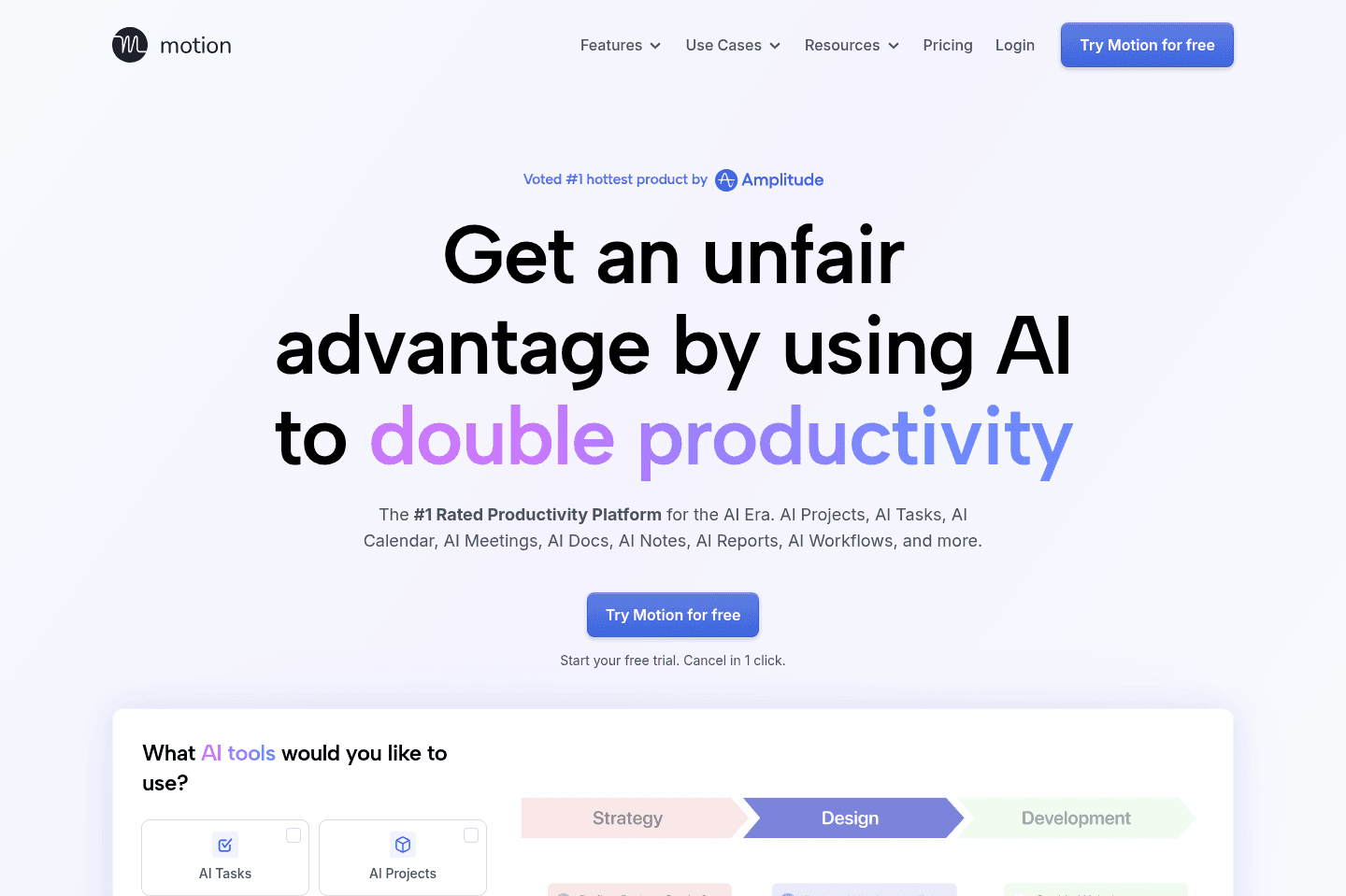
Motion is the most innovative AI-powered project management tool for individuals and teams who want to fully embrace AI to get work done.

It uses AI to take all of your team's projects, tasks, priorities, deadlines, and dependencies to build the perfect day for you and your team, time blocking tasks right on your calendar. They also have AI Docs, & an AI Note Taker, helping you get work done faster.

We've been using it for 5 years and is core to how we manage our time and projects!

Motion
Go to Motion site

What Is Motion?

What Is Motion?

Firstly, it’s important to understand that Motion's AI Notetaker is a feature WITHIN Motion. Motion is a full-blown project and task management tool, so to use this feature you'd need to commit to using their full tool.

So if you have Motion and haven’t tried the AI Notetaker, you’re not getting the most out of your purchase! Motion’s AI notetaker is great, but if you’re looking for more of a standalone option, we would suggest a tool like Granola.

Okay, now to why Motion's AI Notetaker is worth considering:

The biggest problem isn’t remembering what was said during a meeting; just about every AI Notetaker can record and transcribe, but does that even matter if nothing actually gets done? If you’re having tons of calls but no follow-through, then Motion is worth considering.

Motion AI Notetaker is similar to other meeting bots that join your Zoom, Google Meet, or Microsoft Teams calls. It records video, audio, and transcribe conversations. Then at the end of your call, it generates structured summaries with key points, decisions, and action items. 

But it doesn’t just stop at just notes, it takes action for you.

Motion’s AI notetaker extracts action items and turns them into prioritized tasks. Then it goes even a step further and schedules those tasks directly onto our team’s calendar using their AI auto-scheduling.

Before using Motion our client meetings would end, then we’d play the waiting game, hoping the transcription notates our follow-up plan because who remembers every detail? But now, all we need to do is approve/reject tasks and the work is already planning on our entire teams schedules.

When we first started using Motion, our entire team was blown away by the accuracy of the notes. One of our engineers even said, "At my old job, we had two employees on every call just to take notes. Motion did a better job than I ever could."

So while it does mean adopting a new project management tool, it did take our meeting-to-execution system to a new level. If you're not opposed to that fact, then it’s worth learning more through our full Motion Review.

Pros and Cons

Pros and Cons

You should consider Motion AI Notetaker if:

  • You already use Motion for calendar/task management (otherwise you're paying for features you won't fully use)
  • Your team constantly forgets small commitments made in meetings
  • You're tired of manually creating tasks from meeting notes
  • You want accountability built in, everyone sees what they're assigned and when

Skip Motion AI Notetaker if:

  • You want a standalone notetaker without committing to Motion's full ecosystem
  • You juggle multiple calendars regularly (freelance + full-time, multiple businesses, etc.), the notetaker only works with one primary calendar at a time

We personally use other features Motion has to offer, so we loved the fact that we didn't have to add another tool to our stack. All we had to do was take advantage of a unique feature already included. 

Motion Key Features

Motion Key Features

Human-Quality Summaries

Human-Quality Summaries

When we started using Motion’s notetaker, we noticed it thought like the “perfect” assistant, focusing on attendees, key points, decisions, action items, and context.

When you have important information being discussed QUICKLY in every client, stakeholder, and team meeting, it’s important to have a tool that takes notes better than a human, and that’s been our exact experience with this notetaker.

Automatic Task Creation & Assignment

Automatic Task Creation & Assignment

Lists are great, but without action, they are useless. So it’s always a sigh of relief to us when all those tasks get assigned to specific team members the moment our meeting ends. All you need to do is to accept, reject, and edit tasks as needed, so you get all the control without having to do the grunt work.

Auto-Schedule Tasks From Meetings

Auto-Schedule Tasks From Meetings

Task creation is super helpful, but Motion takes it a step further by automatically scheduling every approved task directly onto everyone’s calendar at the end of the meeting so it gets done.

Pricing

Pricing
  • Motion runs roughly $19–$34 per month (Individual to Team plans), and the AI Notetaker is included within that broader system. But first, you can start with their 7-day free trial.
4
Amie

Amie

Best non-bot AI with audio recording

Best non-bot AI with audio recording

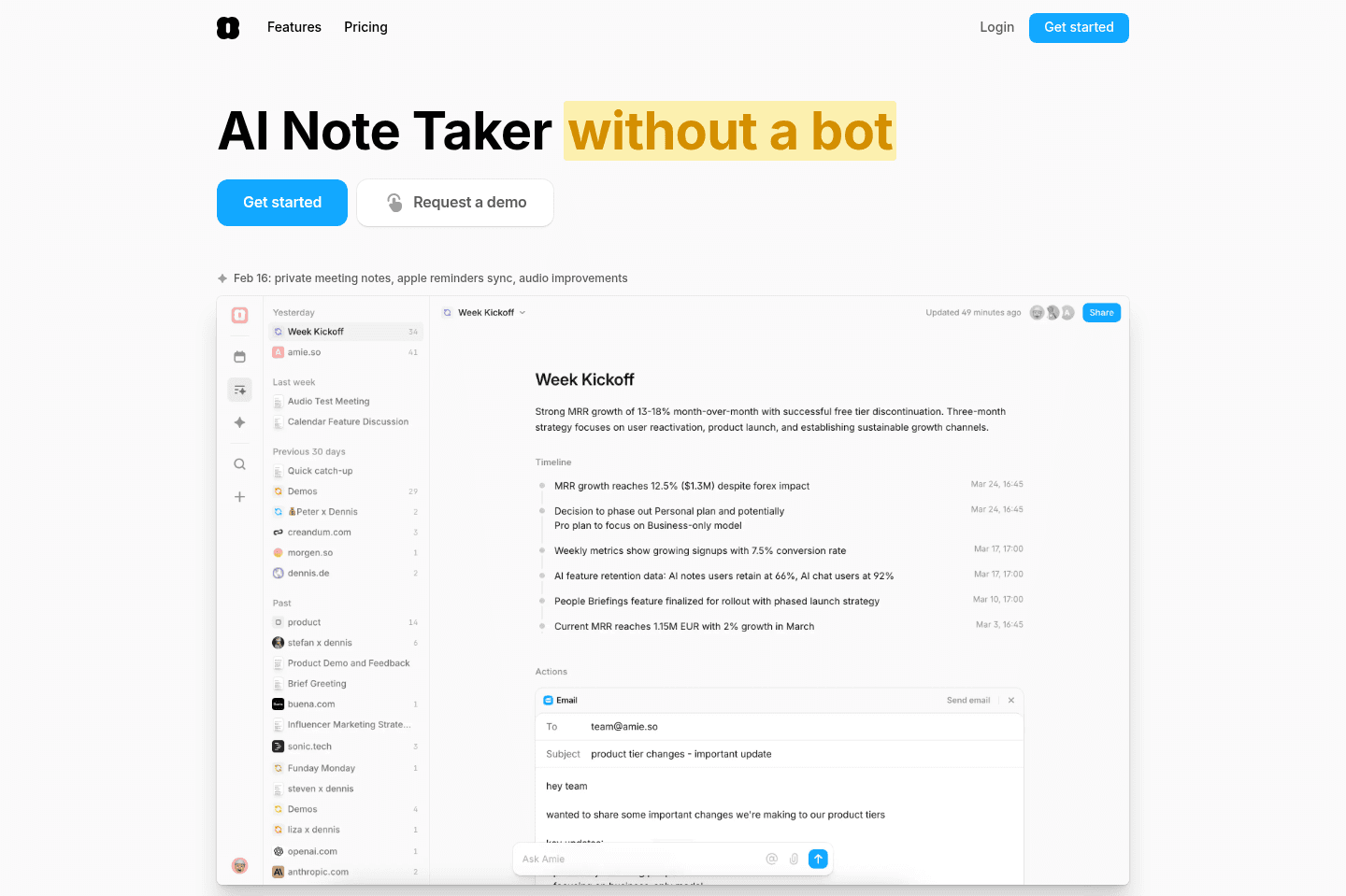
Amie has pivoted recently to more of an AI Notetaker (while it does still have calendar and to-do built in, they aren't prioritizing it anymore). If you're looking for a solid AI note taker and don't want a meeting bot to join your call, then Amie is a great option.

Amie
Go to Amie site

What is Amie?

What is Amie?

Amie has recently pivoted from a calendar/task/email app to a Meeting Recorder. Unlike other meeting recorder bots, Amie doesn't join the call as a bot, it just listens to your computer audio and microphone like that of Granola.

From there, it summarizes your meetings, creates tasks, and will even mock-up follow-up emails and send them off for you if you'd like.

Pricing

Pricing
  • Pro: $20/mo (annual) or $25/mo (monthly)
  • Business: $40/mo (annual) or $50/mo (monthly)
Superhuman Mail
Superhuman Mail
Featured

Get through your inbox 2x as fast (for teams of all sizes).

5
tl;dv

tl;dv

Best for low-friction setup that records video

Best for low-friction setup that records video

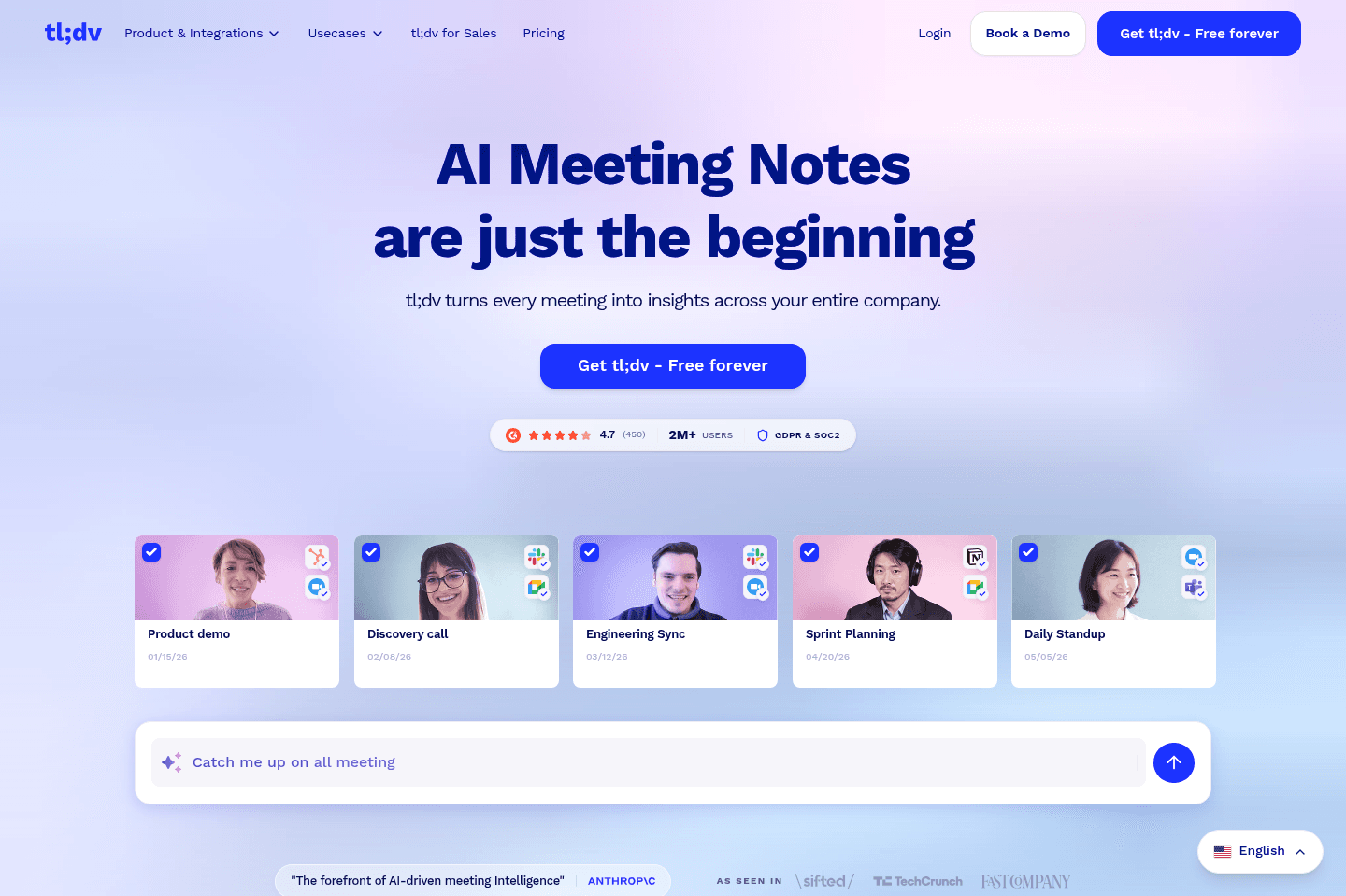
TL;DV lets you and your team take meeting notes in a floating pop-up during calls, automatically adds timestamps, and instantly shares everything with participants or just your team. If you want everyone to see and collaborate on call notes as they happen, especially with Slack integration, this is a solid pick, though it currently lacks deep CRM integrations.

tl;dv
Go to tl;dv site

What is tl;dv?

What is tl;dv?

What we love most about tl;dv is that you can take all of your meeting notes directly from a floating pop-up right within the meeting you're in.

As you type the notes, tl;dv automatically timestamps your message and your entire team can also see the notes as they are being written.

No more do we need to find where to take collaborative call notes of which would otherwise not even be connected to the call recording itself.

All of the most important notes and timestamps are automatically sent to everyone on the call (or just your team), and they even have a nifty Slack integration as well.

We do wish it natively integrated with more CRMs though, but know the team is working on opening up the API to allow for it.

6
Fireflies

Fireflies

Best for deep CRM integrations

Best for deep CRM integrations

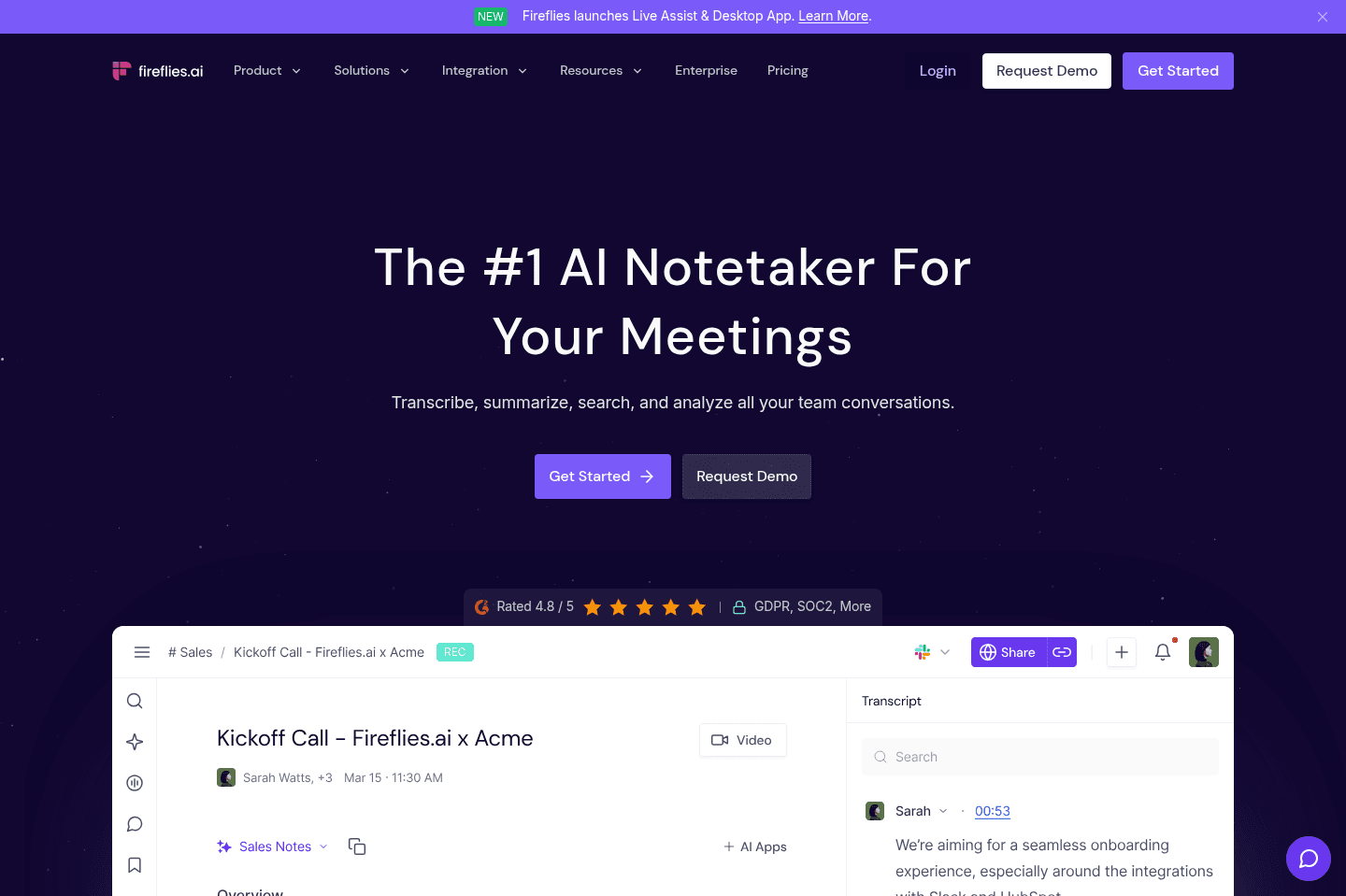
Fireflies records meetings by joining as a guest in Google Meet or Zoom, gives you a ton of AI-powered features, deep integrations, and unique tools for organizing call snippets, but the sheer number of options makes it feel overwhelming and buggy for regular use. If you need advanced audio meeting analysis and love organizing soundbites for specific teams or industry use, it's worth a look, but for most people who just want simple, reliable video recording and storage without constant upsells or feature clutter, it's not the best fit.

Fireflies
Go to Fireflies site

What is Fireflies?

What is Fireflies?

Fireflies was actually one of the first meeting recorder solutions on the market. They managed to build remote tooling that would actually join in existing meetings, like in Google Meet or Zoom, act like a guest, and record the audio.

This was super impressive, back when online video conferencing software was more restrictive, and Google Meet for example didn't even have native video meeting recorder functionality.

We actually used Fireflies almost exclusively for years, super early days back in 2017, and it has come a long way since, moving more into that of a AI meeting assistant.

Key Features

Key Features

Soundbites & Playlists

Soundbites & Playlists

They've built out a unique feature-set around being able to create snippets of calls, and tag them to a specific playlist, to then reference later or share with your team or others:

It's a really cool idea, it's just in practice, how often will you really be using it? I could see this being more useful for very specific industry verticals or teams, but not most, and not in the way we use a meeting recorder tool in our day-to-day.

All-in-all, they give you a lot of tools to organize your online meetings. But that's where I sorta wish I could just do less. I'm already organizing so many other facets to my life, from file storage in Google Drive, to channels and notes in Slite. I really just want to record meetings, have them log to my CRM, and forget about them unless I need to reference them.

Thing is, if you aren't staying on-top of organizing your calls though, it almost feels like you're just not taking full advantage of what Fireflies has built, which honestly stresses me out. 😅

User Interface

User Interface

Fireflies is pretty clean overall—it looks decently nice, it's just that there's a lot vying for your attention even just on the call review page:

Do you view the AI summary? Create Soundbites? Maybe AskFred? Or a Smart Search? Maybe you just want to make a comment? 🤷

It's just a bit overwhelming until you get used to the interface, but overall design-wise, it is clean.

API & Integrations

API & Integrations

This is an area that we really have to hand it to Fireflies—they have focused on integrations quite deeply out of the gate. For example, they integrate with most of the best CRM tools on the market.

Pricing

Pricing

Fireflies’ pricing looks typical at first, but in practice it is fairly restrictive.

  • Free tier is extremely limited with only 3 transcription credits, 800 minutes of storage per seat, and audio-only recording.
  • To unlock integrations you must upgrade to the $18/user/mo Pro plan, which includes 8,000 minutes of storage but still does not offer video recording. With moderate usage, around 30 calls per month, that storage only lasts roughly 4–5 months before you are pushed to the highest tier if you want to keep historical recordings.

Because video recording is locked behind the top plan, many teams will need the most expensive tier immediately.

Superhuman Mail
Superhuman Mail
Featured

Get through your inbox 2x as fast (for teams of all sizes).

7
Gong

Gong

Best for enterprise sales teams who need to analyze data

Best for enterprise sales teams who need to analyze data

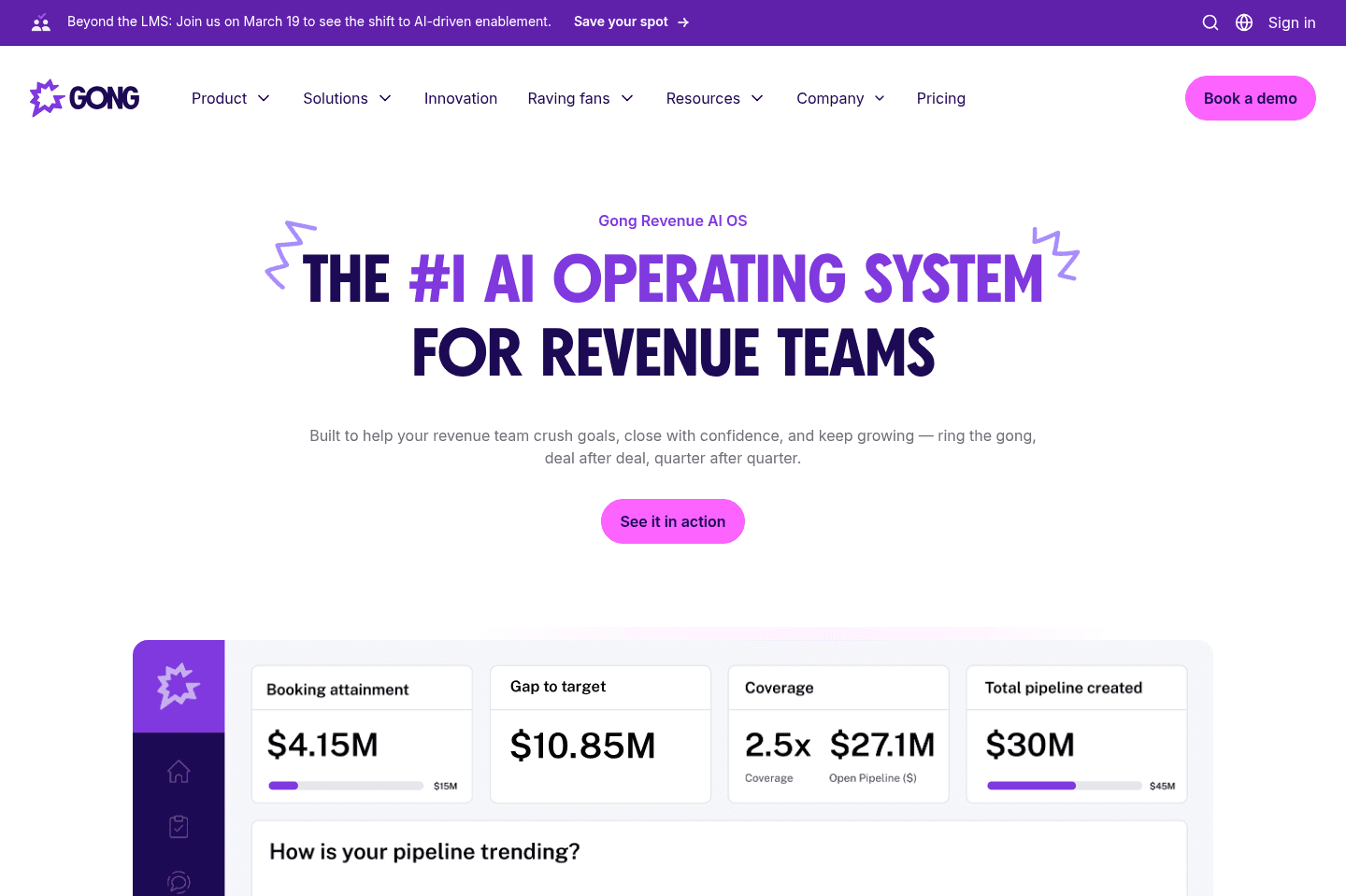
Gong is for enterprise sales teams that want more clarity around their sales process. It analyzes sales calls, emails, and meetings to help you understand what’s actually working vs what's not.

If you run a large sales team and need visibility into what’s happening in deals beyond what's logged in your CRM, Gong is worth considering. But for smaller teams or simpler sales cycles, it’s not worth it.

Gong
Go to Gong site

What is Gong?

What is Gong?

Gong used to be a meeting recorder. It would record sales calls, transcribe them, and let managers review what happened. But then with the rise of AI they pivoted.

Now recording is just the input layer. Gong captures calls, emails, and meetings, then builds a data model around your deals and customer interactions. On top of that, it runs analysis, surfaces risks, and suggests what to do next.

So instead of being a tool that tells you "here’s your call," it’s trying to tell you "this deal is slipping, here’s why, and here’s how to fix it."

The simplest way to think about it now is: Gong is an AI layer on top of your sales process, and recording is just how it gets the data.

8
Otter

Otter

For quick meeting transcription and notes

For quick meeting transcription and notes

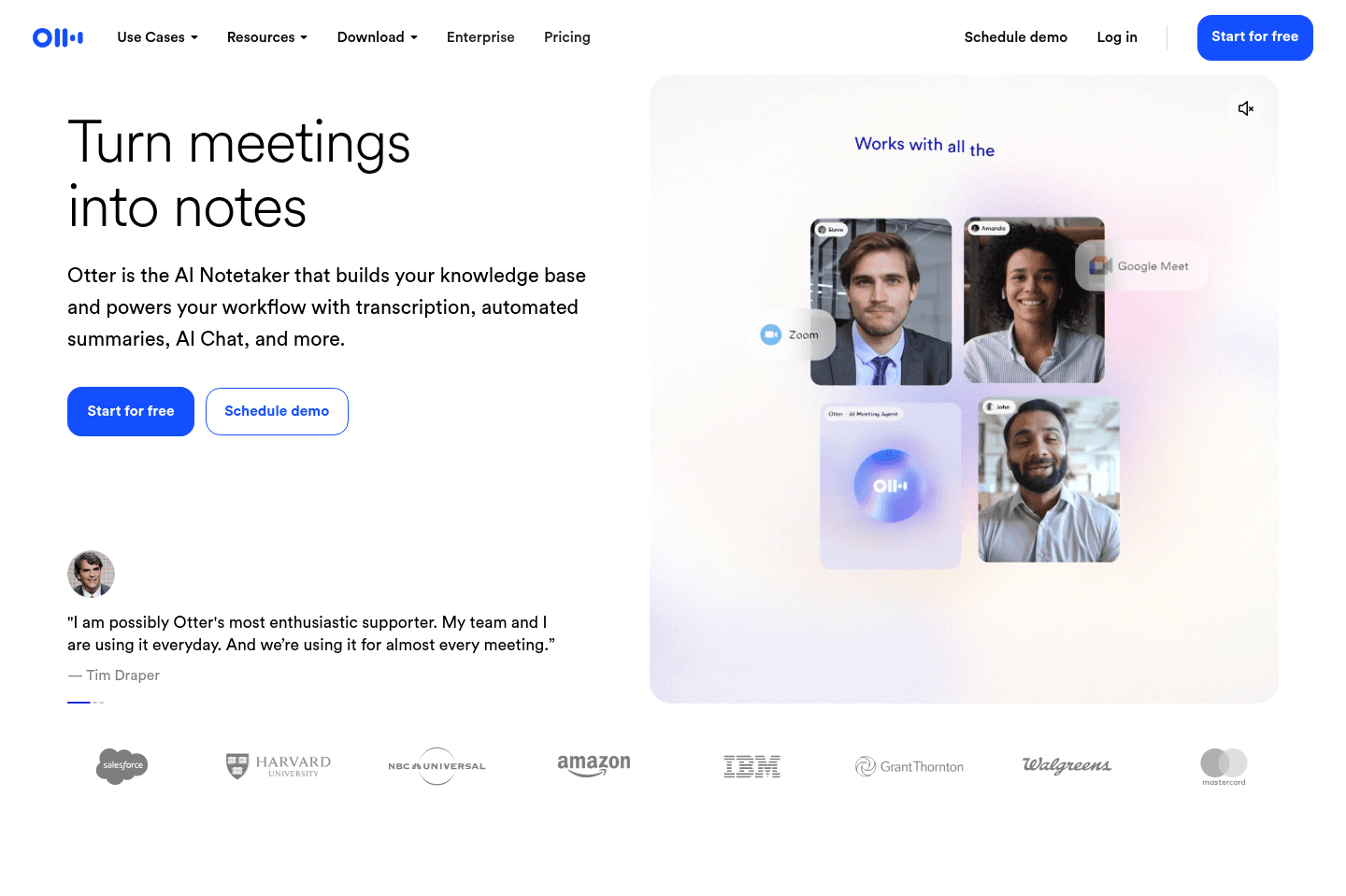
Otter transcribes calls and meetings live and works well for personal use like recording doctor's appointments or casual conversations, since you can just hit record and drop your phone in your pocket. For business, we recommend checking out other options (despite all their marketing being geared to businesses now).

Otter
Go to Otter site

What is Otter?

What is Otter?

Otter was one of the original note takers. It would transcribe your calls and meetings live, and we used it for years before the whole AI notetaker boom.

We mostly found it more useful for personal use than business use. It was great for things like recording doctor's appointments or casual conversations, since you could just hit record and drop your phone in your pocket.

Now there are a lot more competitors on the market, and Otter has adapted by adding more AI-powered note-taking features. But we still view it as a simple tool for transcribing conversations, not quite a tool we'd bring into the business.

Superhuman Mail
Superhuman Mail
Featured

Get through your inbox 2x as fast (for teams of all sizes).

9
Cluely

Cluely

For proactive suggestions during calls

For proactive suggestions during calls

Cluely has taken the world by storm via their rage-bait marketing on platforms like X, and while they have some unique and interesting features, it just doesn't feel as baked out as some of their more refined counterparts like Granola.

Cluely
Go to Cluely site

What is Cluely?

What is Cluely?

Cluely is just another AI chat wrapper as many others. The main differentiation is its ability to persist across calls and actively listen, while supplying recommended questions as the meeting goes on.

To explain this in a more tangible way, in comparing Cluely vs Granola (one of the best meeting recorder tools on the market), Granola ultimately sits in the background recording the call and only presents itself when a meeting is active. It then summarizes the transcript afterward and enriches any notes taken, allowing for perfect recollection of what was said in the conversation. Cluely on the other hand makes itself an active participant in the call.

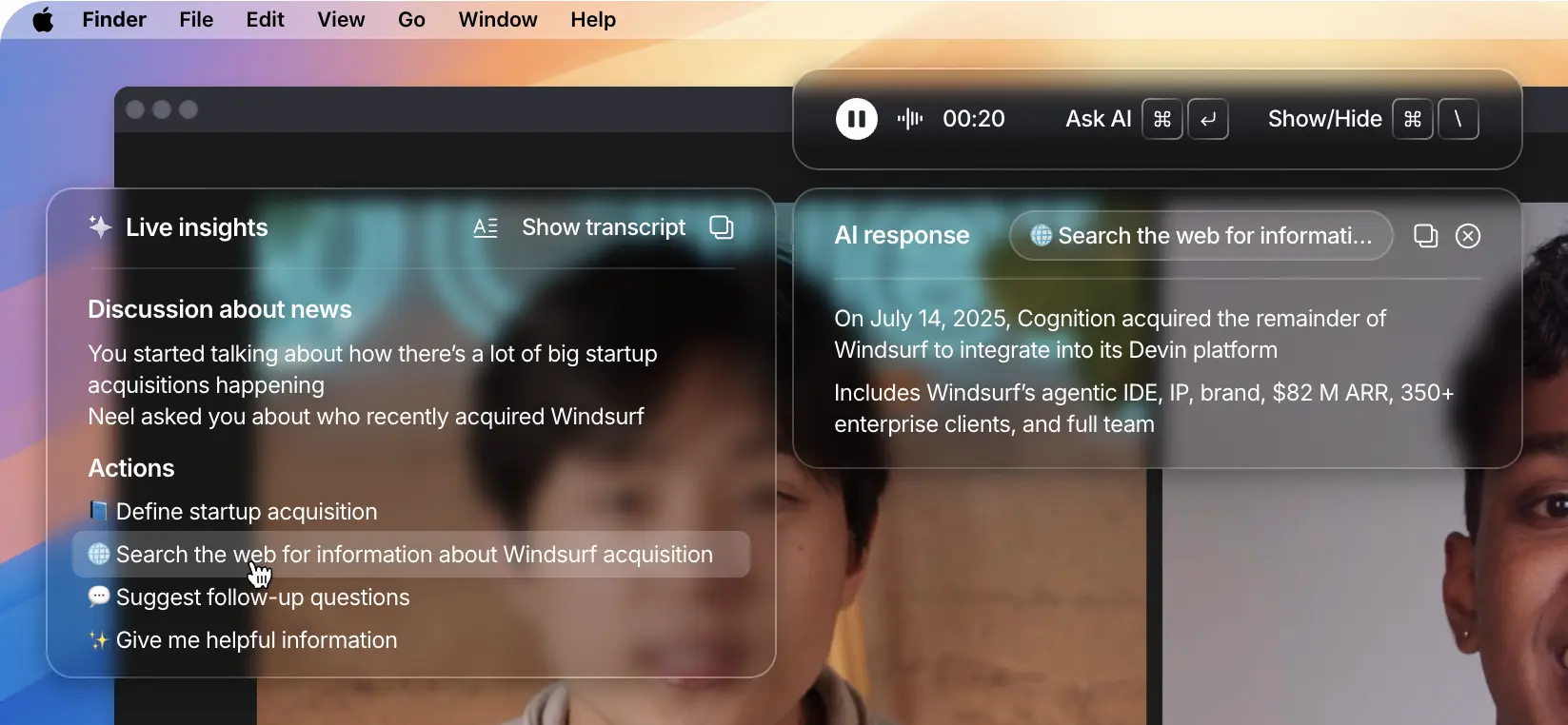
For example, say you're on a call and the topic of another software product comes up, Cluely will begin recommending information to search that will give you more context without leaving the call:

Embedded Image

The context of Windsurf came up, so it recommends relevant questions to search

The reality here is that it's no different than using the ChatGPT desktop app, pressing "CMD + Spacebar" and just writing a question. It's just that it's more preemptive taking the entire context of the call into consideration, and most specifically what was said in that moment to suggest showing information that might be relevant.

What they really do best is marketing via viral and rage-bait tactics. Trying to make their "hidden UI" and proactive prompting come off as being able to "cheat on everything". It's really just a feature decision, and creative messaging more than anything.

Pricing

Pricing
  • Starter Tier: Free (with limited access to lower-end AI models - GPT 4.1, GPT o4-mini)
  • Pro Tier: $20/mo (with unlimited access to paid AI models - e.g. GPT 5, Claude 4)
  • Enterprise Tier: $200/mo (everything in Pro + custom integrations, RBAC, post-call analytics, SSO, centralized billing, and usage analytics & reporting dashboard)

Our Final Verdict

Best Botless AI Note Taker

Best Botless AI Note Taker

Granola and Littlebird excel in the non-bot AI note taker category. What this means though is they also won't record the actual audio or video of the call, it's just taking the transcript, and then using AI to turn those into notes, along with your typed notes during the call.

These have become most popular because it's way less invasive (more privacy-focused), since no audio is actually getting recorded, but gives you all the main benefits of having a meeting recorded (by having AI summarize the full transcript). No one will ever be upset that you have Granola recording the call for example. In-fact it's expected now-a-days, unlike the more traditional meeting bot recorder space.

Best Meeting Bot AI Note Taker

Best Meeting Bot AI Note Taker

If you actually want your video and audio recorded from your calls, then you actually need a bot to join your calls. That said, this feels like more of a dying category of AI note taking, as more and more teams are finding that the context of the call is more important than playing back an entire 60 minute call.

If you're sold on needing everything fully recorded, then you'd be best off with Motion, if you're also wanting the call to turn notes into tasks afterward.

That said, most software now is building in their own bot AI note taker, as they're all using the same underlying meeting bot recording solution called Recall AI (they're all using the exact same solution under the hood), so the only differentiation is the type of integration you're looking for from the meeting bot.

Best Audio Recording AI Note Taker

Best Audio Recording AI Note Taker

If you don't want a meeting bot to join the call, but you still want the audio recorded, then your only option really is Amie. It's very similar to Granola, but also records the audio for playback if needed. And while this is a bit more invasive (and you really should be telling people when you're using it), it's less intrusive than a meeting bot solution.

That said, you do quickly realize once you start using Granola, that rarely if ever do you actually need the audio or video recorded now-a-days.

Discover More Efficient Apps Lists

Explore the best apps across different categories and find the perfect tools to stay productive.

Superhuman Mail
Missive
Notion Mail
Spark
Gmail
Tatem
Hey
Outlook
Skiff
Email

9 apps and 0 deals

Motion
Linear
Asana
Monday
ClickUp
Wrike
Trello
Jira
Shortcut
Project Management

9 apps and 0 deals

Related app comparisons
Gong
Otter
Gong vs OtterAI Note Taker
Amie
Otter
Amie vs OtterAI Note Taker
Browse Categories