 Google WorkspaceBest
Best for building a modern business software foundation
Best for building a modern business software foundation Superhuman SuiteBest
Best modern all-in-one product suite
Best modern all-in-one product suite CloudflareRecommended
Security, reliability and speed everywhere. More easily manage your website DNS.
Security, reliability and speed everywhere. More easily manage your website DNS. Microsoft 365
For large enterprises deep in the Microsoft ecosystem
For large enterprises deep in the Microsoft ecosystem
Best Cloud Suites at a Glance
How We Evaluate Cloud Suites
We score each cloud suite across multiple criteria, and hands-on expert evaluation
- Ease of UseQuick to set up and intuitive to use without a steep learning curve.
- Feature DepthCore features that work well, not surface-level checkboxes.
- Reliability & PerformanceConsistent, fast, and dependable with minimal bugs.
- Value for MoneyPricing that's fair relative to what you actually get.
- Integrations & EcosystemWorks well with other tools in your stack.
- Expert EvaluationCurated by, our rankings reflect in-depth testing, industry insights, and hands-on experience.AlexandAndra
Google Workspace
startups, small, and mid-size businesses
startups, small, and mid-size businessesGoogle Workspace gets adopted fast by quick moving startups and modern businesses because almost every software integrates with it easily, especially compared to Microsoft 365 which is less friendly with outside tools. If you want to use modern apps and avoid getting boxed into one ecosystem, this is the suite to use.
What is Google Workspace?
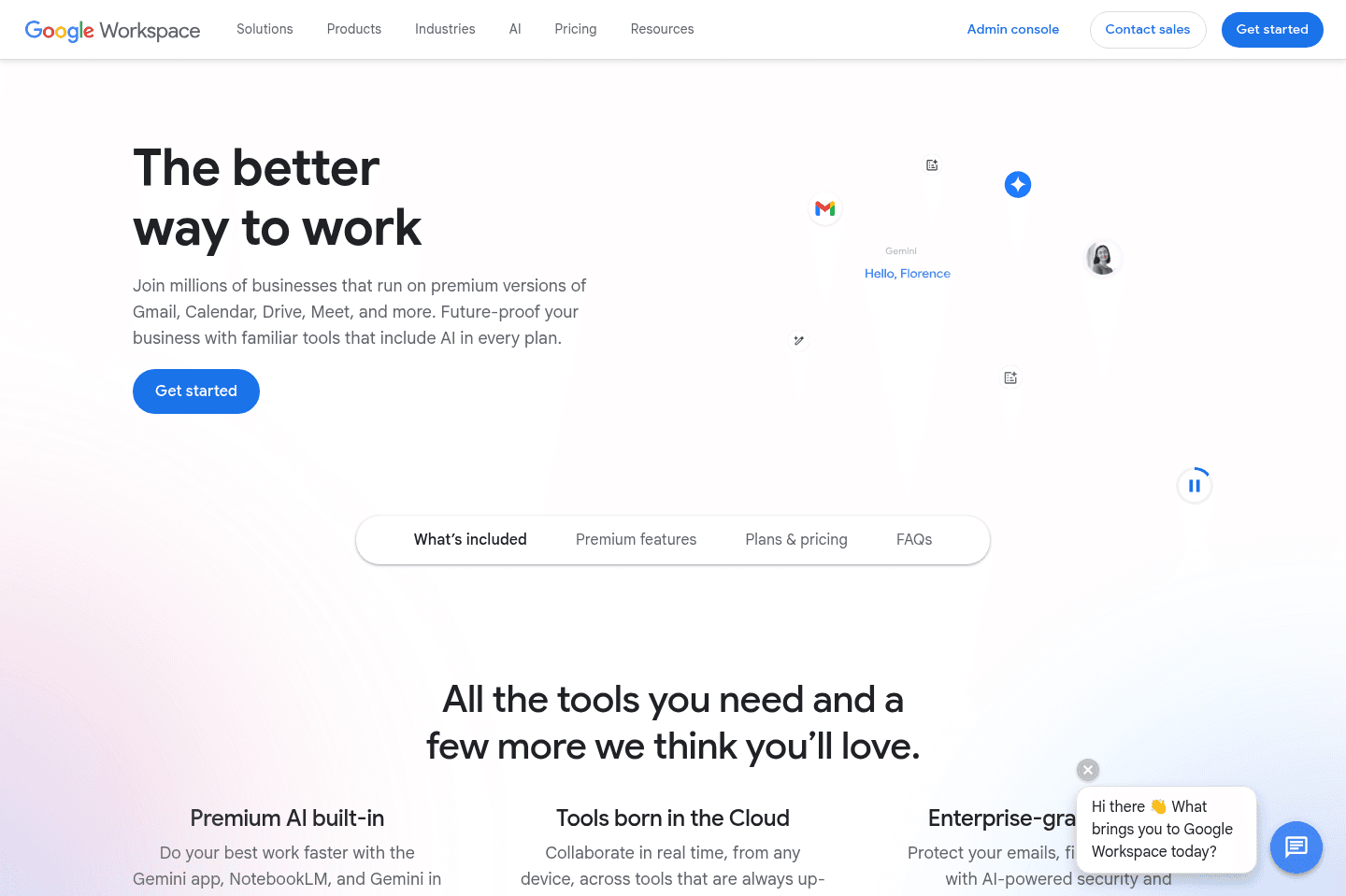
What is Google Workspace?Google Workspace has built a brand perception around "quick moving and growing teams". And it's one that rings true in most cases.
Google Workspace is usually the #1 tool that every software integrates with (even just with the "sign in with Google" option)—and they make it easy with their super powerful API's built directly into their entire app suite.
We've actually made the conscious choice to only work with companies that use Google Workspace in-fact, because it's often more of a reflection of the type of company than anything.
If you're an older or enterprise company, you're often using that of Microsoft 365—which is fine, it's just that Microsoft ideally wants everyone to use all of their internal tools for everything (*cough* monopoly *cough*), and thus they don't play as nicely with outside tools (as Google Workspace on the other hand does).
If you're a quick moving startup or modern business that is interested in using modern an innovative software, you'd be best using Google Workspace at the core.
Get the latest rankings and insights on top Cloud Suite apps—delivered to your inbox. Stay ahead with our expert picks and updates.
Superhuman Suite
Best modern all-in-one product suite
Best modern all-in-one product suiteSuperhuman is a combination of really incredible products that have come together under one roof. You get four tools (Superhuman Mail, Coda, Superhuman Go, and Grammarly) all under one subscription. Apparently more are coming too 👀
The vision is really exciting, and the team behind it is quite incredible, we're excited to see how they bring all the tools together this year.
What is the Superhuman?
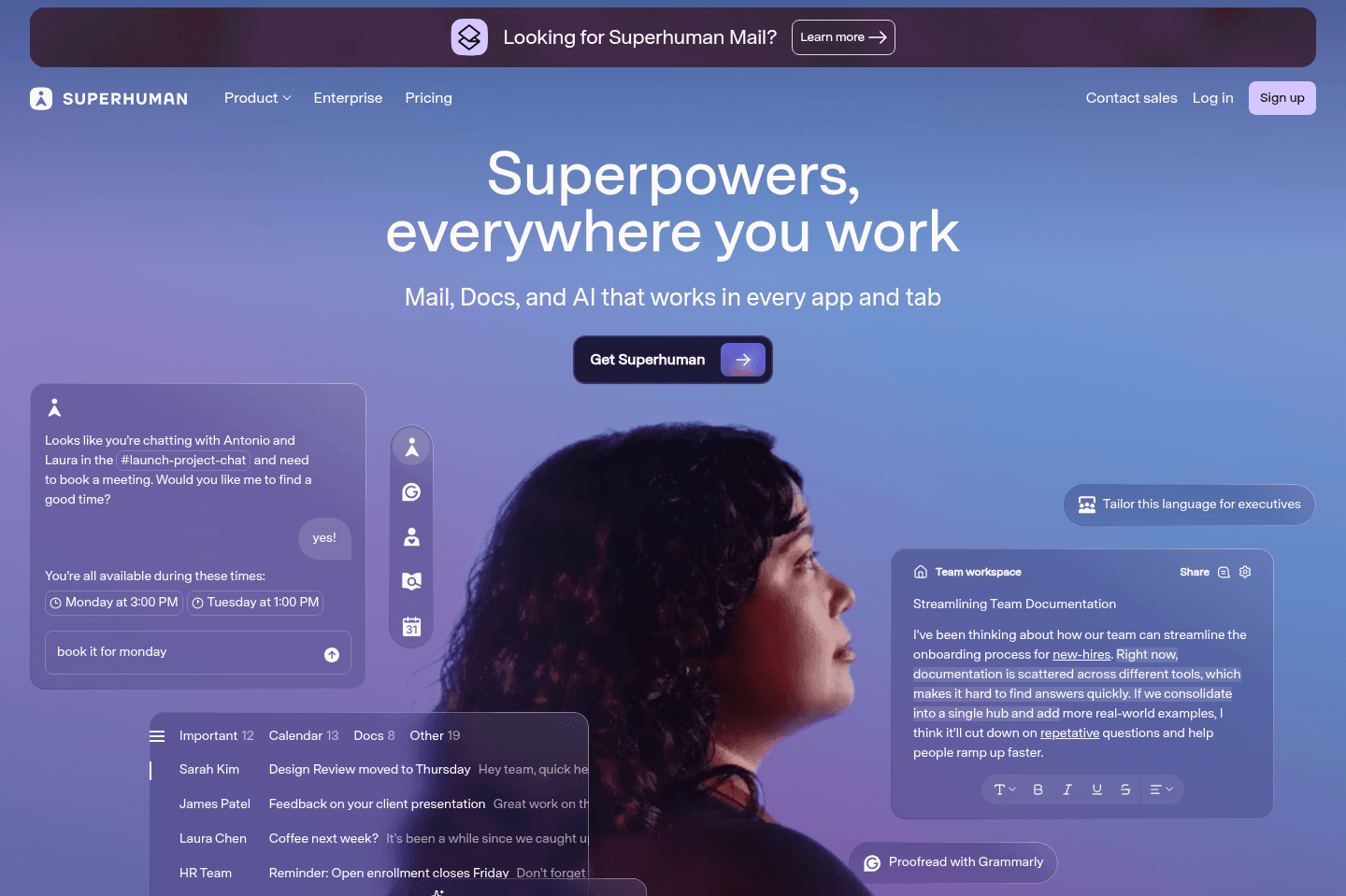
What is the Superhuman?Think of Superhuman as a modern alternative to some of your most used Google Workspace tools. Not to replace it as a foundation, but to replace everything that sits on top of it. You'd still use Google or Microsoft for your underlying email and file storage, but all the tools you actually spend your day in (email, writing, docs, etc) would live inside the Superhuman suite.
The suite has four products:
- Grammarly: the AI writing assistant you've probably used at one point
- Coda: a flexible doc-and-database workspace for teams (think Notion but more powerful)
- Superhuman Mail: the fastest, most minimal email client around (we 🫶 it)
- Go: a proactive AI assistant that works across all your apps (an evolution of Grammarly).
Key Features
Key FeaturesGrammarly
GrammarlyGrammarly is a writing assistant tool. It checks your writing for grammar, spelling, punctuation, clarity, and tone and works across browsers, apps, and documents (like Google Docs or Word).
Superhuman Go
Superhuman GoIf you've ever used an AI browser extension or something like ChatGPT Atlas, Go is a similar AI companion but you can use it with Chrome, so you don't need to switch browsers.
But here's what's different, and where we're seeing inspiration from Grammarly. Most AI tools are waiting for you to ask them a question, while Go can proactively make suggestions as you go.
For example, say you're drafting a follow-up email after a sales call. Go notices you mentioned a product demo and automatically surfaces the right deck from your Google Drive, suggests attaching it, and even flags that you haven't emailed this contact in 3 weeks.
Coda
CodaCoda is an all-in-one workspace tool, think of it as a mix between Notion, Google Docs, and a spreadsheet, all in one place. You can write documents, build tables, create databases, and set up automated workflows, all within a single "doc."
It's highly customizable, teams use it to build all sorts of internal business apps all without needing to code anything.
Superhuman Mail
Superhuman MailSuperhuman Mail is an email client, basically a faster, smarter alternative to Gmail or Outlook. The whole experience designed around speed and getting through your inbox as quickly as possible.
Some of its features include read receipts, email scheduling, automatic AI-written follow-up replies, and a "split inbox" that helps you focus while triaging your inbox. Read our full Superhuman Mail review to learn more why we've been using it for 6+ years and love it.
Pricing
Pricing- Free: Grammarly, Coda, and Go. No Mail.
- Pro ($12/month billed annually): More advanced Grammarly. Still no Mail.
- Business ($33/month billed annually): Everything. Grammarly, Coda, Go, and Superhuman Mail all in one. This is the one to get.
- Enterprise: Custom pricing. Advanced security, SSO, admin controls, dedicated support.
Here's the hack though: This Superhuman Mail discount will get you a free month of the business tier. Once you've signed up, email support, tell them Efficient App sent you, and ask them to get all the Superhuman Suite tools connected under one account.
Right now, that's the best way to do it, it's a bit messy but this is what happens when 3 companies merge into one.

Get through your inbox 2x as fast (for teams of all sizes).
Cloudflare
Security, reliability and speed everywhere. More easily manage your website DNS.
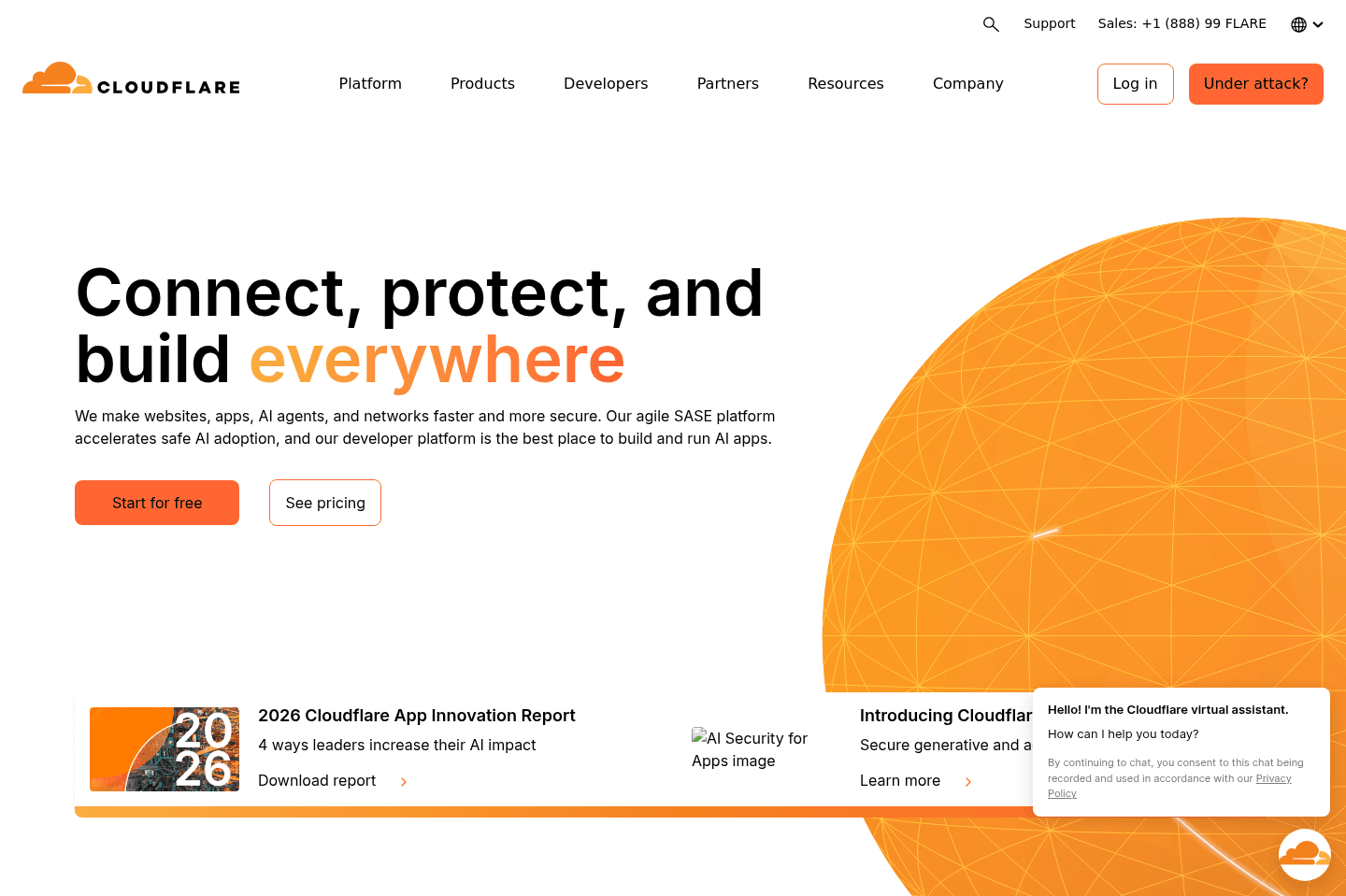
Security, reliability and speed everywhere. More easily manage your website DNS.Cloudflare lets you manage DNS, buy domains, add website security, set up a CDN, and even run serverless functions, all mostly for free and with instant DNS changes. If you handle websites or domains and want fast, reliable, and cheap management with extra features like email routing, this is an easy pick, though navigating the many services can get a bit confusing at times.
What is Cloudflare?
What is Cloudflare?We use Cloudflare to manage our website DNS and domain names and also as a CDN (Content Delivery Network) to speed up our site. Some 60%+ of the internet relies on Cloudflare, and you get most of these great features for free.
Key Features
Key FeaturesDNS Management
DNS ManagementYou can essentially use Cloudflare for free, just to better manage your website DNS all in one place.
Domain Registrar
Domain RegistrarThey also allow you to purchase domain names and manage them all in one place.
Website Security
Website SecuritySimply set up your Nameservers to go through Cloudflare, and they add a layer of protection and CDN (Content delivery network) to your website.
Serverless Functions
Serverless FunctionsCloudflare provides serverless compute services via Cloudflare Workers, a platform for building and deploying JavaScript functions that run on the Cloudflare edge network.
Email Routing
Email RoutingWant to set up complex email routing and even run emails through a Cloudflare Worker to format data before delivering it to the inbox you want it to go into? They do that too! Super powerful.
Okay, Cloudflare just does a lot, and most of it is totally free for quite high usage.
Pricing
PricingWe have gotten so much value from Cloudflare over the past decade, and we still have not paid Cloudflare for anything (aside for the domains we purchase through it, but they charge at cost, so you're paying less with them than any other domain registrar out there).
Microsoft 365
For large enterprises deep in the Microsoft ecosystem
For large enterprises deep in the Microsoft ecosystemMicrosoft 365 locks you into its own ecosystem and struggles to work smoothly with outside tools, making it feel outdated and clunky, especially if you're used to the flexibility of Google Workspace. If you're a modern startup or care about your team's perception and ease of use, skip Microsoft 365.
What is Microsoft 365?
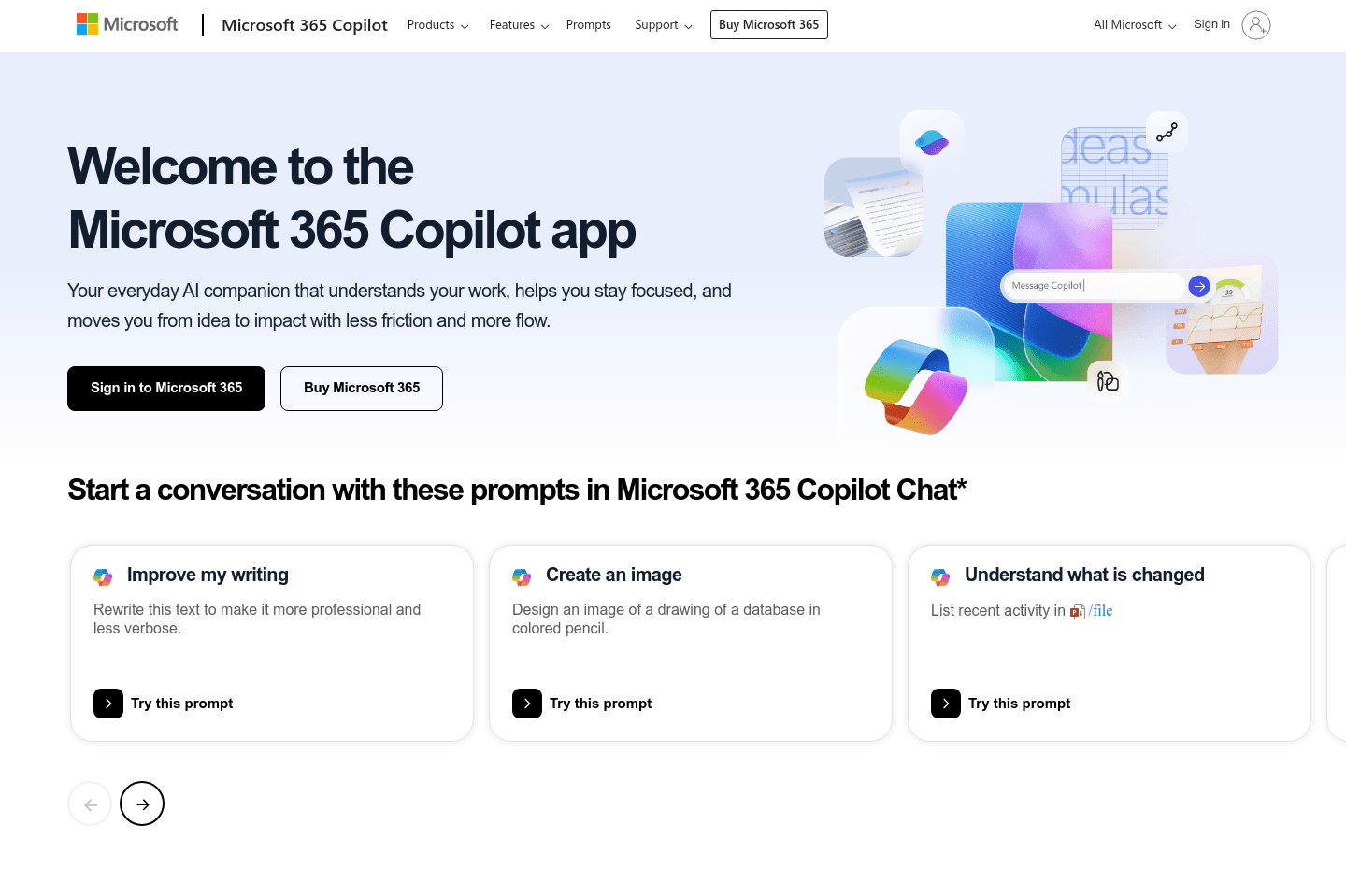
What is Microsoft 365?Microsoft 365 is more associated with older or large enterprise companies. Microsoft ideally wants everyone to use all of their internal tools for everything (*cough* monopoly *cough*).
Because of that, they don't play as nicely with outside tools (unlike that of Google Workspace on the other hand, which does).
It might sound a bit harsh, but if you're a modern and quick moving startup, your outside perception will be a bit tainted if you're using Microsoft 365 at the core instead of Google Workspace.
Everyone knows how to use Gmail, no one actually enjoys using Outlook (is the general perception).
Get through your inbox 2x as fast (for teams of all sizes).