
Select
FTC
Efficient App laurels

3 Best All-In-One Workspaces in 2026

Updated Mar 11, 2026

See how our top 3 picks compare across the 3 all-in-one workspaces we evaluated.

Explore what each does best, where it falls short, and why it earned a spot on our 2026 list.

Alex Bass Headshot
Alex Bass
Andra Vomir Headshot
Andra Vomir

    Best All-In-One Workspaces at a Glance

    3 apps and 2 deals
  1. Coda
    Coda

    Best for lightweight no-code tools

    Best for lightweight no-code tools
  2. Airtable
    Airtable

    Best for powerful spreadsheet-like databases

    Best for powerful spreadsheet-like databases
  3. Motion
    Motion

    Best AI project management for small-mid-size teams

    Best AI project management for small-mid-size teams
    Notable Mentions
  1. GoHighLevel
    GoHighLevel
    CRM

    Not recommended (more of a warning)

    Not recommended (more of a warning)

All-In-One Workspace Overview

Category Evolution

Category Evolution

This is a category that I had internal conflict about adding for a couple reasons:

  1. Rarely are all-in-one focused tools actually good at doing everything well (often having limitations around the last 20–30% in any given category)
  2. None of the tools that sit in this category were first-and-foremost all-in-one tools, but rather evolved to them over time

Why is #2 an issue? Well it's because looking at each of the tools listed here would be better categorized in 1 or 2 other categories, versus getting the denomination of "all-in-one" (it just feels like a bit of a cop-out).

That said, there's value in explaining this in further detail. Take apps like Notion and Coda, can you build some no-code apps with them? Yes—they are quite impressive in that regard, that said both of those tools were originally built as as a team knowledge base tool, in part to compete with Google Docs. And to that they have—they caught up, surpassed it, and then went searching for more areas to expand their Total Addressable Market (TAM).
Team Adoption

Team Adoption

We've also found that rolling out all-in-one solutions with customers is actually more difficult to get team adoption due to overwhelm.

Take Notion, it's not opinionated. In them deciding to make it super flexible, allowing it to "do anything", it by design becomes overwhelming with time. We know, it'll be incredibly exciting at first—all of the limitless potential! But then that "potential" turns to overwhelm in weeks and months.

What structure should I add these notes in? Should I add tasks here? Or over here? Do I message you on Slack, or @comment you here in Notion? Because it does "everything", it introduces micro-fatigue for doing anything.

When To Consider

When To Consider

Although, if you're looking for an incredibly flexible note taking tool that struts the lines of "no-code builder", where you actually see structure as a negative, then that's where an all-in-one app like Notion will shine.

When To Avoid

When To Avoid

And this is the exact problem we have with this category. It does many things well, but it's consistently missing the last 20–30% in every category, which might not seem like a big deal, but I assure you that it'll frustrate the team.

So with all of that said, that's where we typically recommend using the best tool for the job in the respective categories that you're trying to solve for, and then integrate them together with a tool like Zapier if you really need them connected when the time comes.

This is where things get difficult to prescribe without deeply understanding specific use-cases. In general, we rarely believe that "all-in-one" tools are best for companies, as we strongly believe in using the best tool for the job.

How We Evaluate All-In-One Workspaces

We score each all-in-one workspace across no half-baked features, ease of learning, opinionated, reliability, team adoption, and hands-on expert evaluation

  • No Half-Baked Features
    Every feature should work consistently, not exist just to fill a marketing checklist.
  • Ease of Learning
    Setup is intuitive, quick, and doesn't require a consultant.
  • Opinionated
    The tool should be opinionated about workflows. If you must build from scratch, it fails.
  • Reliability
    If workflows break, lag, or behave unpredictably at scale, the tool fails.
  • Team Adoption
    How likely is your team to actually use it, and keep using it?
  • Expert Evaluation
    Curated by
    Alex
    and
    Andra
    , our rankings reflect in-depth testing, industry insights, and hands-on experience.
1
Coda

Coda

Best for lightweight no-code tools

Best for lightweight no-code tools

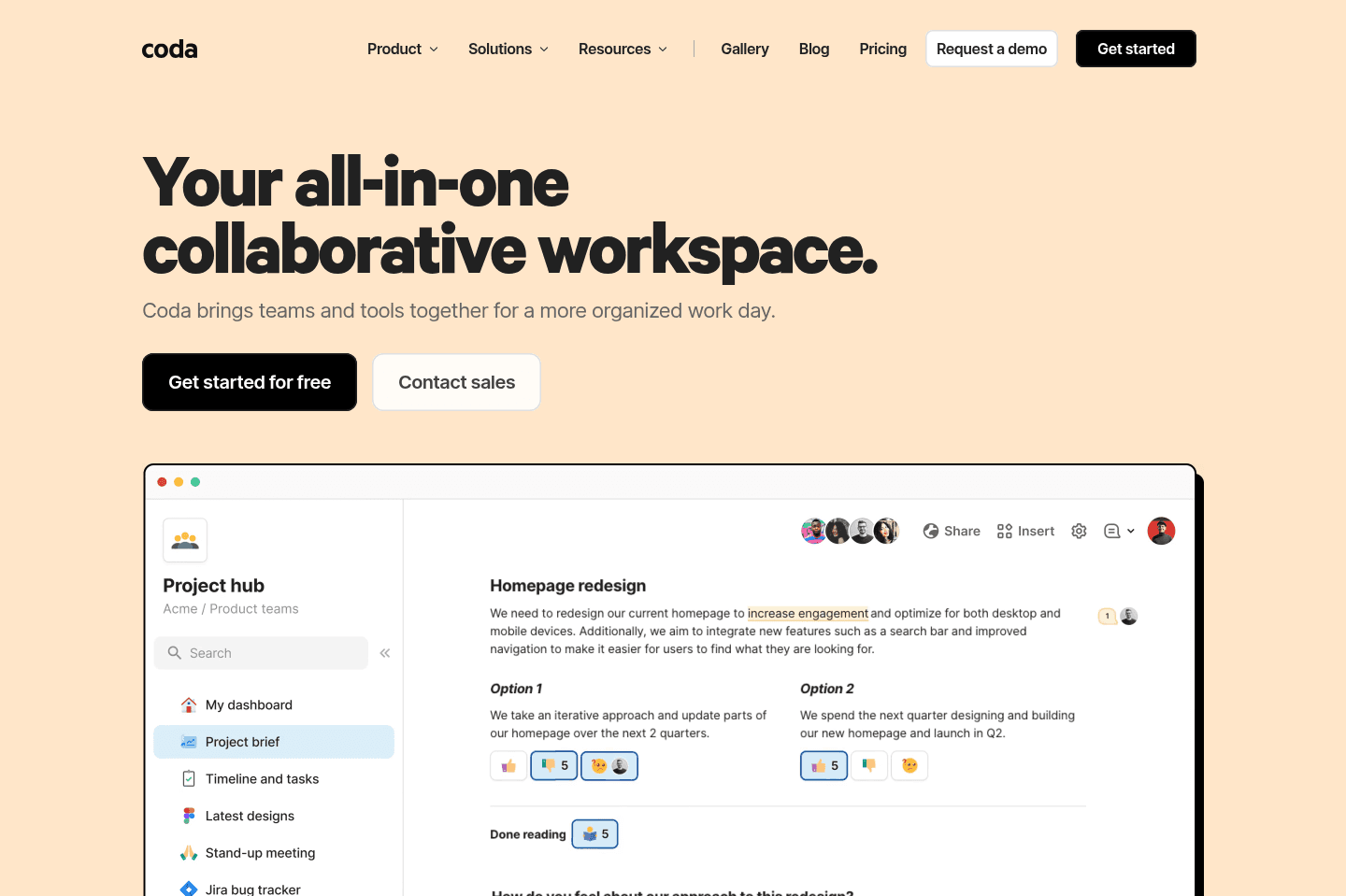
Coda lets you build custom workflows, internal documentation, and project management setups, and it's especially good if you want to experiment with no-code tools or need a flexible solution for unique, non-standard processes. It's best for people who like to tinker, prototype, or build one-off internal tools, but if you try to replace core systems like your CRM or task manager with it, things get messy and you'll regret it long term.

Coda
Go to Coda site

What is Coda?

What is Coda?

We used to be huge fans of Coda for internal documentation and shared customer documentation. When it first came out, it was competing with Google Docs, and it was just better on every single front. And to that end, it still is.

We mainly used it as more of a collaborative project manager mixed with knowledge base solution, to where we'd spin one up when beginning work with a new customer, and it'd be the sole place we'd communicate and document.

The friction point grew over time as documents increasingly felt separate from one another. Jumping between internal documentation and customer documentation was like moving in and out of folders in Google Drive, and quickly searching across all of this was just too much.

That and the team at Coda decided they were going to double-down more on the no-code and database functionality of Coda and less on the knowledge base/documentation side of things.

I must admit, they did an exceptional job at this—in terms of re-thinking Google Docs and turning it into something that's just better in all ways, they accomplished that and more. It's just also with that, they began strutting the line of an all-in-one tool, to which if you've read enough on the site, you'd see that this is a category we see poised with issues.

Key Features

Key Features

No Code Builder

No Code Builder

We've seen some companies do some incredibly impressive things with Coda—heck, we were one of them. What we see with tools like this though is they start out with a clear focus and purpose—let's build an MVP for a non-standard process we have going on in our company, one that no other tool on the market fits into.

And we agree with that premise! Where it falls apart is shortly after that, when the team starts seeing the capabilities of Coda, and begin rebuilding all other systems into Coda. The exact same reason why we don't recommend using Notion as your CRM is the same reason we don't recommend using Coda as your CRM.

Subscribe for updates

Get the latest rankings and insights on top All-In-One Workspace apps—delivered to your inbox. Stay ahead with our expert picks and updates.

2
Airtable

Airtable

Best for powerful spreadsheet-like databases

Best for powerful spreadsheet-like databases

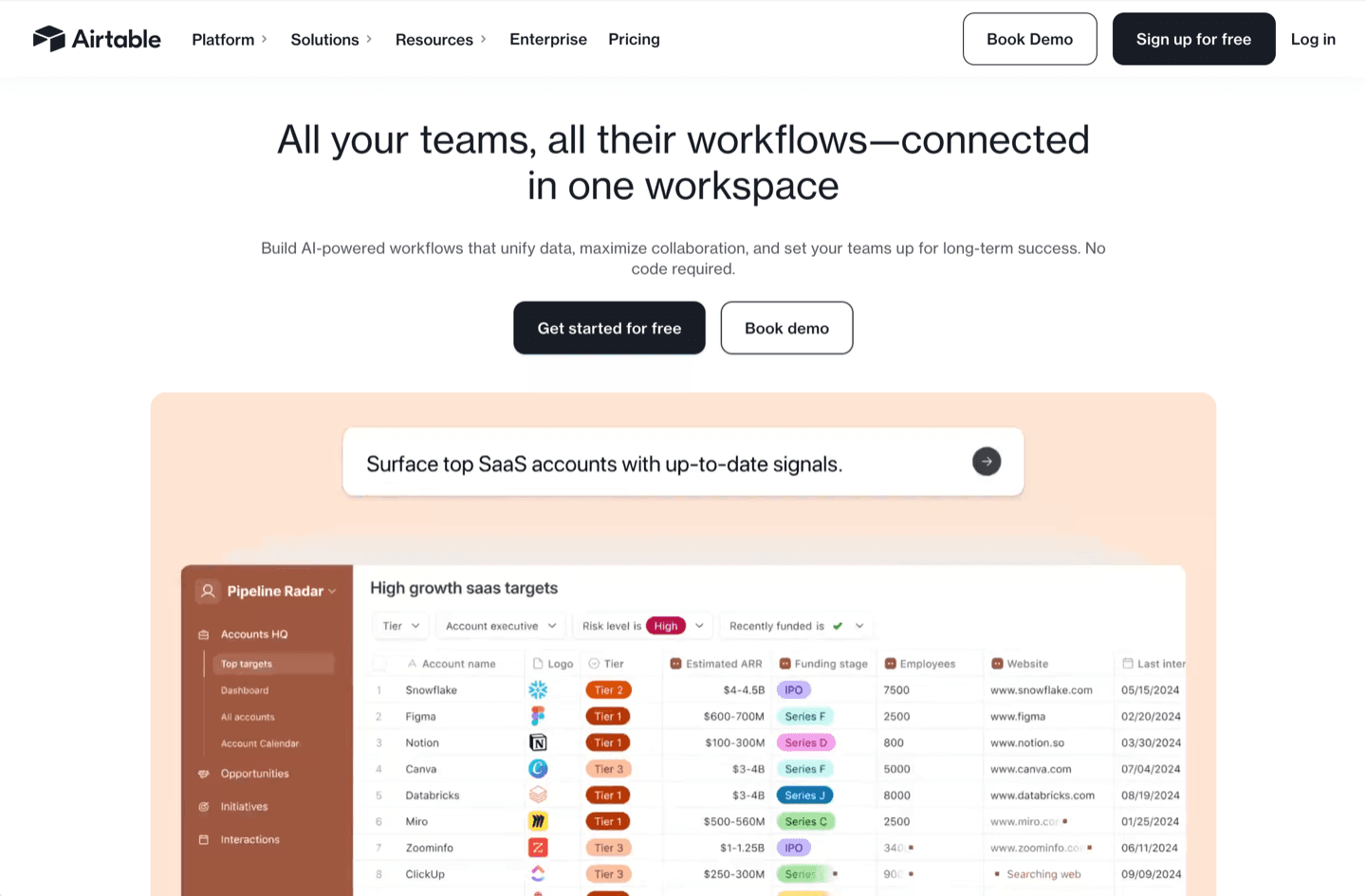
Airtable gives you a flexible, user-friendly database that easily replaces Google Sheets and form tools for almost any business use, especially if you need structure, automation, or to connect data between apps.

Avoid the urge to use it as a CRM or project management software.

Airtable
Go to Airtable site

What is Airtable?

What is Airtable?

Airtable is an incredibly flexible tool that can be used from something as simple as a Google Sheets replacement, all the way up to a no-code builder.

At a core, it's really just a user-friendly database, similar to that of Coda and even Notion (although those 2 apps both started as more of knowledge base tools first, whereas Airtable has always been first-and-foremost a user-friendly database).

If your team is still using Google Sheets (for things outside of company finance reporting like balance sheets, etc.), then we fully encourage you to check out Airtable and to give it a try. In most cases, it will completely replace the need for Google Sheets, Google Forms, Typeform, Jotform, and other Form software.

Believe it or not, over the past 8+ years, we've actually entirely replaced every single internal Google Sheet with Airtable alternative. Sometimes the structure needs to change slightly, but doing so unlocks so much additional functionality.

Key Features

Key Features

API

API

We love working with the Airtable API. It just does most everything you could want it to do, and it incredibly flexible and easy to work with.

You can simply create a new view within an Airtable Base, add filtered logic to it, and set it up so when a new record enters that view, an automation can be triggered. This allows it to be incredibly flexible.

Superhuman Mail
Superhuman Mail
Featured

Get through your inbox 2x as fast (for teams of all sizes).

3
Motion

Motion

Best AI project management for small-mid-size teams

Best AI project management for small-mid-size teams

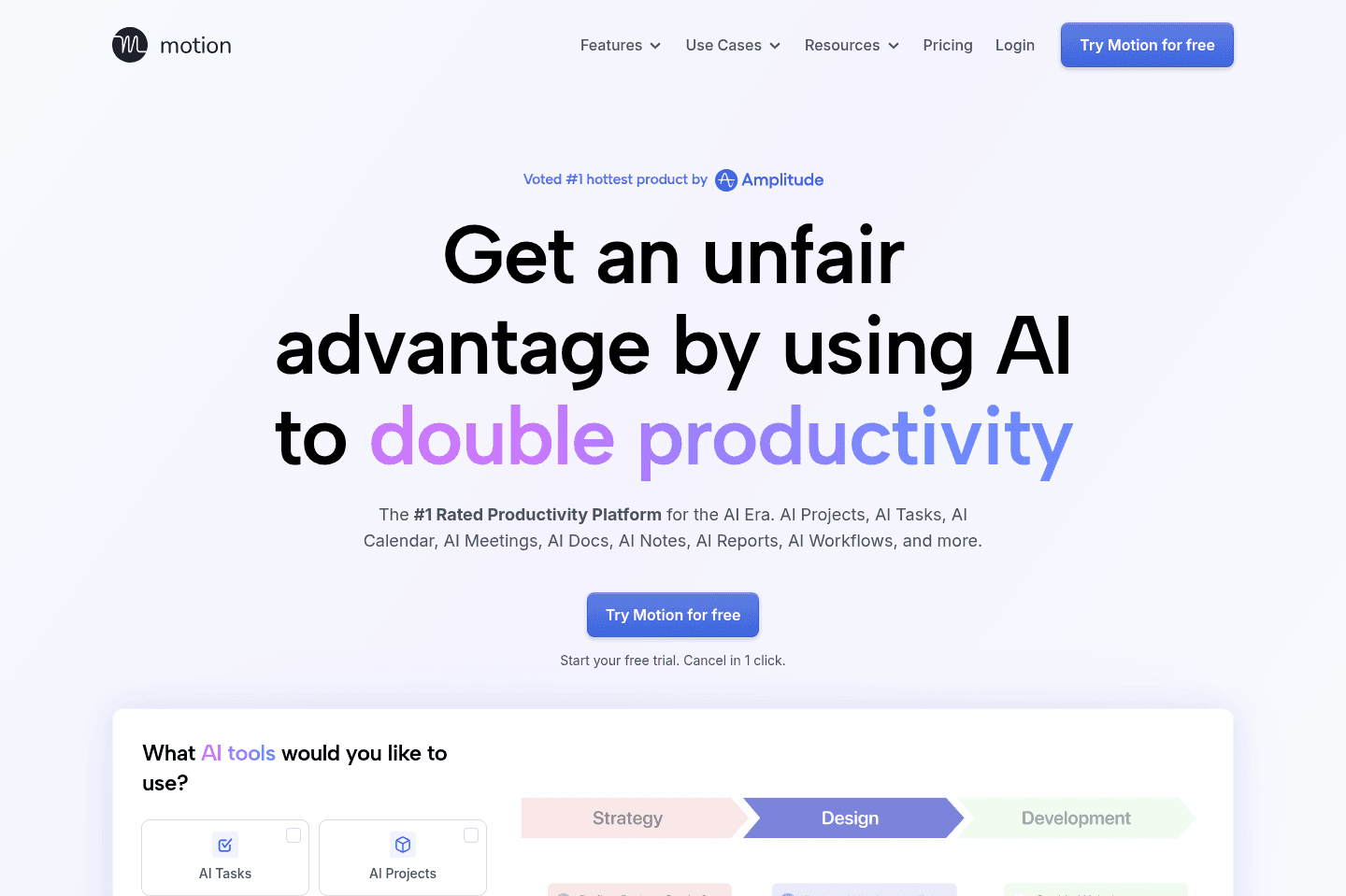
Motion is the most innovative AI-powered project management tool for individuals and teams who want to fully embrace AI to get work done.

It uses AI to take all of your team's projects, tasks, priorities, deadlines, and dependencies to build the perfect day for you and your team, time blocking tasks right on your calendar. They also have AI Docs, & an AI Note Taker, helping you get work done faster.

We've been using it for 5 years and is core to how we manage our time and projects!

Motion
Go to Motion site

What is Motion?

What is Motion?

Motion is a calendar-first, AI-powered project management system that brings your tasks, meetings, documentation, and team workload into one tool.

Previous to using Motion, we used Asana for seven years. It kept us organized enough, but I was spending at least an hour or two every week just "cleaning up" the tool so it wouldn't fall apart. Deadlines would shift, priorities would change, and suddenly half the board was out of date. That's why we switched to Motion five years ago and haven't looked back.

The core thing Motion does differently is it actually schedules your tasks onto your calendar automatically, based on deadlines, priorities, and availability.

And when plans change, which they always do, it updates everything for you. What really got me early on was the deadline visibility. If our team has 5 hours of meetings in a day and 8 hours of work scheduled, Motion flags that we're at risk before it becomes a problem.

We use it to manage our entire YouTube production process, from scripting and filming to editing, reviewing, and distributing.

Recently, Motion has become more of an all-in-one tool. On top of being a calendar and project management tool, you can also store all of your notes and documentation in the app via their AI Docs and meeting recorder. This is especially helpful as you can tie meeting notes to projects, and when asking the Motion AI Assistant it has full context on projects, discussions, and notes.

And they didn't just tack on these features either... their meeting recorder is one of the best we've used (for instance, it creates tasks automatically at the end of each call, allowing you to assign it to team members directly).

So if you want a project management tool that will help your team just focus on getting work done (instead of babysitting your project management tool), give it a shot.

Pros and Cons

Pros and Cons

Pros

Pros
  • Only calendar-first project management tool on the market
  • Automatically schedules tasks directly on your calendar using AI
  • Takes your entire schedule (meetings + work) into account
  • Has most traditional project management features (gantt charts, kanban views)

Cons

Cons
  • Not ideal if you don’t want AI automatically managing your schedule
  • The interface can feel cluttered
  • Minimal reporting & dashboards
  • Not for enterprises

Key Features

Key Features

Project Management

Project Management

Motion has all your traditional project management capabilities including kanban, gantt charts, and list views. But on top of that, they also have a calendar at the core that schedules tasks from your projects onto your calendar. No other tool fully integrates at this level.

Calendar

Calendar

Motion is the only project management tool on the market built with a calendar at the core. We use it as a full replacement for Google Calendar in our day to day (on top of using it for project management). Motion is truly one of the best calendar apps on the market if you're looking for something powerful.

AI Auto-Scheduling

AI Auto-Scheduling

Managing your workload is tiring, we experienced it ourselves every time we had to rearrange our tasks and priorities when using Asana. That's why daily planner apps came on the market, allowing you to pull in tasks from other project management tools and plan them on your calendar.

But Motion chose not to integrate with daily planner apps, and instead become one of the best daily planning apps themselves and built powerful project management features on top (while also using AI to automatically create your schedule for you like an assistant would). So what does this mean?

Didn't get something done? No worries, Motion will reschedule it for you based on the priority on your calendar. At risk of missing a deadline? Motion will warn you and you can fix it with a few clicks. Want to push back the deadline of a bunch of projects? Tell their AI Chat and it'll do it for you.

You can even forward emails into Motion and it will automatically create a task and schedule it on your calendar.

Workflow Templates

Workflow Templates

Workflow Templates in Motion are reusable project templates that define exactly how your work gets done from start to finish. They include your roles, stages, tasks, and key details so every project follows the same structured process.

Once set up, Motion uses the template to automatically schedule everything on your team's calendars and adjust timelines when things change. This makes starting projects incredibly easy & fast!

AI Docs

AI Docs

Motion’s AI Docs are great for keeping processes and notes right inside your projects, perfect if you don’t already have a knowledge base software in place. That said, don't expect it to be as powerful as Notion or Slite. Motion AI docs are more suitable for basic documentation and notes.

The best part of using Motion Docs for all your notes is that you can quickly tag projects and tasks within the docs itself. And when searching across your projects with Motion's AI Assistant, you get a full picture of project updates (it takes into account your projects, docs, and even meeting notes so when you ask for an update, it can truly give you an accurate picture of what happened).

But as a heads up, when we really want to do serious writing (e.g. scripting or a full software review), we find ourselves opening Motion within Dia or ChatGPT Atlas (our browsers) because using their sidebar chat assistant is faster for writing in our tone, brainstorming, and doing research.

Meeting Recorder

Meeting Recorder

We love Motion's Meeting Recorder, and if you're already using Motion for your projects, there's really no reason to use another one. It automatically joins your meetings (you just have to let it in), records video and text, and then uses AI to organize the notes for you. It also automatically creates tasks from the meeting notes and all you need to do is approve or deny them.

Pricing

Pricing
  • Pro AI: $19/seat/mo (billed annually). Best for professionals and small teams who want AI-powered project management, scheduling, and task planning.
  • Business AI: $29/seat/mo (billed annually). Best for teams that need advanced reporting, capacity planning, time tracking, permissions, and centralized billing.
  • AI Credits: Included with each plan. Pro AI includes 7,500 credits/seat/month and Business AI includes 15,000 credits/seat/month.

Our Final Verdict

Discover More Efficient Apps Lists

Explore the best apps across different categories and find the perfect tools to stay productive.

Superhuman Mail
Missive
Notion Mail
Spark
Gmail
Tatem
Hey
Outlook
Skiff
Email

9 apps and 0 deals

Motion
Linear
Asana
Monday
ClickUp
Wrike
Trello
Jira
Shortcut
Project Management

9 apps and 0 deals

Related app comparisons
Airtable
Notion
Airtable vs NotionAll-In-One Workspace
Coda
Notion
Coda vs NotionAll-In-One Workspace
Monday
Notion
Monday vs NotionAll-In-One Workspace
Browse Categories