Comparison Summary
Comparison SummaryOpera gives you a modern look and smoother onboarding, while Vivaldi only stands out if you obsess over customizing every button.
Only use Vivaldi if you truly need extreme customization; otherwise, stick with Opera for a more current experience.
 Vivaldi
Best for extreme browser UI customization
Best for extreme browser UI customization Opera
OperaStaying relevant but serious privacy concerns
Staying relevant but serious privacy concerns
At a Glance
At a Glance- Embedded AIDraw
- User ExperienceDraw
- Tab ManagementDraw
- Performance EfficiencyDraw
- Data ProtectionDraw
Comparison Video
Comparison VideoBest Web Browser? Arc vs Chrome vs Safari vs Brave
Best Web Browser? Arc vs Chrome vs Safari vs Brave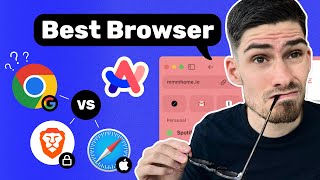 13:23
13:23Best Web Browser? Arc vs Chrome vs Safari vs Brave
Best Web Browser? Arc vs Chrome vs Safari vs BraveTrending Right Now
Trending Right NowEditor's Verdict
Editor's VerdictVivaldi stands out only if you're obsessed with customizing every button and color, but its design feels frozen in 2015 and doesn't keep up with what modern browsers offer by default. Opera, on the other hand, tries to stay current by copying popular features like Spaces and tab groups, but falls short of true separation between work and personal environments and comes with lingering privacy concerns.
If you just want a browser that feels modern and keeps up with new trends, Opera makes more of an effort, even if it's mostly surface level. But if your priority is extreme customization and you're willing to live with a dated look, Vivaldi is the one to pick. For anyone else, neither really nails it, but Opera at least feels more current out of the box.