FTC

Motion vs Linear

Updated Mar 16, 2026

Efficient at Innovation, AI Assistance, Daily Focus, Ease of Learning, and Team Adoption

vs
Motion
Linear
Comparison
Motion
Motion
Linear
Linear

Comparison Summary

Comparison Summary

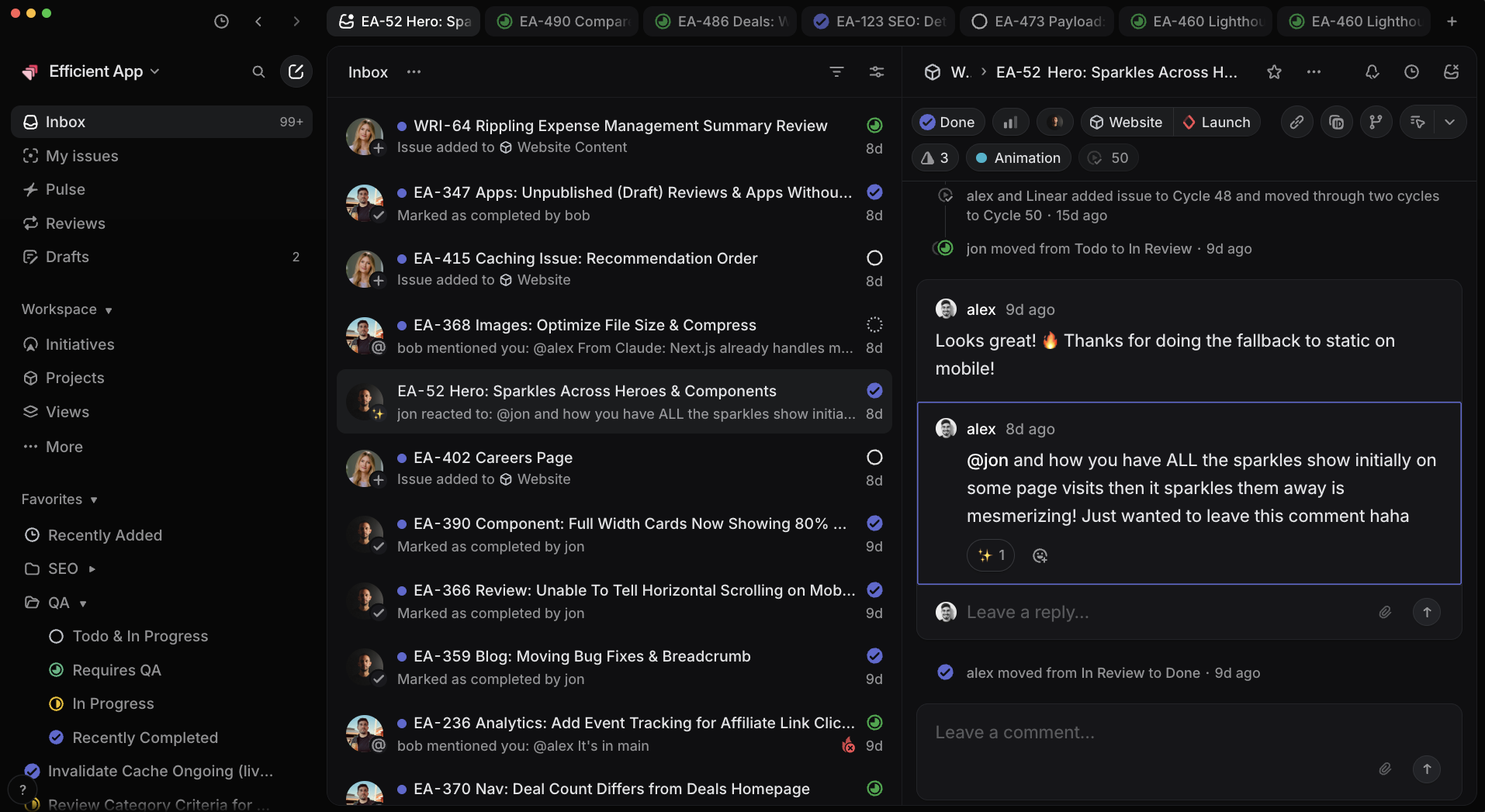
Linear is building solely for engineers. If your team is solely engineers, then Linear is great! That said, engineers should not lead and dictate the tech stack of the rest of the business.

So if you're looking to use your project management tool in any way outside of Engineering, then Linear is simply not the right tool for your team.

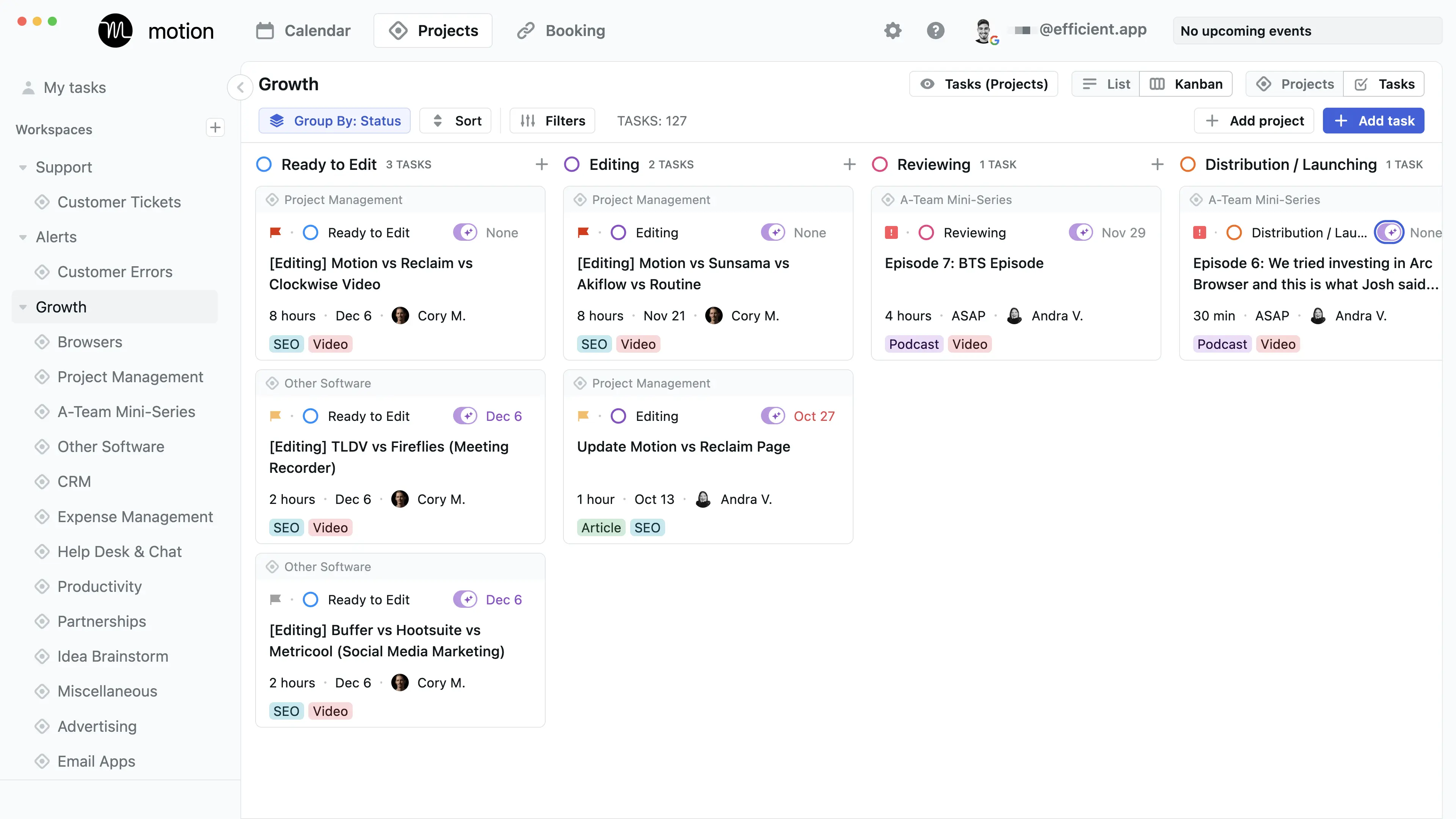
Linear is great when using it solely for engineering teams. But if you want your product/design/engineering/marketing teams all using the same tool, Motion is built to handle the collaboration needs across departments.

Project Management

Project Management
Main
See how Motion and Linear compare on the most important Project Management criteria.
  1. Motion
    Motion

    Best AI project management for small-mid-size teams

    Best AI project management for small-mid-size teams
  2. Linear
    Linear

    Best for engineering teams

    Best for engineering teams

Todo List

Todo List

Editor's Verdict

Editor's Verdict
Main

Innovation

Innovation
Motion
Linear

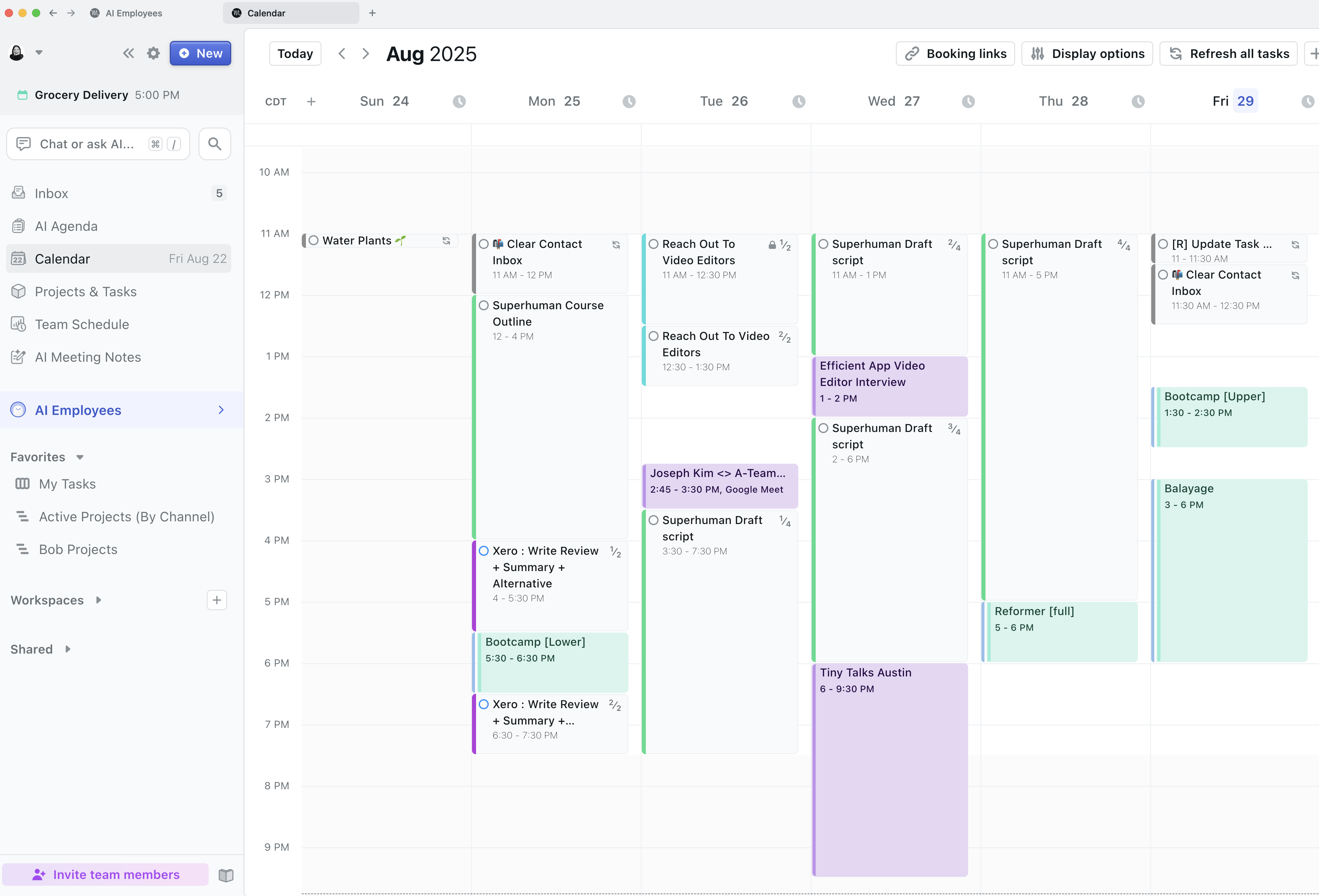
Motion completely changes the game on innovation by making the calendar the heart of project management, not just an add-on. The way it schedules and reschedules tasks for the whole team using AI, and the fact that no one else comes close to this level of integration, makes it stand out. If you want something that genuinely redefines how project management works, especially around time and scheduling, Motion is the clear choice.

Linear is impressive for engineers, modernizing old workflows and integrating with coding tools, but it's more about upgrading the experience for its audience than truly reinventing the category. Motion is the one actually pushing boundaries and doing things you won't find anywhere else. If innovation is what you care about most, go with Motion.

AI Assistance

AI Assistance
Motion
Linear

Motion takes the lead for AI assistance in project management. Its AI isn't just a bolt-on, it's at the heart of how you use the app, automatically building your schedule and slotting in tasks like a real assistant. You can ask the built-in Motion assistant pretty much anything about your projects, docs, or team, and get answers instantly. The AI note taker and AI docs go further, pulling info together so you don't have to dig.

Linear's AI features are genuinely useful too, with smart issue summaries, backlog prioritization, and even automatic sprint reports. It's especially strong at handling ticket triage and integrates tightly with engineering tools, plus it can create issues from Slack chats. But the catch is, all this power is designed specifically for engineering teams, if you're not in that world, it's just not for you.

So if you're looking for AI to help manage all kinds of projects and want a true assistant experience, Motion is the clear pick. If you're running an engineering team and need AI that speaks your language, Linear's worth a look, but for most people, Motion's AI will save you more time and fit your workflow better.

Daily Focus

Daily Focus
Motion
Linear

Motion makes daily focus effortless. Its calendar-centered approach means you always know what to tackle next, and there's basically zero learning curve. You can dive in and immediately see your priorities, which is perfect if you want to get stuff done without any setup or confusion.

Linear is also strong for daily focus, especially for engineering teams. Its clean design, speed, and keyboard shortcuts keep things moving smoothly day to day. But it's more tailored for developers and people who appreciate a streamlined, technical workflow.

If you want the simplest, most direct way to know what to work on each day, Motion is the clear pick. It's built around daily clarity for anyone, not just engineers, and you don't have to think twice about what's next. Linear is great if you're a developer and love minimal, fast tools, but Motion is the one to grab for instant daily focus.

Ease of Learning

Ease of Learning
Motion
Linear

If your team is managing engineering tasks, Linear is super easy to pick up because the interface is minimal, and the workflows use engineering best practices right out of the box. You'll get started fast, but only if you're actually doing engineering work. If you aren't, Linear's terminology and setup feel clunky, and you'll probably end up fighting the tool or working around its defaults.

Motion, on the other hand, is designed for small to medium-sized teams who just want to get going without any special setup or hiring outside help. The learning curve is basically flat, everything you need is clear within a couple hours, and you're not forced to adapt to any niche workflow or jargon.

So, if you're an engineering team, Linear feels just as quick to get started. For everyone else, Motion is the clear pick because you won't hit any weird roadblocks or have to translate the tool to fit your needs. Both are fast to learn, but Motion is a safer bet unless you're squarely in the engineering camp.

Team Adoption

Team Adoption
Motion
Linear

Linear makes onboarding for engineering teams almost instant, with zero training needed and deep integration with coding tools, Slack, and even the terminal. Engineers pick it up right away and actually enjoy using it, which never happens with new software. But it's only a smooth ride if your team is engineering, product, or design, marketing and sales will hit a wall and probably bounce to something else, so adoption drops hard if you need everyone on board.

Motion, on the other hand, is super easy for any team to start using since it just puts tasks straight onto everyone's calendar. That calendar-first setup means people always know what's next, so there's way less friction and much higher odds the whole team sticks with it, regardless of their role.

If your team is mostly engineers or product folks, Linear is almost impossible to beat for adoption. But if you need everyone from marketing to sales on the same tool, Motion is a much safer bet for getting the whole team actually using it, and staying on it.

Screenshots

Screenshots
Motion CalendarEmbedded ImageLinear Inbox Notifications
Motion

Motion

Comparison Video and Summaries

Comparison Video and Summaries

Alternatives

Alternatives
Trending app comparisons
Motion
Shortcut
Motion vs ShortcutProject Management
Motion
Jira
Motion vs JiraProject Management
Motion
Wrike
Motion vs WrikeProject Management