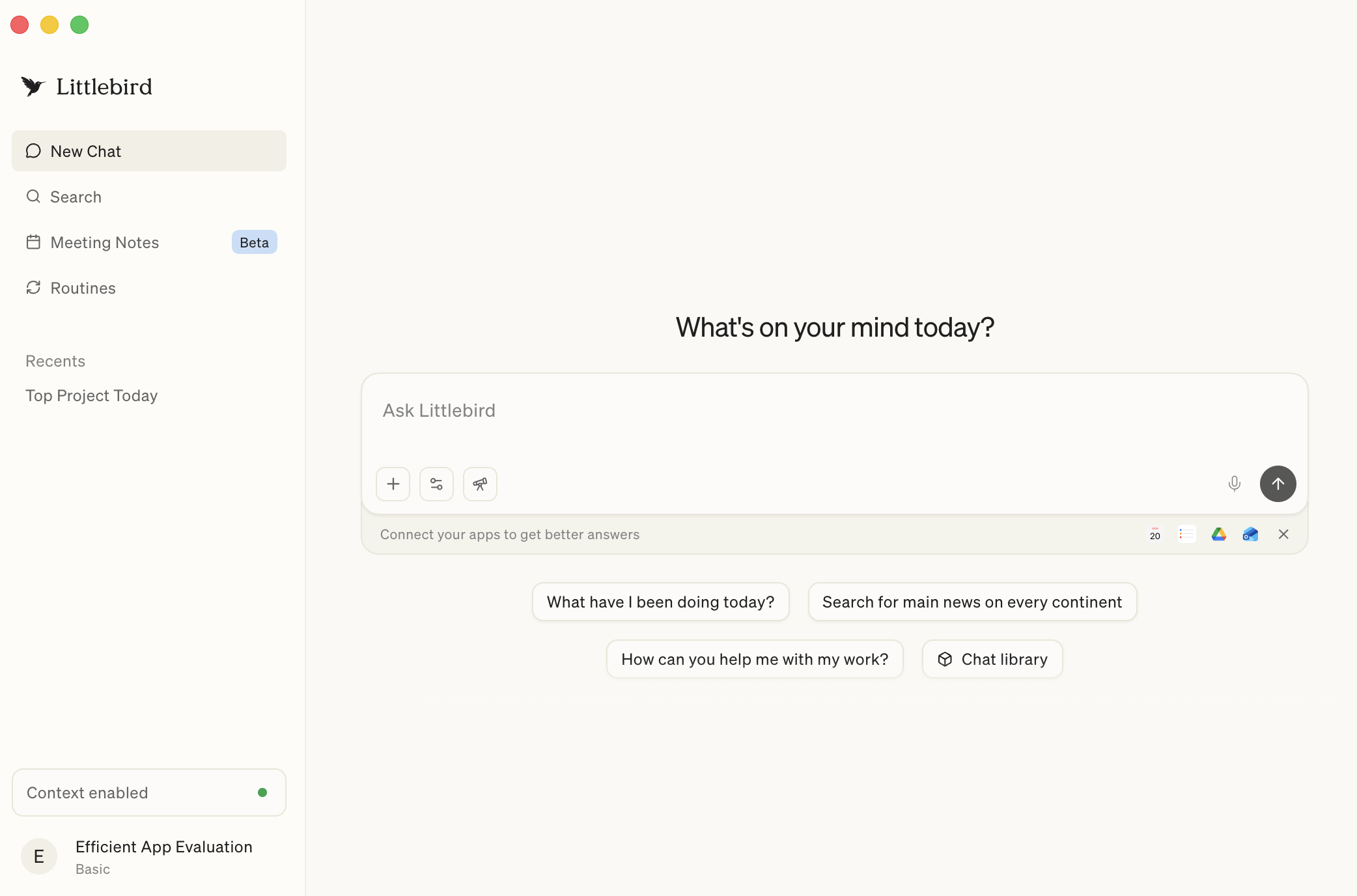
What is Littlebird?
Littlebird is an AI note taker that captures your meetings AND understands everything around them as it learns through watching your screen. It records your calls, lets you take notes, and then layers in context from your calendar, email, and even what you had open on your screen. Which means your notes aren't living somewhere in isolation; instead, they're considered as part of a bigger picture of your day.
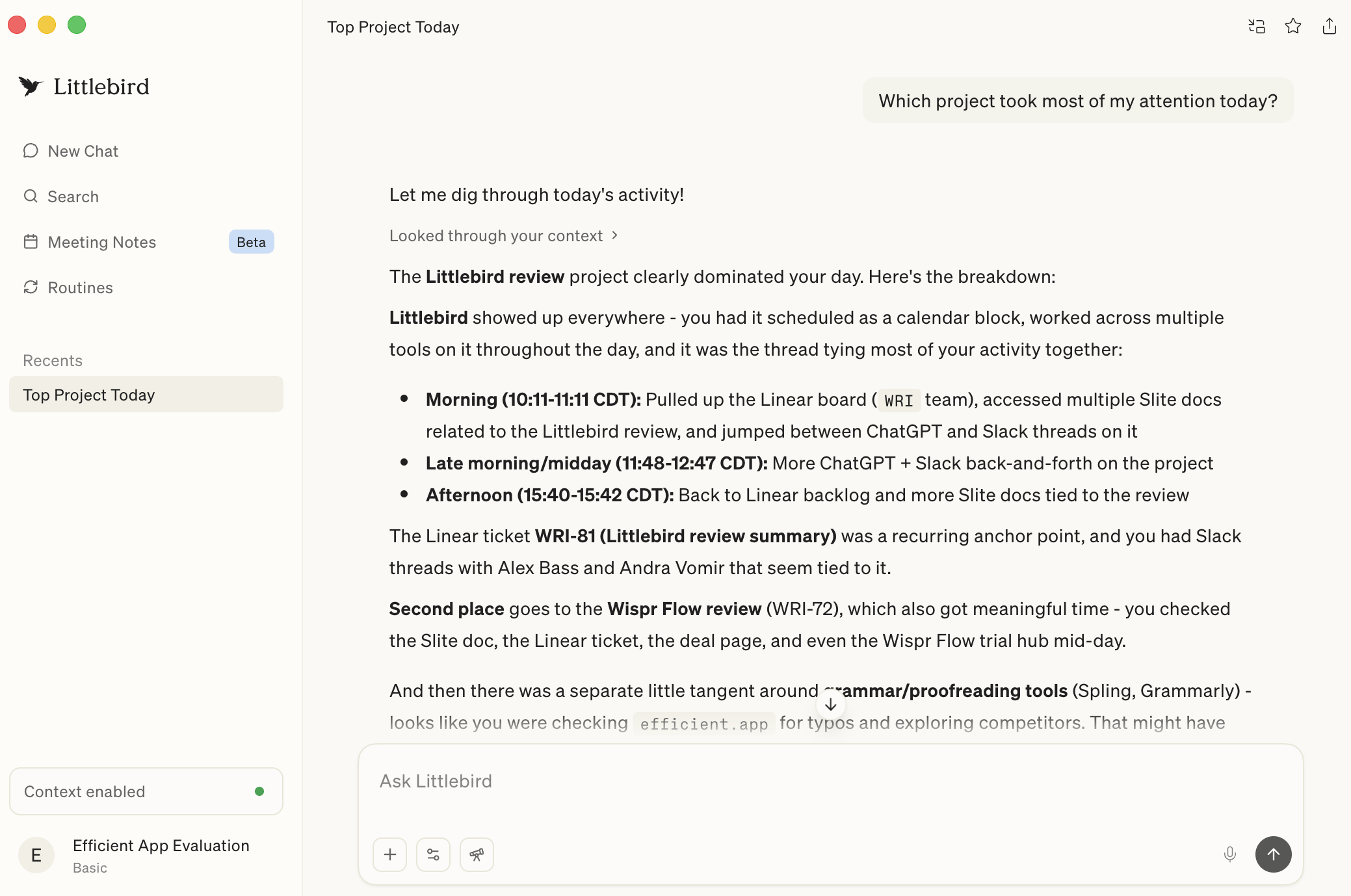
With Littlebird you can ask things like "What happened today?" or "Where did this come up?" and it can pull from meeting notes, Slack, tabs you had open, and anything else it saw (read-only) during the day. That makes it especially useful if you're constantly context switching and don't want to rely on memory to track everything.
The truth of the matter is a lot of work gets done outside of formal recorded meetings, like on Slack, or email and Littlebird is one of the only tools that captures all of that context.
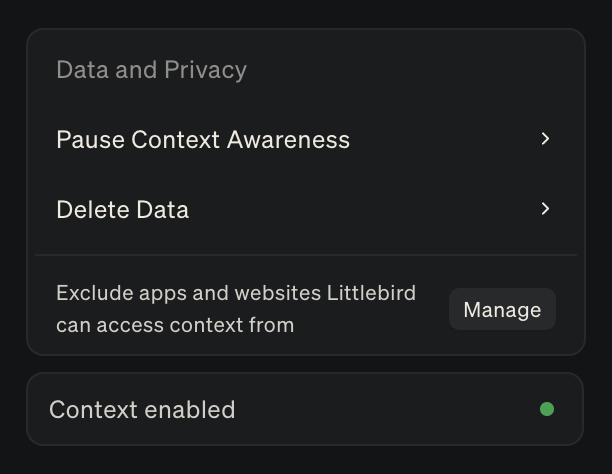
The tradeoff here is that while you do get a smarter, more useful note-taking experience, the context awareness layer means it's more invasive. With other tools like Granola, we feel comfortable using everywhere, even in our private lives, but the level of access Littlebird requires gives us pause. That doesn't make it unusable since they have controls that give you some guardrails, but it is something to consider.
Pros and Cons
Pros
- Notes connect to your entire work-life context
- Great to lean on as an assistant, you can ask questions
- Lightweight, non-intrusive meeting recording experience
- Can recall information across any website or app you visit
- Reduces the mental load brought on by constant context switching
Cons
- More invasive than traditional AI note takers
- Slower at generating meeting notes
- Not purely focused on meetings
Key Features
Meeting Prep Research
I'm usually working on different tasks back to back, which leaves little time for meeting prep. When Littlebird prompted me to prep for a meeting, I was curious and just so happened to be running late for the call, so I figured, "What the hell, let's see what it can do."
It went way deeper than other tools I've used. It knew what I was doing on X and was able to gather and understand the entire reason for my booking the call, including overlapping areas of interest. That was huge, considering I had actually forgotten the entire context as to why we were even meeting!
Meeting Notes
Littlebird definitely took inspiration from Granola. The flow is very familiar; it asks to join your call (when you have a meeting starting), and stays as a scratchpad so you can jot down notes while you're on the call.
After it'll generate a structured summary that does take a bit longer than Granola, but only because it actively ties everything back into your broader context.
Cross-Tool Recall
Since I'm constantly context-switching, I don't always know what happened when or where. So, having Littlebird follow along like an actual assistant who's with me during my work day, I can just ask it to find that information and pull those answers.
Sometimes I forget whether something was discussed within a meeting or on Slack, and with other tools I'd need to search each individually to find what I am looking for. But with Littlebird, it already has seen everything that I have with my own eyes so when I ask "What did our engineering team say about website this week?" it just tells me an aggregate from all the context is has.
If something came up in a LinkedIn DM, a tab, or another tool on my computer, it can pull that into its answers as well. It's super helpful and makes my notes feel more complete and helpful when I need to look back at them later.
The memory layer is such a big differentiator across all my tools, especially when you're looking for something broader and need it to consider various pieces in your workday puzzle.
Pricing
- Basic: Free. Best for those wanting to test the product and see if the context-aware approach actually clicks for their workflow.
- Plus: $17/mo. Best for people who want more depth, more routine usage, and plan to use Littlebird as an everyday assistant.
- Pro: $100/mo. Best for those who need significantly higher usage limits or like advanced intelligence and want early access to feature releases.
 LittlebirdBest
 Otter
Otter