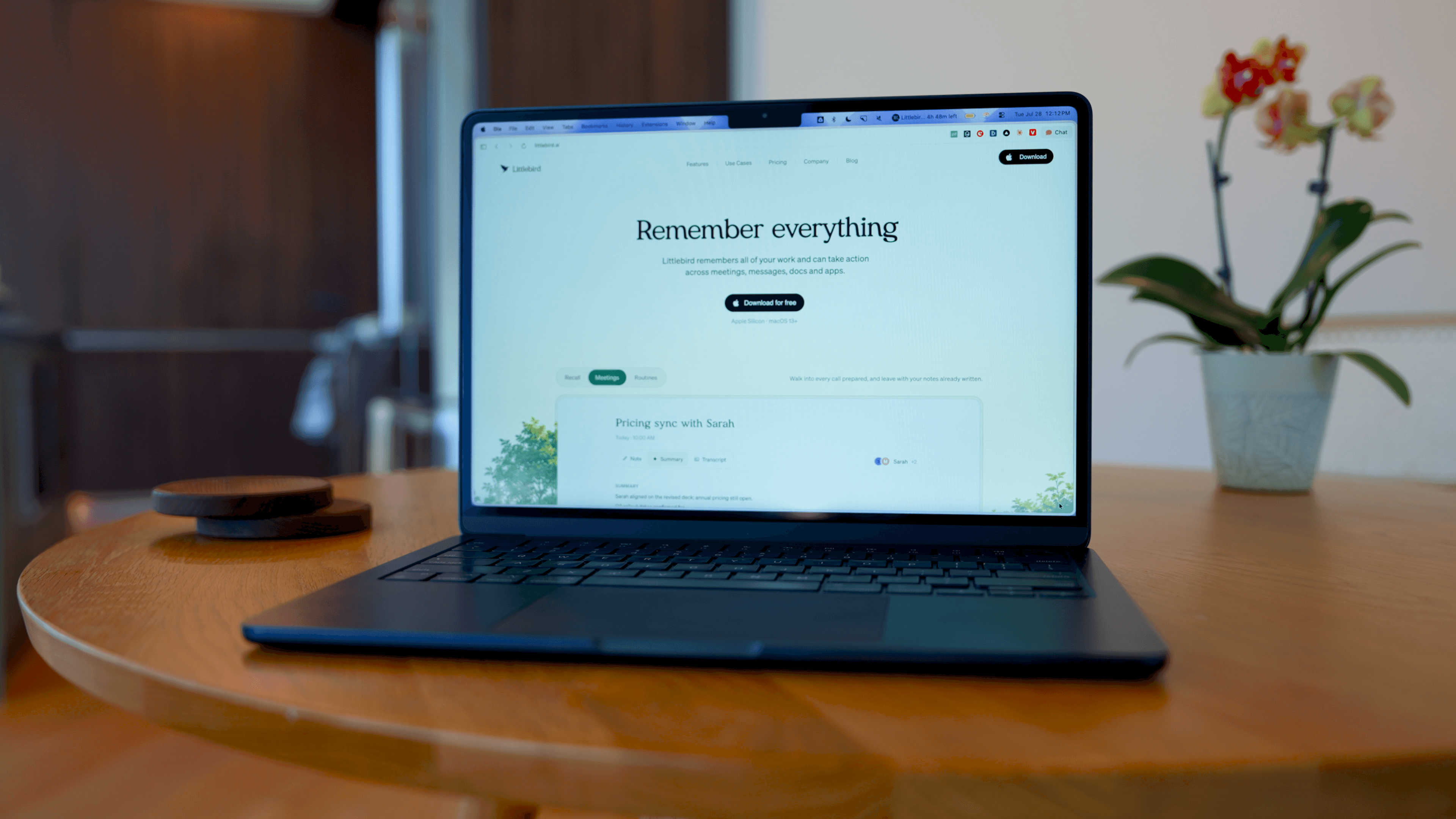
What is Littlebird?
Littlebird is an AI assistant that actually knows what you're doing, from your meetings (via their AI note taker), calendar, email, and actually pulling context from on-screen activity. You can just ask, "What did I do today?" and it answers you, but the same always-there "layer" is also what gives us pause. We see that vision here and know that the best AI tool will be the one that has the most context.
My workdays are so messy... Constant Slack messages, hundreds of open tabs, quick decisions, context switching nonstop. Littlebird acts like a second brain that’s been there the whole time, so instead of relying on memory, you can just ask it for whatever someone said, or something you saw.
It's been especially nice for those "I swear I saw this somewhere" moments or when I'm trying to recall what actually happened outside of formal meetings.
But, it's a given that in order to have all the context to provide you those useful answers means it's more invasive. So you do have to get comfortable with how much it sees and be mindful of excluding sites in your settings. Compared to tools like Granola or even ChatGPT, Littlebird is less about doing one thing really well and more about becoming that always-on memory layer across everything you do.
Pros and Cons
Pros
- Reduces mental load
- Strong for recall questioning
- No heavy setup, works without integrating every tool
- Provides a true understanding of your day with full context
Cons
- More invasive than most AI tools
- AI notetaker not as strong as Granola
Key Features
Context Awareness
The best AI assistant is going to be the one with the most context. That's why Littlebird pulls from your on-screen activity (read only), meetings, calendar, and email to build a full picture of your day. So it can answer broader questions instead of being limited to one tool or page.
The setup was nice and fast. When I started using it, I asked Littlebird a question about what the engineering team had shipped, and it pulled an answer from Slack, which I never connected, but it had been up on my screen. So Littlebird sees all.
Another time, Alex had been exchanging X DM's with a friend and scheduled a call. Littlebird sent him a meeting brief pointing out how they had posted on X about common things and what they could talk about on the call.
That said, be sure to take full advantage of the privacy settings if there is a website you don't want it watching.
Routines
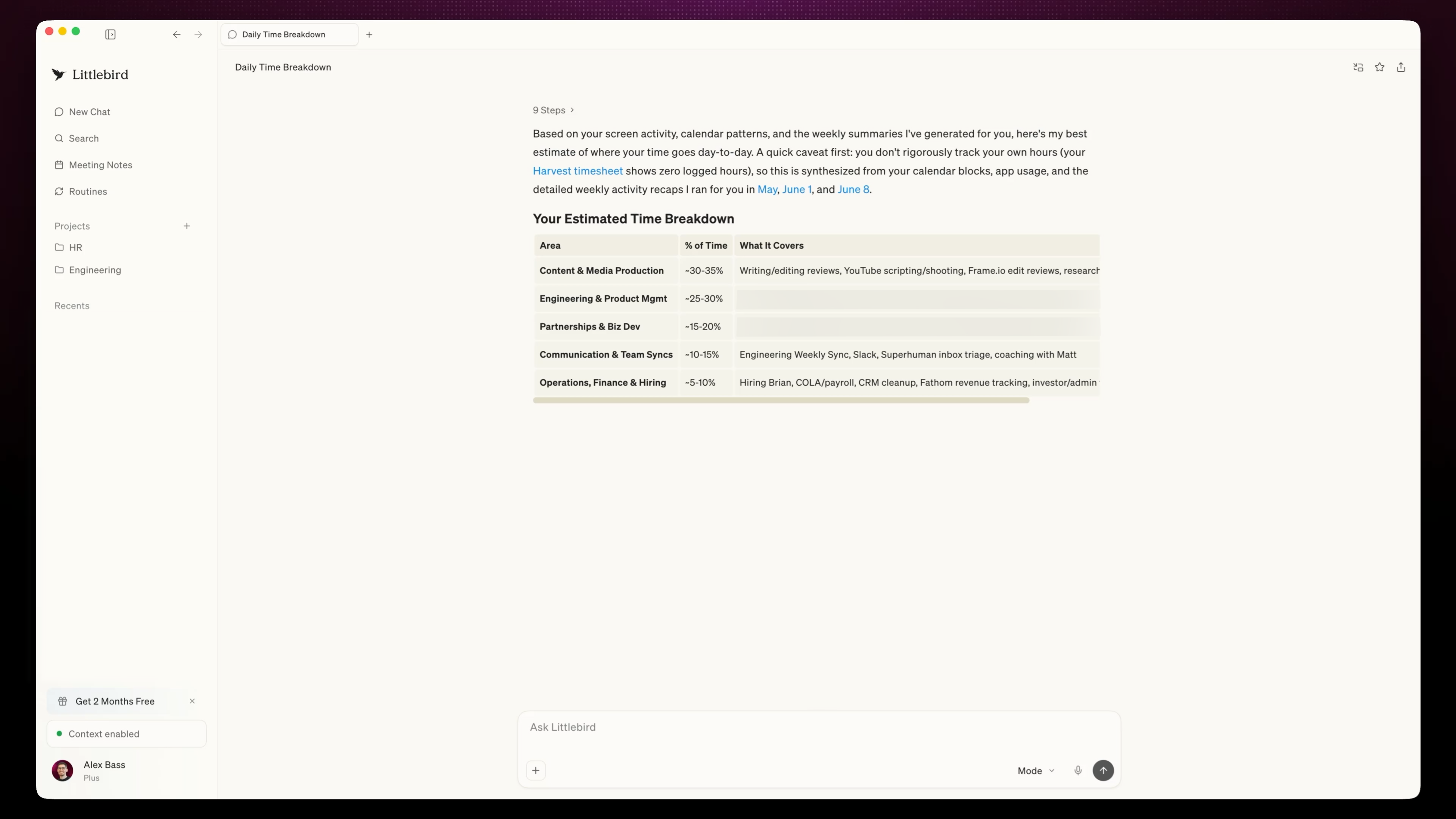
Littlebird gives you recurring summaries (like weekly breakdowns) that can show you where your time actually went. For example, Alex learned that he was spending roughly 18-20 hours a week on product development, which made us better understand why he feels so overloaded and sparked discussions about us hiring someone out to help.
Ask Anything Shortcut
Since we have ChatGPT Atlas, we can ask questions from anywhere within the browser, but it only gives answers based on the limited context it has. With Littlebirds' "Ask Anything" shortcut, you can ask any question, and it'll give you a response based on all the context surrounding your question. You can be in Slack, your browser, or any tool and ask for context without opening another app.
Privacy
Any time you sign up for a tool that reads your screen, you want to be mindful of updating your security settings. Littlebird gives you the ability to choose what you want it to consider. It does automatically track everything so you need to be proactive about opting out.
We were nervous about things like our analytics dashboard or financial data, so we went in and made sure to exclude those sites in the settings, which made the "always-on" part feel a lot more usable.
Mobile App
Littlebird does have a companion app available on iOS and Android that lets you access the same context on the go, although it does not monitor your phone usage.
Being able to ask "What happened today?" while I'm on a walk or doing my end-of-day debrief is so useful and feels like I have a real assistant instead of just another tool (it will only recall what you did on your computer).
Pricing
- Basic: Free. Best for those wanting to test the product and see if the context-aware approach actually clicks for their workflow.
- Plus: $17/mo. Best for people who want more depth, more routine usage, and plan to use Littlebird as an everyday assistant.
- Pro: $100/mo. Best for those who need significantly higher usage limits or like advanced intelligence and want early access to feature releases.
Final Verdict
If you're comfortable with Littlebird having access to your on-screen activity, then you'll immediately see what makes this AI tool special.
It's one of those tools that is too intriguing not to use.
Definitely grab it for free, and worth locking in the Littlebird discount now if you ever want to upgrade in the future.
 ChatGPTBest
 LittlebirdRecommended