Comparison Summary
Comparison SummaryComet Browser lets you use a built-in assistant to interact with tabs, emails, and your calendar or even browse for you, while Toby just gives you a nicer new tab page and basic tab grouping.
Only use Toby if you only want a lightweight way to organize tabs; choose Comet Browser if you want free access to an assistant that can actually help with research or shopping.
 Comet BrowserRecommended
Best for free agentic mode
Best for free agentic mode Toby
TobyLightweight tab organization
Lightweight tab organization
Trending Right Now
Trending Right NowEditor's Verdict
Editor's VerdictComet Browser actually takes action for you by letting its built-in assistant interact with your tabs, emails, calendar, and even navigate the web on your behalf. You get a real agent experience, not just pretty organization. If you care about research, fact-checking, or want help shopping (like finding promo codes on mobile), Comet is the only one here that delivers meaningful value, especially since its agent mode is fully free.
Toby just makes your new tab page look nicer and helps a bit with organizing tabs, but it doesn't solve deeper tab chaos or support heavy workflows. If all you want is a lightweight visual upgrade for your tabs, Toby is fine, but it doesn't actually help you get things done or automate anything.
If you need real assistance, automation, or help with complex browsing tasks, Comet Browser is miles ahead. Toby is only worth considering if you want something basic and pretty without expecting deeper help.
Screenshots
Screenshots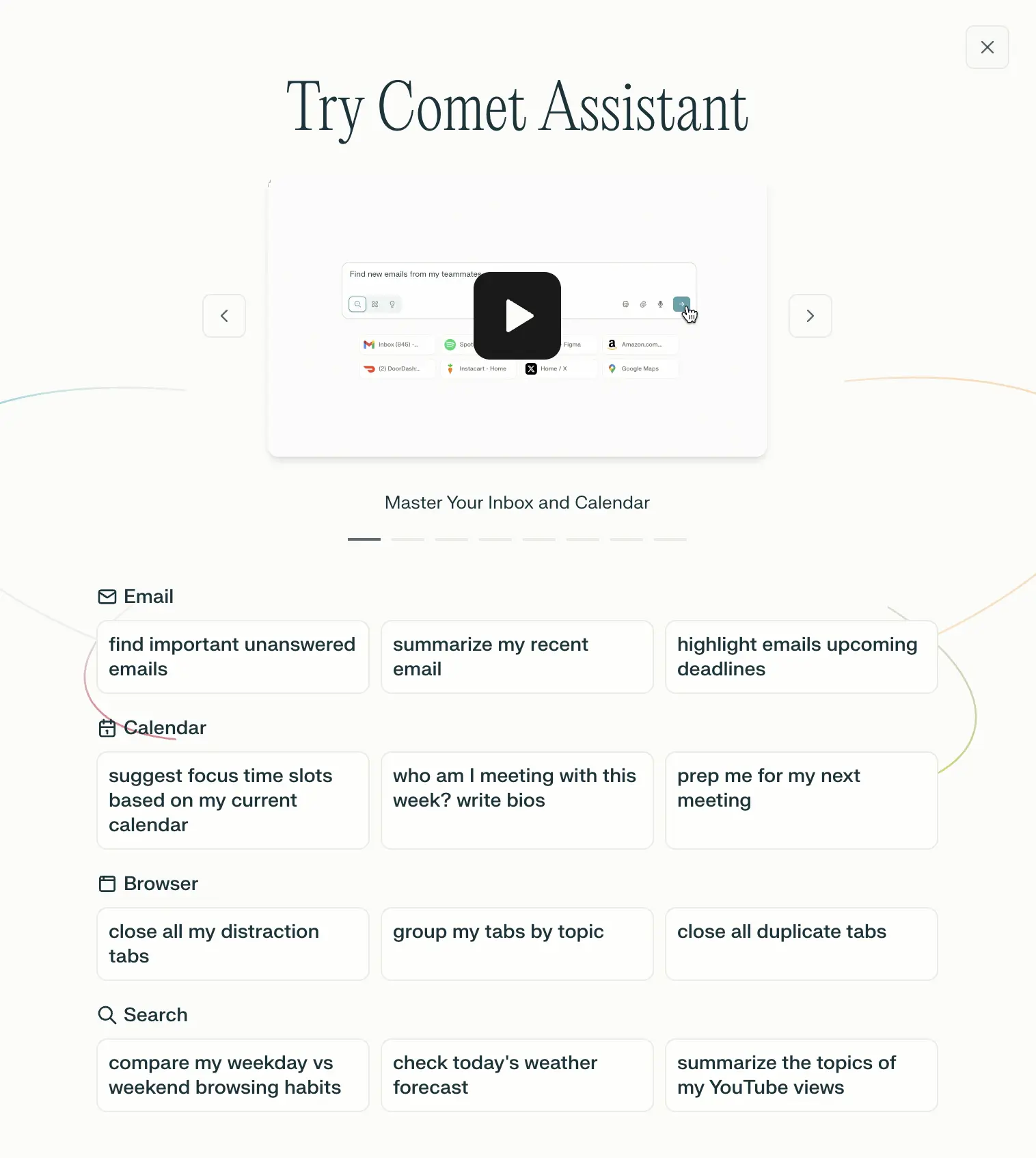
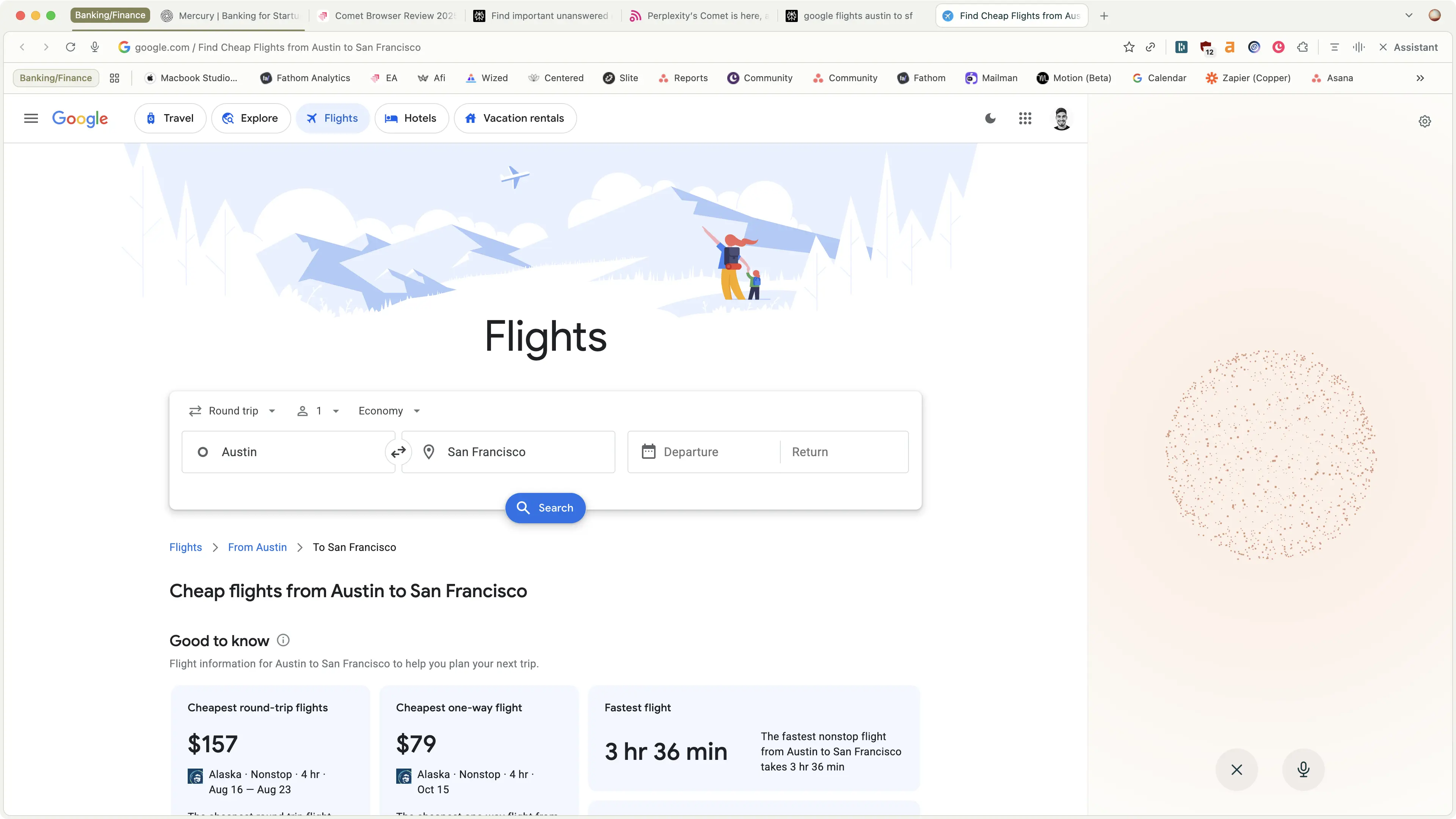
Comet Browser
Examples of what Perplexity Assistant can do