We believe there are better options available in this category, read below to learn what this software does well, and what they could do better. ⤵
.webp)
.webp)
.webp)
.webp)
.webp)

A browser for agentic search by Perplexity.
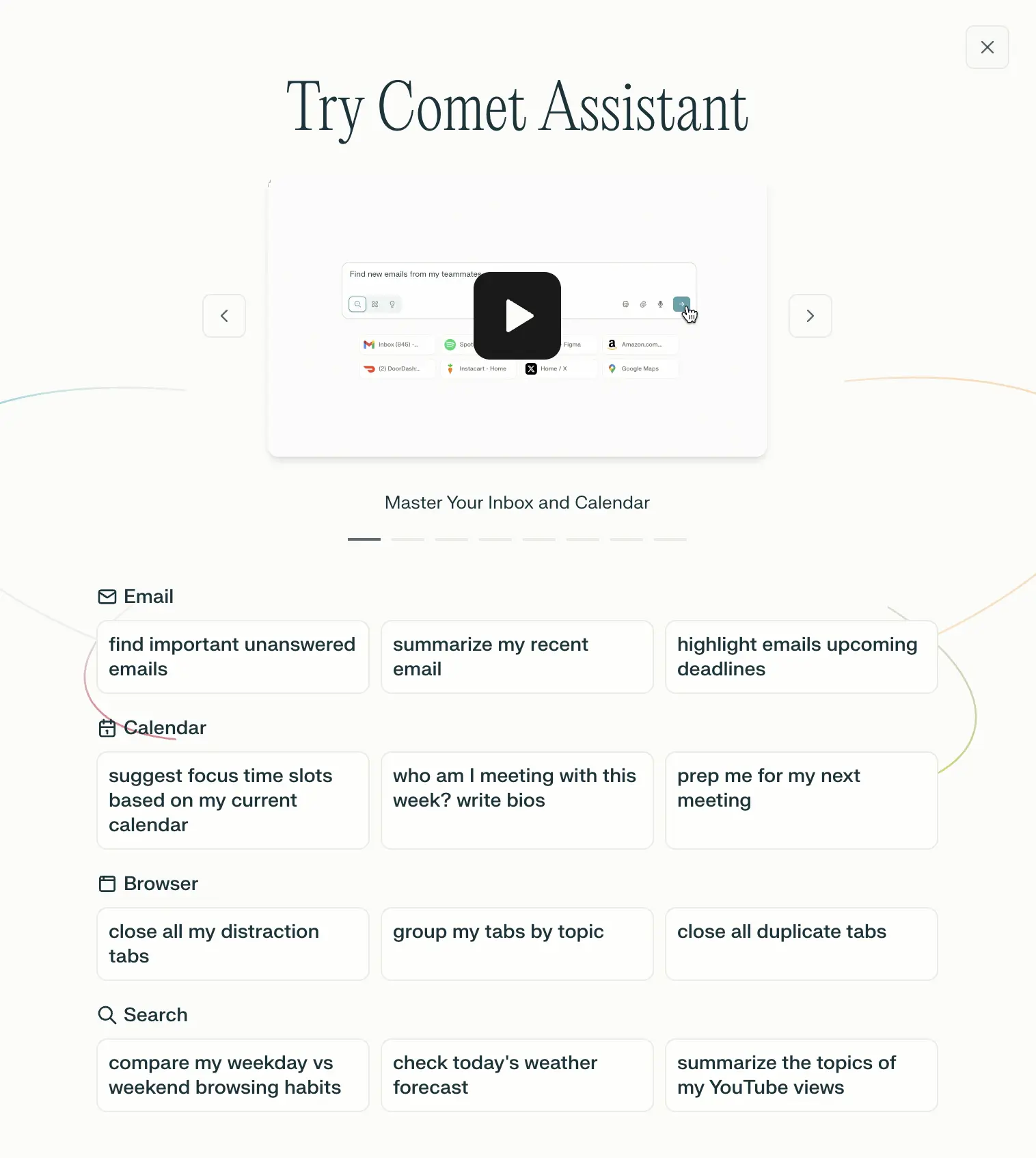
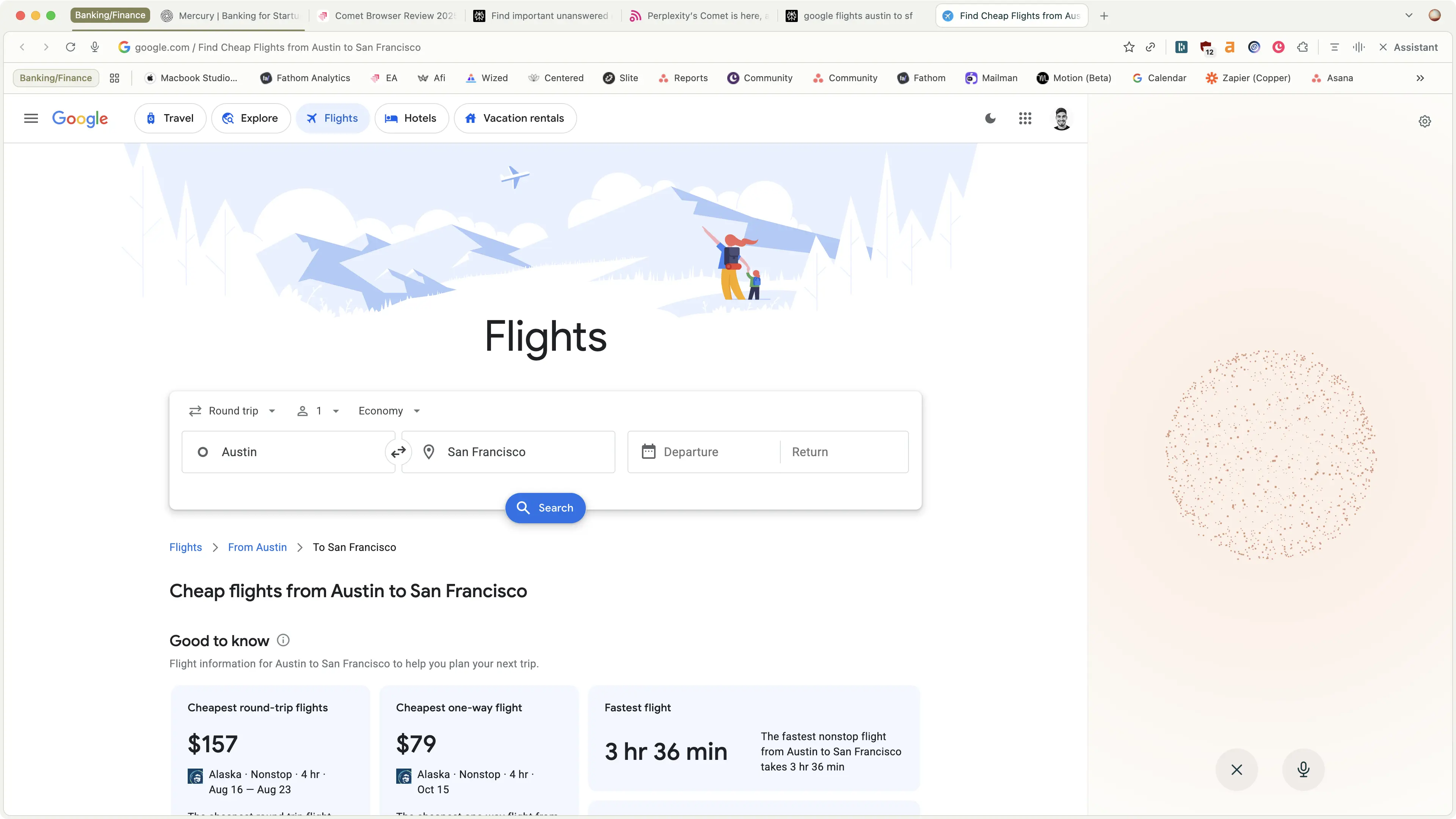
Comet Browser is an AI-native browser created by the team over at Perplexity, who has been shaking up the search space. The main differentiator with Comet is that their Comet Assistant is at the core, which gives us a taste of what's coming with the coined term "Agentic Browsing". All that really means is that the assistant not only searches with more context and interacts with your tabs, but it actually clicks around the web for you.
Out of all the AI browsers, I trust Comet the most for deep research where I actually need factual information. The reason is because Comet is the most connected to the internet and it gives you clear citations of where it gets it's information from (while ChatGPT can make things up sometimes). So if I am looking for facts, data, sources, I always open up Comet.
Not to mention, I love Comet's Android browser. I can actually use the AI Assistant on mobile, it can look for promo codes (so I can finally shop on my phone), and agent mode works on the phone too 🤯 It has immediately become my main browser on my phone. It's not available for iOS yet, only Android.

Comet Browser’s agent mode is completely free, unlike other AI browsers where you need to be on a paid plan to unlock agent capabilities so even if it doesn't become your one and only browser, it's incredibly handy to have on your devices (click here to grab it).
Comet's built-in assistant is what sets it apart from all the best browsers we've covered. It handles the new table-stakes well, with Perplexity at the core, so all the usual search and research functionality is handled.
It can also interact with open tabs, allowing you to essentially target your search and research to a more specific dataset to what you're looking into. But Dia can do this as well, so it's not particularly standout in a browser.
But what does set it apart is Comet gives us the first actual glance at what this coveted "Agentic Browsing" experience actually is, in a non-technical, actually user-friendly way.
What does this mean? Well it can connect into your calendar and email to tell you about important emails (cool, like Google Assistant, right?), but most impressively it can even navigate the web for you.
I'm saying that you can ask it to do things, and it will actually navigate around the page your on, open new pages when needed, and take action as if it's a human you're asking to do something for you.

With all of that said, moving into the browser space is incredibly difficult, but there is something incredibly interesting about this new wave of AI browsers, and we're totally here for the browser space to finally evolve.
.webp)
.webp)
.webp)
.webp)
.webp)

Microsoft's browser, pushing heavily in AI with their deep OpenAI partnership—still the second coming of Internet Explorer.
Edge is Microsoft's attempt to stay relevant after all the years of pain and heartache that came from Internet Explorer.
Their large investment into OpenAI has enabled them to pull in some AI into the browser (branded as Copilot), though it's more just a wrapper for ChatGPT with various pre-built functions.
While Edge is built on Chromium (like many of the best browsers on the makes), they are one of the only browsers (aside from Arc) that have managed to exist without taking that sweet sweet money from Google.
Edge makes money by promoting their many Microsoft products, making them work more seamlessly in the browser where possible.
While Microsoft has tried so hard to get back the marketshare they once had and have since lost, Edge still feels a bit dated in their UI/UX, and their unique functionality isn't all that great unless you're an avid Microsoft 365 user.
That said, if you're on this site and doing software research, you're more likely using Google Workspace and Gmail, and there are much better browser options on the market, even if you're a Windows user, as even Arc is now on Windows.
.webp)
.webp)
.webp)
.webp)
.webp)