MotionRecommended
Best for those who want AI to help plan their tasks and time
Best for those who want AI to help plan their tasks and time Clockwise
Clockwise optimizes your team’s schedules to create more time in everyone’s day.
Clockwise optimizes your team’s schedules to create more time in everyone’s day. Reclaim AI
For basic task scheduling on your calendar
For basic task scheduling on your calendar
Best Time Management Apps at a Glance


Watch the Full Breakdown
Time Management App Overview
What is the Best Time Management Software?
What is the Best Time Management Software?The best all around time management software is Motion.
What You Should Know
What You Should KnowWe asked 1,126 people shopping for time management software how many meetings they have in a normal week, and 76% said fewer than five. Only 6% had eleven or more.
Almost every tool is sold on the idea that you're drowning in meetings and need help clawing back time but according to our survey, most people looking for this software aren't drowning at all.
- Among solo workers, 79% have fewer than five meetings a week.
- Among people with a team, that drops to 65%.
The main pain point? All people actually want is to know what to do next. This was the same whether the worked solo or on a team.
- 86% said the thing they wanted most was to always know the most important task to work on
- 10% wanted their calendar automatically blocked so colleagues couldn't fill it
- Just 4% wanted help scheduling team meetings.
So the problem time management software should solve is not how to manage a full calendar, it's how to get your calendar to become clear in terms of where you're suppose to be and what you're suppose to be doing.
And that's exactly what Motion does, which is why it's our top pick in the time management software category.
Best Time Management Apps Ranked & Reviewed
Watch our full breakdown of the top time management apps, how they performed in testing, and what makes each one worth considering
How We Evaluate Time Management Apps
We score each time management app across AI assistance, opinionated, time protection, calendar functionality, task management, and hands-on expert evaluation
- AI AssistanceAI proactively plans your day when meetings or tasks change.
- OpinionatedDelivers value immediately without requiring heavy customization.
- Time ProtectionProtects your time, enables more focused work, and respects personal time.
- Calendar FunctionalityFully replaces your calendar with a better interface, doesn't just make suggestions.
- Task ManagementAuto-schedules tasks on your calendar by priority, urgency, and deadlines.
- Expert EvaluationCurated by, our rankings reflect in-depth testing, industry insights, and hands-on experience.AlexandAndra
Motion
Best for those who want AI to help plan their tasks and time
Best for those who want AI to help plan their tasks and timeMotion is the most innovative AI-powered project management tool for individuals and teams who want to fully embrace AI to get work done.
It uses AI to take all of your team's projects, tasks, priorities, deadlines, and dependencies to build the perfect day for you and your team, time blocking tasks right on your calendar. They also have AI Docs, & an AI Note Taker, helping you get work done faster.
We've been using it for 5 years and is core to how we manage our time and projects!
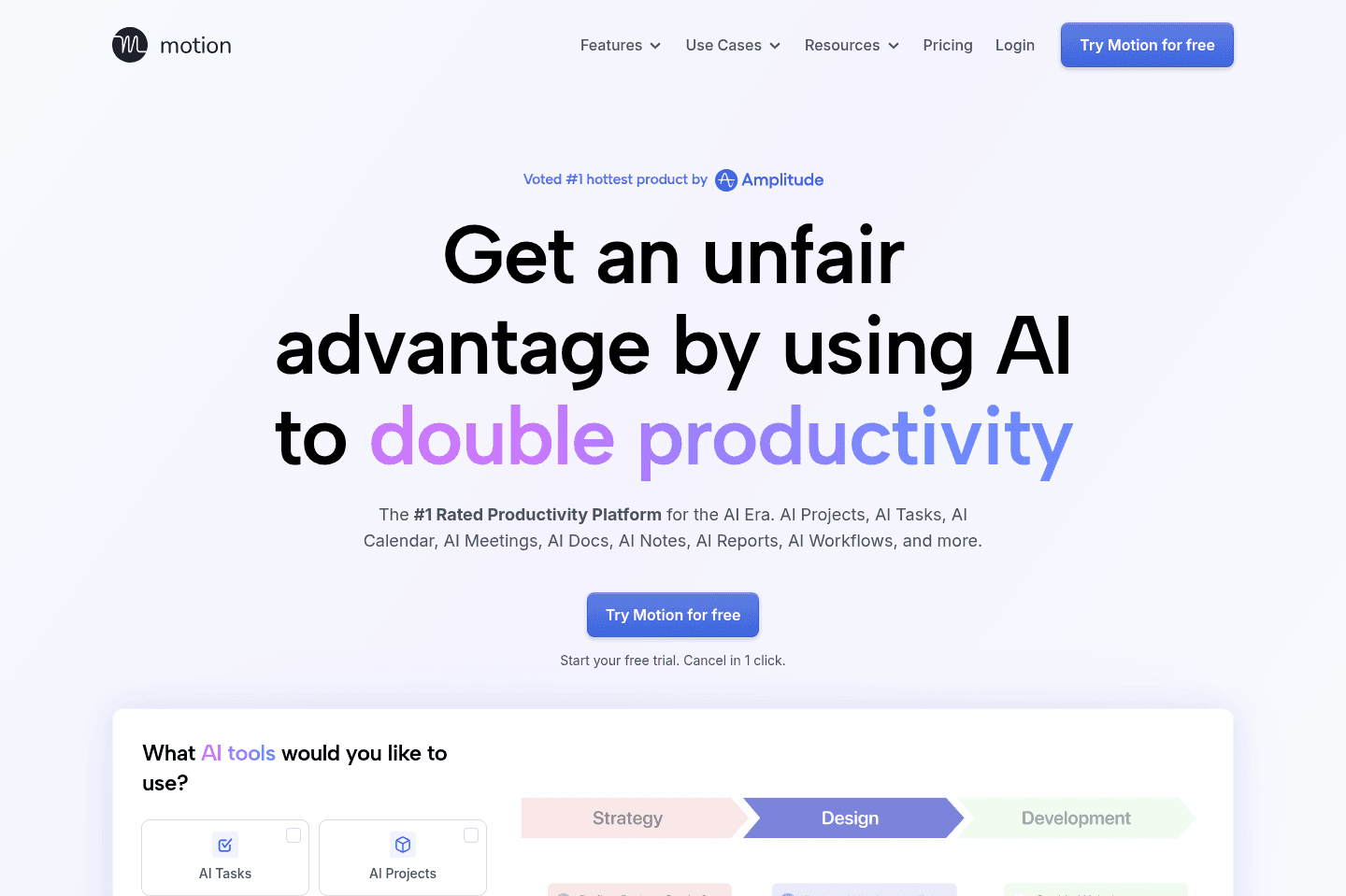
What is Motion?
What is Motion?Motion is not a tool that works on top of your calendar, it fully replaces it, helping you better manage your time. It acts as your personal assistant that takes tasks, priorities, projects, and team availability, and places everything onto your calendar like an assistant would.
Instead of manually deciding what to work on next, then juggling multiple apps to figure it out, you just put all of your projects and tasks directly into Motion and it auto-schedules them on your calendar (and your entire teams calendar).
So if you're truly looking for one tool to help you better manage your time and get work done, then Motion is worth trying.
Pros and Cons
Pros and ConsPros
Pros- Automatically schedules tasks directly onto your calendar
- Prioritizes work based on deadlines and task importance
- Workspaces keep projects organized and team-aligned
- Simple interface despite powerful automation
- Mobile app for iOS and Android available
Cons
Cons- Not ideal if you prefer manually planning every detail of your calendar
- Can feel different if you’re used to traditional task managers
Key Features
Key FeaturesAI Calendar
AI CalendarAt the core, Motion is a full-fledged calendar with AI baked in. You can manage meetings and events on your calendar, along with tasks.
AI Auto-Scheduling
AI Auto-SchedulingYou assign a task, set its priority and deadline, and Motion puts it right on your calendar. If something happens and you don't get to it, Motion automatically reschedules it for you. Which, for us, meant no more readjusting our entire calendar midweek.
Motion determines what you should work on next, but it also gives you the ability to set task priority. So you go from asking “What should I do now?” to your schedule telling you both what to do and in what order. Before Motion, we had to check four different tools to achieve the same workflow; now it's all planned and in one place.
Mobie App
Mobie AppMotion is one of the best time management tools that you can use on your mobile phone. It has full calendar and task functionality, so you can manage your time on the go.
Pricing
PricingMotions prices range from $19 to $34 per month (Individual to Team plans), and the Meeting Scheduler is included within that broader system.
Get the latest rankings and insights on top Time Management apps—delivered to your inbox. Stay ahead with our expert picks and updates.
Clockwise
Clockwise optimizes your team’s schedules to create more time in everyone’s day.
Clockwise optimizes your team’s schedules to create more time in everyone’s day.Clockwise only helps large teams with lots of internal meetings find focus time by automatically rearranging those meetings, but it is basically useless if you work solo, have a small team, or mostly meet with people outside your company. The planner is confusing and does not replace your calendar, so you still need to use Google Calendar or something similar, and its scheduling features are too limited for anyone who actually needs flexible or task-driven time management.
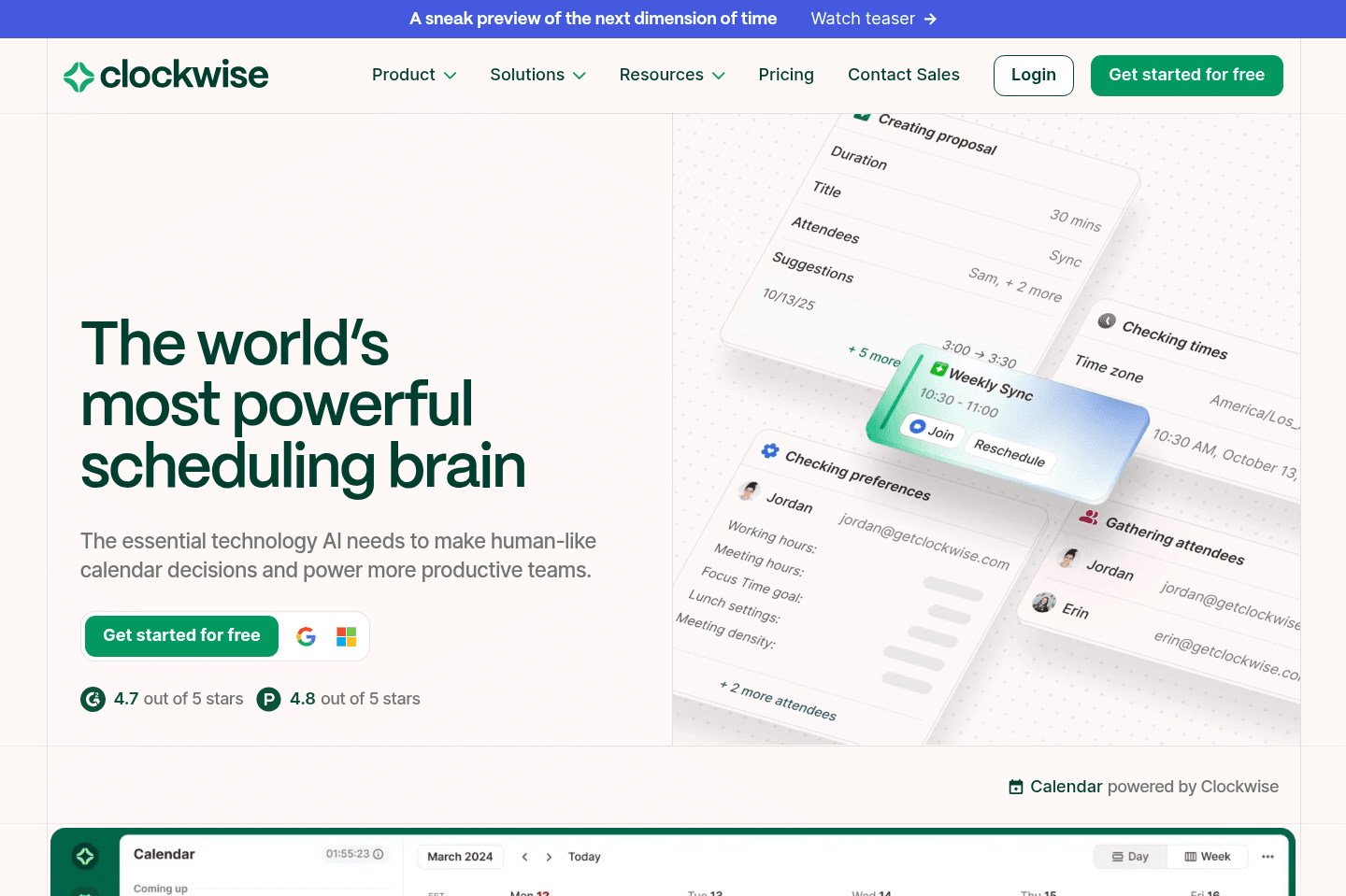
What is Clockwise?
What is Clockwise?Clockwise is clear in their focus on helping teams find focus time. This means that if you're an individual, or a small team that doesn't have many internal meetings, Clockwise is not right for you.
If the main goal that you have is getting your team to have all of their internal meetings optimized to give everyone a calendar that is optimized for focused time blocks, that's exactly where Clockwise excels.
The piece that is most confusing to me when using Clockwise is that they have a "planner", which looks like a calendar:
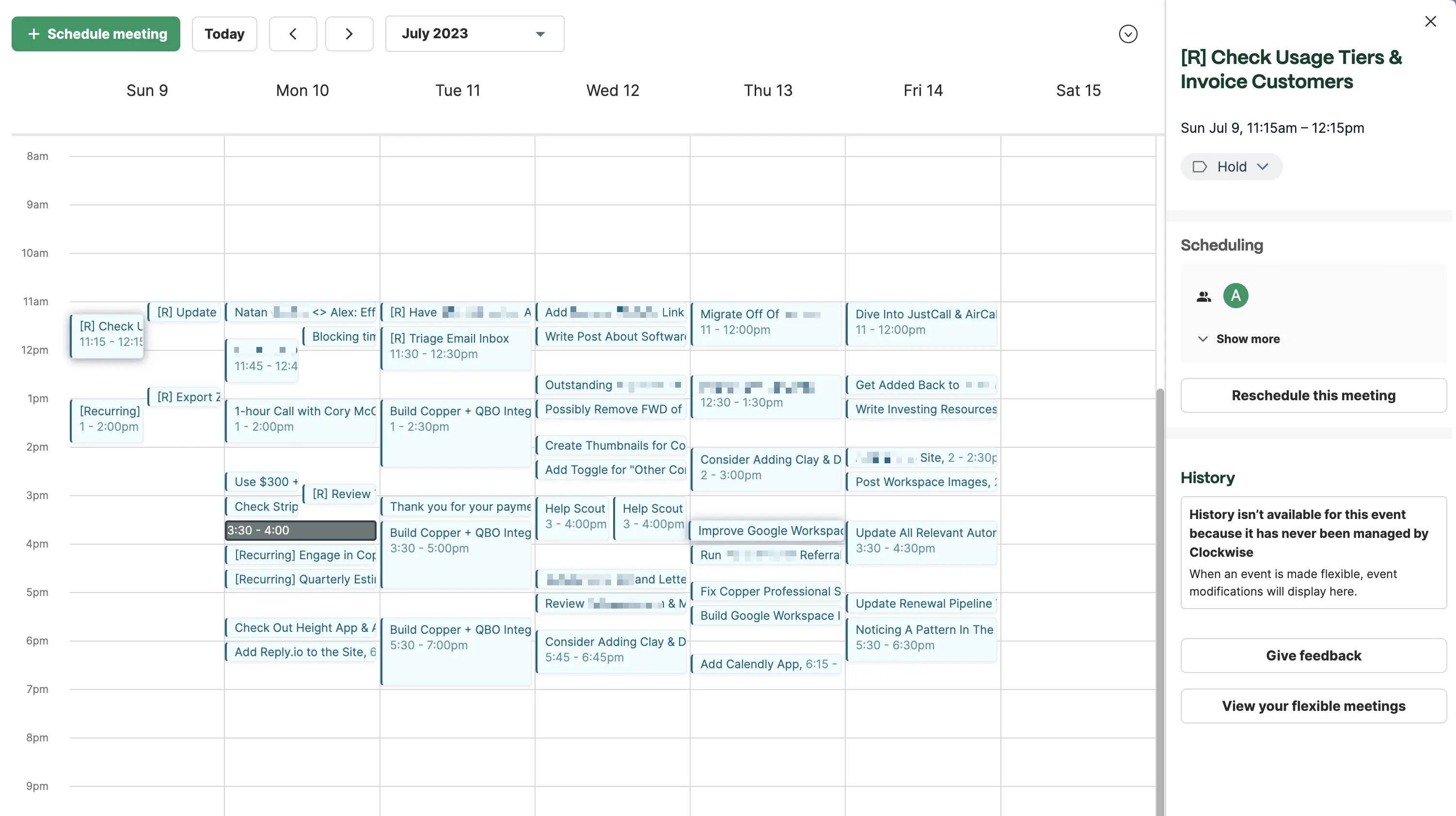
Clockwise planner (not a calendar replacement)
But when you actually dive in to use it, you realize that it has no actual calendaring functionality. While it allows you to create a one-off event, you can't even edit after creating it—it's literally read only. So there's no editing the title/description, adding additional guests, etc. you'll have to go to a separate calendar app like Google Calendar to make any of these changes.
What it does allow you to do is tag existing events (sort of like an over-encompassing category of the event), update internal meetings as "flexible"—AKA you're allowing Clockwise to reschedule them automatically, and manually reschedule meetings to others based on some recommended schedule times:
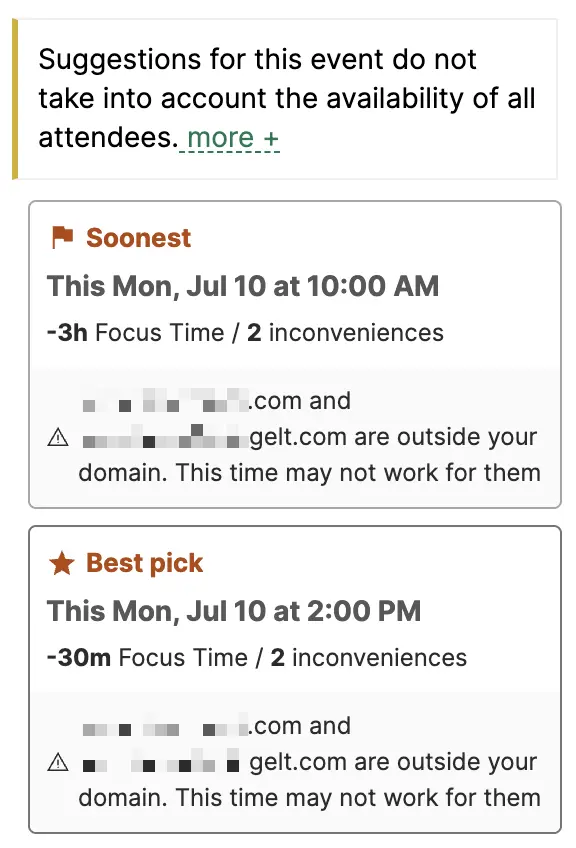
Meeting reschedule recommendations
This is all fine, it's just something that I continually get frustrated by when using these time management tools. Just like Reclaim, it's essentially requiring you to either keep Clockwise open in another tab, or you're restricted to using Google Calendar along with the Clockwise Chrome extension.
So this is where you need to essentially forego using a modern calendar app in favor of using Clockwise properly (or you need to have both apps open side-by-side).
Key Features
Key FeaturesClockwise touts AI for time management/scheduling, and it seems they've actually gone a bit more true to this than that of Reclaim. They've done this by incorporating a ChatGPT-like interface for which you can speak to in-place of a scheduling assistant.
They claim you can use it for things like "I need to meet with our CTO immediately", which will then suggest some shifts in both your calendars, and then you can move forward with it.
The only question I have here is, should everyone at the company really be able to have that level of control? To be able to switch around team member's calendar to prioritize a meeting with you? There's definitely areas where this would be cool and impressive, I'll admit, it's just I wonder how much actual usage this will get on the day-to-day, versus it just being a really cool AI demo type of feature.
Competition
CompetitionClockwise fits in as the most focused specifically on re-arranging internal team meetings, to optimize chunks of focus time for teams. This means, if you're using Clockwise solo, or with a small team (or just don't have that many internal meetings), the value in which you'll get from it won't be all that high.
This is where we're more a fan of time management tools that also have task management baked in at the core, because really, what is time management without tasks?
While a tool like Motion will actually fit in tasks that need to be done during your focus blocks of time, Clockwise is more about trying to find you and your team focus blocks of time.
Clockwise also just reschedules meetings and focused time blocks once a day, whereas both Motion and Reclaim react to changes on your calendar immediately.

Rescheduling runs once-a-day
We find it generally difficult to recommend Clockwise if customers actually have any meaningful scheduler needs though, as something like Motion or Calendly allows for far greater control in adding more opinionated parameters around the booking link. Like in Motion, since it also manager your tasks, you can set a scheduler link to be higher priority in that it'll actually book over scheduled tasks, and even over scheduled events (if you wanted a high-priority link set).

Not a tool. A hire.
Reclaim AI
For basic task scheduling on your calendar
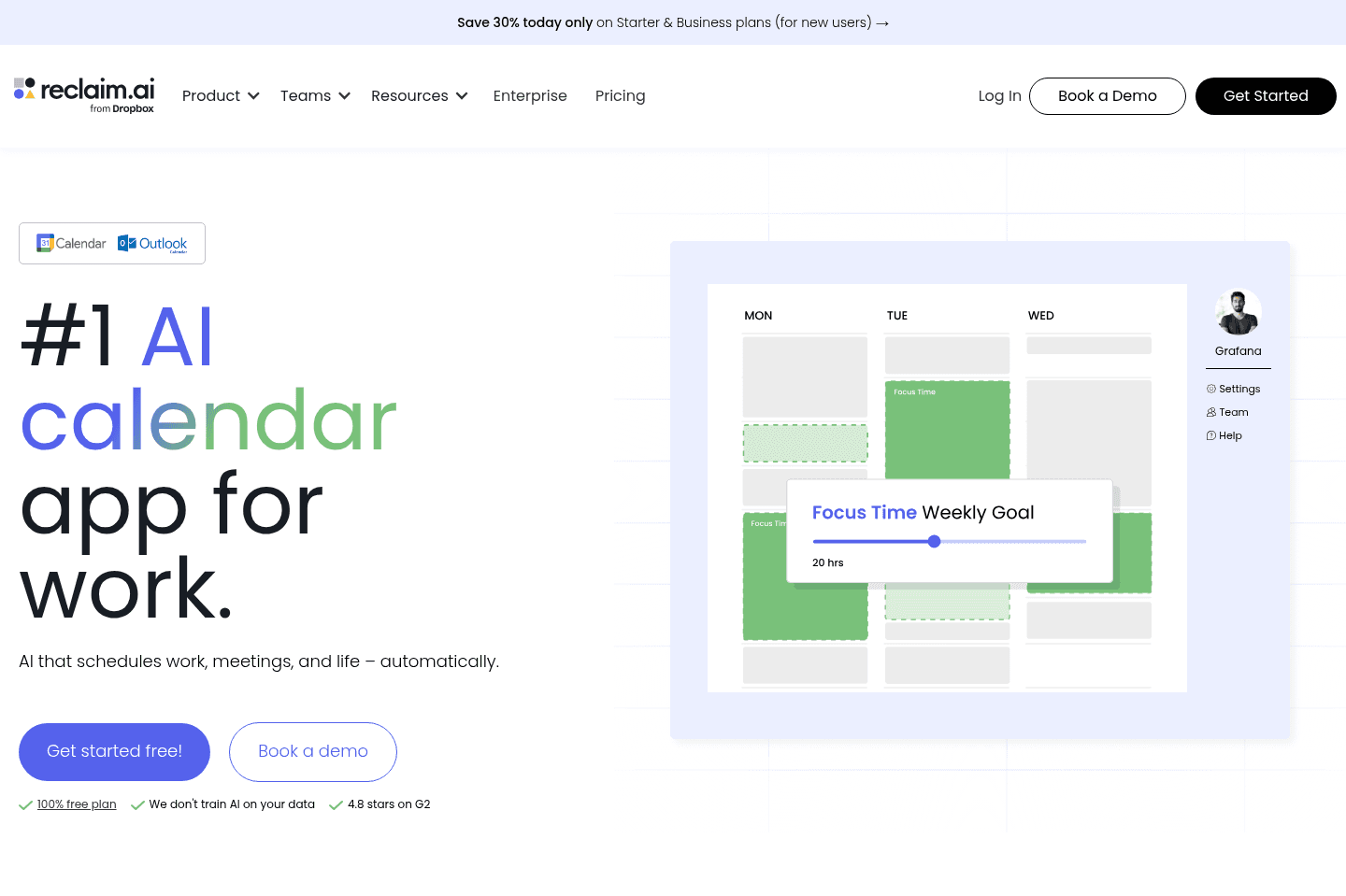
For basic task scheduling on your calendarReclaim AI helps people on large corporate teams who get pulled into constant internal meetings protect their time for focus work and personal habits by automatically scheduling breaks, focus blocks, and internal meetings on top of Google Calendar.
The truth of the matter is we tried it, but didn't see the appeal. We think there are much better options available for managing your time.
What is Reclaim AI?
What is Reclaim AI?If you're a part of a larger team and you're constantly being pulled into meetings, and you've had just about enough of never having focus time for work done or even getting your lunch break, Reclaim could help.
Reclaim is in a bit of a weird software category, as it's not a daily planner, or project management software. It's a tool you use to create rules on how you want events and tasks to show up on your calendar.
If you're working a corporate job, are in constant meetings and want to protect your time from getting pulled into meetings, then Reclaim can help you get more focus time and, well, simple things like a lunch break. Engineering, product, or marketing teams that need heads down focus time will benefit the most from Reclaim.
Pros and Cons
Pros and ConsPros
Pros- Protects focus time automatically by blocking meetings and scheduling habits on your calendar
- Smart internal meeting scheduling that finds the best time for team members to meet
- Flexible recurring habits (lunch, exercise, focus blocks) that automatically adjust when your schedule changes
- Helpful for teams that live inside Google Calendar and attend lots of internal meetings
- Free plan available for individuals
Cons
Cons- Not a true task manager or project management tool
- Auto-scheduling for tasks is very basic compared to tools like Motion
- Meeting scheduling links lack basic features like pre-meeting questions
- Requires Google Calendar (limited support for other calendar ecosystems)
- Still requires separate tools for project management and external scheduling
- No full calendar interface or robust daily planning features
Key Features
Key FeaturesCalendar
CalendarReclaim is a layer on top of your Google Calendar, but it's not a replacement for a project or task manager (you'd integrate your existing task manager or project manager in with Reclaim).
You enter in your habits into Reclaim, like "lunch" and you tell it to schedule your lunch between 11 a.m. and 2 p.m. Using AI, Reclaim will make sure to schedule your lunch break everyday between those hours, depending what you have to get done. If your schedule shifts, Reclaim will make sure you still get a lunch break.
Tasks
TasksIf you're thinking of using Reclaim for task management, be prepared for something pretty basic. Reclaim more so wants you to integrate your project management tool. It's going to allow you to set task priority and deadline, but it won't let you manage greater projects, collaborate with your team, or get a bigger picture of all of your tasks at hand.
Pricing
Pricing- Light: Free plan (limited functionality). Best for individuals experimenting with habit blocking.
- Starter: $10/mo per user. Best for small teams needing more meeting capabilities.
- Business: $15/mo per user. Best for large teams looking for unlimited access.