
Comparison Summary
Comparison SummaryFantastical is a calendar for iOS only. While it was impressive once upon a time, most of its features are now a commodity (check out our best calendar apps for a comparison).
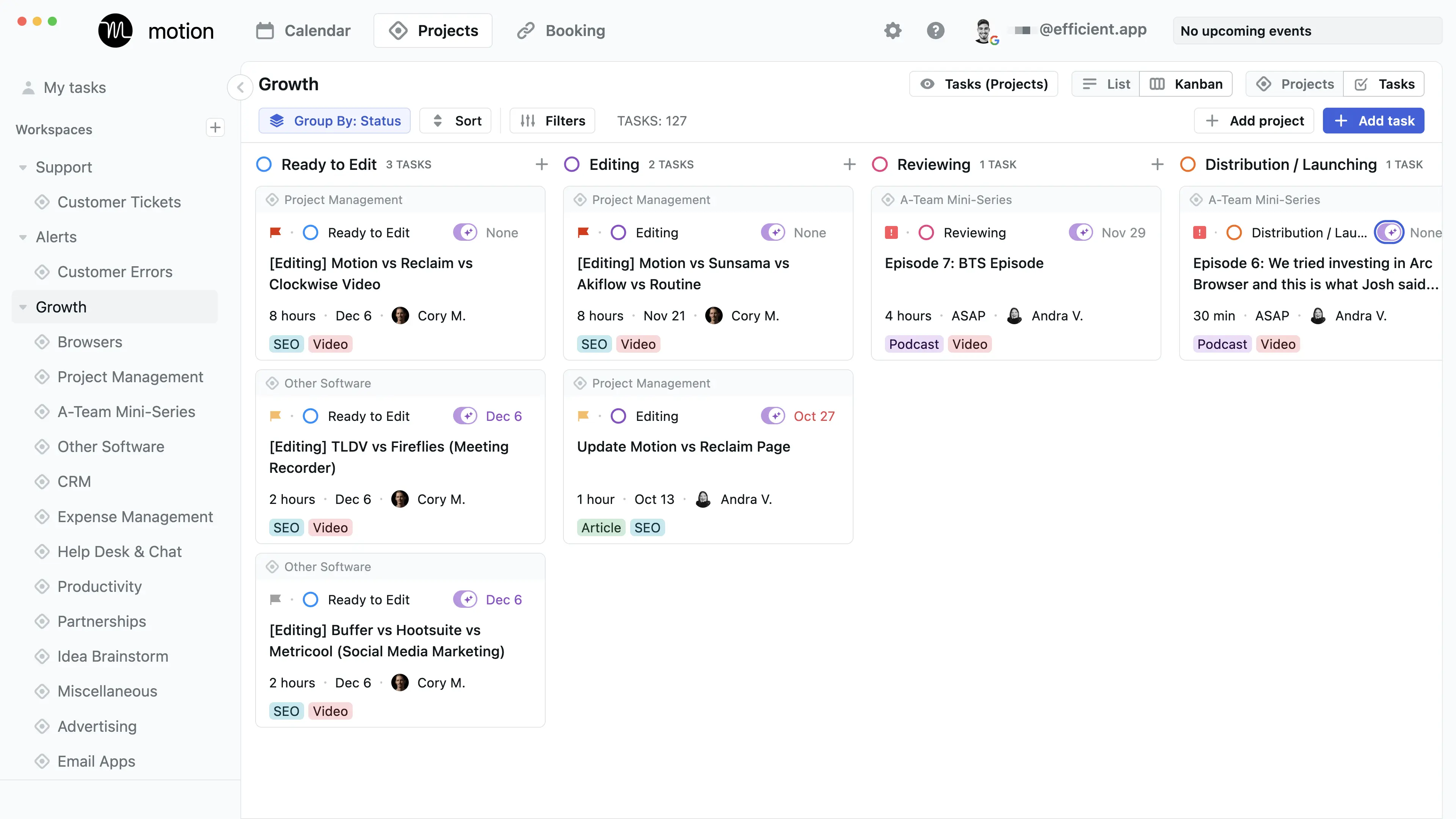
Motion is a task/management tool with calendar at the core and is best used by busy individuals or teams who want to manage their work tasks.
 MotionRecommended
Best AI calendar that schedules tasks around meetings
Best AI calendar that schedules tasks around meetings Fantastical
For MacOS + iOS only
For MacOS + iOS only
Comparison Video
Comparison VideoBest Calendar Apps
Best Calendar Apps 18:11
18:11Best Calendar Apps
Best Calendar AppsEditor's Verdict
Editor's VerdictMotion completely outclasses Fantastical for anyone who cares about managing both tasks and time on a calendar. Motion actually uses AI to schedule, reschedule, and optimize your day, even warning you about missed deadlines and taking into account real team workloads. It's built for professionals and teams who want everything in one place and need help staying on top of complex schedules.
Fantastical, on the other hand, isn't set up for professional or team use at all. It's described as dated, limited to personal or family calendars, and not even a top pick for that. There's no mention of smart scheduling, task management, or anything close to what Motion offers.
If you want a calendar that actively helps you get work done and keeps you on track, Motion is the only real choice here. Fantastical just can't compete on this front.
Screenshots
Screenshots
Motion