AircallRecommended
Best VoIP with native CRM integrations
Best VoIP with native CRM integrations JustCallRecommended
For basic sales calling
For basic sales calling DialpadRecommended
Best overall VoIP
Best overall VoIP RingCentral
For enterprises that need a feature-rich VoIP
For enterprises that need a feature-rich VoIP
Best VoIP Apps at a Glance
VoIP App Overview
The biggest question we get is: "Why should we use a VoIP solution in our business?"
Regulatory Frustrations
Regulatory FrustrationsI will note that A2P (Application to Person) messaging is starting to get worse and worse. Dialpad and other VoIP services used to function more like P2P (Person to Person) messaging, but because businesses have taken advantage of this, carriers and the government have stepped in.
The result? A worse experience and higher costs for everyone. Dialpad now charges on-top of your monthly fee for sending messages (although they will cover the first 250 per user/mo), with stipulations (e.g. local SMS, not international or messaging an application—think Google 2FA codes, yep, those now charge you $0.01.
At the end of the day, SMS/MMS and traditional calling services suck, and are somehow just getting worse. How we're now moving backward to paying per SMS sent, when using just about any other messaging platform is free, is just baffling (not to mention the 30%+ in additional regulatory fees everything costs).
With all the regulatory frustrations, this does seem like it's hitting every business (A2P) VoIP provider, so we need to put this to the side when simply evaluating Dialpad vs the others mentioned.
How We Evaluate VoIP Apps
We score each VoIP app across multiple criteria, and hands-on expert evaluation
- Ease of UseQuick to set up and intuitive to use without a steep learning curve.
- Feature DepthCore features that work well, not surface-level checkboxes.
- Reliability & PerformanceConsistent, fast, and dependable with minimal bugs.
- Value for MoneyPricing that's fair relative to what you actually get.
- Integrations & EcosystemWorks well with other tools in your stack.
- Expert EvaluationCurated by, our rankings reflect in-depth testing, industry insights, and hands-on experience.AlexandAndra
Aircall
Best VoIP with native CRM integrations
Best VoIP with native CRM integrationsAircall gives you out of the box native integrations with top CRM tools and handles logging calls and texts automatically with minimal setup, so if you want a VoIP system that just works with your existing software and you care most about easy integration, check it out.
If you want advanced features like AI coaching or the most polished SMS and call experience, or you're willing to build your own custom integrations, you'll be happier with something like Dialpad.
What is Aircall?
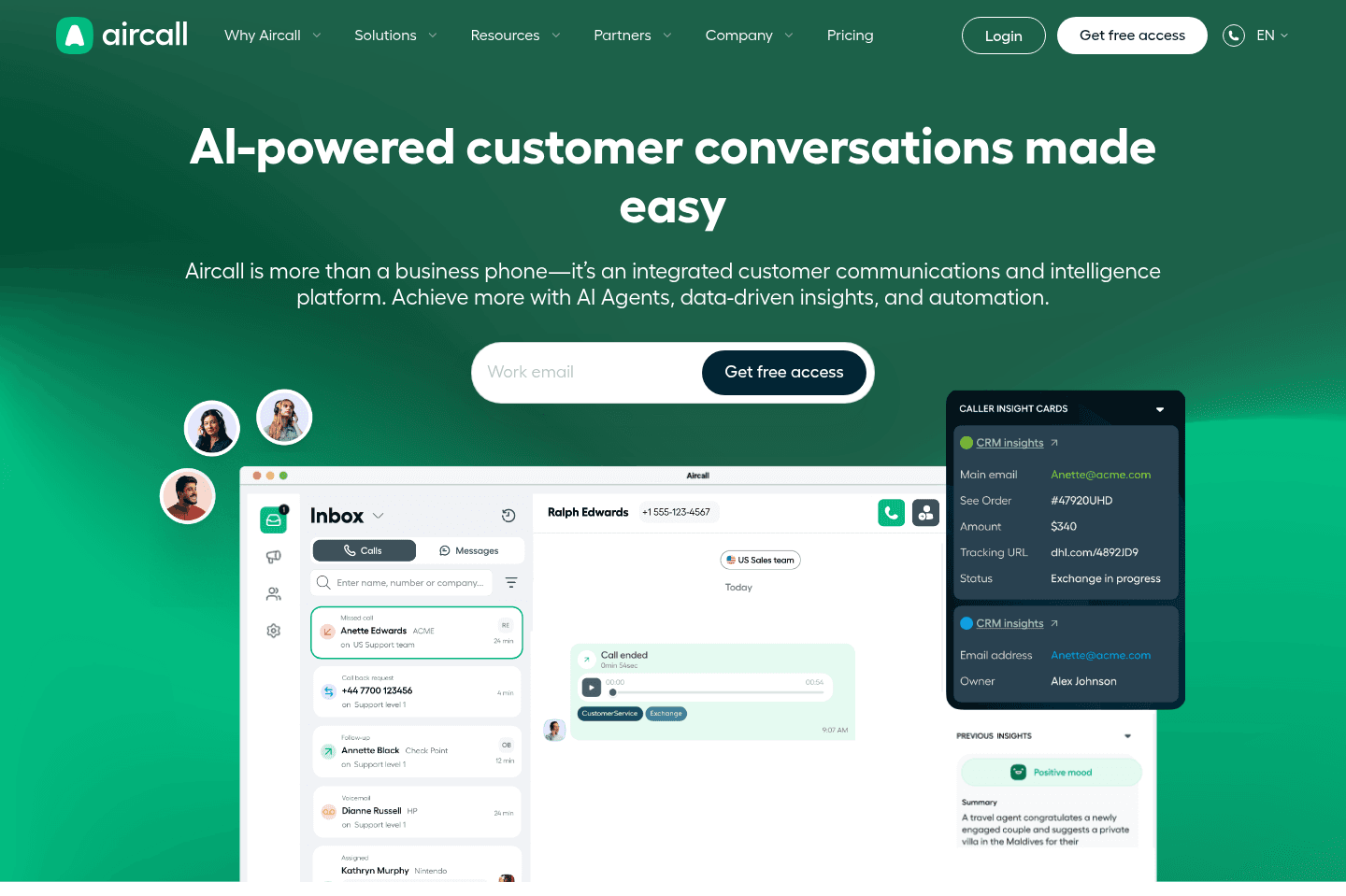
What is Aircall?Aircall is a business phone system (VoIP) that plugs into your CRM and helpdesk, automatically logging calls, texts, and customer interactions.
If you're looking for one of the best VoIP solutions on the market and native, out-of-the-box native integration is important to you, then you'll be in good hands with Aircall would be your best bet.
While this might sound slightly confusing as we have Dialpad listed as our "Top Pick", that's because things get quite a bit more complex when you look holistically across the VoIP space. We for example chose Dialpad as the Voice over IP solution for our business, but as an integration company, we aren't afraid of building out a custom Copper + Dialpad Integration. That said, we know we aren't the average company, and to justify investing in that doesn't make sense for many companies.
Key Features
Key FeaturesAPI & Integration
API & IntegrationAircall actually integrates natively with many of the best CRM software and tools on the market. This means out of the box, minimal setup required. So while the integration might not be the best we've seen, it accomplishes the goal of logging texts and phone calls into the other software, which is usually what teams are ultimately looking for when it comes to a VoIP integration.
They have a relatively robust API if you do want to go the custom route, integrating Aircall into other tools.
If you're more technical and are familiar with the best integration software on the market, Aircall actually uses Tray on the back-end to integrate with many of these tools natively. Which while that's not something we particularly love, it does seem to work well enough, and it has enabled them to build more native integrations out of the gate.
Get the latest rankings and insights on top VoIP apps—delivered to your inbox. Stay ahead with our expert picks and updates.
JustCall
For basic sales calling
For basic sales callingJustCall handles basic sales and support calls and connects with CRMs, but if you need true click-to-dial from your CRM or reliable call and SMS logging, you'll hit annoying roadblocks and sync failures.
If your team just wants a cheap, simple calling tool and can live with inconsistent integrations, it's workable, but anyone who cares about seamless CRM workflows should look elsewhere.
What is JustCall?
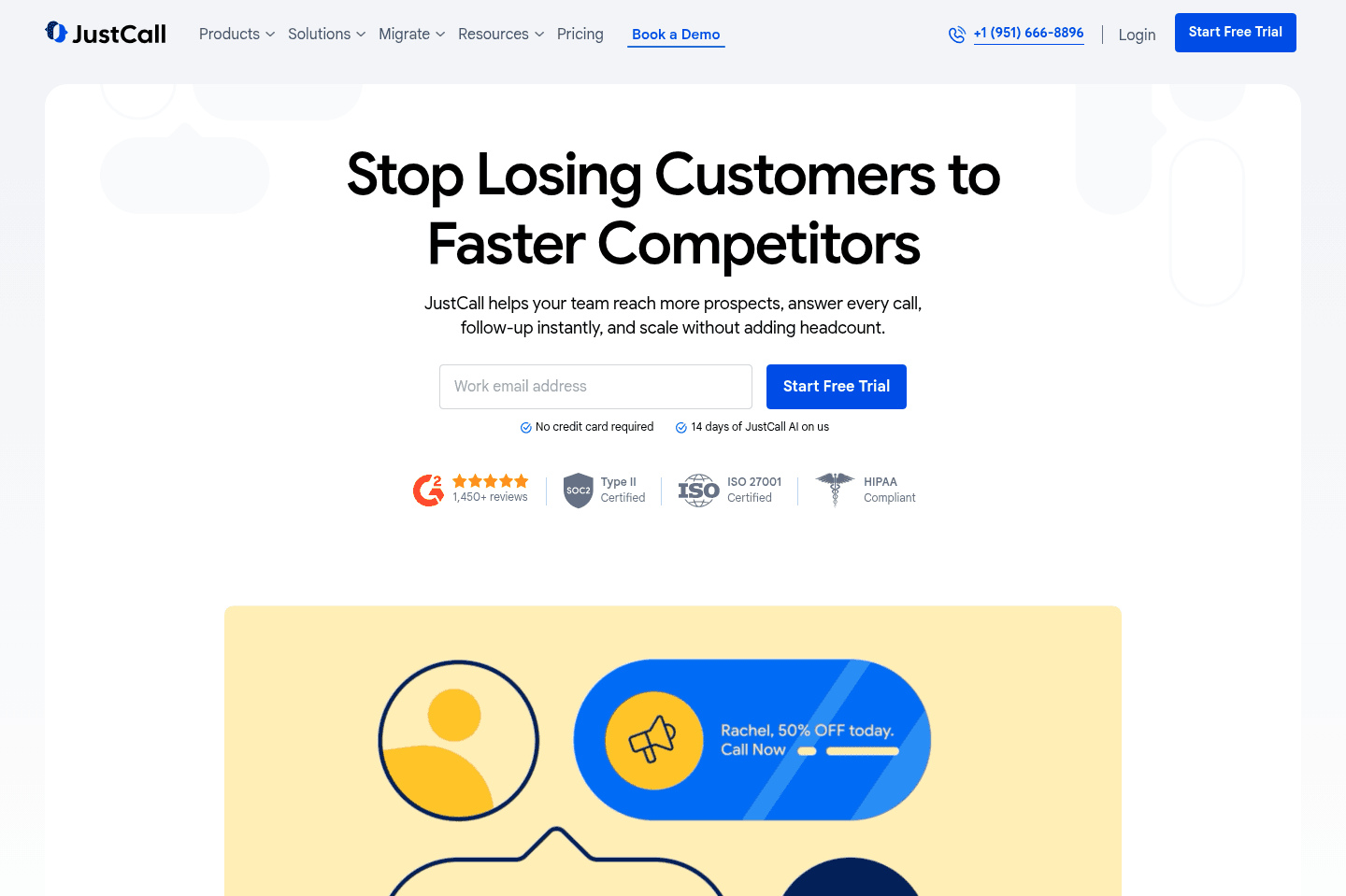
What is JustCall?JustCall is focused on making sales and support calls easier, especially when paired with the best CRMs like Copper. On paper, it promises click-to-dial, SMS, and automatic call logging so reps don’t need to waste time copy/pasting numbers or updating records.
In practice, though, the experience isn’t always that smooth. One big limitation: there's not a true click-to-dial directly from the CRM. Users often have to work around it (or test competitors like Dialpad’s Chrome extension), which adds friction where speed should matter most. Call and SMS logging, while "supported" is also inconsistent. Sometimes the activity lands in the CRM, sometimes it doesn't. That’s a common pain point with many native integrations: they rarely have proper re-triggering systems in place, so the sync just fails quietly.
Overall, JustCall does the job for teams that want a simple, affordable calling platform with decent CRM connections. But if you rely heavily on wanting seamless one-click calling with reliable activity logs, you may run into some frustrations.

Not a tool. A hire.
Dialpad
Best overall VoIP
Best overall VoIPDialpad has modern VoIP experience, with pretty robust AI features built-in, and a mobile app that feels like using SMS. So it's great if you want a business phone number for work, customer calls, or networking. We've used it for 8+ years for our business phone number.
What is Dialpad?
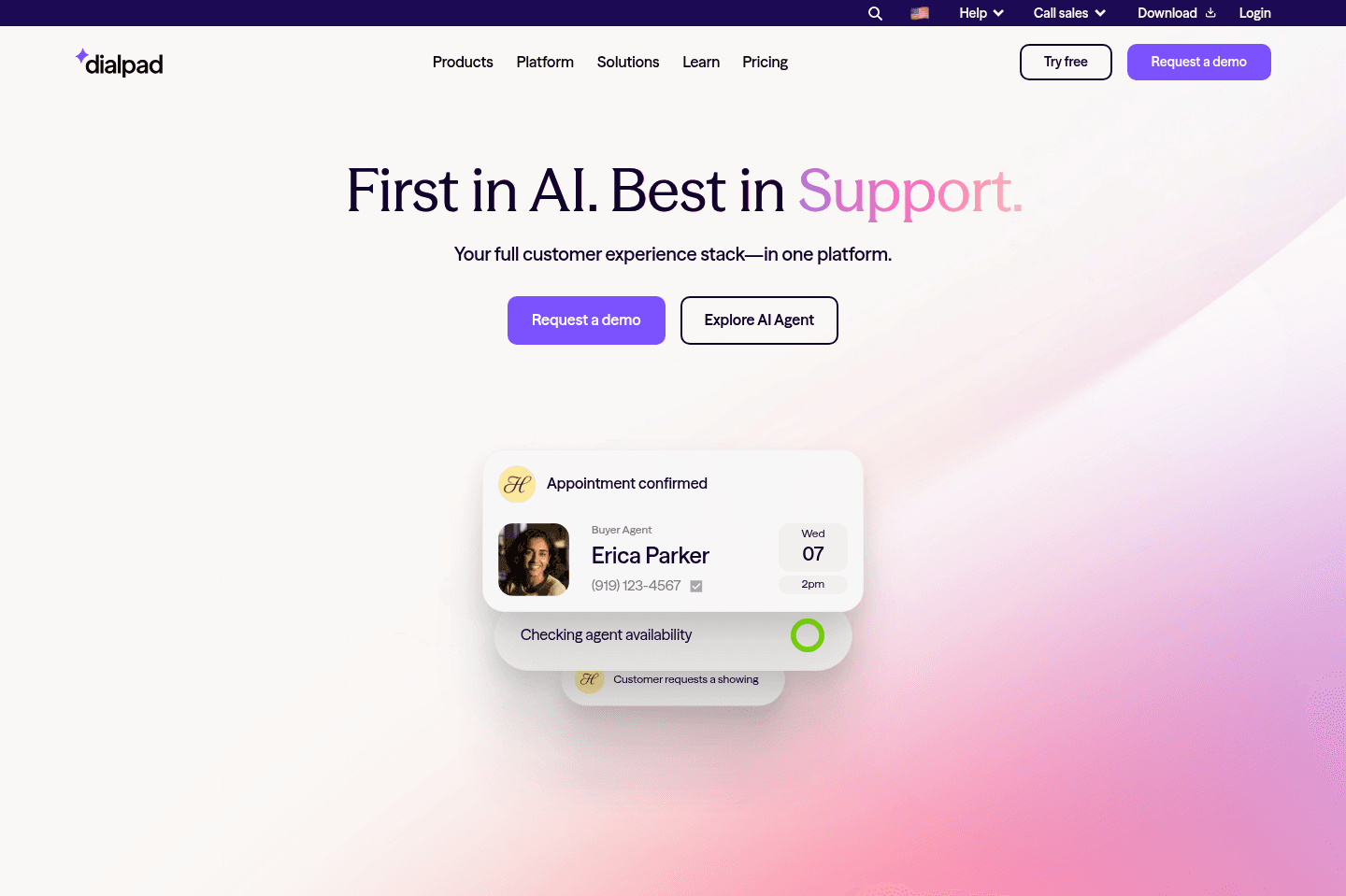
What is Dialpad?Having used just about every single VoIP on the market over the past decade, Dialpad is the clear innovator in the space.
So much in-fact that I personally use Dialpad as my professional relationships number (work/angel investing/networking). This is because the mobile app actually feels like a modern SMS app, and is the most stable of the bunch.
The added perk is that I've integrated Dialpad with our CRM (Copper) so all texts and calls automatically log into the CRM (and even automatically create new leads in the CRM if the number doesn't yet exist in our CRM).
You'll see software like RingCentral (the 800lb gorilla in the space) claims to "integrate" with everything, but it doesn't integrate as you'd actually like it to (it's just marketing-speak), and the desktop + mobile apps are incredibly outdated on all fronts.
There's more modern VoIP solutions on the market like Aircall and JustCall, which do have better "native integrations", although they pale in comparison to the UI/UX of Dialpad + have no AI intelligence features like Dialpad does (sentiment analysis, AI call review, etc.).
If you're unable to justify the investment into a custom integration with Dialpad, you'll probably be better off with Aircall or JustCall. Although, if you're interested in using the best tool in the space (clear leader) and are open to investing in a proper integration with your CRM, Dialpad won't let you down.
Pros & Cons
Pros & ConsPros
Pros- Best-in-class VoIP UX: The mobile app feels like a modern SMS app and is more stable than most competitors.
- Strong AI features: Includes sentiment analysis, AI call review, and other intelligence features that most VoIP tools lack.
- Modern interface compared to legacy tools: Much better UI/UX than older VoIP platforms like RingCentral.
- API and Zapier support: Provides flexibility for automation and integrations if you're willing to build around it.
- Dialpad Meetings included: A built-in meeting platform comes with the subscription.
Cons
Cons- Weak native integrations: Existing integrations are selective and often incomplete or unreliable.
- Buggy CRM integrations: Some native integrations (e.g., Copper) do not sync data properly or consistently.
- API limitations for messaging automation: Not designed for triggering automated SMS/MMS campaigns via API.
- Regulatory SMS costs: Business messaging now incurs additional costs and regulatory fees.
Key Features
Key FeaturesBusiness Phone
Business PhoneDialpad is what we've use for our business phone number for, gosh, I've lost count how many years. Probably something like 7-8 years. We have multiple business phone numbers so that we keep our "professional" conversions seperate from personal.
Integrations & API
Integrations & APIDialpad is in a bit of an odd boat here. They are quite selective about what apps they choose to build native integrations with, and you can't completely trust their site in determining if the integration exists. This at times makes us feel like they initially built the integration as an MVP v1 more for marketing purposes than anything (to be able to say "we integrate with this software" to check the box for a new buyer).
Their API is decent, and they even have a Zapier connector (which we always appreciate), although it's quite complicated to get it to actually function how you'd like it to work.
Regulatory Frustrations
Regulatory FrustrationsI will note that A2P (Application to Person) messaging is starting to get worse and worse. Dialpad and other VoIP services used to function more like P2P (Person to Person) messaging, but because businesses have taken advantage of this, carriers and the government have stepped in.
The result? A worse experience and higher costs for everyone. Dialpad now charges on-top of your monthly fee for sending messages (although they will cover the first 250 per user/mo), with stipulations (e.g. local SMS, not international or messaging an application—think Google 2FA codes, yep, those now charge you $0.01.
Pricing
PricingDialpad offers different pricing tiers depending on whether you’re using it primarily as a business phone system, a sales dialer, or a customer support platform.
RingCentral
For enterprises that need a feature-rich VoIP
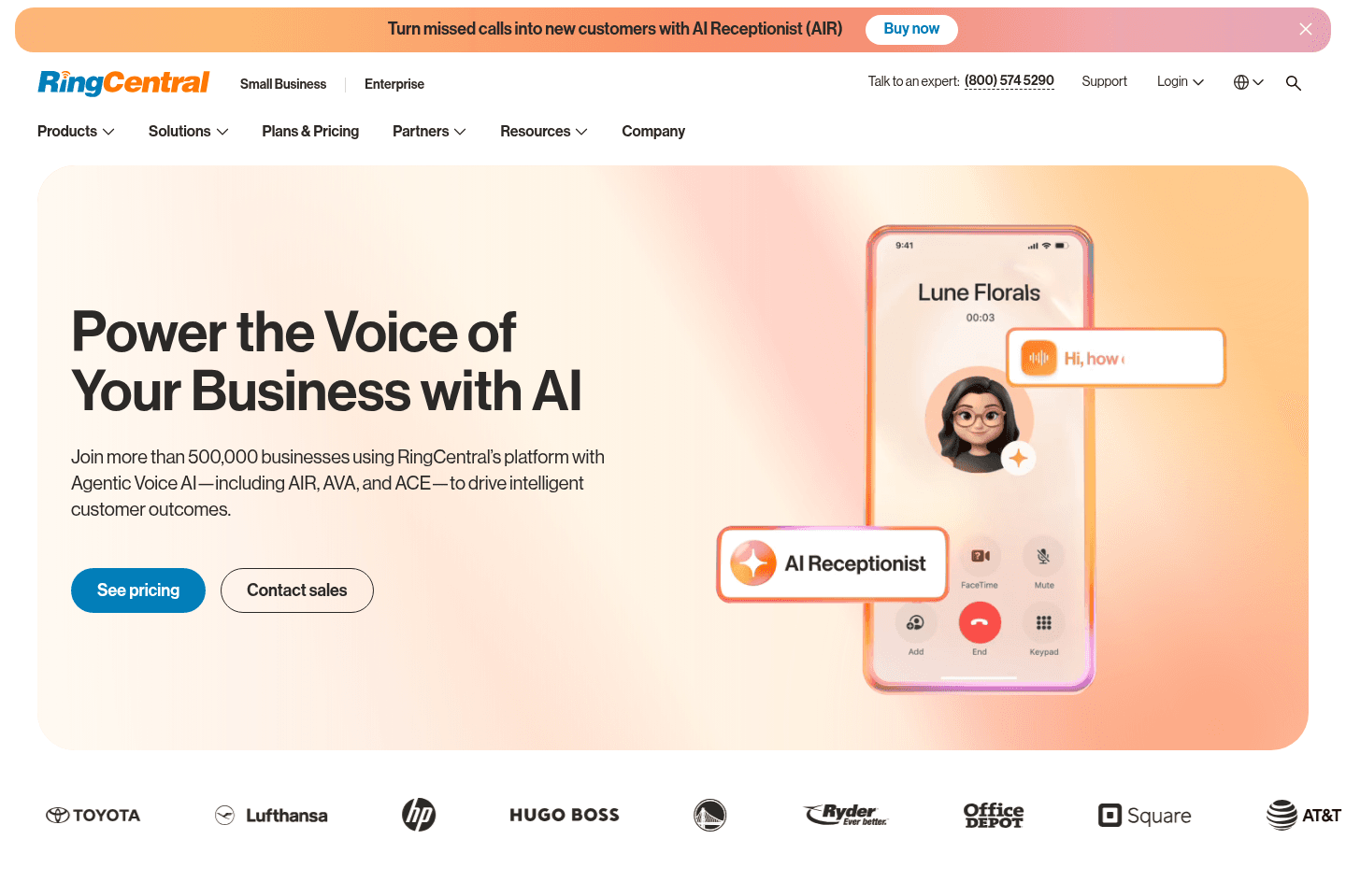
For enterprises that need a feature-rich VoIPRingCentral covers all the standard business VoIP features and integrates with a lot of other tools, but actually using it feels outdated, unintuitive, and painful, especially if you don't have an IT department to handle the setup. Unless you're a huge enterprise that values stability over usability or innovation, you'll probably regret choosing it over newer options.
What is RingCentral?
What is RingCentral?Think of RingCentral as the "Salesforce" of the VoIP world. They "integrate" with almost everything (what that even means is many things...), does that mean it'll do what you want it to do? Great question! They have all the standard business VoIP features—company department lines, employee lines, SMS/MMS, IVR menus (press 1 for x department, press 2 for...). It's not a question of features—they've been around for a while.
Okay, that all sounds great! Right? But what's RingCentral like to actually use? Well, painful (I'm finding myself writing more and more about the "joy" component to using software). There's zero joy in using it. It feels like you're using archaic and unintuitive software. Why is this the case? Well, like Salesforce, since there are such gigantic enterprises on RingCentral, they are in that messy area where they really can't innovate much without upsetting their highest paying enterprise customers who ultimately just want things to "stay the same".
I've personally implemented RingCentral to a myriad of teams 6+ years ago (some of which are still using it to this day), and well, I regret it (now). At the time, we all got sold on their "native integration" marketing shpeal. Although, to be fair to past Alex—at the time RingCentral's largest competitors were not even cloud-based, so they were a huge upgrade at the time. The setup process at the time was (and still is) incredibly painful. They expect to be working with an IT department, not an agile team. So they used to be a great solution, but are really getting eaten alive by the more modern software like Dialpad, and Aircall.
Not a tool. A hire.