Comparison Summary
Comparison SummaryAkiflow lets you pull in tasks from tools like ClickUp, Asana, Slack, and email to one place and time block them on your calendar, which Todoist does not.
Only use Todoist if you just need a straightforward personal task list and do not care about integrations or calendar time blocking like in Akiflow.
Daily Planning
Daily Planning TodoistRecommended
Best free mobile daily planner
Best free mobile daily planner AkiflowRecommended
Best for task consolidation from third party apps
Best for task consolidation from third party apps
Todo List
Todo ListRecommended Alternatives
Recommended Alternatives SunsamaBest
Best for mindful planning
Best for mindful planning MotionBest
Best for AI-powered auto-scheduling
Best for AI-powered auto-scheduling
Editor's Verdict
Editor's VerdictIf you want true time blocking, Akiflow is the clear pick. It lets you drag tasks directly onto your calendar and forces you to actively plan when things will happen, giving you full control. Todoist's time blocking is an afterthought and feels pretty limited, so much so that people actually use Akiflow or Sunsama alongside Todoist just to get a proper daily planning workflow.
Akiflow's approach is hands-on and manual, so it's perfect if you like to intentionally map out your day and see everything from all your connected apps in one spot. Just know you'll need to keep up with your planning or things can get messy fast. Todoist, meanwhile, is solid for simple task management but falls flat if you care about scheduling your work on a calendar.
If you're serious about time blocking and want to consolidate tasks from a bunch of tools into one place, go with Akiflow. If you just need basic lists and light organization, Todoist is fine, but don't expect much from its time blocking.
Screenshots
Screenshots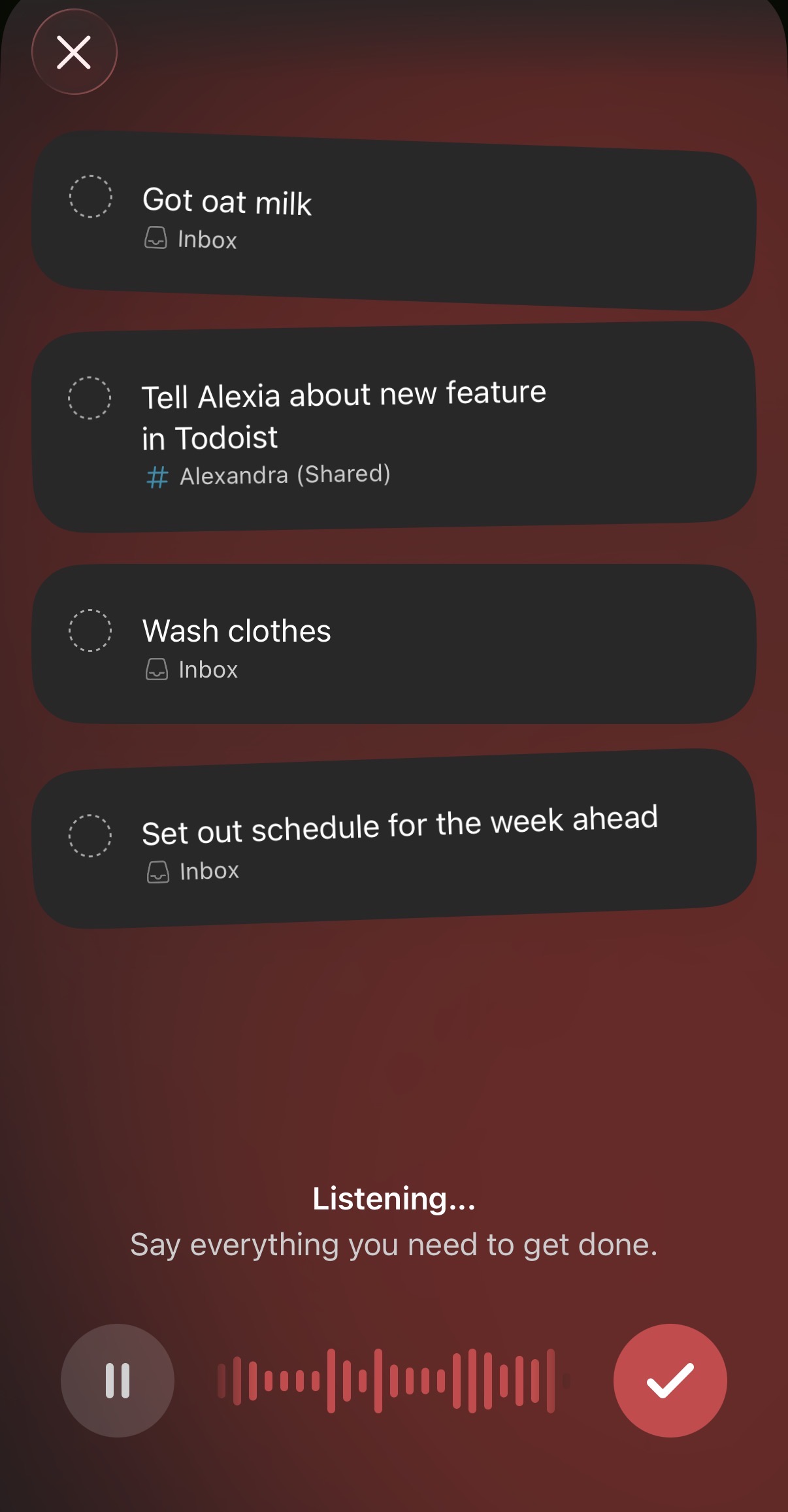
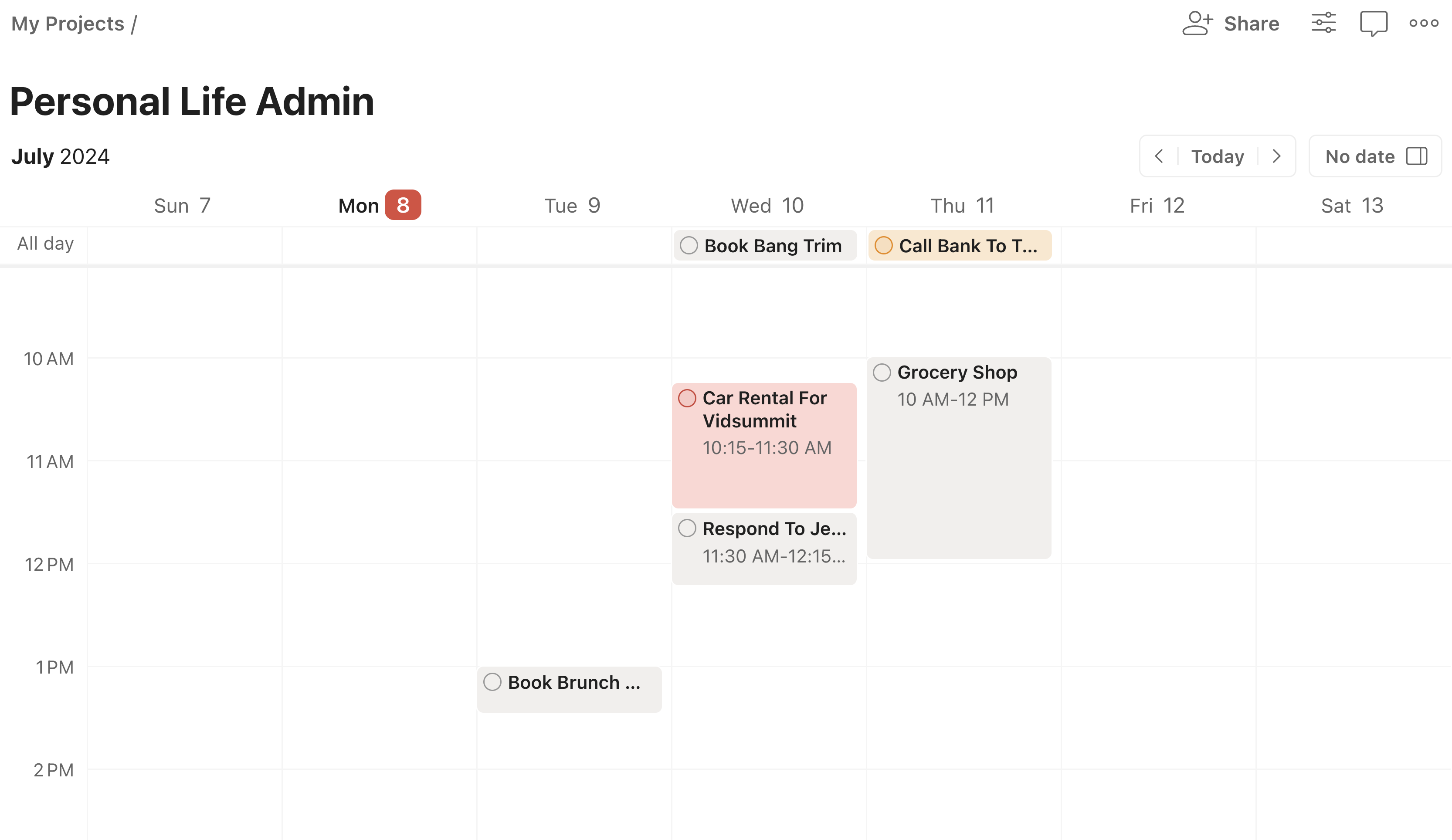
Todoist