What is Granola AI?
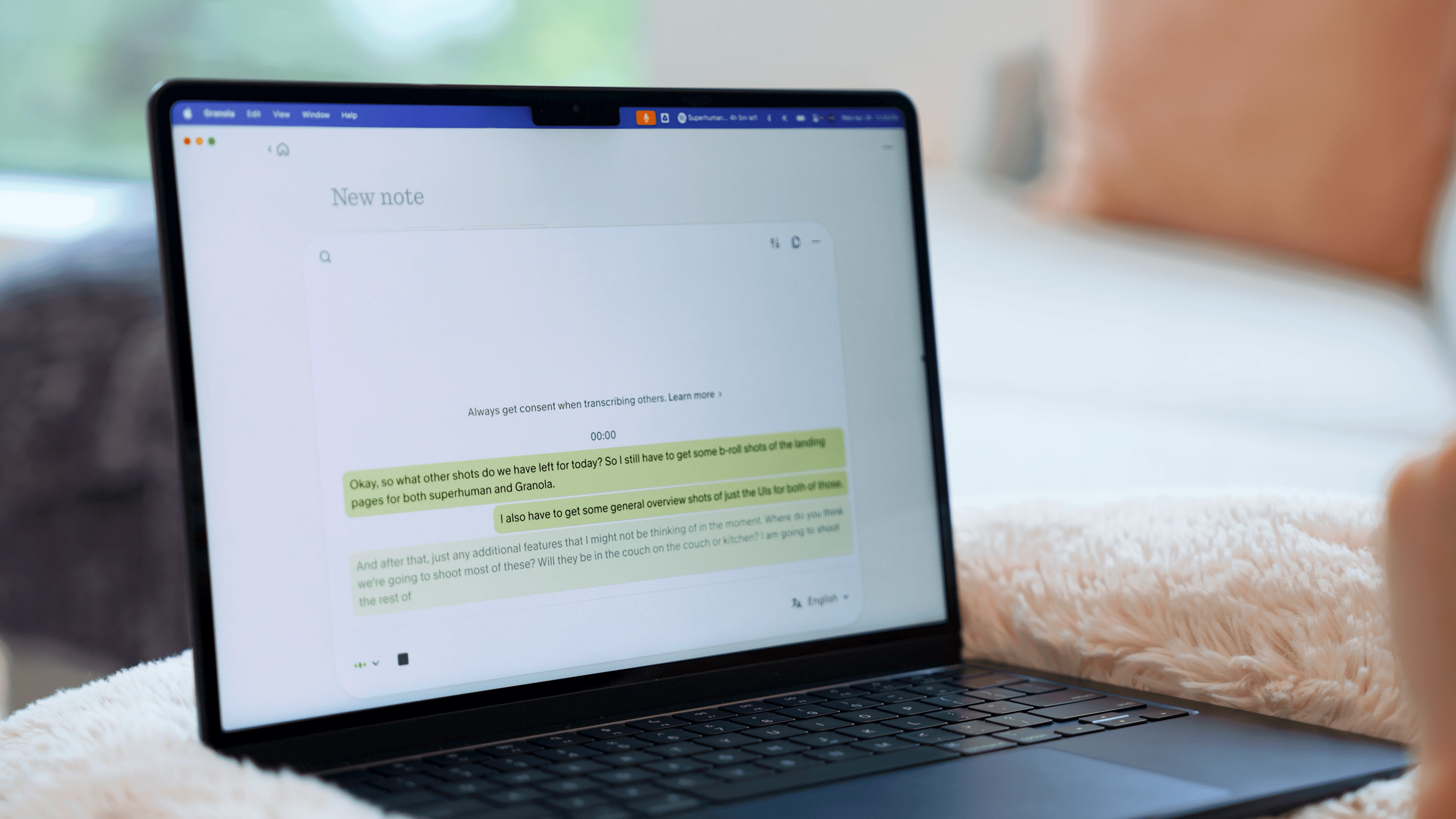
Granola is a meeting recorder tool that doesn't require those annoying bots to join. In-fact the people you're on the call with don't even have to know you're using it.
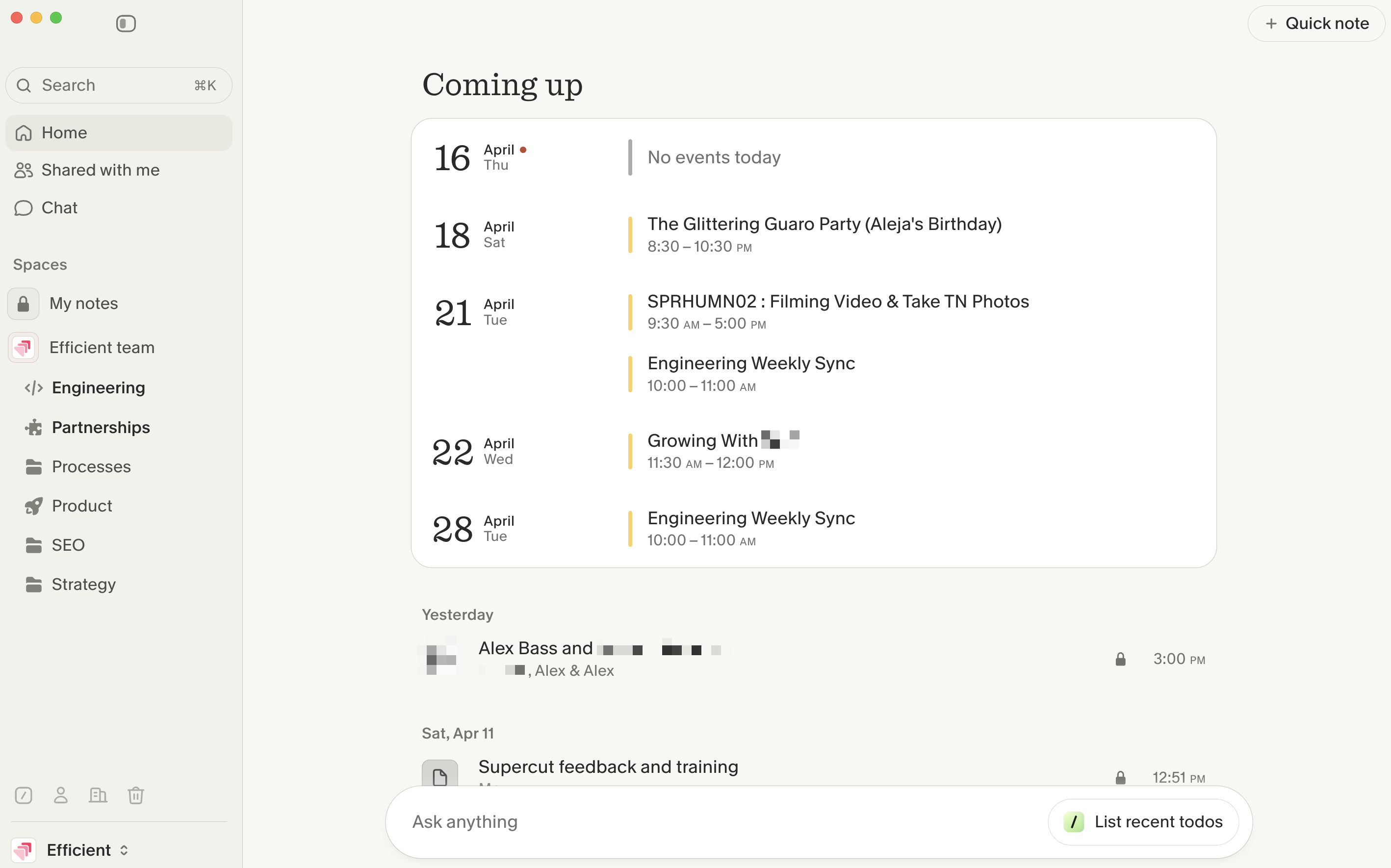
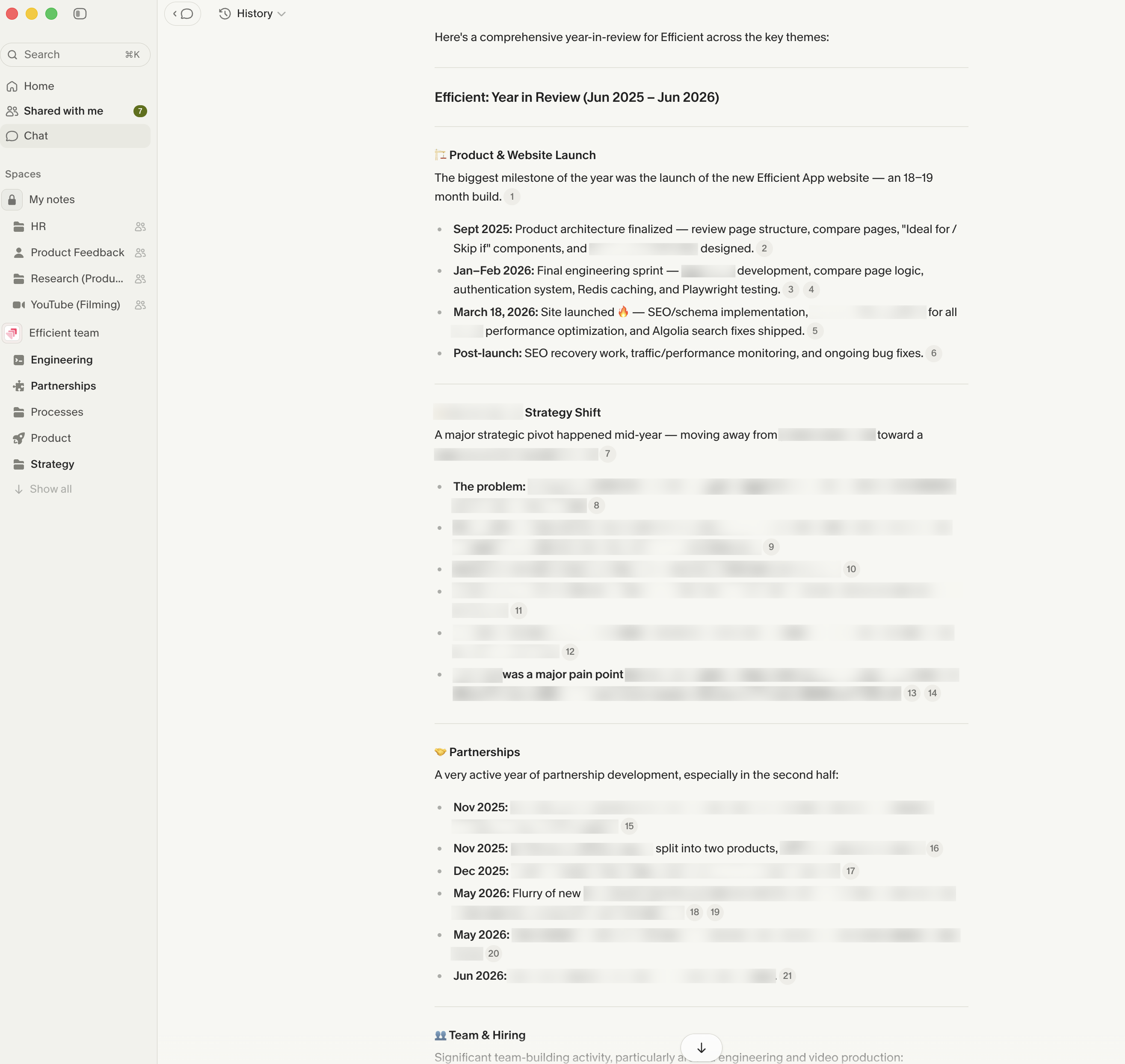
Interestingly enough, this isn't any different than just having a note taker on the call, because they don't allow you to playback the audio. What you can do is ask Granola's AI Chatbot questions about the call, or any calls you've had across the company.
You can even ask Granola questions mid-call, which uses full context of the call up to that point, or can even come up with contextual questions to ask to help the conversation flowing. It's really as if you have an active note taking assistant on the call alongside you, helping you keep the conversation flowing, and researching further context details when needed.
We make sure to always have Granola recording our meetings (even in-person team meetings and brainstorming meetings), even if we have one of the best AI note taker bots joining the call as well. It's just a more lightweight solution that can't be kicked from calls and is less invasive.
Pros and Cons
Pros
- Incredibly easy to use
- AI notes save a lot of cleanup after calls
- Records more than just scheduled meetings
- Less invasive than meeting bots that join calls
- Full transcripts are searchable and actually useful
- You can add your own notes and Granola will build around them
- Great for founders and small teams documenting ideas, meetings, and processes
Cons
- iOS only right now (Android coming soon)
- Integrations are limited
- No audio or video recording (if you care about that)
Key Features
Background Recording
This is the first thing that made Granola click for us. When we use meeting bots, there's usually friction involved. They have to join your call and announce itself, and sometimes they accidentally get kicked out. Granola is just always available. You bring it up, you click record, and you can go. It'll just sit quietly in the background and record your transcript. The whole thing just feels way lighter and way less invasive.
We still use meeting bots when we need full recordings, but day to day, Granola's what actually gets used.
Capture Everything
When we first started using Granola, it was for scheduled meetings, but then we started using it for in-person meetings and chats.
Just the other day, Alex and I were out on a walk when we started brainstorming. I literally paused to pull out Granola so we could start recording our conversation. Later, I took those notes and dropped them into AI to quickly turn them into a deck for a team presentation.
And that's exactly why we always say, "If it's not in granola, it didn't happen!"
Transcription + Notes
Granola transcribes everything everyone says, live, word for word, and then turns it into organized notes once I hit Generate Notes. And I love that it still gives me the full transcript too. It's really useful for when I need to pull exact quotes or check on what was actually said, or if I need to go back and drop parts of the conversation into a document later.
We also really like that Granola's AI doesn't take too much control away from you. I always pop in notes while a meeting is happening, and Granola builds around them instead of replacing them. So your final notes still feel like your notes, just way more organized.
AI Assistant
The AI here is actually useful. The AI assistant in Granola has actually saved me a couple of times. Sometimes during a meeting, I might need to pop out for a couple of seconds, and instead of having to interrupt everyone and play catch-up, I can just pop into Granola's chat and ask, "What did I miss?" and it'll give me a quick recap. That's the kind of thing that is genuinely helpful.
MCP + Integrations
Granola has an MCP that connects with Claude that allows us to build workflows.
Here are some common workflows we use:
- Draft follow-up emails from all my sales calls this week and place them in Superhuman Mail
- Create a slide deck for our team meeting based on this week’s exec team meeting
- Create Linear tickets for all the bugs we talked about on our call today
While we'd love Granola to take action for us on its own, the MCP is a happy middle ground for now. For example, we'd love to finish an engineering call and have Granola recommend tickets or push action items somewhere useful without us having to trigger it in the MCP.
That said, we pair Viktor AI with Granola and get Viktor to take most of the action for us now 😉
Pricing
- Basic: $0 per month. Best for individuals who want to try Granola and see if it fits into their workflow before committing.
- Business: $14/user/mo. Best for individuals or small teams who want unlimited meetings and collaboration within a shared space.
- Enterprise: $35/user/mo. Best for larger teams that need more admin permissions and privacy control options.
 GranolaBest
 Dialpad Meetings