Comparison Summary
Comparison SummaryTodoist keeps personal tasks organized and simple, while Notion Calendar (Cron) only makes sense if you want a free calendar that's nicer than Google Calendar and don't care about Outlook.
Only use Notion Calendar (Cron) if you just need a calendar; stick with Todoist for managing personal tasks, but skip it for business.
 Notion Calendar
For Notion users only
For Notion users only Todoist
Best simple to-do app
Best simple to-do app
Recommended Alternatives
Recommended Alternatives SunsamaBest
Best pen and paper alternative
Best pen and paper alternative MotionBest
Best for AI auto-scheduling and workload management
Best for AI auto-scheduling and workload management
Editor's Verdict
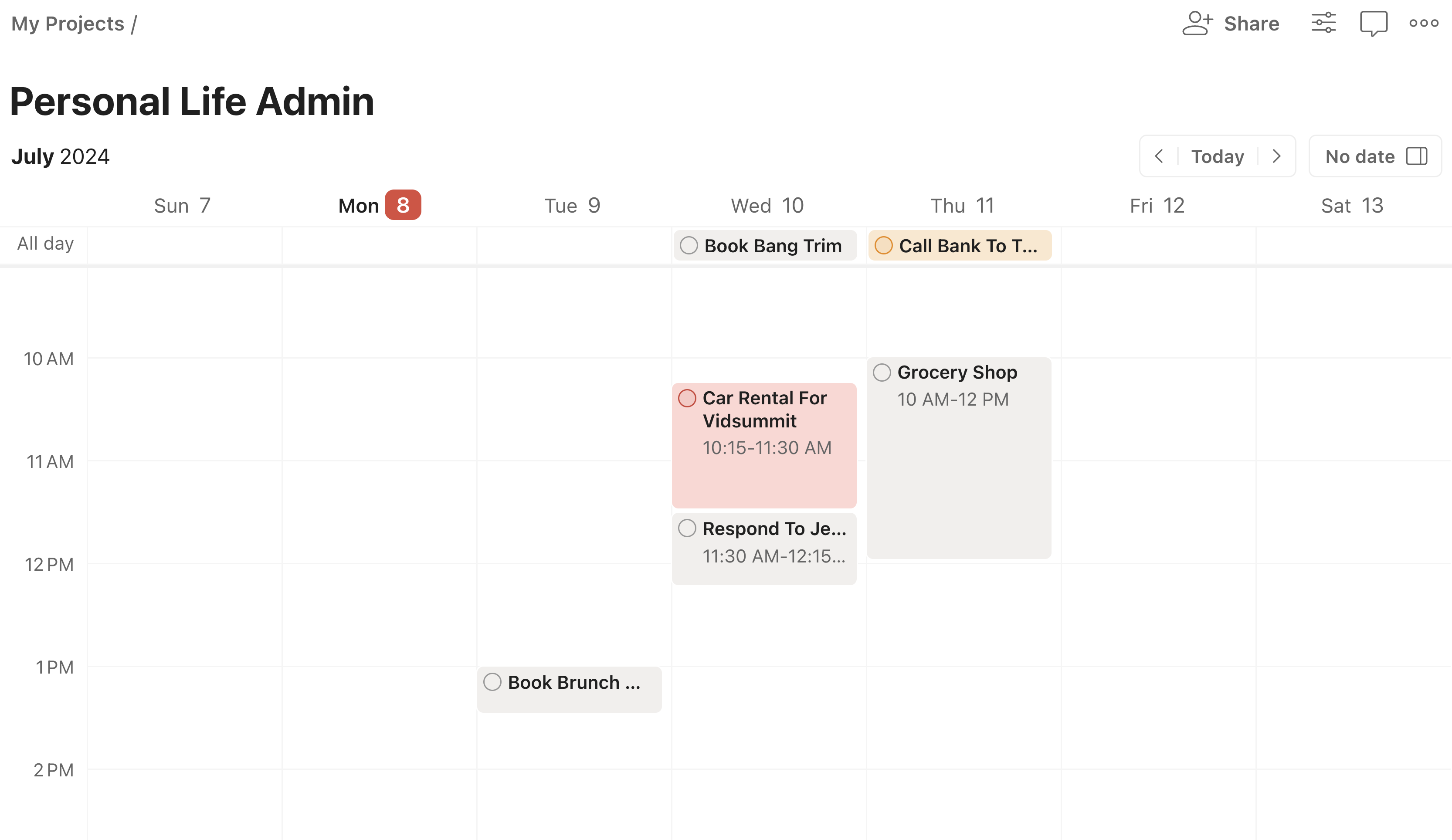
Editor's VerdictTodoist is built around task management, letting you create, prioritize, and organize tasks in a straightforward way. Its calendar view and time blocking are afterthoughts, so if you're relying on it for daily planning or time blocking, you'll end up frustrated or needing to patch things together with other apps.
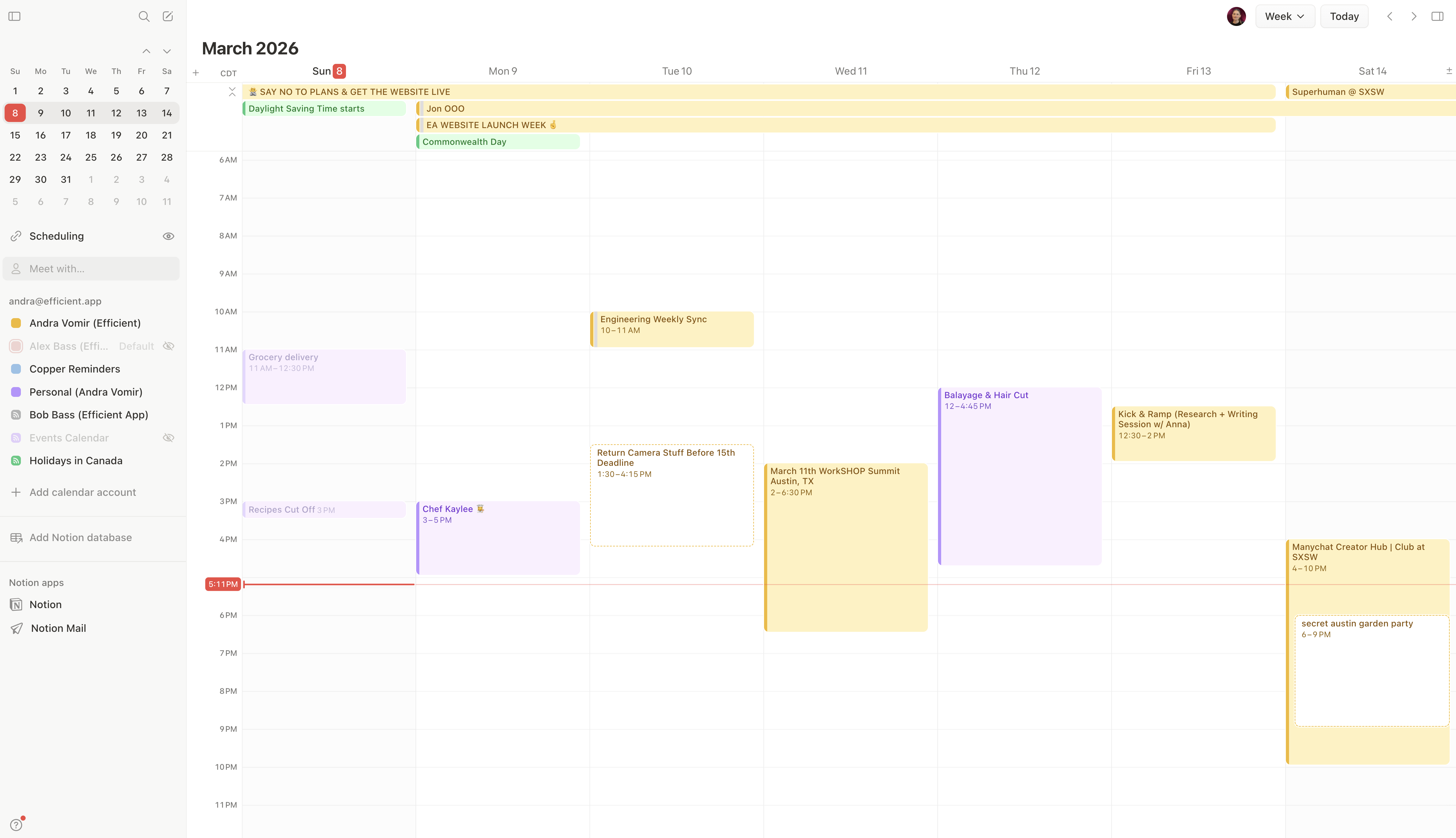
Notion Calendar (Cron) is all about the calendar experience. It's fast, beautifully designed, and nails the details for scheduling events, but it's not built for managing tasks at all. Trying to use it as a task manager gets messy fast, and even the integration with Notion databases doesn't fix that.
If you want to manage tasks, Todoist actually does the job, even if it's basic. For pure calendar scheduling, Notion Calendar is the clear pick and feels great to use. Don't try to stretch either one into what it isn't. Go with Todoist for tasks, Notion Calendar for events.
Screenshots
Screenshots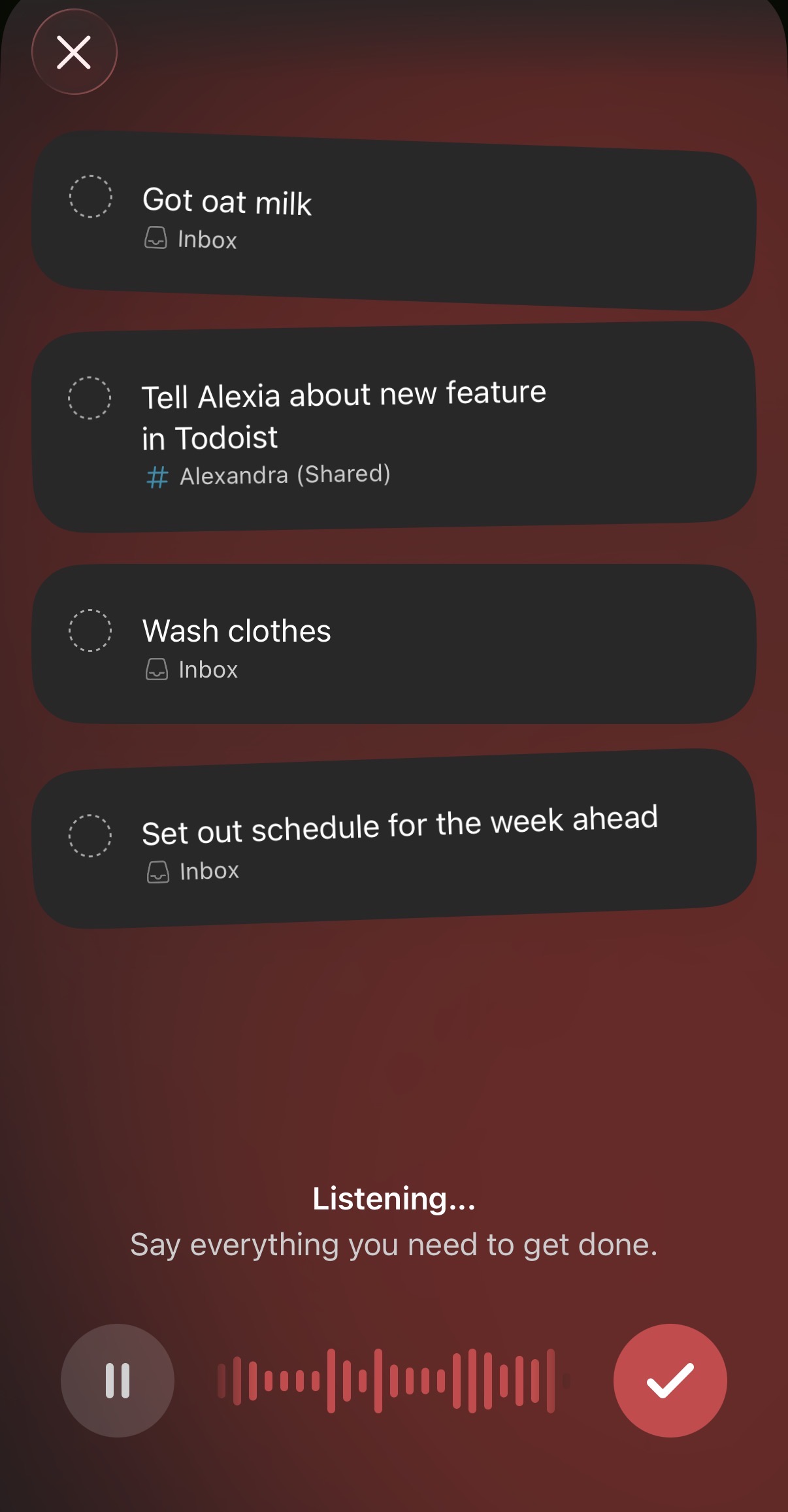
Todoist