Comparison Summary
Comparison SummarySupercut makes async team collaboration easy and actually feels modern, while Loom has become bloated and frustrating to use.
Only use Loom if you have no other choice; Supercut is just better for recording and sharing with your team.
Screen Recording
Screen Recording SupercutBest
Best modern async screen recorder for teams
Best modern async screen recorder for teams LoomRecommended
Was once the leader, now legacy
Was once the leader, now legacy
Team Chat
Team ChatComparison Video
Comparison VideoThe Startup Stack I Use as a Founder
The Startup Stack I Use as a Founder 11:17
11:17The Startup Stack I Use as a Founder
The Startup Stack I Use as a FounderEditor's Verdict
Editor's VerdictIf you're still using Loom, I promise you there is a better path.
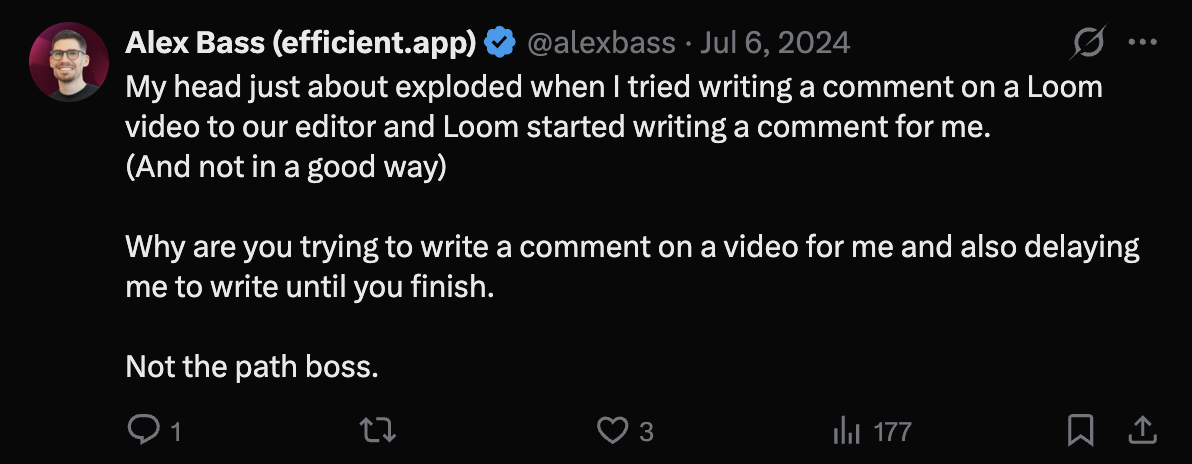
We were obsessed with Loom when it first came out, but the Atlassian acquisition destroyed it. It became super buggy and slow. It would crash and we'd need to re-start our filming 2-3 times just to capture it. It got bloated and more cluttered, honestly it was just frustrating and unreliable in our day-to-day, especially when we were trying to move quickly.
That's what pushed us to start looking for alternatives. We tried a handful of tools like Tella and Cap, but nothing really simplified our workflow or felt like a true upgrade. Then we came across Supercut, and we immediately absolutely love it (Read our full Supercut Review). It felt like what Loom used to be, but modern, faster, way more intentional, and most importantly, reliable.
Key Feature Comparisons
Recorder
Even just opening the recorder is night and day. Loom feels like everything is fighting for your attention. It takes multiple clicks before you ever start recording. With Supercut, it's just... clean. Everything is laid out for you; the UI is minimal, no clutter in sight, and no annoying upsells.
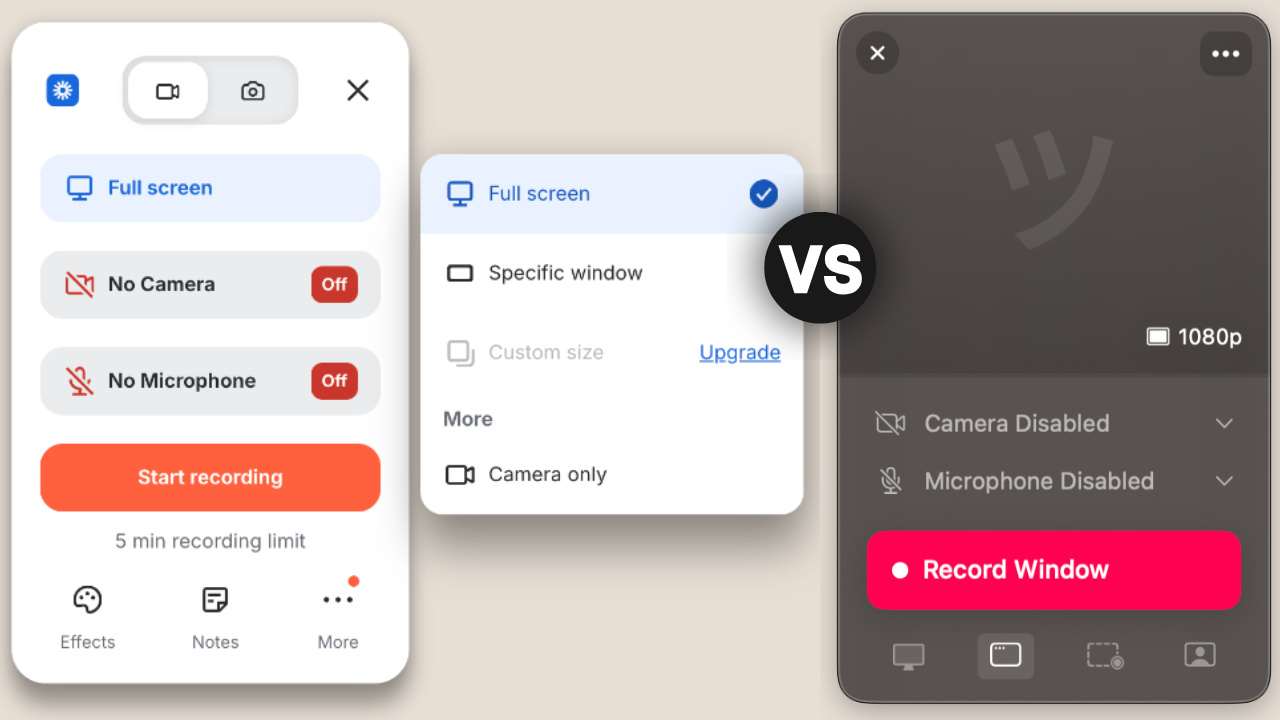
After you've recorded, Supercut keeps that seamless professional feel. With Loom, there's always a ton of pop-ups telling you to sign in, over and over again, but with Supercut, the sharing process is frictionless.
Playback & Transcripts
When someone is watching your video back in Loom, the overwhelm is real. The transcript takes up a huge portion of the screen, the call to record floats over the chapters, and the auto-generated summary takes up what's left of the screen space.
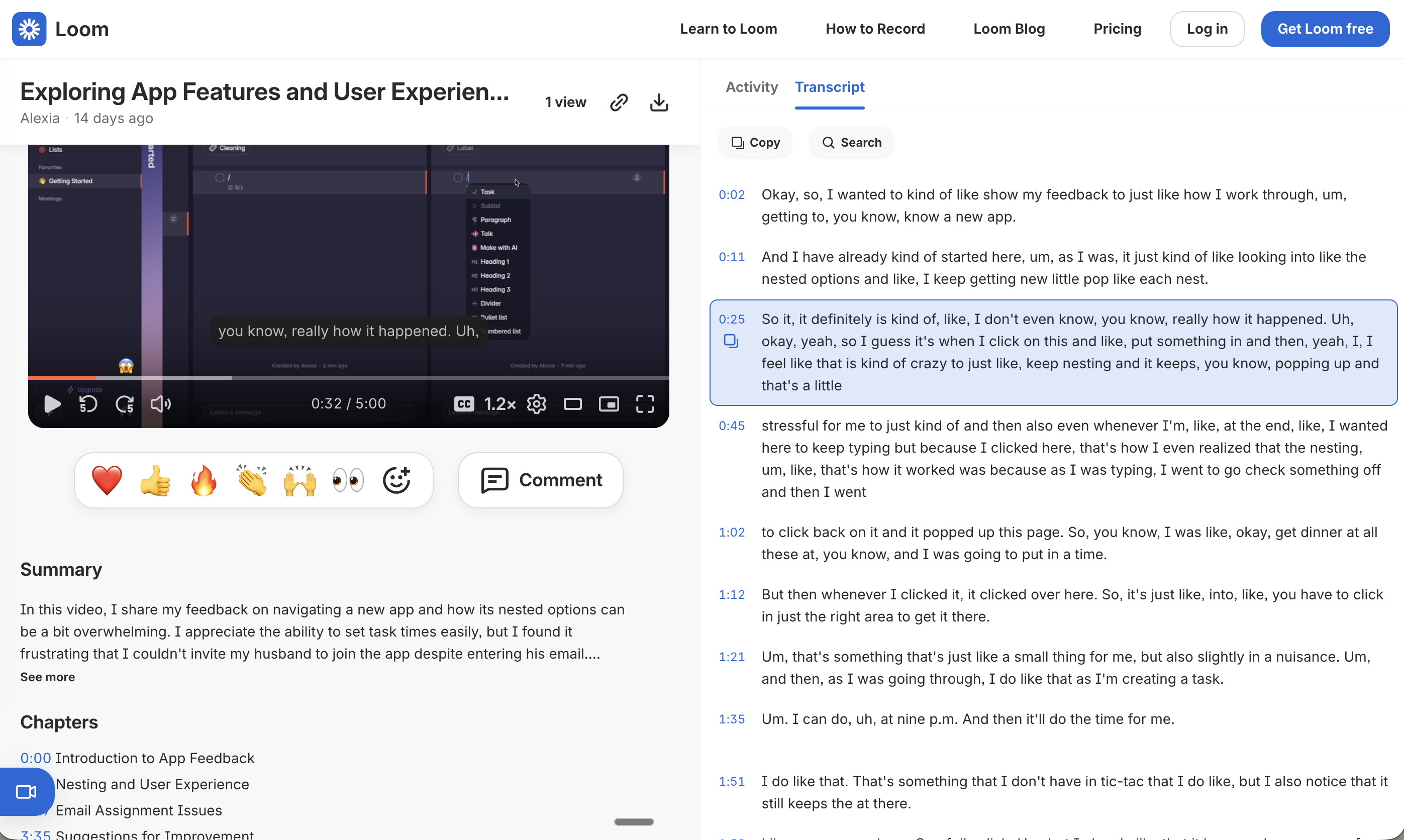
On Supercut, you just get a superior experience. Your video becomes the main focus with chapter, transcripts, comments displayed neatly on the right, and the AI assistant and reaction/comment tucked nicely below your video. Plus, everything loads quickly, and there's no lag in sight.

Transcripts view while watching a Supercut video
AI Features
Once you've recorded your video and go to watch it back, the difference becomes really clear. Supercuts AI assistant lets you "ask anything", pulling insights or even turning your video into usable documentation. The first time I realized it could generate full SOPs, I literally said, "Oh my god, this is so good!" out loud.
Looms AI doesn't feel nearly as intuitive, and it's locked behind yet another upgrade. We were constantly being prompted to upgrade tiers without ever really understanding what we were getting. Supercut keeps it simple: if you're on Pro, you have access to everything. That clarity makes it feel so much safer to actually build your workflows around.
Sales
Both Loom and Supercut let you add branding and calls to action, but if you're aiming for a more polished, professional experience overall, we recommend Supercut. It simply feels more refined from start to finish.
Final Thoughts
Supercut as a tool is great, and the video recording abilities got us excited, but it's what it enabled that made us fans. We were able to completely replace a huge chunk of our meetings, reduce back-and-forth with clients, and start documenting processes without thinking twice. It just became how we operate.
If you're trying to decide between the two, it's really a no brainer, go with Supercut (and don't forget to grab this Supercut discount).
Screenshots
Screenshots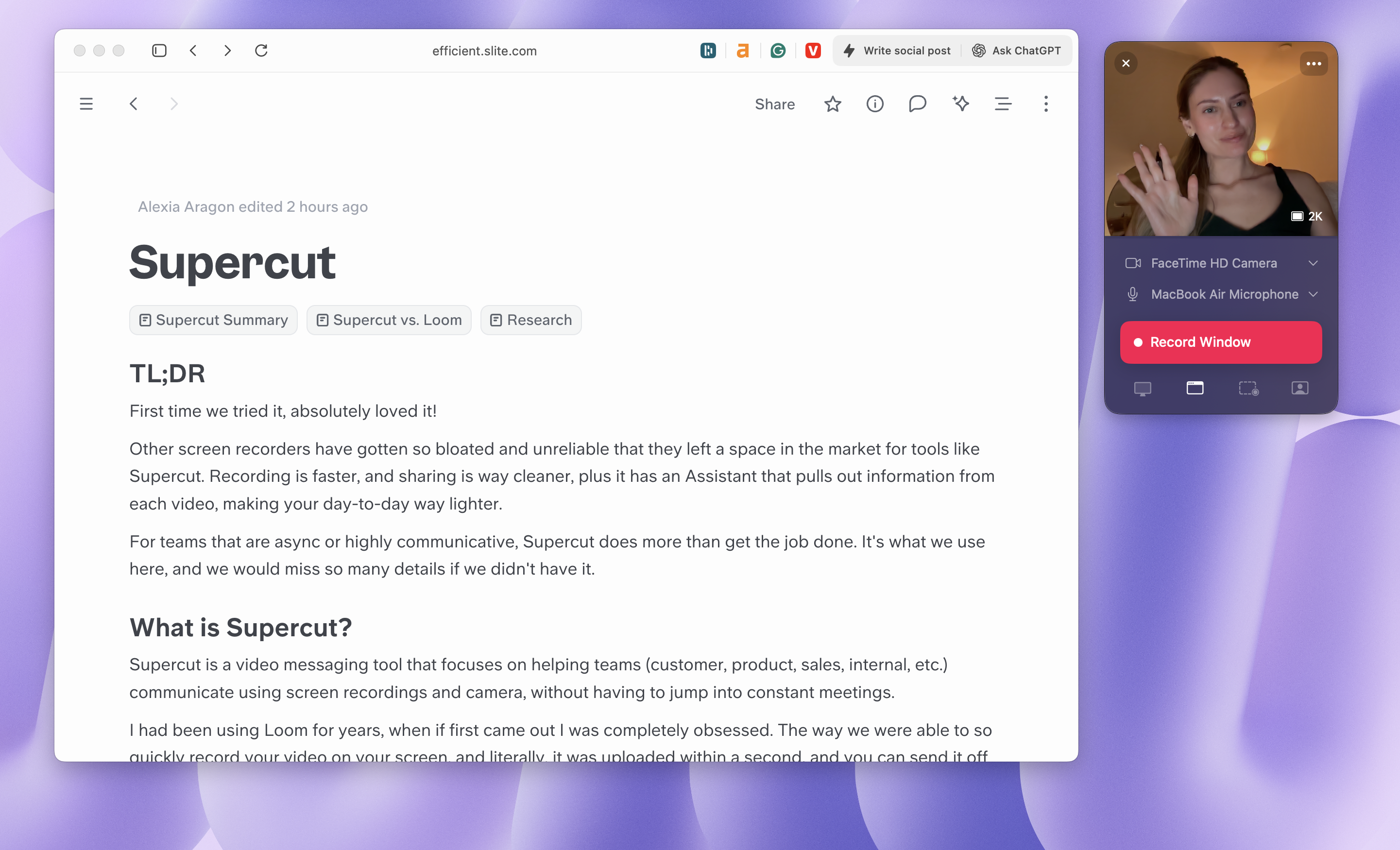
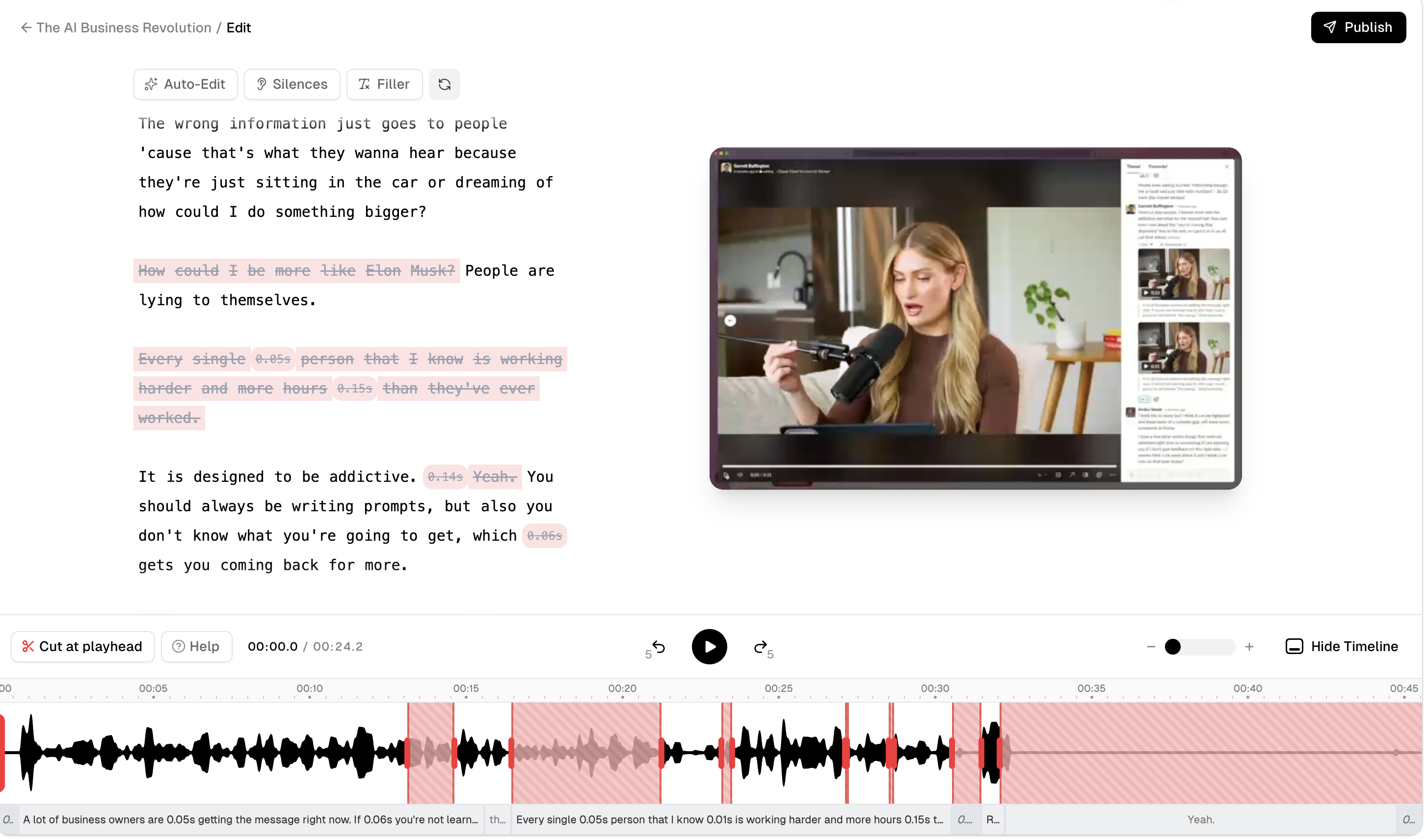
Supercut
Supercut Recording Interface