What is Kick?
Kick is an AI-powered bookkeeping and accounting tool that took us from having a miserable "reconciling days" every month, to barely thinking about the books.
When we were using QuickBooks Online for 12 years, Alex would usually spend 12-ish hours every month just reconciling and fixing random issues. Kick cut that down to about 1 hour a month. That's because it plugs directly into your financial accounts, pulls in transactions automatically, and uses AI to keep everything organized. It is not just a huge timesaver, it also gives us the ability to actually sit back and trust our books.
If you're a founder managing your books, Kick is definitely a no-brainer. It’s also a great option for anyone managing multiple businesses because Kick allows for multi-entity support. This means you don't need a separate subscription for each business.
That said, it’s not built for every use case yet. It’s still limited when it comes to international businesses, multi-currency support, complex accrual accounting, or inventory-heavy operations. If you’re running a more advanced financial setup, traditional tools are still the safer option for now.
Pros and Cons
Pros
- Frees up time by taking over manual bookkeeping work (saved us 11 hours or so a month)
- Much easier to navigate than traditional accounting software like Quickbooks Online
- Automatically categorizes and reconciles transactions
- Direct integrations with modern financial tools like Mercury, Ramp, Gusto
- Supports multiple entities within a single, free account
Cons
- Only available to US-based businesses
- Limited support for more complex accounting like deep accrual models or long-term contracts
- Still evolving in certain integrations (e.g., brokerage accounts)
Key Features
AI-driven Bookkeeping
Unless you're an accountant, you probably didn't start your business so you could spend all your time monitoring and reconciling transactions.
But unfortunately that just becomes the reality when you're using something like QuickBooks to manage your finances. There's always something to check in on or fix, and accounting turns into a mood-ruining task that you didn't really sign up for in the first place.
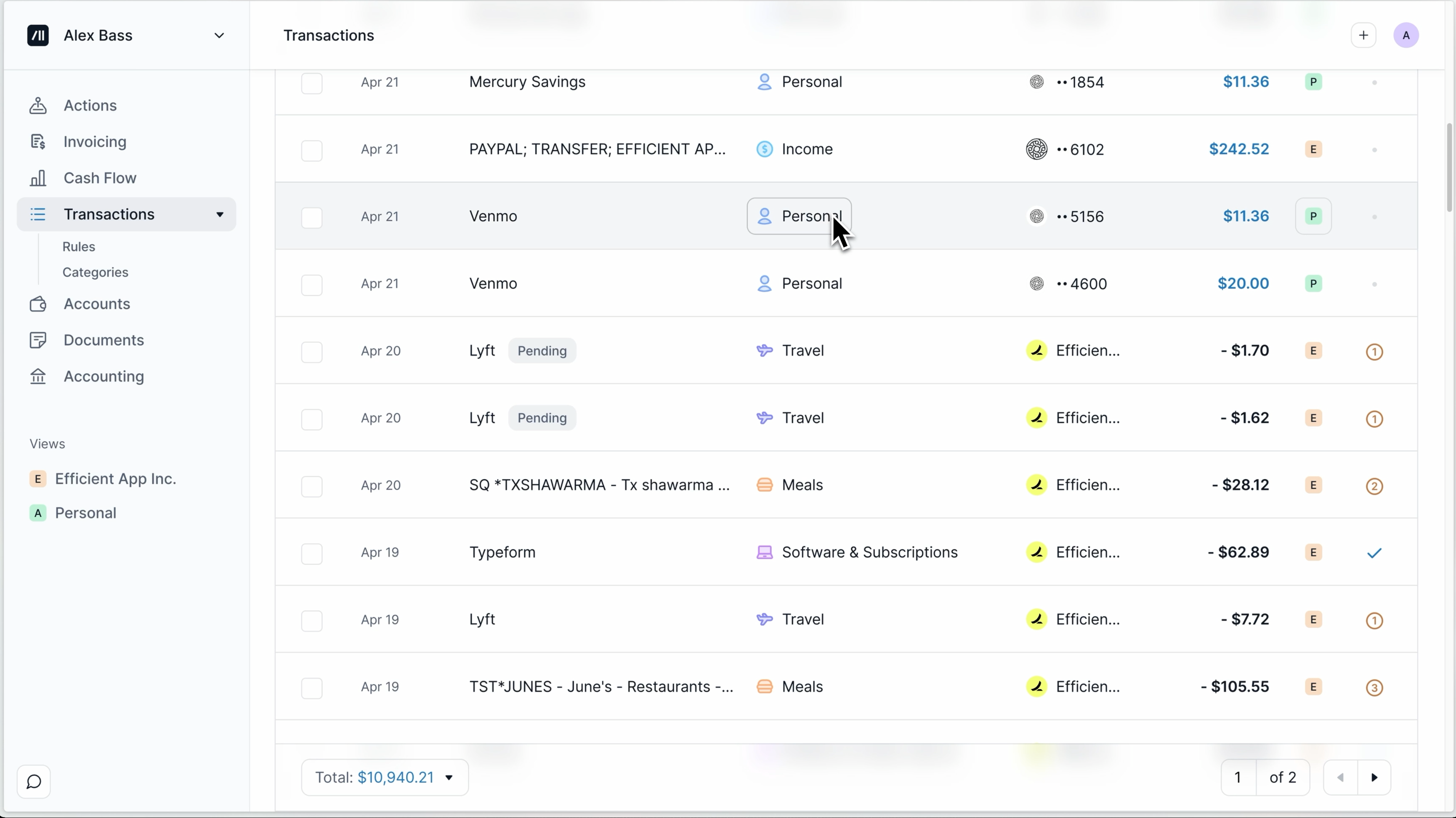
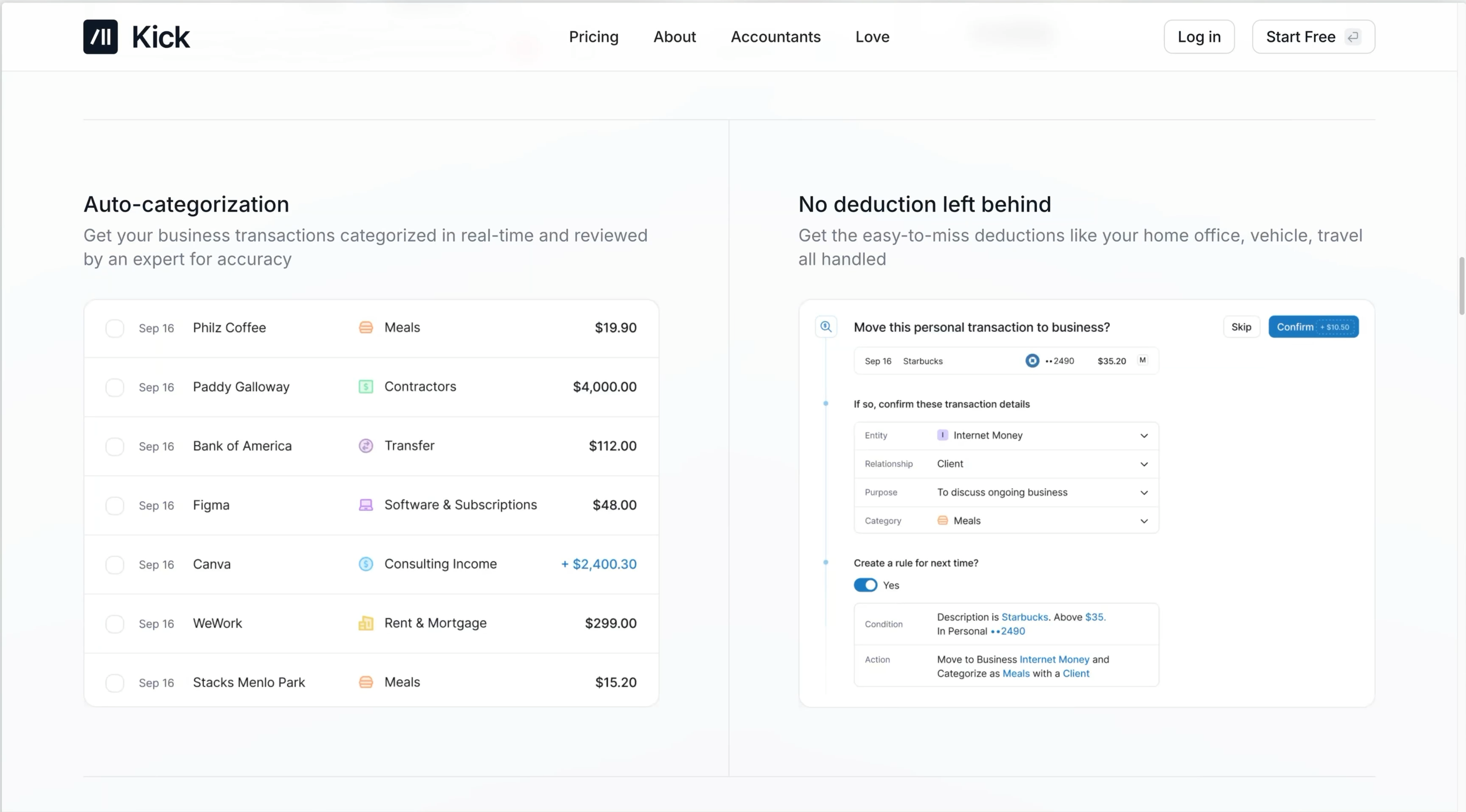
Kick automatically pulls in transactions from connected accounts and categorizes those so reconciliation happens in the background, automatically, using AI 🫶. Over time, it learns from your adjustments and rules, so you're "fixing" less and less.
The AI saves you time and busy work, sure. But this really boils down to making it so you're not managing the system anymore.
Multi-Entity Support
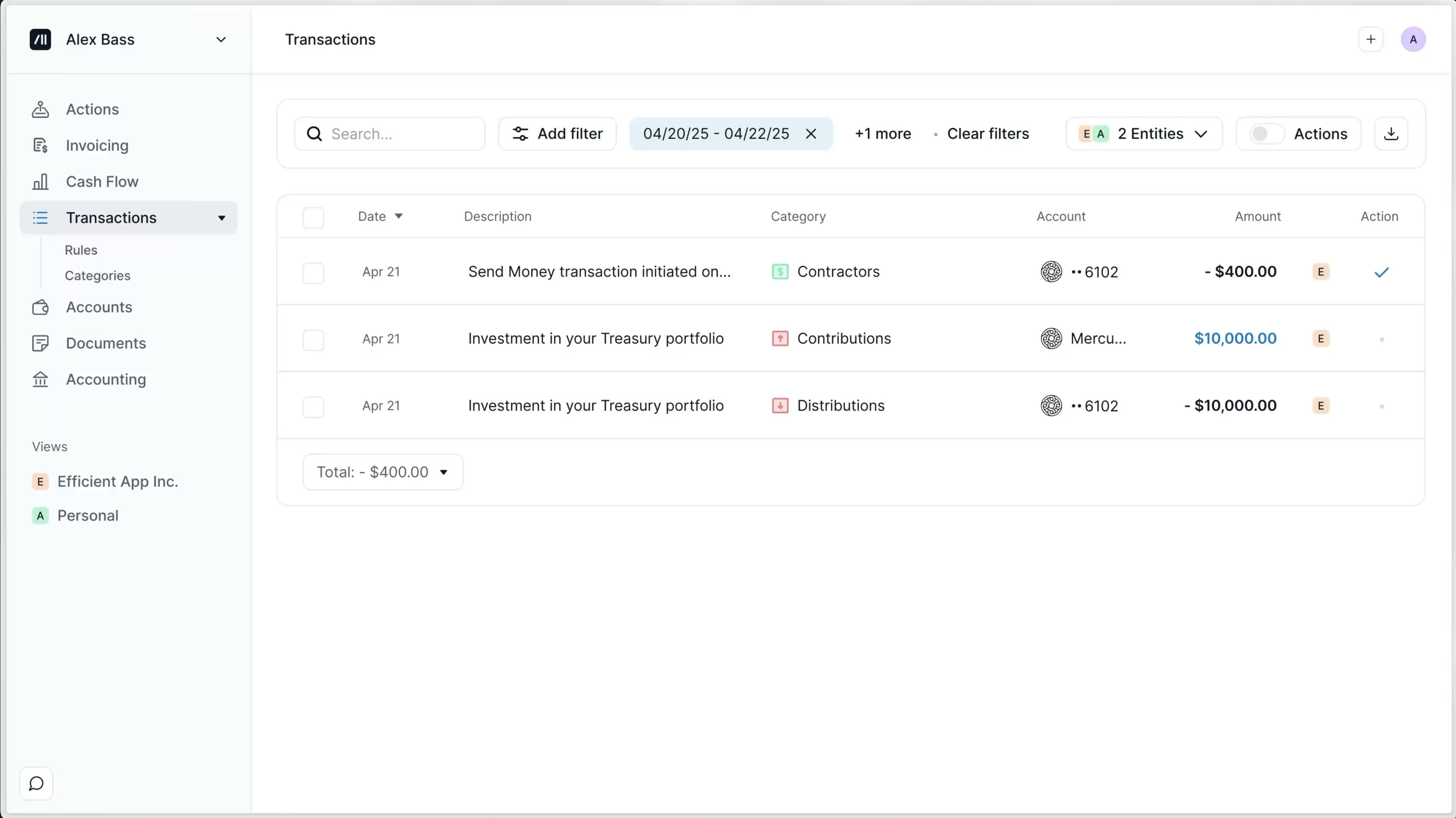
If you're a multipreneur, the last thing you want to do is manage a handful of Quickbooks subscriptions and accounts. With Kick, you don't have to. You can add multiple businesses to Kick, and even personal accounts. Everything lives in one place, which makes managing multiple businesses a lot simpler. You also do not need to pay per entity, it all works under the same subscription.
You can take something like a single account (even inside a personal or shared bank account) and treat it as its own entity, with its own transactions and reporting. That means you don’t need to go set up a new bank account every time you start something new just to stay organized. And, everything is already segmented in a way that makes sense, so you're not trying to untangle things when tax time comes around.
Integrations
We love that Kick focused on making direct integrations for the tools their customers actually use, instead of a ton of integrations that feel kind of bolted-on. The integrations make it so transactions to flow in and get matched up without any manual syncing. And, since the data is pulled in directly, there's a lot less duplication and inconsistencies (something we ran into a lot with QBO.)
Pricing
- Free: $0/mo. Best for businesses just starting out or evaluating the product (up to $25k in annual expenses). This is a genuinely useful free tier, not just a trial.
- Basic: $35/mo ($420/yr). Best for small businesses that want more customization and automation beyond the basics.
- Plus: $125/mo (billed quarterly). Best for growing businesses that need deeper financial reporting and more control.
- Custom: Starts at $200/mo. Best for larger or more complex businesses that need dedicated support, tax services, and advanced accounting.
You can manage multiple businesses within Kick, so keep that in mind too (as you'd normally need to pay for separate subscriptions per business).
 KickBest
 QuickBooks OnlineRecommended