
Summary
Summary Screen StudioBest
Best for high-quality screen recordings for product launches
Best for high-quality screen recordings for product launches CleanShot XRecommended
Best for fast Mac screenshots
Best for fast Mac screenshots TellaRecommended
Best for creators making educational video content
Best for creators making educational video content LoomRecommended
Best for free, under-5-minute screen recordings
Best for free, under-5-minute screen recordings

Screen Studio
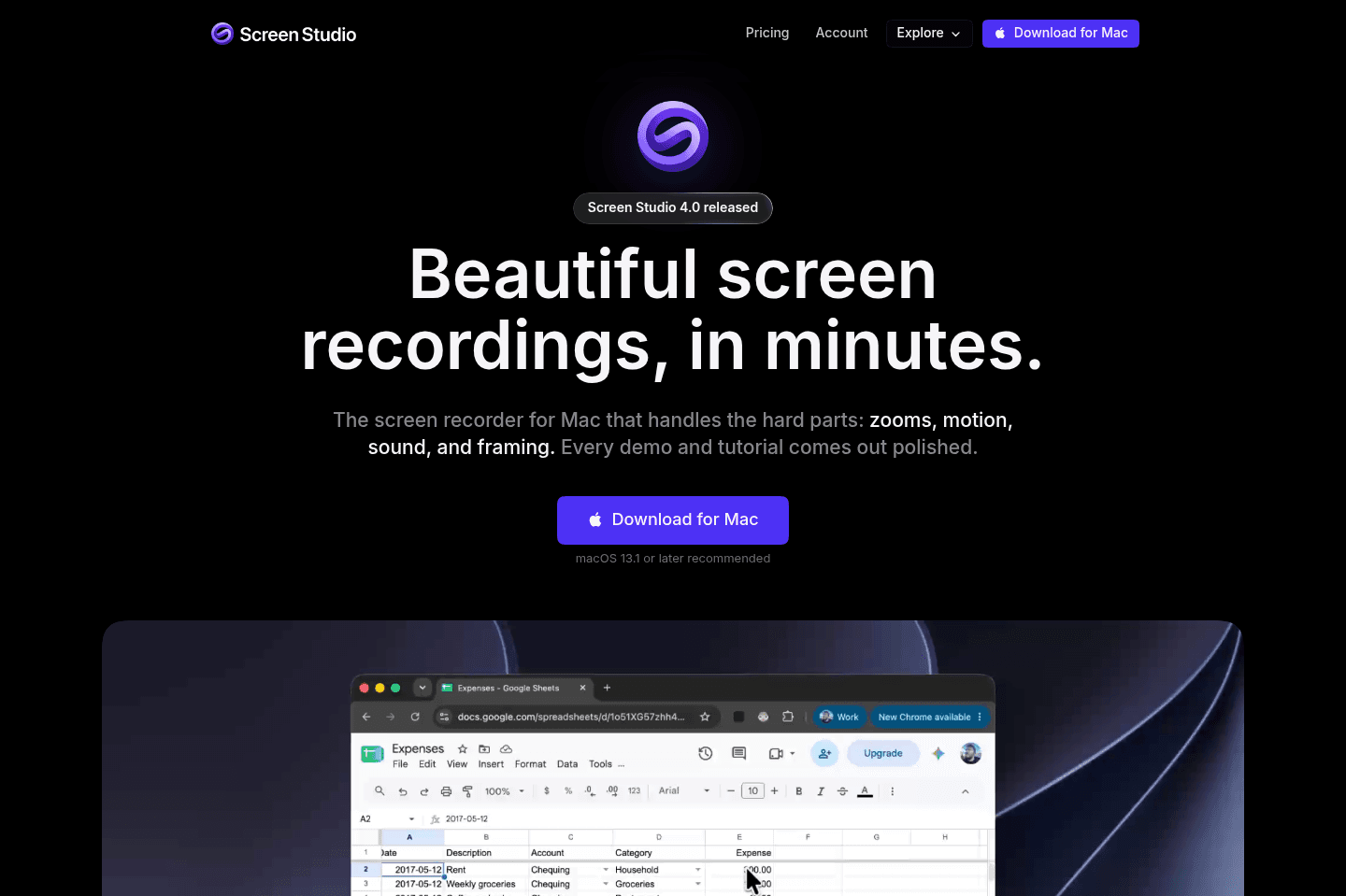
Screen StudioBest alternative for polished screen recordings.
Screen Studio is a great alternative for those who want their screen recordings to look professional without any editing experience. If you're making promotional videos, tutorials, product updates, demos, or social media stories, this tool automatically gives your videos that sleek, elevated feel, no production studio required. The automatic zoom and smooth cursor following make recordings stand out, and quick editing after recording makes it easy to tailor videos for platforms like YouTube Shorts, TikTok, Instagram, and Twitter.
If you're just trying to send quick, informal recordings or one-off tutorials, this probably isn't the fastest option. It's also only available on macOS.
CleanShot X
CleanShot XBest alternative for fast screenshot workflows.
CleanShot X is an awesome alternative for those who take frequent screenshots and want to move faster without the usual extra steps. If you're tired of saving images to your desktop and dragging them into emails or documents, this tool lets you copy screenshots instantly and paste them right where you need them.
It also makes it simple to handle multiple screenshots at once, letting you pick from a sidebar instead of digging through files. If you need to mark up images or blur out details before sharing, annotation tools are built in and easy to use.
If you rarely take screenshots or don't mind extra manual steps, the benefits here may not feel as strong.
Tella
TellaBest alternative for fast course video creation.
Tella is an alternative for those who want to record and edit professional-looking screen sharing videos, especially for course creation, without needing to juggle multiple tools or hire a video editor. If you need to quickly capture your screen and camera, stitch together a series of clips, and make basic edits right in your browser, Tella makes the process simple and efficient. The ability to add custom backgrounds helps your videos match your branding, which is especially useful for creators making instructional content.
If your workflow involves heavy editing or advanced features like blurring sensitive information, you may find Tella's editing tools limiting. For longer recordings or complex edits, be prepared for some sluggishness and extra patience during the editing process.
Loom
LoomAlternative for quick async video updates.
Loom is a legacy option for quick async screen recordings, but it has fallen behind newer tools on the market. Since Atlassian acquired the company in 2023, the product has become noticeably more bloated and less reliable, with users frequently reporting crashes and a growing number of prompts pushing upgrades to its AI tier, which currently offers fairly basic features.
While Loom can still work if you simply want to avoid meetings by sending a quick recording, there are now far better alternatives that feel faster, lighter, and more polished. The free plan’s five minute recording limit makes it usable for occasional updates, but the constant upsells, feature restrictions, and overall stability issues make it hard to recommend as a primary tool for teams that rely on async video communication.